Platforms like uDocz act as popular repositories for academic documents, study materials, and professional templates particularly in the Spanish-speaking world. However, downloading from uDocz often requires credits or a premium subscription. If you want to download uDocz content free, uDocz downloader is what you need. There’s also official way to uDocz PDF download. Now, let’s check here on JOPDF.
Summary :
What Is uDocz?
uDocz is an online platform with a large variety of educational resources across science, technology, arts, and more. Users can access books, articles, notes, and research papers, often using the content for study or professional research. The platform allows downloads for offline reading, which is convenient for students and researchers.
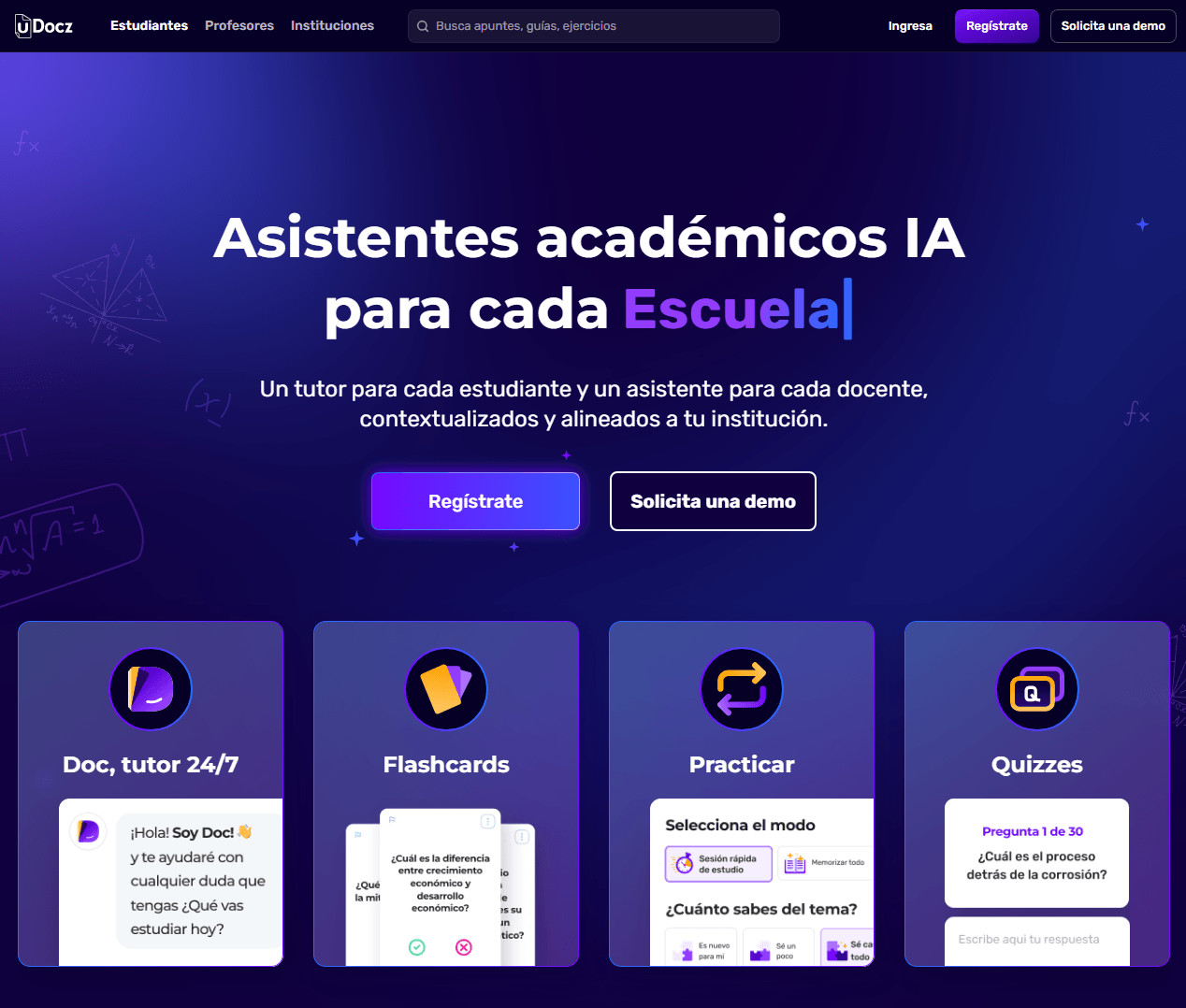
However, uDocz operates on a credit-based system. You earn uDocz credits by uploading your own materials, which you then use to download documents. New users start with 25 free credits, but each download typically costs 5-10 points, which can quickly run out. uDocz premium offers unlimited access but comes with a subscription fee.
As you can see, uDocz offers offical free PDF downloads to attract more users, and at the same time, make some users switch to free uDocz downloader tool because of excess costs. Next, we’ll show you the both way here.
Tips
JOPDF provides more useful guides about stock media downloading methods, such as Shutterstock images downloader and Gettyimages downloader 4k. More than that, if you are a fan of Slideserve or Slideshare, you can check the free downloading methods here.
Official Ways to Download from uDocz for Free
Before resorting to a free uDocz downloader, it’s worth exploring the legitimate methods that uDocz itself provides. These uDocz PDF download free methods won’t get you in trouble, and they often yield better results than unreliable third-party tools.
How to download from uDocz? Here are three steps to go.
Step 1: Just sign up for a uDocz account using your email.
Step 2: Search for the PDF you want by title or topic and check the document to see if it requires credits. (Most documents cost 10 points)
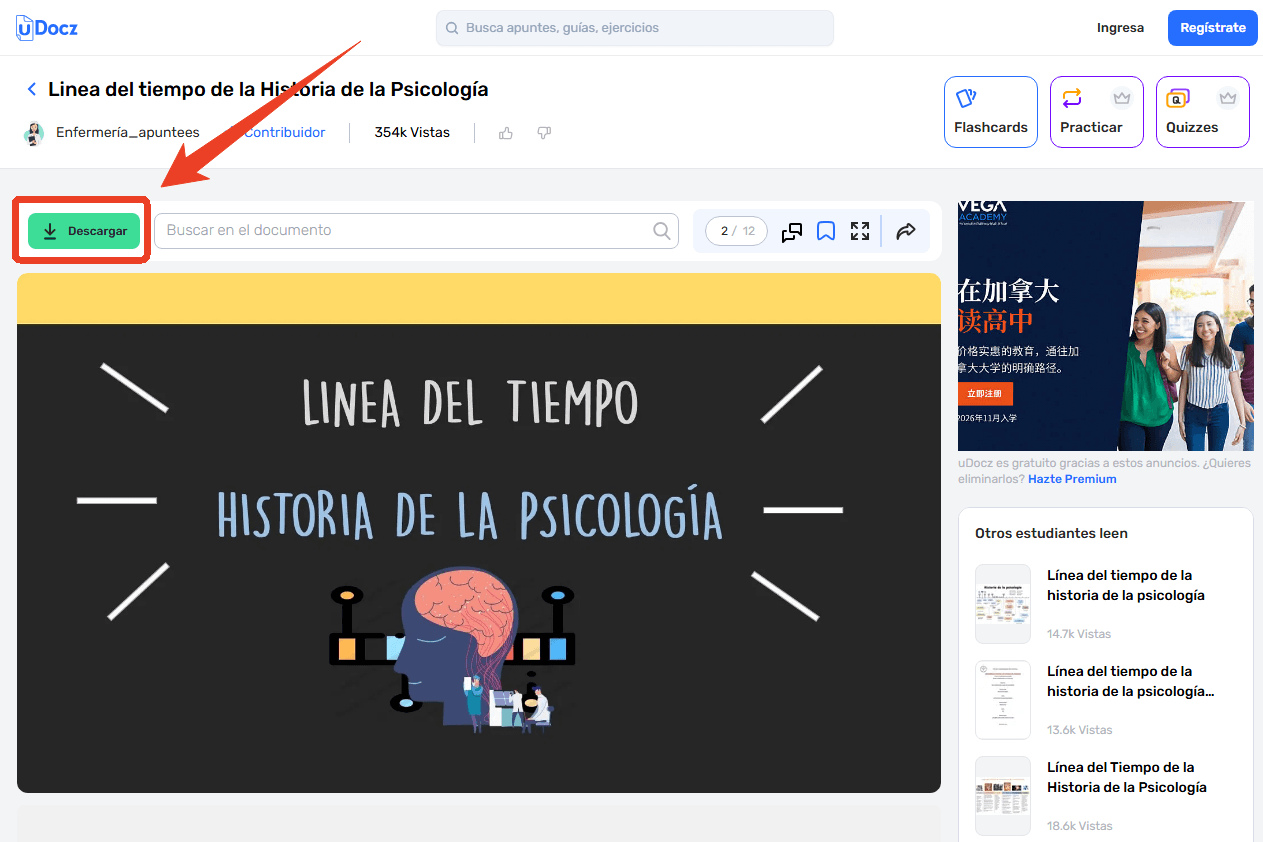
Step 3: Click the Descargar button to download uDocz to PDF.
Since most documents require uDocz credits, we’ll show you how to earn uDocz points.
#1. Upload your own lecture notes, summaries, flashcards, or study materials. Every document you upload earns credits that can be spent on downloading others’ work.
- Accepted formats: PDF, Word, PPT, and Excel files up to 100MB
- Get points when your uploads are approved and downloaded by others
#2. Daily login rewards. uDocz occasionally offers free credits for daily logins or participation in platform events. For users who only need to download uDocz a few documents per month, this method alone may suffice.
Also See: Best Course Hero Downloader Free in 2026 – Download PDFs from Course Hero
uDocz Downloader Free Tools That Work
Here are the best uDocz downloader free tools we’ve tested. Each tool has different strengths and limitations, so choose the one that fits your needs.
Overview of uDocz Downloader
In this overview of uDocz downloader tools, we reveal that most online downloaders work by acting as a middleman between you and uDocz’s servers. They scrape the public preview pages and compile them into a downloadable PDF. Some tools require you to paste a URL, while others use more technical methods. A uDocz PDF downloader typically outputs PDF format, making it easy to read on any device.
Below is a quick comparison of the four main uDocz downloader online tools covered in this guide:
| Tool | Success Rate | File Size Limit | Registration | Ads | Ease of Use |
| HotDebrid | 60-70% | None | No | High | Very Easy |
| AnyDebrid | 50-60% | None | No | Medium | Easy |
| OkDebrid | 50-60% | None | No | Medium | Easy |
| DocsDownloader | 40-50% | None | No | Low | Very Easy |
How to read this table: Success rate is based on our testing of various uDocz document types. All tools are free and require no registration. Choose based on your tolerance for ads and your specific document type.
Tips
None of these tools are officially supported by uDocz, and all of them operate in a legal gray area. They may violate uDocz’s terms of service, and their use could result in account suspension. Additionally, third-party tools carry security risks — they may collect your data, inject ads, or expose your device to malware. For users who need a reliable uDocz to PDF conversion workflow, JOPDF provides a safer post-download processing solution, which we’ll cover shortly.
Tool 1: HotDebrid
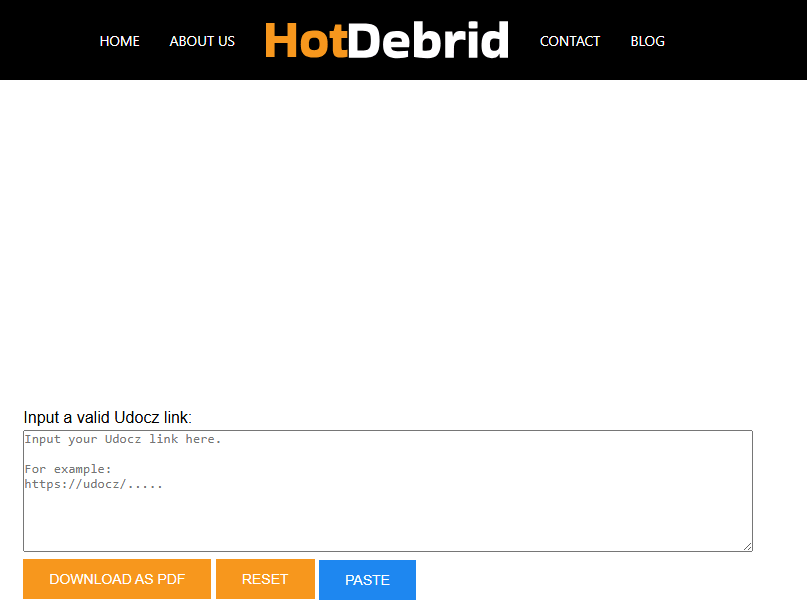
HotDebrid is currently a highly discussed tool in student communities, featuring a minimalist uDocz downloader online free interface tailored specifically for uDocz and Scribd.
Website Design & Experience:
HotDebrid’s website is clean and focused, with a simple three-step instruction layout at the top and a claimed uDocz document downloader sign. Right away, you’ll notice the modern, minimal aesthetic that uses clear call-to-action buttons so you never feel lost.
The interface is optimized for quick understanding. You immediately see the URL input field and the “Download as PDF” button. We found that the page loads quickly and works well on both desktop and mobile browsers, which is a plus for students on the go.
The FAQ section is straightforward, addressing common concerns about speed and file limits without overwhelming you with technical jargon. Overall, the experience is streamlined, though you should be prepared for some pop-up ads during the process.
Pros
-
Simple, focused interface specifically for uDocz
-
No file size limits
-
Fast for short documents
-
Unlimited downloads
Cons
-
Aggressive ad monetization (pop-up redirects)
-
May time out on large textbooks (150+ pages)
-
Success rate is about 60-70%
Tool 2: AnyDebrid
AnyDebrid is a versatile uDocz downloader online tool that supports a wide range of document-sharing platforms. It offers a simple paste-and-download workflow.
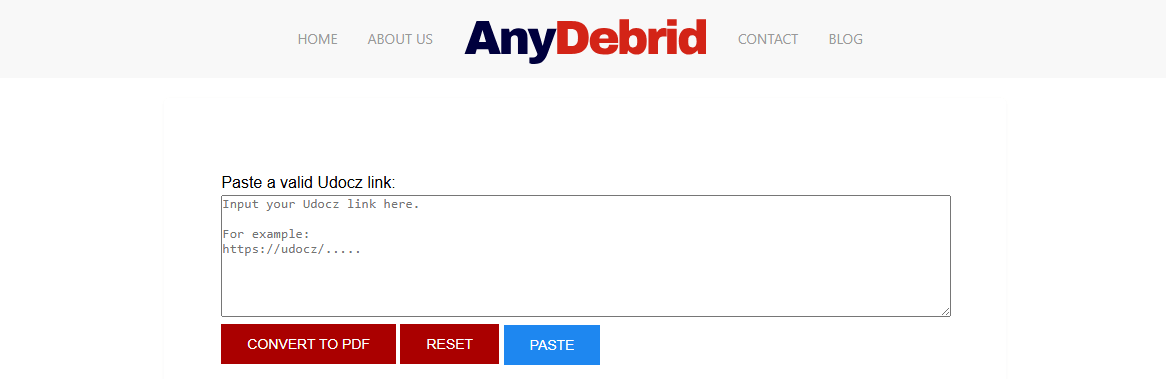
The uDocz document downloader works by processing a document URL and attempting to generate a direct download link. You paste the uDocz link, wait for DebridHub to process it, and download the resulting file if the service can access it. The reliability depends entirely on whether DebridHub’s infrastructure can reach uDocz’s servers.
Website Design & Experience:
AnyDebrid’s interface is clean and straightforward, with a focus on the primary action: converting uDocz documents. The three-step instruction process is clearly displayed above the main download area, so you know exactly what to do from the moment you land on the page. The “Convert to PDF” button is prominent and easy to find, which we found helpful when we were in a hurry. The overall experience is smooth and professional, with minimal distractions to keep you focused on the task at hand.
Pros
-
Supports multiple platforms
-
No file size limits
-
Fast processing speed
-
Unlimited document downloads
Cons
-
Success rate can be inconsistent (50-60%)
-
May have some ads
-
Not specifically optimized for uDocz
Tool 3: OkDebrid
OkDebrid is another uDocz downloader PDF tool that supports downloading from uDocz and similar platforms. It offers a clean interface and fast processing.
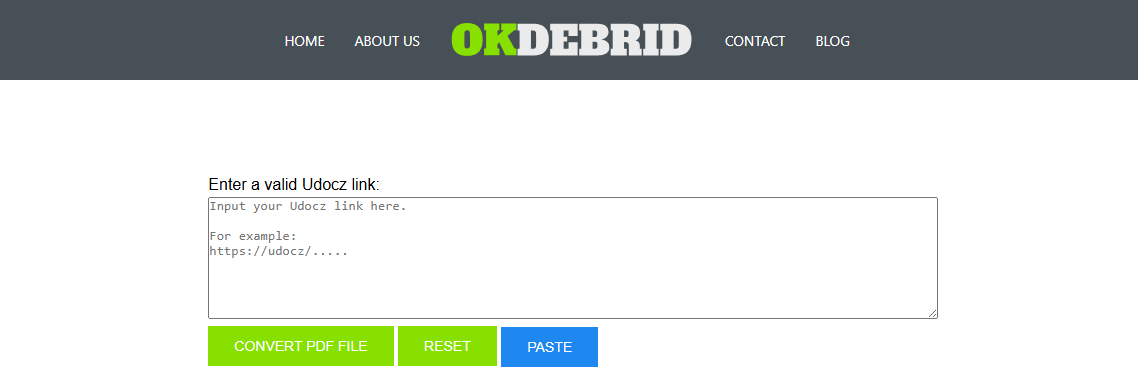
Like other debrid services, this uDocz downloader online tool works by fetching file links from supported platforms and converting them into direct downloads. However, OkDebrid’s ability to process uDocz links depends entirely on factors outside the user’s control.
Website Design & Experience:
OkDebrid follows a similar design pattern to other Debrid tools, with a clean, simple layout that we’ve come to expect from this category. We found that the site loads quickly and works well on all devices, which is important when you’re trying to download study materials on your phone between classes. The overall user experience is streamlined and efficient, though like other Debrid tools, you may encounter some ads.
Pros
-
Fast processing
-
Clean, professional interface
-
No registration needed
-
Unlimited downloads
Cons
-
Success rate varies (50-60%)
-
May not work with all document types
-
Some ads present
Tool 4: DocsDownloader
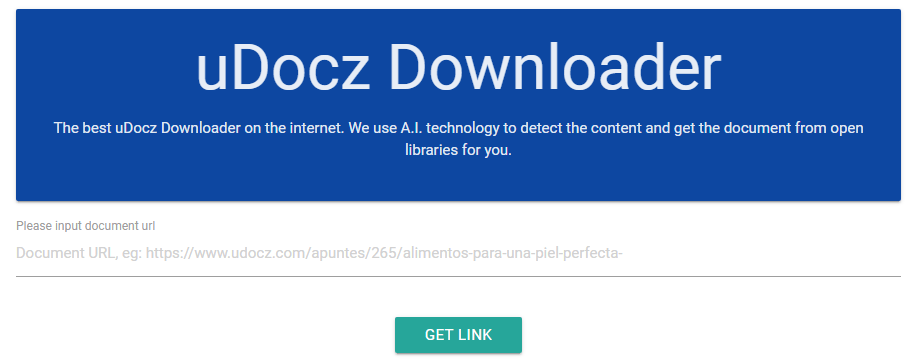
As a free uDocz downloader, DocsDownloader works by using AI technology to detect content and retrieve documents from open libraries.
Website Design & Experience:
DocsDownloader’s interface is extremely minimal, perhaps the simplest of all four tools. When you first visit, you can follow the guide on the main page to finish this uDocz free download: entering a uDocz URL and downloading the document.
The site is clean, with no excessive visual elements or distracting features, which we appreciated for its no-nonsense approach. Its claimed AI-powered detection is a unique selling point, suggesting more sophisticated document retrieval than simple URL scraping, and it sets this tool apart from the others.
However, the interface lacks detailed instructions or a FAQ section, which may leave some users uncertain about the process. We found that the simplicity is both a strength and a weakness; it’s easy to use, but with less uDocz to PDF guidance, you might wonder if you’re doing it right. The page is fast to load and works on most devices, but don’t expect any hand-holding along the way.
Pros
-
AI-powered detection technology
-
Clean, minimalist interface
-
No registration needed
-
Supports multiple platforms
Cons
-
Success rate is about 40-50%
-
Very basic interface with limited instructions
-
May not work with all document types
Real-World User Feedback on uDocz Downloaders
These snippets of real user experiences highlight the demand for uDocz downloaders, the mixed success rates of different tools, and the occasional difficulty with document formatting (flat images).
From Spanish Language Forums (translated):
“This is great, the uDocz downloader method using ‘view-source’ actually worked! I couldn’t believe it. I’ve been using uDocz for 2 years now and this is the first time I can save documents directly to my tablet without buying credits or uploading my own notes.” – shamvincen (uDocz user review)
Common Questions & Mixed Experiences:
“Does uDocz downloader still work after the recent update? I tried the browser console method and it seems like uDocz patched it. Anyone found a workaround?” – Frequent question on the Trucoteca forum
“I used the uDocz downloader browser extension but the document came out as a flat image. Couldn’t highlight text or search for keywords. Next time I will use a HTML-to-PDF converter instead.” – Student feedback on document download quality issues
From the Google Play Store (general user sentiment):
“I love that there’s finally an app! I’ve been using the online platform for 2 years and I love it, and now I can have my saved documents on all my devices.” – shamvincen (5-star review)
“Doesn’t load and it’s really slow.” – Aviiibi (low rating, reflecting performance issues)
From a Brazilian Forum (translated):
“To download uDocz documents without paying, there are effective strategies. From adjusting privacy settings to using browser extensions, you can try several methods to achieve the desired result.” – User comment on Trucoteca
What to Do After Downloading uDocz Files
Whether through official credits or a uDocz downloader, you can download from uDocz. After that, you may want to process those files for your needs. Don’t worry. JOPDF serves as a PDF toolkit covering everything you need.

JOPDF – The Best Free PDF Editor
 User Rating: 4.8
JOPDF Is a 100% free POF editor for Windows, macOS, and Linux. Edit text, add images, annotate, sign, and more. No limits, no ads, no subscriptions, Fast, simple, and powerful, take full control of your PDFs in seconds!
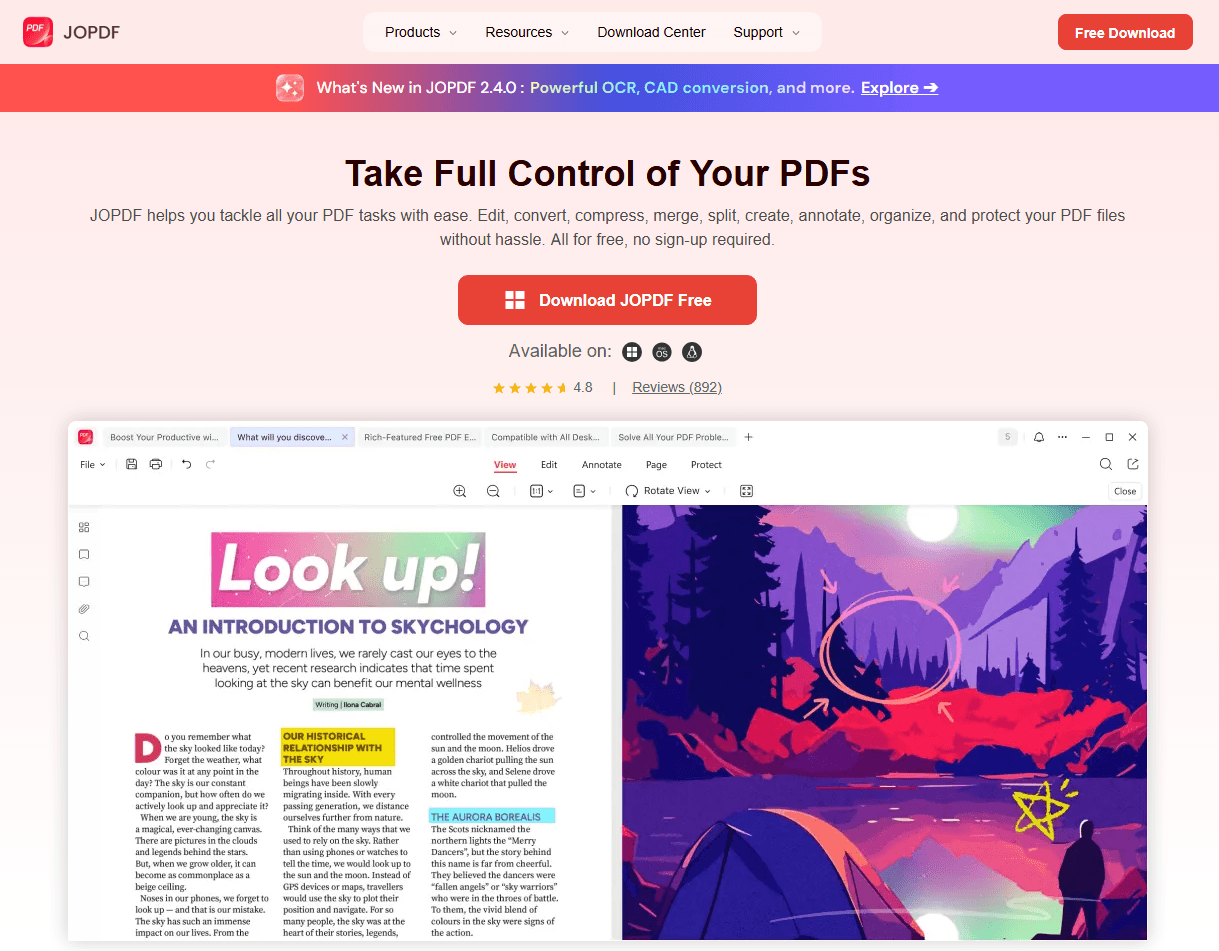
- #1. Convert uDocz to PDF or PDF to other formats. Just upload your file, select PDF as the output format, and download the converted document.
- #2. Batch merge multiple uDocz documents. This is particularly useful for students compiling study guides from multiple uDocz sources.
- #3. Academic documents with images and charts can consume significant storage space. JOPDF’s compression tool reduces file size while maintaining readability.
- #4. If you’ve downloaded scanned documents or image-based uDocz PDFs, JOPDF’s OCR feature extracts the text for editing, searching, or copying.
- #5. JOPDF’s editing tools give you full control over your downloaded documents. Annotate study materials, mark up contracts, or prepare presentation, all within a single application.
Whether you’re using official methods or a uDocz downloader, JOPDF ensures your files are ready for offline reading, sharing, or further editing. Think of it as your PDF converter and document manager in one place.
Conclusion
uDocz downloader is quite useful when you run out all the uDocz credits. But for more reliable results, the official upload-to-unlock method is the safest uDocz download without points option.
Whichever uDocz downloader free tool you choose, always respect the original creators. Use downloaded study materials for personal study only, not for commercial use without permission.
Need to edit and organize your downloaded uDocz files? Use JOPDF – a free PDF editor for Windows, Mac, and Linux. It offers editing, annotation, conversion, and compression tools without watermarks or sign-up requirements.
FAQs
Use a PDF converter like JOPDF to convert PDFs to Word, Excel, PowerPoint, or images. JOPDF supports batch conversion and preserves original formatting.
Yes. Using a uDocz downloader like HotDebrid or FreePDFDownloader lets you download uDocz files without spending credits. The official upload-to-unlock method also allows free downloads by sharing your own materials.
You can use a uDocz downloader online tool through your mobile browser. Just copy the uDocz URL and paste it into the downloader. Some tools like DocsDownloader offer cleaner mobile layouts.
uDocz frequently updates its security, which breaks most uDocz downloader PDF tools. The platform's preview structure changes, making older tools obsolete. When this happens, switch to the official upload method or use browser print-to-PDF.
No. Downloaded documents from uDocz are for personal offline reading and study only. Commercial use requires permission from the original content creator and may violate uDocz's terms of service.
Table of Contents
Your Best Free PDF Expert in PDF editing, compressing, converting, annotating, protect, organizing, and more.
Free DownloadWindows · macOS · Linux

Anna
Editor
“Anna, Editor-in-Chief and PDF expert, delivers deep insights into PDF document technology trends. She is dedicated to helping readers optimize their digital lives. When not writing, Anna loves exploring local cafes and reading, blending her technical expertise with a love for storytelling.”