You’ve found the perfect image on Shutterstock and need to download Shutterstock without watermark. A reliable Shutterstock images downloader is what stands between browsing and creating. This guide introduces four practical Shutterstock downloader tools, explains every legal way to get watermark-free images, and shows you how JOPDF helps edit, convert, and manage your Shutterstock downloads afterward. Whether you’re a designer handling vector assets or a marketer building a media library, you’ll find the right workflow here.
Summary :
Key Takeaways
- A Shutterstock images downloader helps licensed users efficiently manage and download content they’ve already purchased.
- SteptoDown, Downpic, FetchPik, and GitHub-based downloaders are four practical tools, each with unique strengths for different formats.
- Shutterstock’s free trial and free image library are the only legal ways to get watermark-free images without a paid license.
- Using Shutterstock images without a proper license can result in copyright claims and financial penalties.
Top 4 Shutterstock Images Downloader Tools
There are many so-called Shutterstock images downloader online tools on the search results. However, which of them still work on Shutterstock image free download? In other words, can they really deliver a Shutterstock free image without watermark? With these question, we find four tools that claim users can free download Shutterstock images without watermark online and check if they work.
Disclaimer
This article is for informational purposes only. Downloading copyrighted content without permission is illegal and unethical. Always support creators by purchasing proper licenses for commercial use.
Comparison Table: Shutterstock Downloader Tools
| Feature | Steptodown | Downpic | Fetchpik | GitHub Shutterstock Downloader |
| Primary Focus | Multi-platform (60+ tools) | Dedicated Shutterstock downloader | 4K Shutterstock downloads | Open-source scripts |
| Interface Design | Minimalist, clean, one-field focus | Visual, step-by-step guidance | Barebones, functional, minimalist | Command-line interface, no GUI |
| Ease of Use | Very Easy (paste & click) | Very Easy (with visual guide) | Easy (requires copying image link directly) | Difficult (requires coding knowledge and setup) |
| Method | Paste image URL → Download | Paste image URL → Download | Right-click image → Copy link → Paste → Download | Programmatic scraping via scripts |
| Promised Quality | High Resolution | High Resolution, Watermark-Free | 4K, Watermark-Free | Varies (depends on script and source) |
| User Guidance | Minimal | Strong (step-by-step layout) | Minimal (basic video/illustration) | Limited (needs external documentation) |
| Additional Features | Access to premium portal for more tools | FAQ section addressing safety and copyright | None | Highly customizable; supports batch and bulk downloads |
| Best For | Users needing downloads from multiple platforms | Users wanting an easy, guided experience | Users needing specific 4K quality images | Technical users seeking bulk downloading and customization |
SteptoDown – All-Rounder for Shutterstock Images and Videos
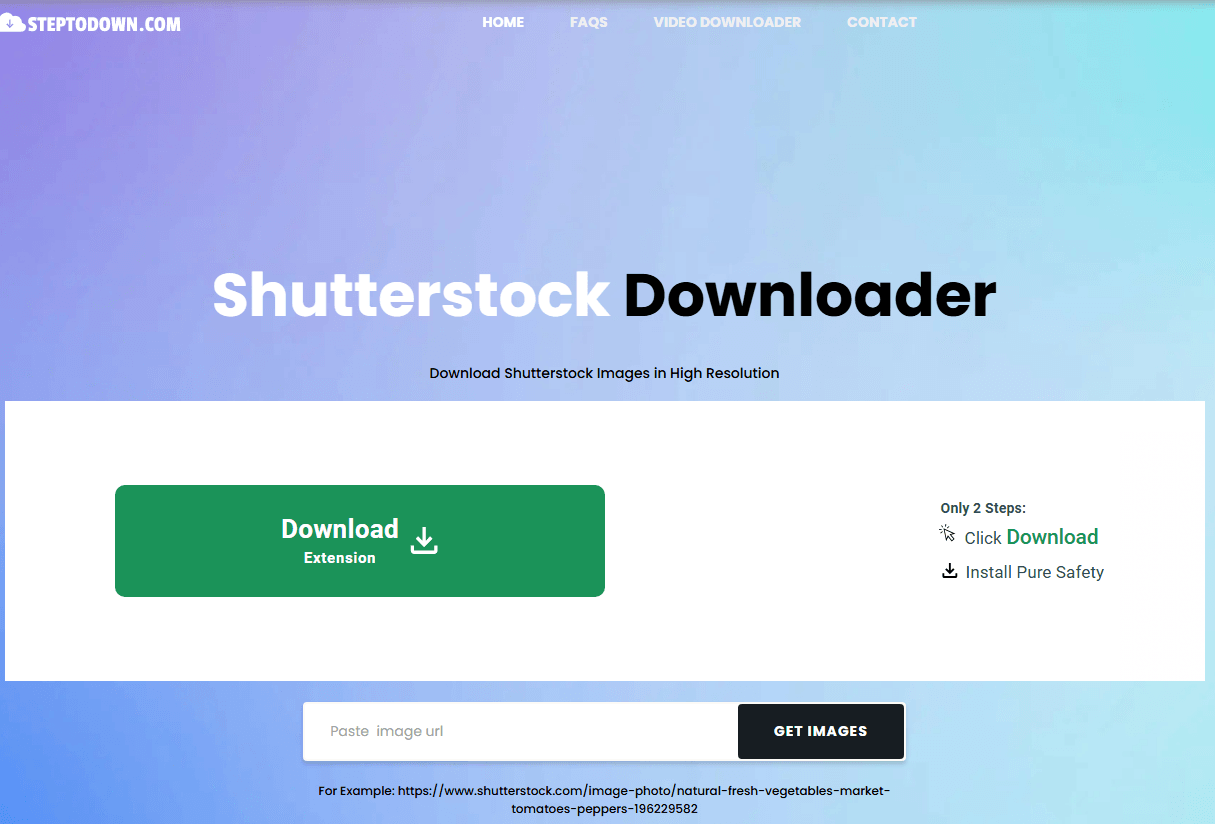
SteptoDown is a web-based platform that supports downloading images and videos from multiple stock websites, including Shutterstock and GettyImages. You can use it as a Shutterstock downloader free without watermark solution within legal bounds. Besides, it is not just a Shutterstock downloader; it is a gateway to over 60 different tools for platforms like Envato Elements, Getty Images, and Storyblocks.
Interface & User Experience:
When you land on the page, you are greeted by a clean, minimalist design. The homepage is dominated by a single, prominent text box where you paste your Shutterstock URL. The entire workflow is centered around this input field, which makes the process feel straightforward.
- Download Success: 6/10 – Moderately successful, often fails on newer or complex pages.
- Average Processing Time: 8-15 seconds.
- Output Resolution: Up to 600px preview (low resolution) .
- Watermark Removal: No – downloads the image with the watermark intact.
- Account Required: No.
- Ads: High – Contains intrusive and misleading pop-up advertisements.
Pros
-
Supports over 60 platforms, making it highly versatile.
-
Simple copy-paste interface that is easy to use.
-
Offers a premium portal for users needing more advanced features.
Cons
-
Lacks guidance or feedback during the download process.
-
Limited information on output quality and processing speed.
-
The interface feels basic and offers minimal visual engagement.
Downpic – A Simple Shutterstock Image Grabber
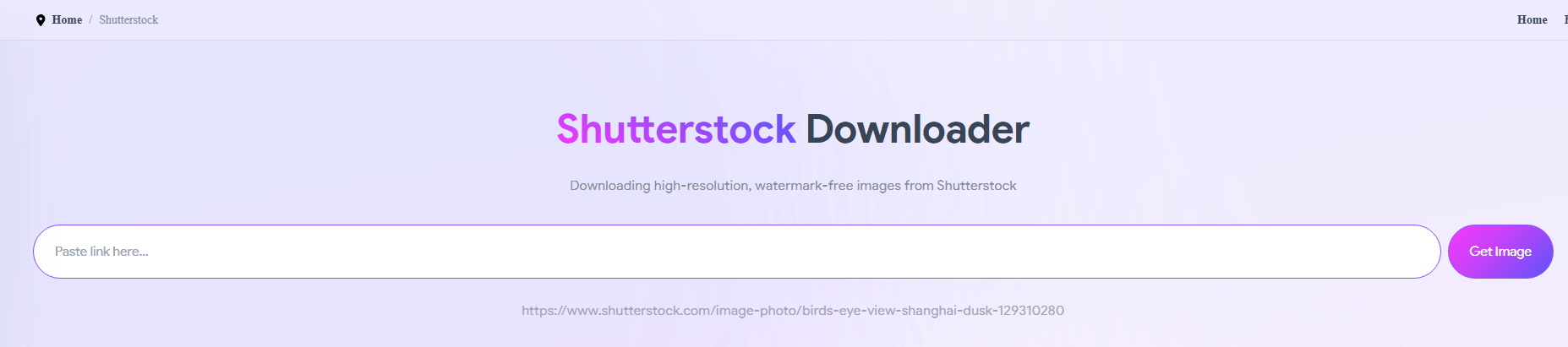
Downpic is another online Shutterstock images downloader free tool that follows the same “paste URL, get download” model. On the its web interface, you can see it’s advertised as a Shutterstock downloader HD without watermark – sometimes it did, but not always.
Interface & User Experience:
Downpic’s interface is more visual and engaging than Steptodown’s. It uses a three-step instructional layout that guides you through the process right on the homepage. This is a thoughtful touch – you don’t need to hunt for Shutterstock image download instructions or guess what to do next. The site incorporates relevant stock photography placeholders, which give it a more polished and professional look. The workflow is clearly laid out, making it feel intuitive and beginner-friendly.
- Download Success: 4/10 – Lower success rate; often fails to fetch the image.
- Average Processing Time: 5-10 seconds.
- Output Resolution: Up to 600px preview (low resolution).
- Watermark Removal: No.
- Account Required: No.
- Ads Moderate: Fewer ads than SteptoDown, but still present.
Pros
-
Step-by-step visual guide makes it beginner-friendly.
-
Clear promise of high-resolution, watermark-free images.
-
Includes a FAQ section addressing safety and copyright concerns.
Cons
-
The interface can feel unresponsive at times.
-
Lacks detailed technical information about the conversion process.
-
Focused only on image downloads, with no multi-platform support.
FetchPik – The Multi-Platform Getty Images Downloader
FetchPik is primarily designed for Freepik, another stock media platform that competes with Shutterstock. Some users have tried using it for Shutterstock photos and videos as well, and there are different reviews for it.
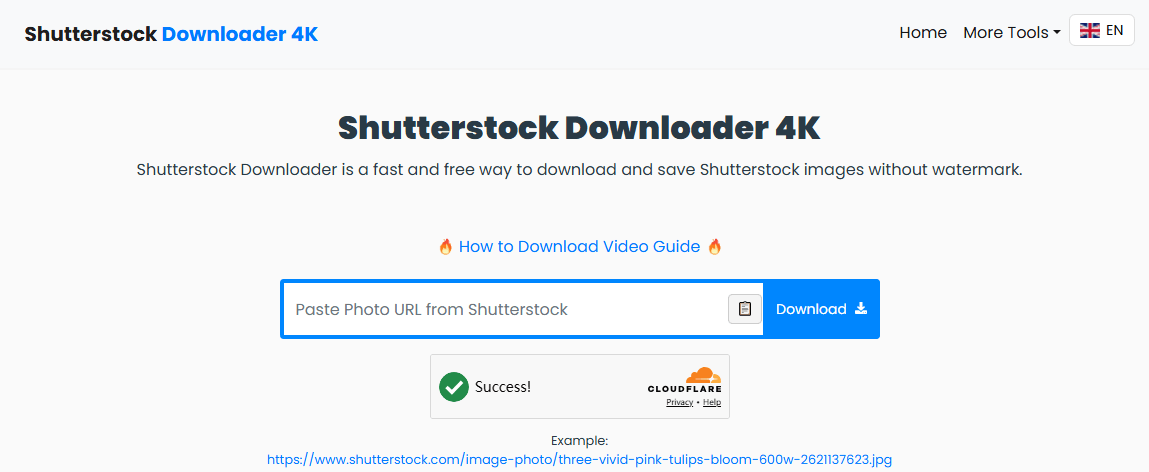
If you want to free download Shutterstock images without watermark online, FetchPik provides a Shutterstock downloader 4K tool for you. Although it promises a watermark removal service and HD images, it sometimes fails.
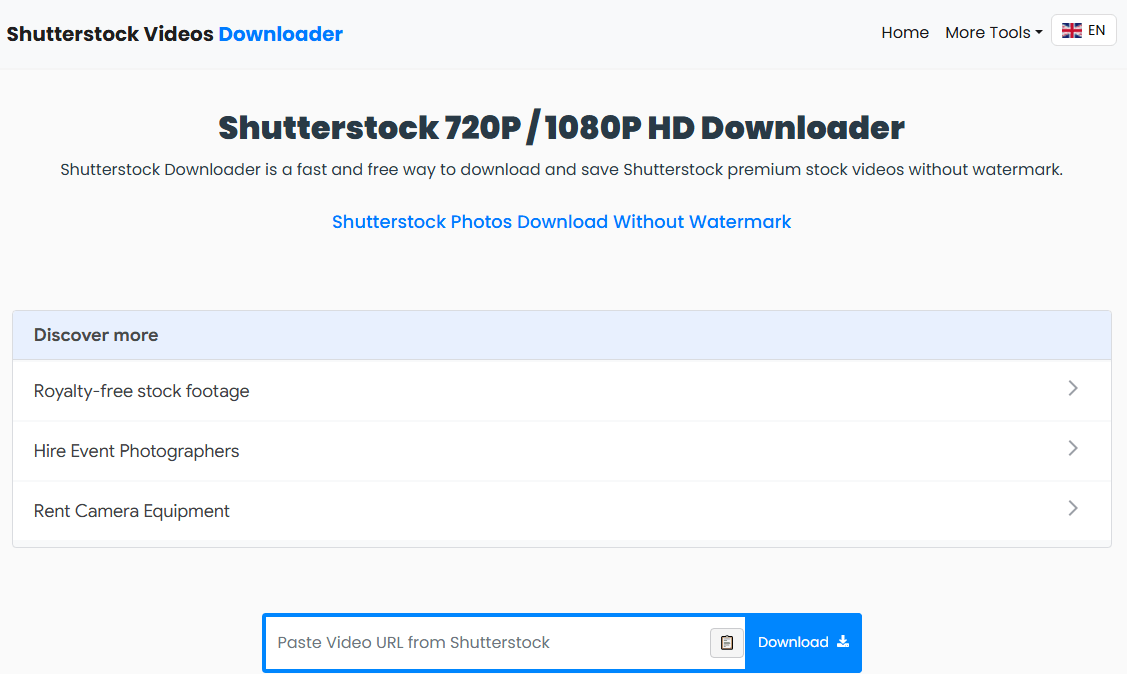
If you want to perform a Shutterstock video free download without watermark, its Shutterstock videos downloader works too. Note that it may fail to process the URL correctly, resulting in no download.
Interface & User Experience:
Fetchpik Shutterstock downloader’s interface is the most minimalist of the three. It consists of a simple input box and a download button, with a short instructional video or graphic explaining the Shutterstock image and video downloading workflow.
While this design is functional, it feels quite bare-bones compared to Downpic’s more polished layout. However, the Shutterstock downloader HD is straightforward and focuses entirely on its core function. You don’t need to navigate through menus or options; you just paste your URL and hit download.
- Download Success: 3/10 – Primarily designed for Freepik; inconsistent on Shutterstock.
- Average Processing Time: 3-5 seconds.
- Output Resolution: Variable – May not work for Shutterstock’s newer URL structure.
- Watermark Removal: No.
- Account Required: No.
- Ads: Low – Minimal ads compared to other web tools.
Pros
-
Specifically promotes 4K quality Shutterstock downloads.
-
Simple, fast, and minimalist workflow.
-
Uses a direct image link method for potentially more accurate retrieval.
Cons
-
Extremely barebones interface with minimal instructions.
-
No FAQ or support section for user queries.
-
Dedicated solely to Shutterstock, limiting its versatility.
GitHub Shutterstock Downloader – Best for Customization
For users comfortable with code, several GitHub Shutterstock downloader repositories offer open-source scripts for downloading Shutterstock images. These are free and allow bulk downloading, but they require technical expertise to set up and run.
Popular GitHub Projects:
| Repository | Features | Language | Status |
| Shutterstock_scraper | Scrapes images by search term; Customizable pages | Python | Active |
| ShutScrape | Bulk downloads; Supports images and videos; Uses Selenium | Python | Archived |
| Shutterstock-Watermark-Free-Image-Downloader-Extension | Shutterstock downloader extension; downloads preview images (max 600px) | JavaScript | Active |
Pros
-
Completely free and open-source.
-
Supports batch and bulk Shutterstock image downloads for large projects.
-
Highly customizable for technical users.
Cons
-
Requires technical knowledge
-
No UI
-
Can be flagged by Shutterstock’s anti-scraping measures
-
Download quality limited to previews
JOPDF offers professional reviews and methods to help readers find more PDF and image resources. Check more useful articles here:
- 10 Best OceanofPDF Alternatives for Free eBooks & PDF Downloads (2026)
- Mobilism Alternatives: Best Sites for Free eBooks, Audiobooks & Apps
- SlideShare Downloader Free: Best Tools to Download PPT & PDF (2026)
How to Avoid Risks When Using Shutterstock Downloader Tools?
Using third-party Shutterstock downloader tools comes with real dangers. Here are practical measures you can take to protect yourself:
- Be extremely cautious with browser extensions. For Shutterstock specifically, only use extensions that operate on your licensed content and do not claim to remove watermarks.
- Run each downloaded file through up-to-date antivirus software before using it.
- Never enter credentials on Shutterstock downloader sites. Downloader sites that ask for your Shutterstock login are likely phishing attempts.
- When possible, use screen recording to capture content rather than downloading through third-party tools. This method produces a safer file that is free from embedded malware.
- If you must download assets from third-party sites, do it in an isolated virtual machine or on a separate device that does not store sensitive data.
- The Golden Rule: The only safe and legal way to get a shutterstock image downloader without watermark is to use official Shutterstock channels.
How to Download Shutterstock Images Without Watermark
Shutterstock uses watermarks specifically to prevent unauthorized free downloads of its premium content. The watermark can only be removed by obtaining a valid license, which allows for a high-quality, watermark-free download.
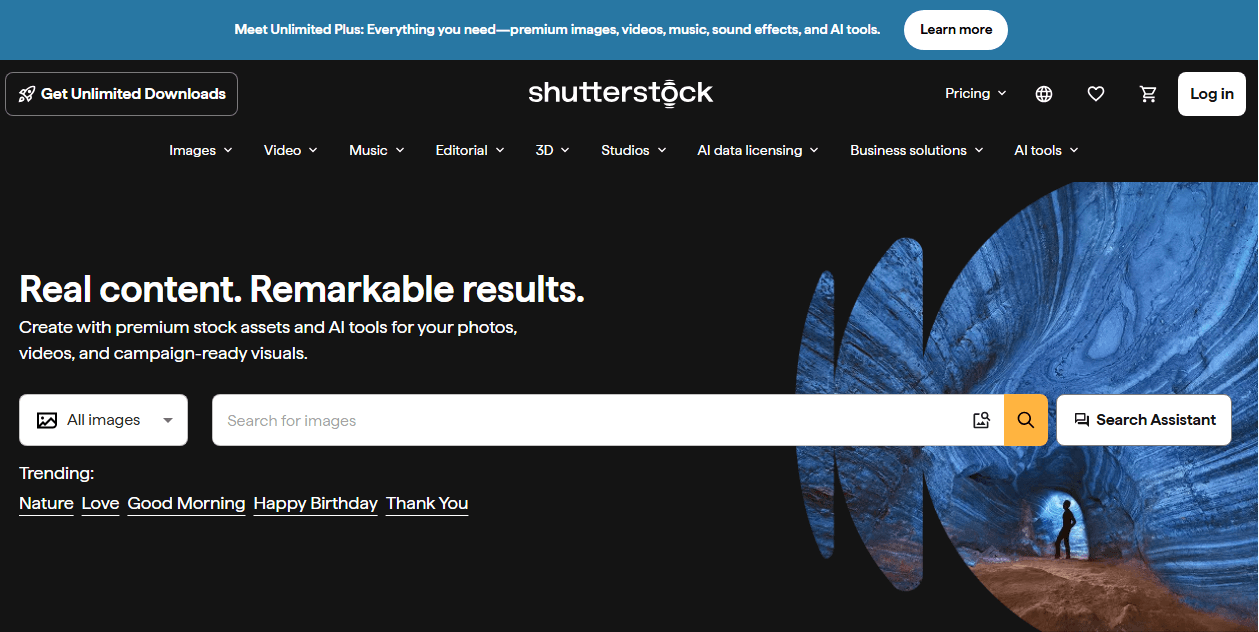
Most important, you don’t need third-party tools to get watermark-free Shutterstock images. Shutterstock provides several legitimate paths directly through its platform. Here’s how to access them.
Method 1: Use the Shutterstock Free Trial
The official 30-day trial gives you 10 complimentary Shutterstock image downloads, completely watermark-free and legal.
Step 1: Sign up for the free trial on Shutterstock’s website.
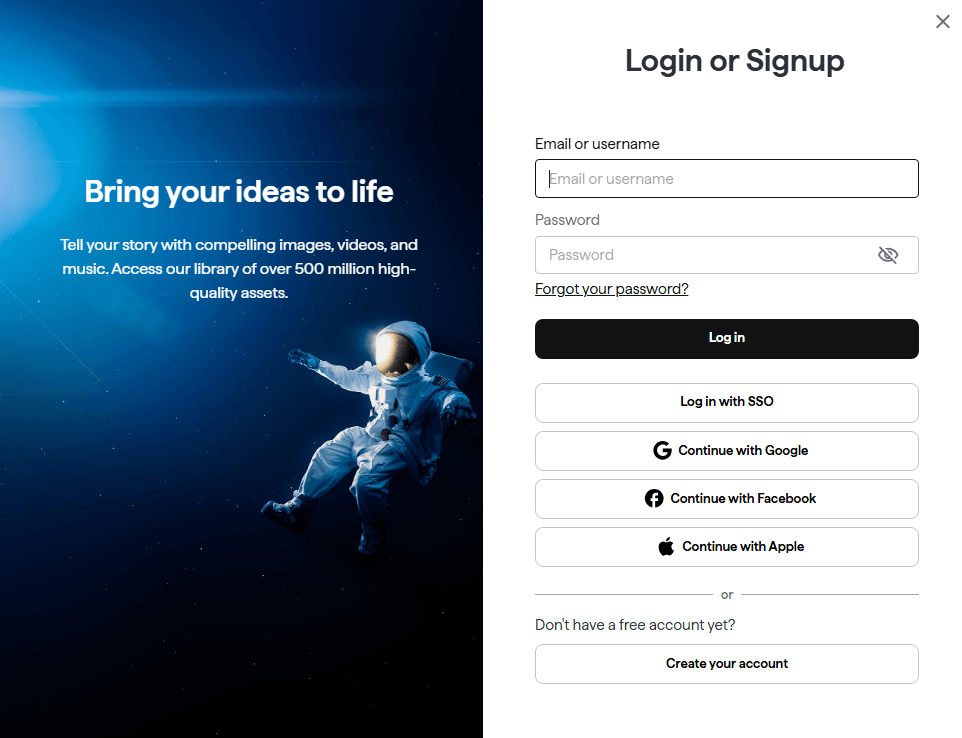
Step 2: Enter payment details. Cancel within 30 days to avoid charges.
Step 3: Browse images, click Download, and select your resolution.
Method 2: Purchase a Subscription
For ongoing work, a subscription provides the best value and unlimited access to Shutterstock photos and vectors. These plans are designed for users who download images regularly. In mid-2026, Shutterstock expanded its offerings globally with new Unlimited plans. The below is a Shutterstock subscription plan overview and you can go to the Shutterstock image plan web for more detail:
| Plan | Best For | Key Features | Typical Price |
| Unlimited Images | Users needing large volumes of images | Access to 83+ million images; unlimited downloads; includes AI generation credits | Varies; contact Shutterstock |
| Unlimited Plus | Multi-media creators needing video & audio | Access to 100+ million assets; unlimited downloads; includes AI generation credits | Varies; contact Shutterstock |
| Standard Image Subscription | Users needing a fixed number of images per month | Choose monthly download limits | Starting around $29/month |
| Video Subscription | Users who primarily need stock footage | Fixed number of video downloads per month | Starting around $49/month |
| Image Pack (On-Demand) | Users with low or irregular usage | Flexible credit packs; no recurring subscription | Varies by credit pack size |
Method 3: Buy an On-Demand Single Image
For users who need a Shutterstock images downloader without watermark occasionally, the “Image Pack” or on-demand option in subscription plan is ideal.
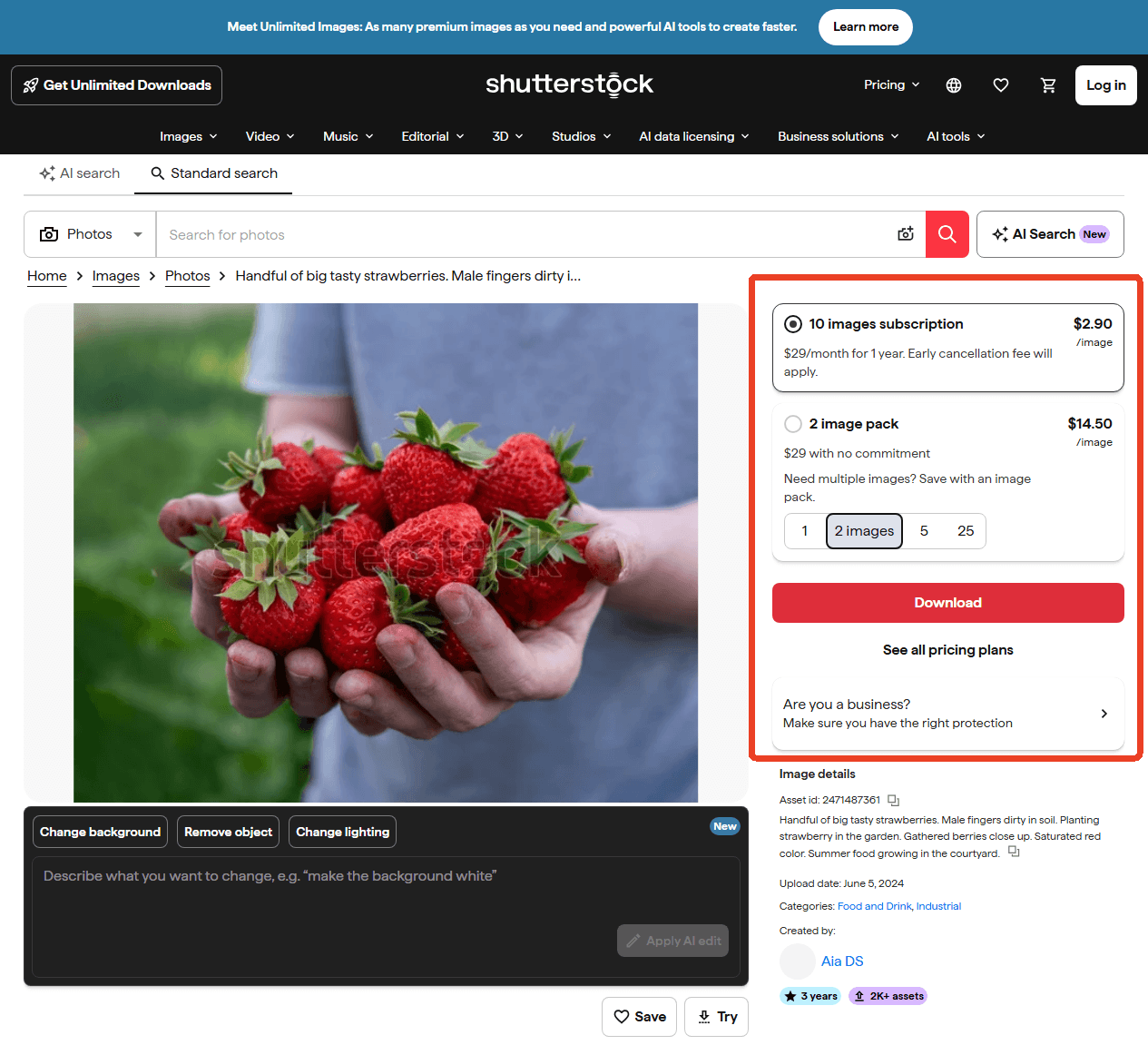
Here are some tips and offers for on-demand images:
- Free Trial for New Users: New subscribers often receive a 1-month free trial, which allows downloading up to 10 watermark-free images at no cost.
- Look for Discounts: Non-profit organizations and educational institutions can sometimes access discounted plans through partner platforms like TechSoup.
- Understand “Rollover” vs. “Expiry”: Some standard subscriptions allow unused image downloads to roll over to the next month (up to a limit). However, on-demand credits may have an expiration date. Always check the policy before purchasing.
How to Edit and Manage Downloaded Shutterstock Images with JOPDF
Once you have downloaded Shutterstock images, JOPDF offers three core functions to help you organize and repurpose them.
100% Free, No Sign-Up Required
A major advantage of JOPDF for users seeking free alternatives is that it is completely free and does not require registration or sign-up. This means you can manage your image files without any hidden costs or subscription commitments, making it an excellent tool for anyone looking to organize Shutterstock images without paying more.
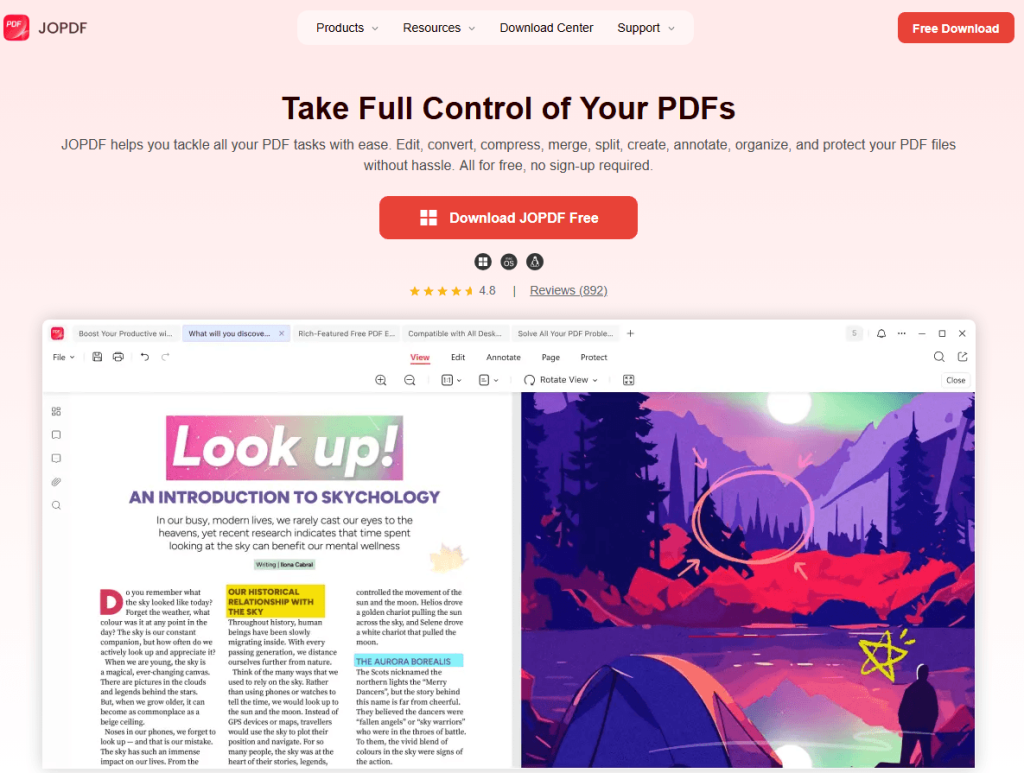
- Edit Image: Edit images directly in a PDF without changing the layout. You can refine Shutterstock images before using them.
- Image to PDF: Convert multiple images (JPG, PNG, HEIC, etc.) into a single PDF or separate PDFs. You can create a mood board or portfolio from Shutterstock downloader HD stock images.
You can also organize your Shutterstock image downloads with our offline PDF editor via batch compression and conversion.
Ready to organize your downloaded images?
Download JOPDF for free and start managing your images effortlessly. No sign-up is required!
Shutterstock Downloader Alternatives – Safer Choice
If you want to free download shutterstock images without watermark online without any legal hassle, use legitimate free stock photo sites. Unlike a risky shutterstock downloader, these platforms are safe and offer high-quality, royalty-free images.
Pixabay, Pexels, and Unsplash are the industry standards for free stock photos. They offer truly free images for commercial and non-commercial use. Here’s what makes them a safer shutterstock downloader alternative:
- Pixabay: Offers millions of royalty-free images, videos, and music under the Pixabay License, which allows free use even for commercial purposes without attribution.
- Pexels: Provides high-quality photos and videos under the Pexels license. All content is free for personal and commercial use, and you can search by keyword or discover curated collections.
- Unsplash: A vast library of beautiful, high-resolution photos. The Unsplash license allows free use for commercial and non-commercial projects without needing permission or providing attribution.
Conclusion
A reliable Shutterstock images downloader is an essential part of any designer’s or marketer’s toolkit. The only legal path to watermark-free images without payment runs through Shutterstock’s free trial and free image library. Once your files are downloaded, JOPDF picks up where your Shutterstock downloader leaves off. Edit individual images, convert batches to client-ready PDFs, and extract archived photos when you need them.
FAQs
Yes, but only under a valid license obtained through purchase, subscription, or official free trial. Using Shutterstock images without a license can result in copyright infringement claims and significant financial penalties.
Shutterstock actively monitors for unlicensed image use. Consequences include demand letters, lawsuits, and settlement fees that far exceed the cost of a license. It's never worth the risk.
Yes, a Shutterstock downloader telegram bot can fetch licensed images on mobile devices. Search for relevant bots within Telegram, send an image URL, and receive a download link. Ensure you only use these for content you've already licensed.
In a Shutterstock vs. Getty Images comparison, Shutterstock is often preferred for its affordable subscriptions and extensive vector library, while Getty Images excels in editorial and archival content. Both are legitimate, high-quality platforms, and past rumors about Getty Images Shutterstock to merge have not resulted in a combined company.
The only legal ways to get Shutterstock images free download without watermarks are through Shutterstock's 30-day free trial or their free image library. Any tool claiming to remove watermarks from unlicensed images is violating copyright law. For a legitimate free download Shutterstock images without watermark online experience, use Shutterstock's official free resources.
Table of Contents

Your Best Free PDF Expert in PDF editing, compressing, converting, annotating, protect, organizing, and more.
Free DownloadWindows · macOS · Linux

Anna
Editor
“Anna, Editor-in-Chief and PDF expert, delivers deep insights into PDF document technology trends. She is dedicated to helping readers optimize their digital lives. When not writing, Anna loves exploring local cafes and reading, blending her technical expertise with a love for storytelling.”