

Slideserve downloader is any tool or method that lets you save presentations from Slideserve to your computer for offline viewing. Among the Slideserve free downloaders online in 2026, which of them are safe to use? This article on JOPDF will show you some options and teach you how to download from Slideserve.
Summary :
Is SlideServe Safe? What You Need to Know Before Downloading
Before you paste a URL into any random website, it’s fair to ask: is SlideServe safe?
The SlideServe Platform Itself
Yes, SlideServe is a legitimate presentation hosting platform. It has been operating for years, serving embedded slideshows across millions of pages. The site uses standard HTTPS encryption and does not distribute malware through its core service. Uploading and viewing presentations on SlideServe carries no more risk than using similar platforms.
The Hidden Risk: Third-Party SlideServe Downloader Sites
The safety concern isn’t SlideServe itself — it’s the ecosystem of third-party SlideServe.com downloader websites that has grown around it. Here’s what we observed during our testing:
- Aggressive Pop-Ups: Some SlideServe free downloader online sites open multiple pop-up windows when you click anywhere on the page. These often lead to phishing scams or fake “Your PC is infected” alerts.
- Misleading Download Buttons: Many SlideServe download free sites display large “Download” buttons that are actually advertisements. Clicking them may install unwanted browser extensions or PUPs (Potentially Unwanted Programs).
- Fake Captchas: Some SlideServe downloader PPT tools force you to complete a “verification” that actually subscribes you to premium SMS services.
How to Stay Safe:
- Never download and run .exe or .msi files from these websites. A genuine SlideServe downloader PPT tool should work entirely within your browser.
- Install a reputable ad-blocker before visiting any free SlideServe downloader site.
- If a site asks you to “enable notifications” or “complete a survey,” close the tab immediately.
- After using these tools, clear your browser cache and cookies to remove any tracking scripts that may have loaded.
Bottom line: SlideServe is safe. The free SlideServe downloader sites are a mixed bag. Use the tools we recommend in the comparison table below, and stick to the ones we’ve marked with high safety ratings.
Also See:
- 5 Free Yumpu Downloaders: How to Download Yumpu to PDFs Free
- The Best Free Scribd Downloaders in 2026: Save Public Documents Offline
- How to Download Flipsnack to PDF Free: The 2026 Guide
SlideServe Downloader Tools: 2026 Comparison Table
We tested six popular tools that claim to be the best SlideServe free downloader online. Every tool was tested with the same set of SlideServe URLs in July 2026.
| Downloader Tool | SlideServe Support | Output Formats | Free? | Avg. Download Speed | Ads/Pop-ups |
| Downloaderr.org | Yes | PPT, PPTX, PDF | Free | Fast (6–12 sec) | Low (banner ads only) |
| Simply-Debrid | Yes | PPT, PPTX, PDF | Freemium | Very Fast (4–10 sec) | None |
| Downloader.la | Yes | PPT, PDF | Free | Medium (12–25 sec) | Moderate (pop-ups on click) |
| SlideGrabber | Limited | PDF only | Freemium | Medium (15–30 sec) | Moderate |
| SlideSaver | Yes | PPT, PPTX, PDF | Free | Fast (7–15 sec) | Low (minimal ads) |
| SlideDownloaders | Yes | PPT | Free | Slow (20–45 sec) | High (aggressive pop-ups) |
Downloaderr.org
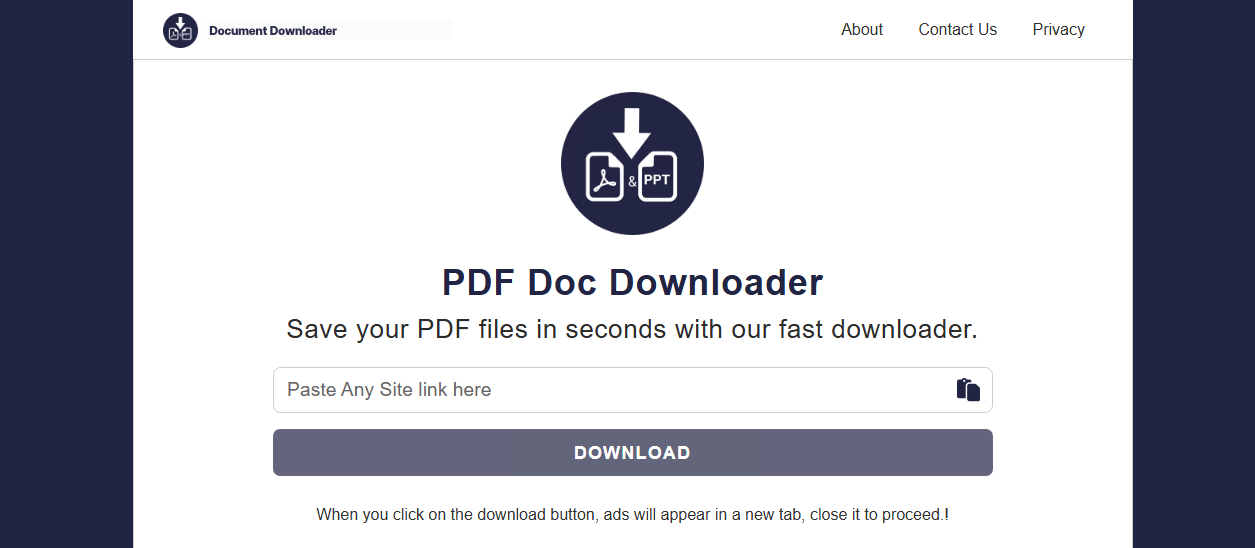
This Slideserve PPT downloader is a web-based URL scraper that is frequently recommended on educational forums for people who want to save reference decks quickly without setting up a profile. You can download Slideserve PPT or PDF by copying and pasting the link on this web. Then it will show you the search result with available Slideserve PPT downloads.
- Pros: You do not have to install any software or pay a fee to use the basic link conversion frame. It processes simple presentations relatively quickly.
- Cons: The Slideserve downloader free usually flattens the presentation text into non-editable image files, which prevents you from copying data charts. The platform can also drop your connection if the slide count is too high.
Simply-Debrid
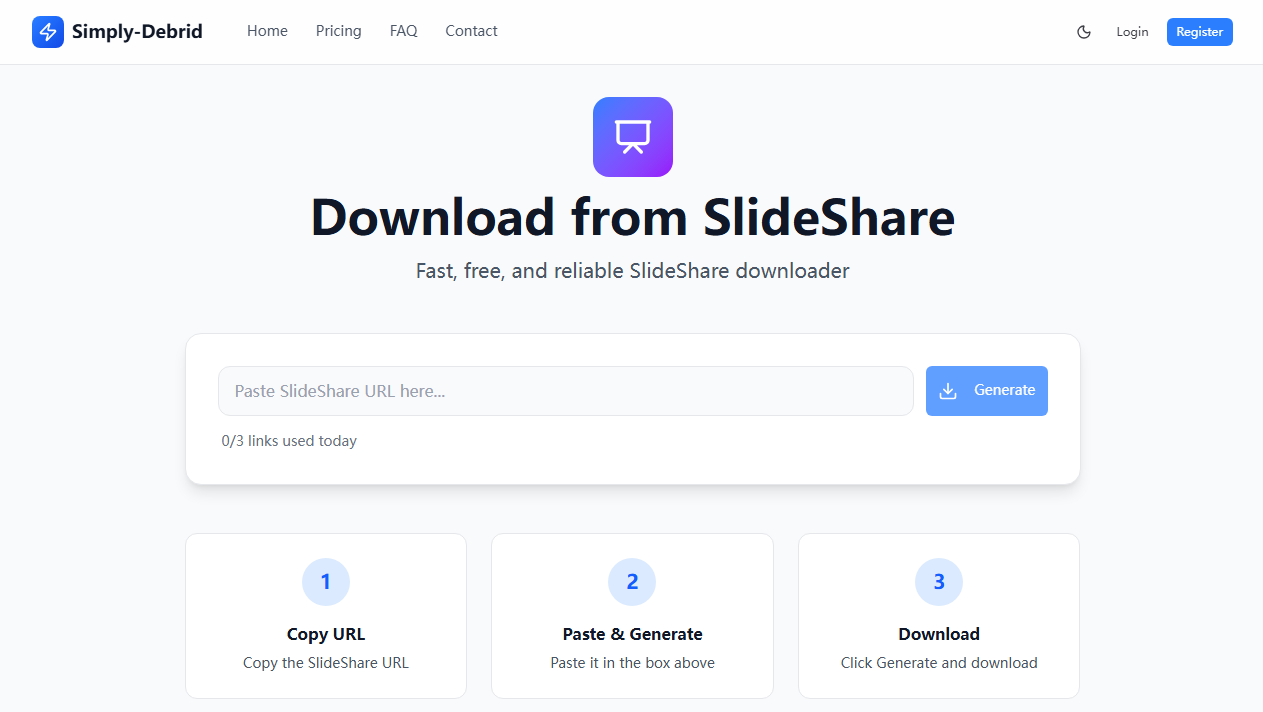
Simply-Debrid, as a Slideserve free downloader, can help you download Slideserve PPT and PDF by providing link generation services. Though tech groups originally built this tool to help users fetch large media packages, many remote workers use it to bypass viewing limitations on various presentation networks.
There are three steps to download from Slideserve: copy URL, paste in the box, and generate the Slideserve PPT.
- Pros: It can frequently extract tricky files when standard browser buttons fail to load. The generation engine handles links smoothly.
- Cons: The web interface can feel a bit technical and confusing if you are a beginner. You must also be careful to avoid clicking deceptive download advertisements on the page.
Downloader.la
Downloader.la is a multi-platform online Slideserve free downloader, designed to identify public document data streams and bundle them into single file downloads for offline reviews. We find that its clean layout makes it very easy to use when you are in a rush to save slides for a group project. However, you might notice that the website takes a little longer to load your files during busy afternoon hours.

- Pros: It functions across almost all modern web browsers and does not require you to share your email address.
- Cons: The output documents often lose their original embedded typography layouts. You will generally need an offline program to realign the text columns after the process finishes.
Slidegrabber
We can evaluate Slidegrabber as a straightforward online Slideserve free download solution that many students use when they need to grab a deck for quick study notes. It requires no desktop installation, making it a very convenient choice when you are working on a library computer or a borrowed tablet.
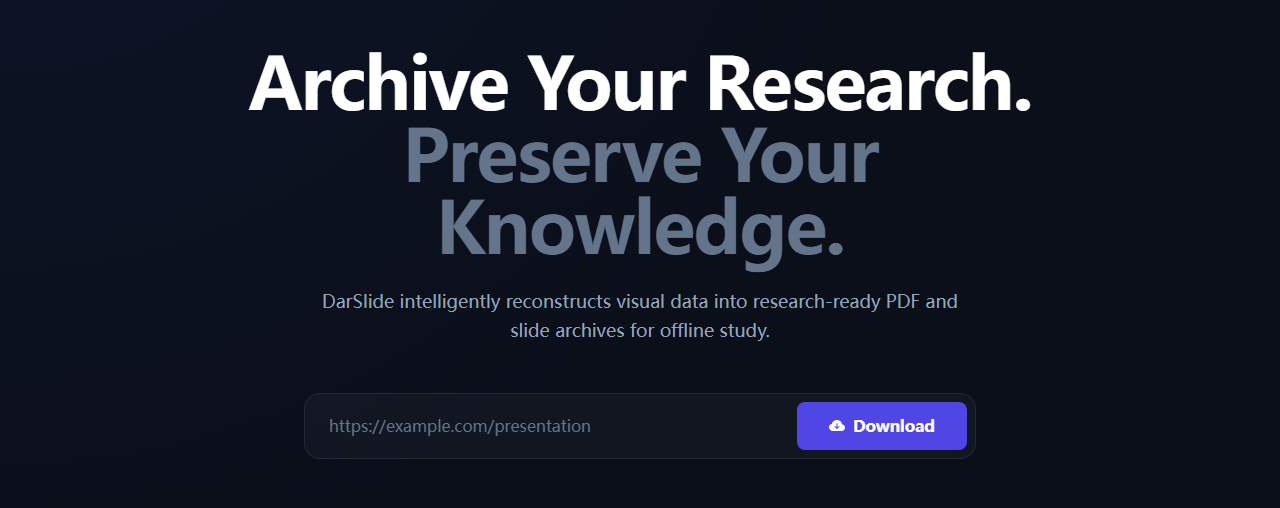
It’s also very easy to download Slideserve PPT or PDF. Just input the presentation link and click “Download”. Then it will show you a research-ready PDF and slide archives for offline study. However, you should watch out for the heavy ad placements on the main page when you paste your link.
- Pros: It processes standard presentation links very quickly without forcing you to log into a personal account.
- Cons: The tool can occasionally miss complex embedded fonts, leaving you with plain text layouts that look slightly unaligned.
SlideSaver
This Slideserve downloader operates as a lightweight web-based saver that focuses on extracting the individual visual slides from online presentations. We find it helpful when you want to save a visually rich presentation to view on your phone during a remote trip.
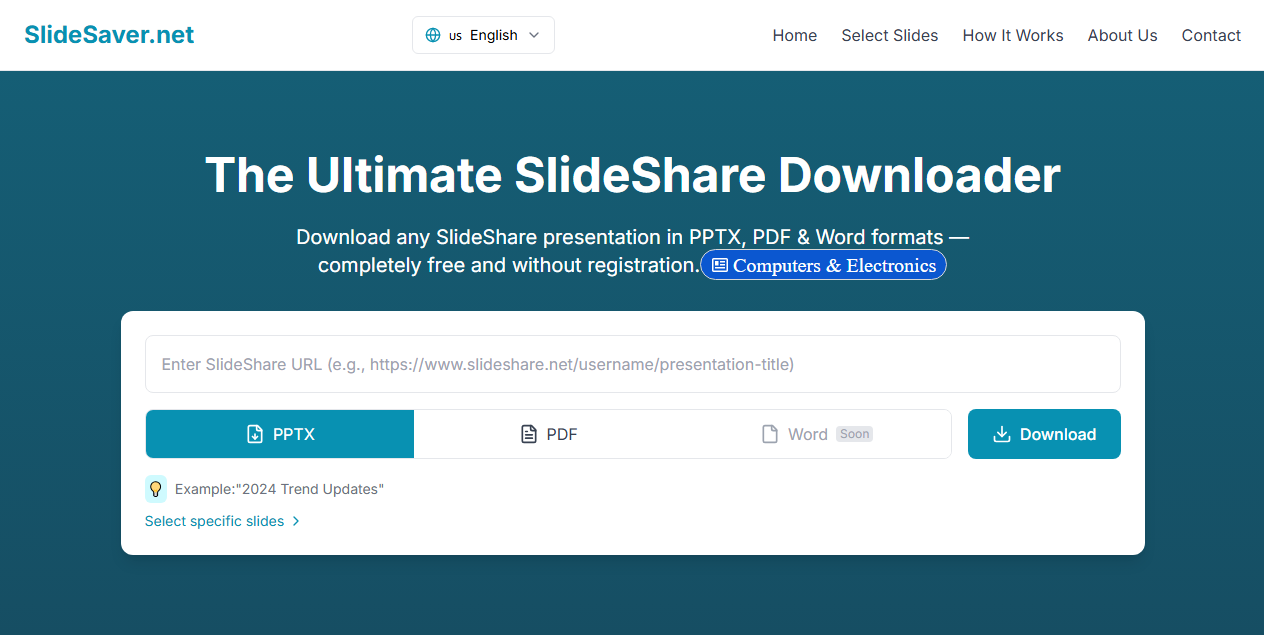
SlideSaver allows you to download Slideserve in different formats, including PPTX and PDF. You need to enter the Slideserve URL and then click “Download” to save it. Keep in mind that it might enforce a daily file limit if you try to download multiple documents in a row.
- Pros: It keeps the original graphical clarity of the presentation slides looking very clean and bright.
- Cons: The tool can take several minutes to stitch the file together if the slide deck is exceptionally long.
SlideDownloaders
SlideDownloaders is a multi-service web portal that supports fetching files from several different slideshow sharing platforms. We think it serves as a great backup option when other single-purpose web tools fail to read your specific link. However, you will likely have to navigate through a few annoying redirect pages before your actual file download starts.
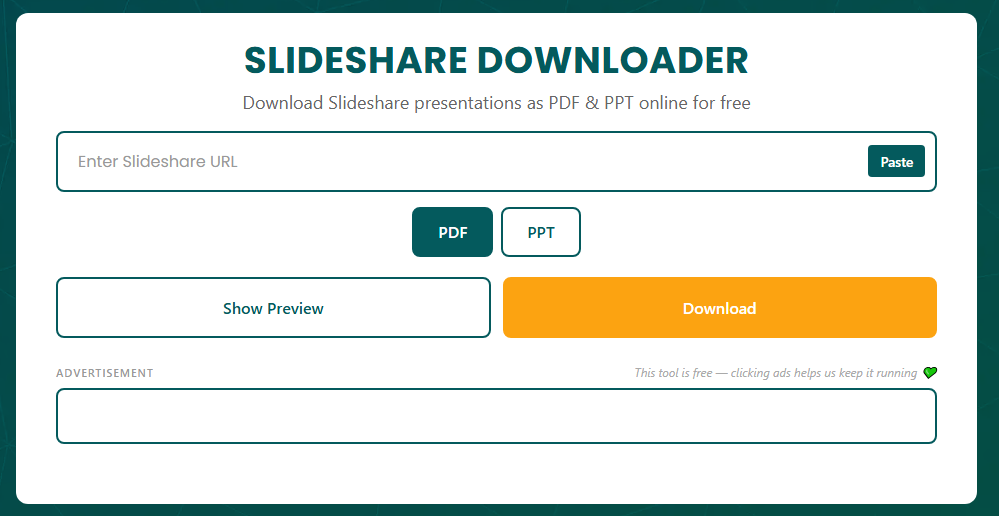
- Pros: It supports a wide variety of presentation websites under one simple, easy-to-understand web interface.
- Cons: The downloaded files often require manual renaming because the conversion script gives them randomized technical titles.
How to Download from SlideServe: The Complete Guide
This is the section you came for. We’re breaking down every method that works — official, unofficial, and the hidden technical trick most people don’t know about.
Method 1: The Official SlideServe Download
Before you rush to try unverified third-party tools, we recommend checking the built-in features on the platform first. Many authors want people to share their knowledge, so they make it incredibly easy to learn how to download from Slideserve without using extra software.
The most secure path to secure a Slideserve PPT download free file is by using the official interface. This keeps your device clean and gives you the highest quality output.
Step 1: Open your web browser, head to the slide deck page, and click the registration button to set up a free account.

Step 2: Look closely at the control menu right underneath the presentation presentation frame.
Step 3: If the creator allows offline access, you will see a visible “DOWNLOAD” option. Click it to choose your format and download Slideserve PPT for free straight to your computer.

While alternative Slideserve downloaders can help you out in a quick pinch when you are in a rush, we always suggest choosing the official download path whenever it is available. If a slide deck is locked for downloading but you absolutely need it for an upcoming presentation or study session, try reaching out directly to the author. Most creators are more than happy to email you a clean copy of their presentation slides if you let them know you are using it for personal research or classroom study!
Method 2: Browser Developer Tools
This is the method most guide writers don’t include. It uses your browser’s built-in developer tools to locate the raw file URL. No third-party site required. No ads. No risk. If you want a truly free SlideServe downloader experience with zero external dependencies, this is it.
Step 1: Open the SlideServe presentation page in Chrome, Edge, or Firefox.
Step 2: Press F12 or Ctrl + Shift + I to open developer tools.
Step 3: In the DevTools panel, click the “Network” tab at the top.
Step 4: Look for a filter bar. Type .ppt or .pptx into the filter field. If that yields nothing, try .pdf, or look for a category filter button labeled “Media” or “Other.”
Step 5: With the Network tab open and the filter active, press F5 or Ctrl + R to reload the page. This forces the browser to log all network requests from scratch.
Step 6: As the page reloads, you’ll see a list of requests populate the panel. Look for a file with a .ppt, .pptx, or .pdf extension. Its “Type” column might say application/vnd.ms-powerpoint or application/pdf.
Tips
If the list is long, sort by the “Size” column. The presentation file will typically be one of the larger items, often several megabytes.
Step 7: Right-click the identified request and select “Open in new tab”. If the file opens in-browser, press Ctrl + S to save it to your computer.
Why This Method Doesn’t Always Work:
Some CDN configurations block direct access to resources via Referer header checks. If you get a “403 Forbidden” error, the server is rejecting the direct request.
Method 3: Browser Cache Extraction
This is an even lesser-known trick that exploits how browsers work. When you view a SlideServe presentation, your browser downloads and caches the entire SlideServe PPT file locally — even if the uploader disabled the download button.
Step 1: Load the SlideServe presentation fully. Let all slides render completely. This ensures the full file is cached.
Step 2: Access your browser cache. Open your Chrome and type chrome://cache in the address bar.
Step 3: Use Ctrl + F to search the cache entries page for .ppt or .pptx.
Step 4: Click the cache entry link. If your browser renders it, use Ctrl + S to save. If it shows raw binary data, right-click and “Save link as…” with a .ppt extension.
Limitations:
- This method is becoming harder as browsers modernize their cache storage formats.
- It requires patience and some trial and error.
- Encrypted or segmented delivery methods can defeat this approach.
Method 4: Browser Extensions
For frequent SlideServe downloaders, a browser extension can streamline the process. SlideServe browser extensions that detect embedded media can sometimes identify PPT files alongside video and image content.
How to Use:
- Install a reputable media-detection extension from your browser’s official web store.
- Navigate to the SlideServe page.
- Click the extension icon. If a PPT or PDF file is detected, it will appear in the extension’s file list.
- Click to download.
Detection success is inconsistent. SlideServe’s player doesn’t always expose the file in a way that these extensions recognize. Use this as a convenience option, not your primary strategy.
After SlideServe Download: Verify Your File’s Integrity
A downloaded SlideServe PPT from a third-party tool may have silent issues:
What to Check Immediately:
- Font Rendering: Open the SlideServe PPT and check SlideServe slides with custom fonts. If fonts are missing, the presentation will display with fallback typefaces that may break layouts.
- Image Resolution: Some SlideServe downloaders compress images during extraction. Zoom into a detail-heavy slide and verify clarity.
- Embedded Media: SlideServe videos and audio files embedded in the original presentation are almost always lost in third-party downloads. SlideServe streams these separately, and downloaders rarely capture them.
- Slide Count: Flip through every SlideServe slide. If the downloader failed mid-extraction, you might have an incomplete file.
- Hyperlinks: Click a few embedded links to verify they survived the extraction process.
If the File is Corrupted:
Try a different tool from the comparison table. Different SlideServe downloaders use different extraction methods, and one may capture what another misses.
Legal Considerations: What You Can (and Can’t) Do
We’d be remiss not to mention this. Downloading presentations from SlideServe exists in a legal gray zone that varies by jurisdiction and use case.
Generally Acceptable:
- Downloading for personal study and reference.
- Saving a presentation you yourself uploaded.
- Using content that is explicitly marked with a Creative Commons license.
Legally Risky:
- Republishing downloaded content as your own work.
- Using downloaded slides in commercial presentations without attribution.
- Distributing downloaded files on other platforms.
Our Recommendation:
Treat SlideServe downloads like library books. Reference them, learn from them, but don’t republish them. If you plan to use any content beyond personal consumption, contact the original uploader for permission.
How to Manage Your Slideserve Downloads with JOPDF?
Once you successfully use a tool to download Slideserve PPT sheets, you might notice that the resulting file is a bit of a mess. The slides might save as a heavy, non-editable document, or the page margins might look uneven on your screen.

JOPDF – The Best Free PDF Editor
 User Rating: 4.8
JOPDF Is a 100% free POF editor for Windows, macOS, and Linux. Edit text, add images, annotate, sign, and more. No limits, no ads, no subscriptions, Fast, simple, and powerful, take full control of your PDFs in seconds!
JOPDF is a lightweight desktop document suite that handles all your presentation adjustments completely offline. Because it works directly on your hard drive, you can clean up your downloaded decks without worrying about data tracking or internet leaks.
Also See: Best Free Offline PDF Editor 2026: 5 Tools That Work Without the Internet
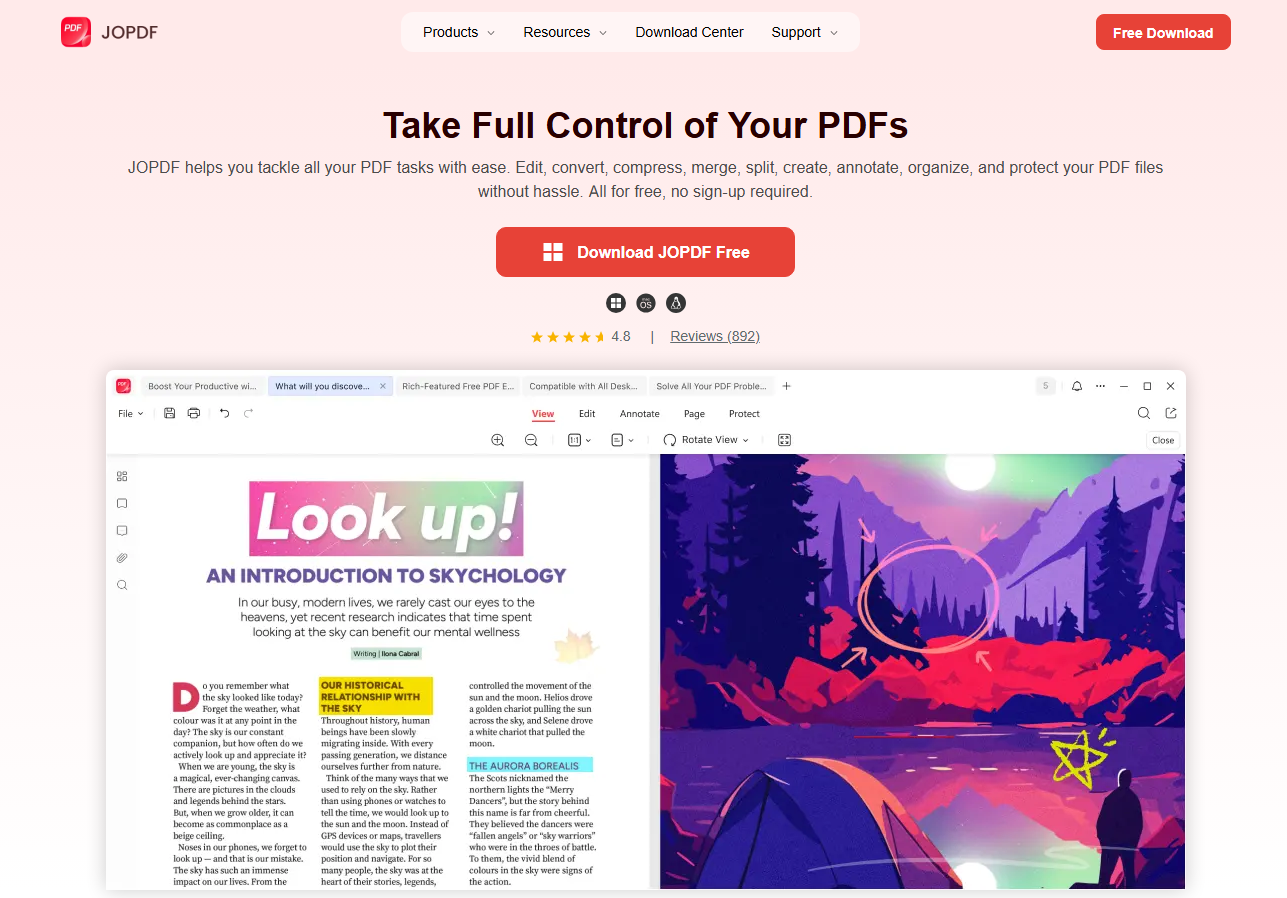
You can turn slides back into an editable PowerPoint layout, split and re-arrange your learning decks, and wipe out distracting page margins.
Step 1: Download and install JOPDF on your device and launch it.
Step 2: Click Batch Process and in the JOPDF converter, you can convert Slideserve PDF to PPT or PPT to PDF.
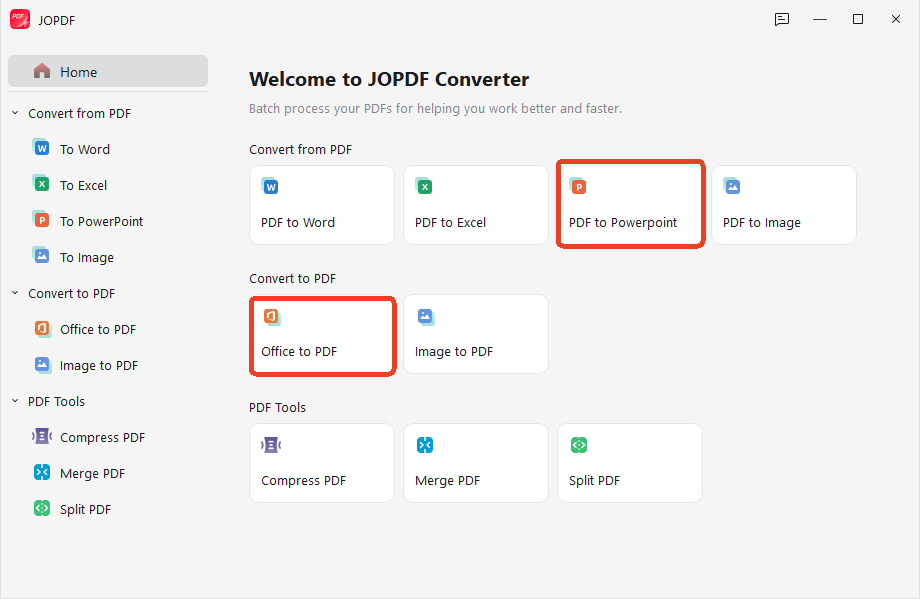
Step 3: Drop your files into the section and click Start.
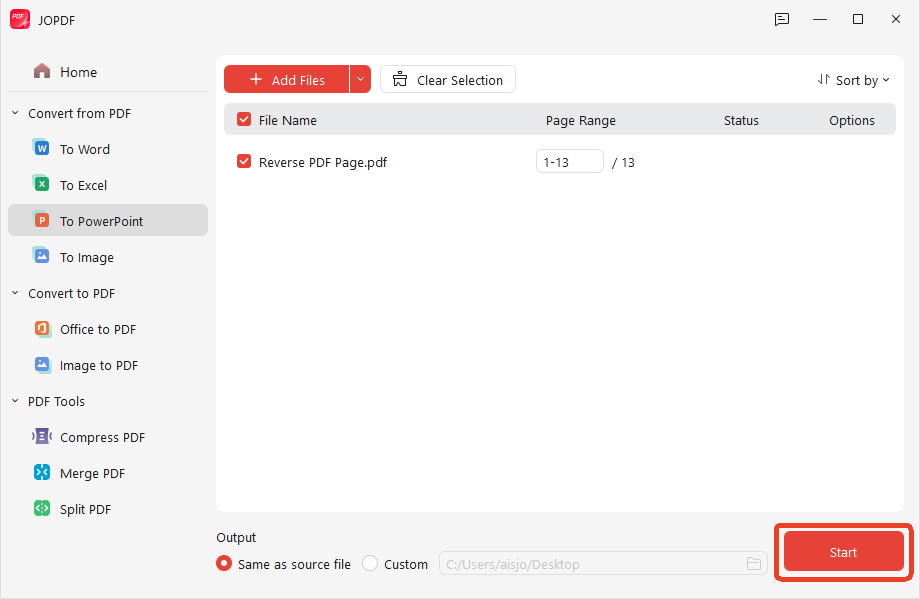
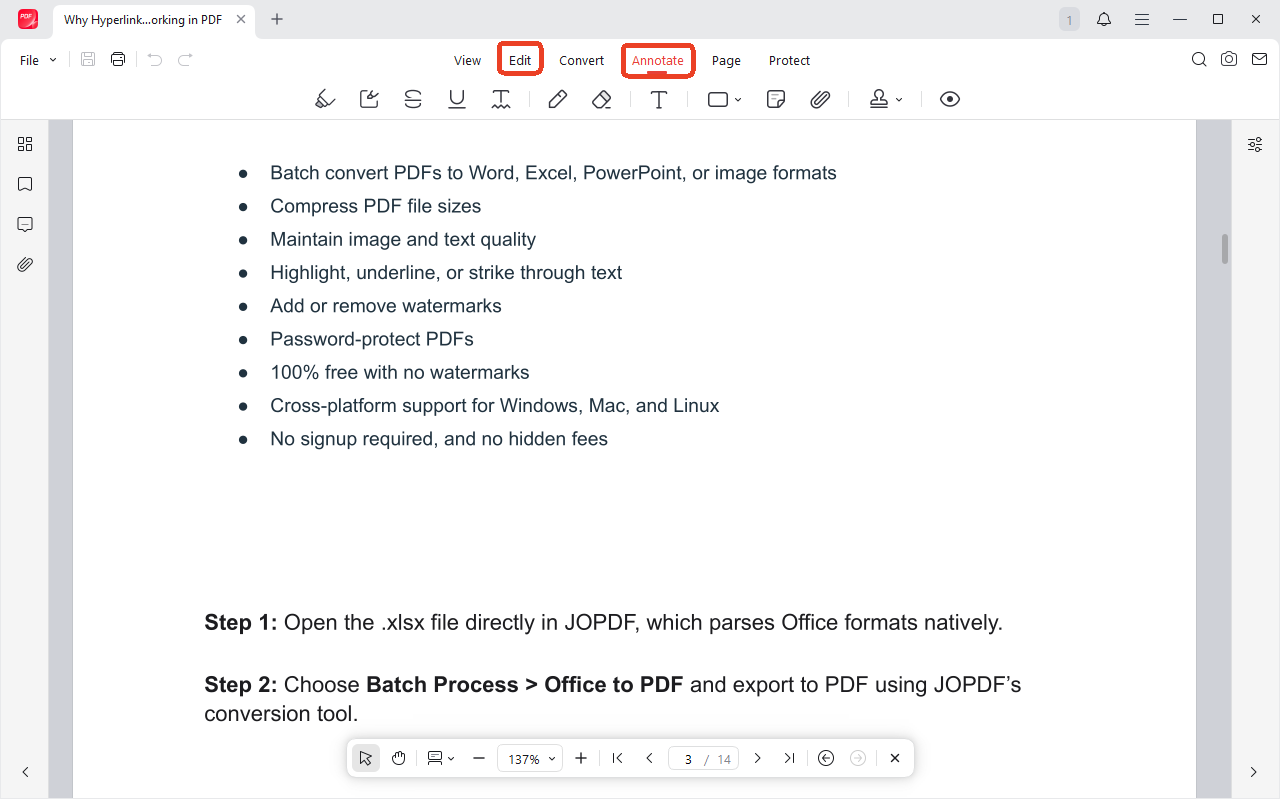
To edit or annotate the Slideserve PPT and PDF, you can go to the Edit or Annotate tab for further editing.
Conclusion
Saving files for offline learning shouldn’t mean dealing with computer viruses or messy, broken document layouts. By using official platform features or Slideserve downloaders, you can gather the reference materials you need without compromising your digital security.
While online tools offer a quick fix when you are in a rush, using a dedicated desktop companion is the most reliable way to handle your documents. Download JOPDF for free today to easily edit, compress, and organize your presentation slides into a clean, professional, and accessible digital workspace!
FAQs
Heavy slideshows filled with high-resolution photos can easily breach standard email size limits. You can drop the oversized document into the compression module inside JOPDF to minimize the file size in seconds without losing visual clarity.
No, third-party web scrapers can only capture the static visual state of each page layout. If you need to keep active audio paths or transitions intact, you must use the official login method to get the original file from the author.
Most web-based scrapers capture slideshow frames as basic image snapshots rather than reading the original text code. To make the text selectable again, you can load the file into JOPDF and run its local character recognition tool to rebuild searchable text layers.
Downloaderr.org and SlideSaver are both entirely free with no download caps observed during testing. Simply-Debrid offers a free tier with daily limits.
Downloaderr.org, Simply-Debrid, and SlideSaver all support PPT, PPTX, and PDF. SlideGrabber (free tier) and Downloader.la are limited to PDF or PPT only.
Table of Contents

Your Best Free PDF Expert in PDF editing, compressing, converting, annotating, protect, organizing, and more.
Free DownloadWindows · macOS · Linux

Anna
Editor
“Anna, Editor-in-Chief and PDF expert, delivers deep insights into PDF document technology trends. She is dedicated to helping readers optimize their digital lives. When not writing, Anna loves exploring local cafes and reading, blending her technical expertise with a love for storytelling.”

![8 Best Manga Reading Sites to Read Manga Online [Full Review]](https://b.jopdf.com/wp-content/uploads/2026/09/best-manga-reading-sites.png)
