This guide on JOPDF reviews the 10 best free Scribd downloaders to help you download files from Scribd. We compare online tools, a dedicated Scribd downloader Firefox extension, and discuss the risks of using third-party sites to download PDFs from Scribd. Whether you need a one-click solution or a versatile online tool, find the reliable free Scribd downloaders here.
Summary :
What Is Scribd Downloader?
A Scribd downloader is a tool that can help you save publicly viewable Scribd documents, books, or presentations in a portable format like PDF or DOCX for offline access. These tools convert the pages you can already view into a downloadable file, acting as a Scribd document converter tool for personal use.
The best Scribd downloaders online work by extracting pages from a document’s URL and recompiling them into a readable, savable file. Free Scribd downloaders often focus on saving Scribd books as PDF for students, researchers, and avid readers who want offline access to materials they’re authorized to use.
It is critical to use these best Scribd downloaders only for documents you have the legal right to save, such as public domain works, content with a Creative Commons license, or documents you have personally uploaded. Unauthorized downloading of copyrighted materials may violate Scribd’s terms of service and applicable laws.
Also See:
How to Download Flipsnack to PDF Free: The 2026 Guide
Slideserve Downloader: Free & Safe PPT Download Guide (2026)
SlideShare Downloader Free: Download PPT/PDF in HD Online
Best 10 Free Scribd Downloaders Online
Here is a curated list of free Scribd downloaders still working in 2026, reviewed for speed, reliability, and safety. Each tool offers a different approach to saving Scribd files for offline reference.
#1. DocDownloader.com
DocDownloader.com is a versatile, multi-platform tool that stands out among Scribd downloaders online. It supports multiple output formats, including PDF, DOCX, and PPTX. Simply paste the Scribd URL, select your format, and proceed with the download. It manages long documents reliably; expect some pop-up ads during the process. This is a practical option for saving publicly available documents in various formats, functioning as a capable Scribd document converter tool.
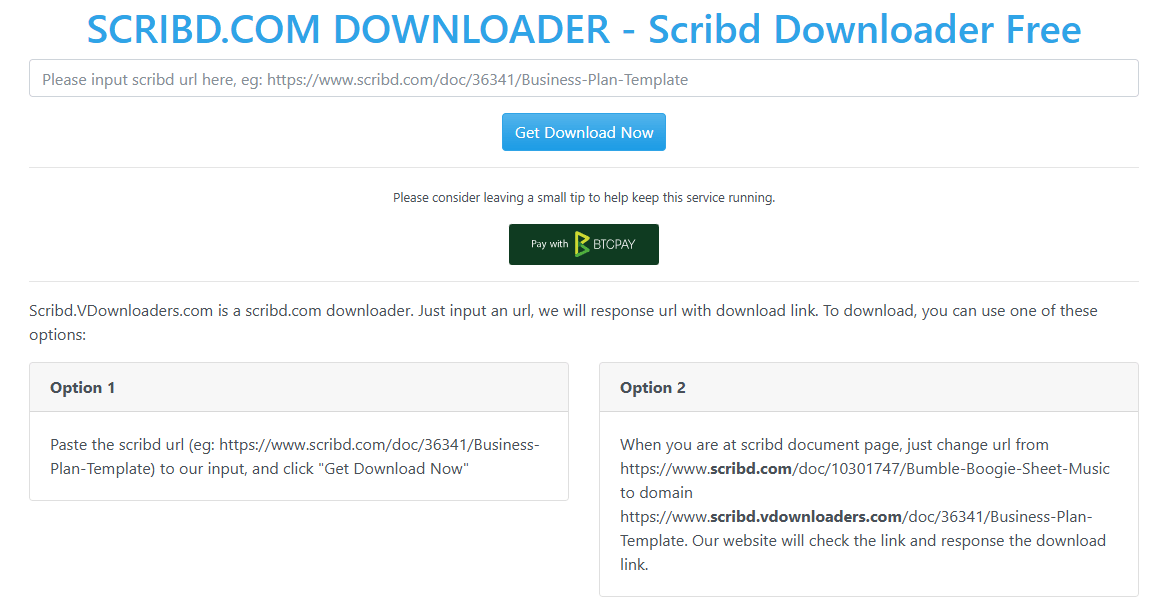
#2. Scribd VDownloaders
Scribd VDownloaders focuses purely on converting Scribd documents to high-quality PDFs through a clean, user-friendly interface. It typically preserves page order, images, and text clarity perfectly, making it one of the most balanced Scribd downloaders. You might encounter a brief verification step, but the output quality justifies it. If you value simplicity and consistent results when saving publicly viewable documents, this tool is for you.
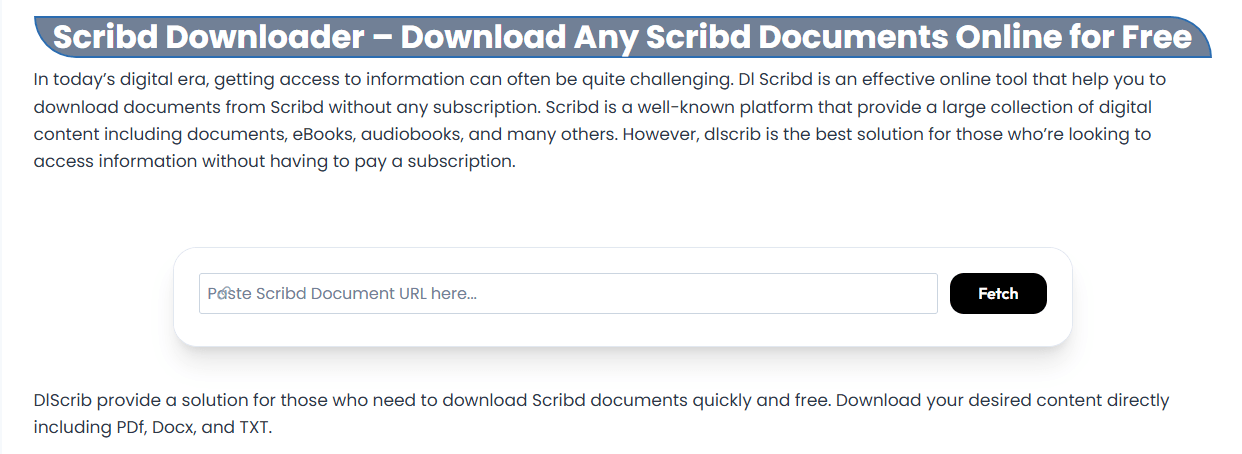
#3. DLSCRIB.com
Known for its minimalist, no-fuss approach, DLSCRIB.com is a fast and direct tool for quick saves. Its “scroll, paste, and click” workflow is perfect for single-use saves of short documents and notes. There are few settings to configure, which makes the process incredibly fast. For complex files or large textbooks, however, it can be inconsistent. If you need one of the fastest, no-login free Scribd downloaders for public documents, this is a good starting point.
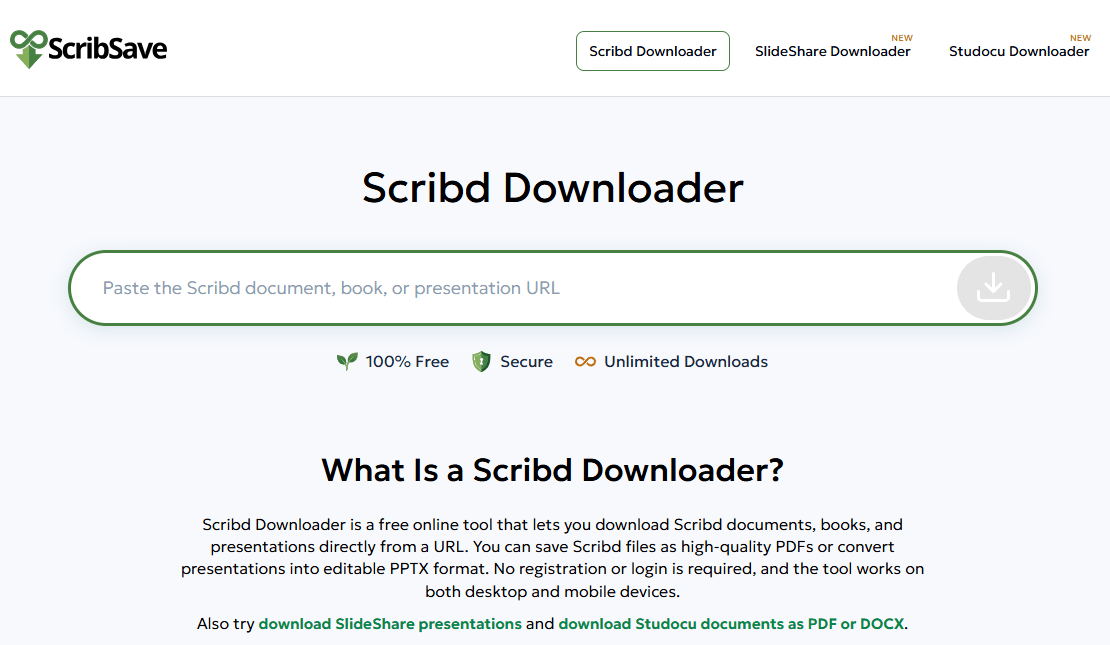
#4. Scribd.Downloader (scribsave.net)
This is one of the only dedicated Scribd downloaders online that provides details like page count, rating, and author info before you save, which is a unique and helpful touch. The interface is ad-free, creating a smooth experience. It specializes in fast PDF conversions and can process a 120-page document in seconds. The lack of a preview is its only real downside, putting it firmly among the best Scribd downloaders for a hassle-free experience when you need to view Scribd documents offline.
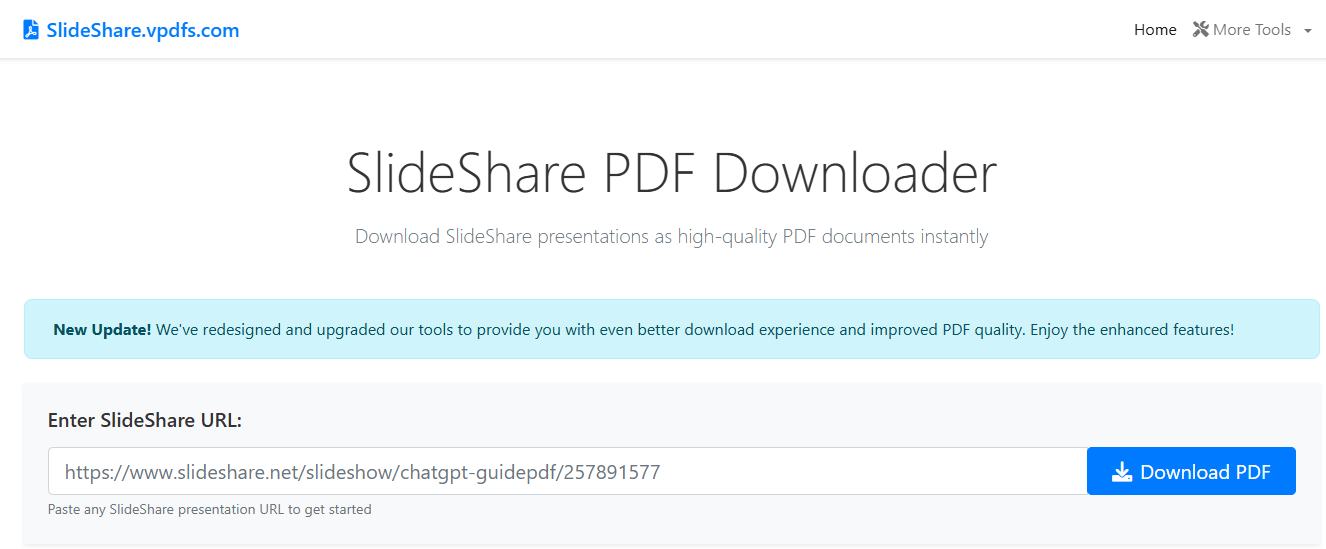
#5. VPDFS.com
VPDFS.com stands out from other free Scribd downloaders by offering a dedicated Telegram bot for mobile or messaging-based access. On the website, it can convert documents, presentations, books, and audiobooks into PDFs. While it may display pop-up ads and lacks a preview, its wide format support and cross-platform flexibility make it a versatile option for saving Scribd files across devices.
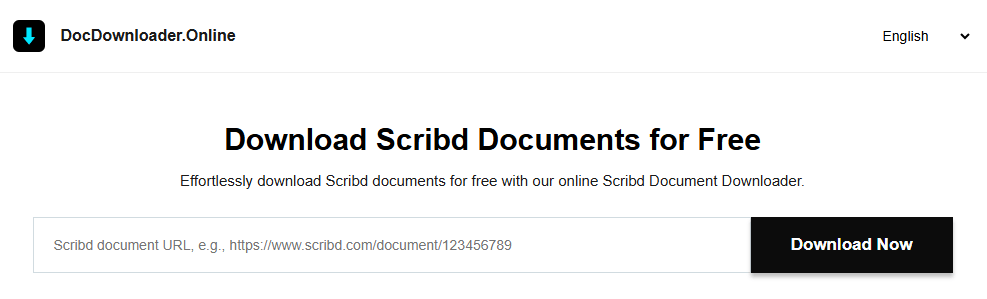
#6. DocDownloader.Online
An ad-free tool that goes beyond simple saves. DocDownloader.Online provides a full document preview and includes an AI summary feature for condensing lengthy PDFs, DOCX, and TXT files. The AI tool is helpful for students who need to quickly grasp the key points of a long document. While the AI function is hosted on a separate site, the seamless core tool makes it a practical way to save publicly available Scribd content.
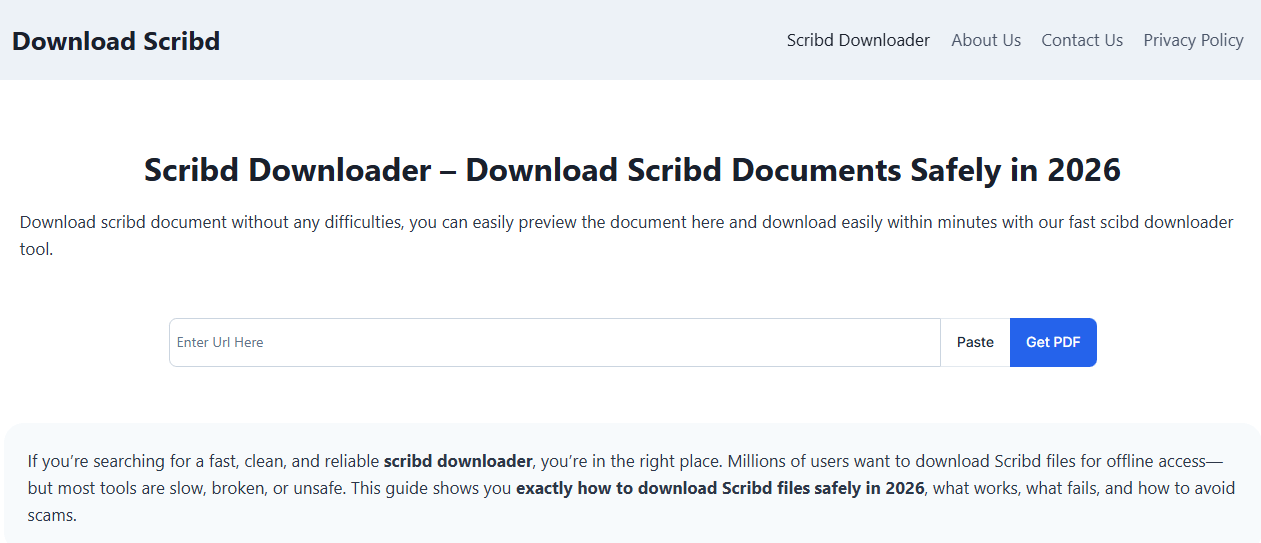
#7. DownloadScribd.com
A top choice for an ad-free, distraction-free environment. DownloadScribd.com boasts fast conversion speeds and a preview feature to verify the document is correct before saving. In tests, it successfully processed a 260-page textbook in under 8 seconds with minimal quality loss. It’s limited to PDF output and public documents, but as a pure, clean tool for saving authorized content, it’s hard to beat.
#8. Scribd.downloader.tips
This is a very simple tool best suited for quick tasks. Paste the link, generate a link, and save the PDF. It works quickly for short handouts and notes but may struggle with huge files or unusual formatting. It’s a low-stress, straightforward option ideal for non-technical users among the Scribd downloaders online looking for a reliable free Scribd document saver.

#9. GreaseMonkey (with Scribd Script)
The only non-website entry, this is the dedicated Scribd downloader firefox extension solution. GreaseMonkey is a Firefox add-on that runs custom scripts. When paired with a specific script, it can add a save function directly onto the Scribd page for content you are viewing. This is a more technical option ideal for frequent users who want seamless integration without visiting separate sites, offering a browser-native way to extract pages from Scribd for personal reference.
#10. Scrdownloader.com
Scrdownloader.com supports saving files from Scribd as well as Issuu, Slideshare, and Academia. Its clean interface is easy to navigate: copy, paste, generate the file, and wait a few seconds. While not the fastest tool, its multi-platform support makes it a versatile backup for people who regularly need to save publicly accessible documents from Scribd and similar sites, especially useful as a Scribd public domain downloader for openly licensed materials.
Comparison Table of 10 Best Free Scribd Downloaders
| Tool Name | Best For | Formats | Preview | Ads |
| DocDownloader.com | Multi-format & long docs | PDF, DOCX, PPTX | No | Yes |
| Scribd VDownloaders | Balanced performance, PDFs | Yes | Yes | |
| DLSCRIB.com | Minimalist quick downloads | No | No | |
| Scribd.Downloader | Speed & document metadata | No | No | |
| VPDFS.com | Telegram bot & wide support | No | Yes | |
| DocDownloader.Online | AI-powered summarization | Yes | No | |
| DownloadScribd.com | Ad-free & large docs | Yes | No | |
| Scribd.downloader.tips | Non-technical, simple tasks | No | Yes | |
| GreaseMonkey + Script | Firefox extension integration | Varies | No | N/A |
| Scrdownloader.com | Multi-platform downloads | No | Yes |

JOPDF – The Best Free PDF Editor
 User Rating: 4.8
JOPDF Is a 100% free POF editor for Windows, macOS, and Linux. Edit text, add images, annotate, sign, and more. No limits, no ads, no subscriptions, Fast, simple, and powerful, take full control of your PDFs in seconds!
How to Edit and Enhance Downloaded Scribd PDFs with JOPDF
After saving a publicly available document for personal reference, the file may need further organization or polishing. PDFs from scanned originals can be blurry, poorly compressed, or in a raw state that’s difficult to use. This is where JOPDF comes in as the next step in your workflow, helping you view Scribd documents offline with better clarity and structure.
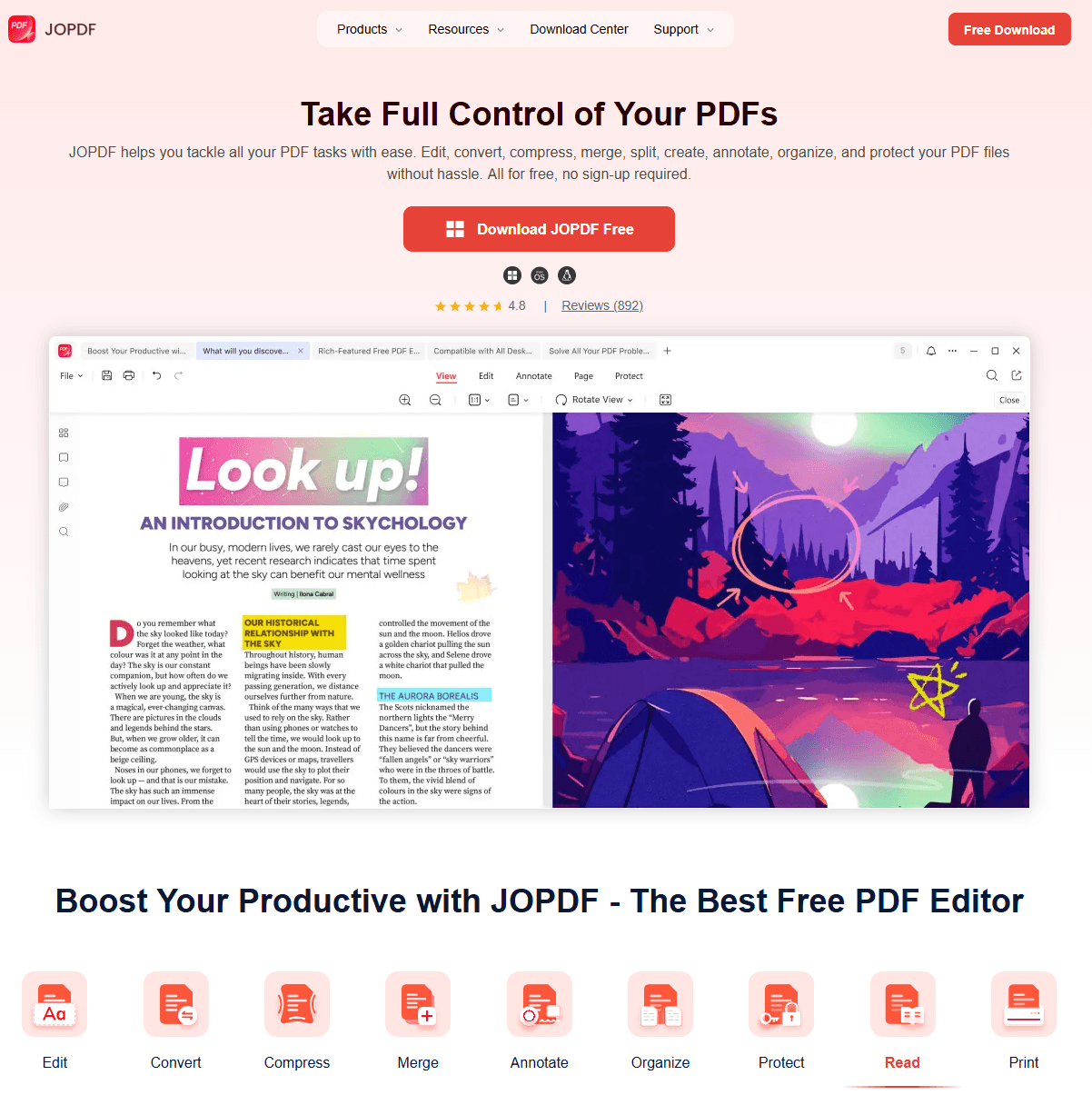
JOPDF is a 100% free, no-sign-up-required PDF editor for Windows, macOS, and Linux that acts as a complete post-save toolkit. Here’s how you can polish your files after you save Scribd content for personal use:
- Edit Content Directly: Did the Scribd document embed the wrong title or include an unwanted text snippet? With JOPDF, you can edit text like you would in a word processor or add new images and links.
- Enhance Readability: If scanned pages appear blurry, you can use JOPDF’s fast rendering and annotation tools to add clear, searchable bookmarks and notes. For heavy visual noise, we recommend pairing JOPDF with a free AI sharpening tool, then reassembling the enhanced images into a clean PDF.
- Compress Without Quality Loss: Saved files can be large in size. Use JOPDF’s batch compression to drastically reduce file sizes while maintaining high quality, saving storage, and making documents easier to share.
- Merge, Split, and Organize: Combine several saved chapters into a single, structured e-book, or split a large document into digestible parts. The drag-and-drop page manager makes reorganization effortless.
- Protect Your Research: Add a password to your compiled study guide or research archive to prevent unauthorized access and control copying or printing permissions.
From raw download to a polished, professional PDF, JOPDF gives you complete control. Now, let’s cover how to get those files in the first place.
How to Download Free Files From Scribd?
Method 1: Upload a Document to Earn a Free Download
Scribd operates on a community-sharing model. If you don’t have a paid subscription, you can upload your own original document to unlock the ability to download another document in return.
Step 1: Log into Your Scribd Account. Sign in to your free Scribd account. If you don’t have one, create a free account first.
Step 2: Navigate to Upload. Look for the “Upload” button, typically located in the top-right corner or under your profile menu.
Step 3: Select Your Document. Choose an original file from your device that you own the rights to distribute. Accepted formats include PDF, DOC, DOCX, PPT, PPTX, and more.
Step 4: Add Details. Enter a title, description, and category for your document. These help other users discover your content.
Step 5: Complete the Upload. Click “Done” or “Upload.” Once processed, your account receives a download credit.
Step 6: Download Your Desired Document. Navigate to the Scribd document you want to save. The download button should now be accessible without prompting a subscription.
Tips
-
Each upload typically grants one download. This method works well for occasional needs but can become tedious for large volumes.
-
You must own the rights to anything you upload. Uploading copyrighted material you don’t own violates Scribd’s policies and copyright law.
This is the safest, official way to download files from Scribd for free and it respects the platform’s community ethos and keeps you fully compliant.
Method 2: Find Documents Marked as “Free to Download”
Many Scribd uploaders intentionally make their content freely available to everyone. These documents can be downloaded without a subscription, upload credits, or any third-party tools.
How to find and identify these documents:
- Search with Specific Keywords: Use terms like “free download”, “public domain”, “open access”, or “full document” alongside your topic in Scribd’s search bar.
- Check the Document Page: Before clicking anything, look at the document’s page. A freely downloadable document will typically display:
- A visible “Download” button without a lock icon or “Premium” label.
- Text indicating “Free” or “Public” access in the document’s description or settings.
- Look for Public Domain Works: Classic literature, government reports, academic papers under open access, and Creative Commons-licensed materials are commonly uploaded as free downloads on Scribd.
Tips
Document quality and availability depend entirely on what uploaders choose to share for free. You may not always find the specific title you’re looking for.
What Should You Notice When Using Scribd Downloader?
While these tools are powerful, they come with caveats you must understand.
- Author’s Rights & Fair Use: Most documents on Scribd are copyrighted. The best Scribd downloaders should only be used for personal study, academic exchange, or to access your own lost content. Always respect the creator’s rights and never redistribute downloaded material.
- Security and Safety: Prioritize tools with clean, ad-free interfaces. Be extremely cautious with sites that feature aggressive pop-up ads or force you through multiple redirects. These can sometimes host malicious links. A safe download process is as important as bypassing the Scribd download limit itself.
- Tool Reliability: Free tools can go offline without warning. That’s why a curated list of multiple working options is more valuable than a single recommendation. If one of the free Scribd downloaders fails, you always have an alternative.
- Output Quality: Downloaded PDFs, especially from scanned originals, can be blurry. Always have a tool like JOPDF ready to help you organize and improve the file, even if the source quality isn’t perfect.
Tips
Disclaimer: This article is for educational and cybersecurity informational purposes only. We do not encourage or condone the unauthorized downloading of copyrighted materials. The tools listed are intended for use only with public domain content, Creative Commons-licensed materials, or documents you have the legal right to access. Users are responsible for complying with applicable laws and platform terms of service.
Conclusion
With the best free Scribd downloaders of 2026, from versatile online tools to a dedicated Scribd downloader Firefox extension, you can save documents for offline study. Always do so ethically and safely. After downloading, a powerful, free editor like JOPDF is the perfect partner to edit, enhance, and secure your PDF library.
FAQs
Most Scribd downloaders online exist in a legal gray area. Using them to bypass a paywall and save copyrighted content without permission violates Scribd’s terms of service and copyright law.
The official, though limited, method is Scribd’s “Upload to Earn” feature: upload an original document to receive a download credit. This respects Scribd’s rules to an extent but can be slow and has usage limits.
Yes, the GreaseMonkey extension coupled with a specific user script is a working method. You install the GreaseMonkey add-on in Firefox and add a community-created script that embeds a download function on Scribd pages. Unlike online tools, this Scribd downloader Firefox extension operates directly on the original website, offering a more integrated experience.
If you have the right to access the document, you can use a tool to extract pages from Scribd for personal study. Once saved, JOPDF's page management features let you split, merge, or reorganize specific sections. Always ensure the content is in the public domain or properly licensed before extracting.
Table of Contents

Your Best Free PDF Expert in PDF editing, compressing, converting, annotating, protect, organizing, and more.
Free DownloadWindows · macOS · Linux

Anna
Editor
“Anna, Editor-in-Chief and PDF expert, delivers deep insights into PDF document technology trends. She is dedicated to helping readers optimize their digital lives. When not writing, Anna loves exploring local cafes and reading, blending her technical expertise with a love for storytelling.”