This guide introduces the best free Yumpu downloaders in 2026. Whether you need a dedicated Yumpu PDF downloader or a quick way to save high-quality image files from Yumpu, we cover the top tools. After downloading, learn how JOPDF can help you edit, enhance, and organize your new PDFs seamlessly.
Summary :
What Is Yumpu Downloader?
A Yumpu downloader is a third-party web scraper that attempts to capture publicly viewable pages of an online flipbook and merge them into a single PDF file for offline viewing.
Yumpu is a popular platform for publishing and discovering digital magazines, catalogs, eBooks, and brochures. While many publications are freely available to read online, Yumpu does not always provide a direct download button, especially if the publisher wants to protect their digital copyright.
For many users, the goal is to save high-quality image files from Yumpu for personal study, reference, or preserving their own uploaded content. It is essential to use these tools only for documents you have the legal right to download, such as your own uploads, public domain works, or content shared under a Creative Commons license.
Also See:
How to Download Flipsnack to PDF Free: The 2026 Guide
Slideserve Downloader: Free & Safe PPT Download Guide (2026)
SlideShare Downloader Free: Download PPT/PDF in HD Online
Evaluate Popular Yumpu Downloaders
While many online free Yumpu downloaders claim to save flipbooks, most come with severe limitations and safety hazards. Below is an honest look at the most talked-about options.
Tips
We do not host, link to, or promote the use of third-party tools for unauthorized downloading of copyrighted materials. The following is an objective technical and safety review of tools commonly discussed online.
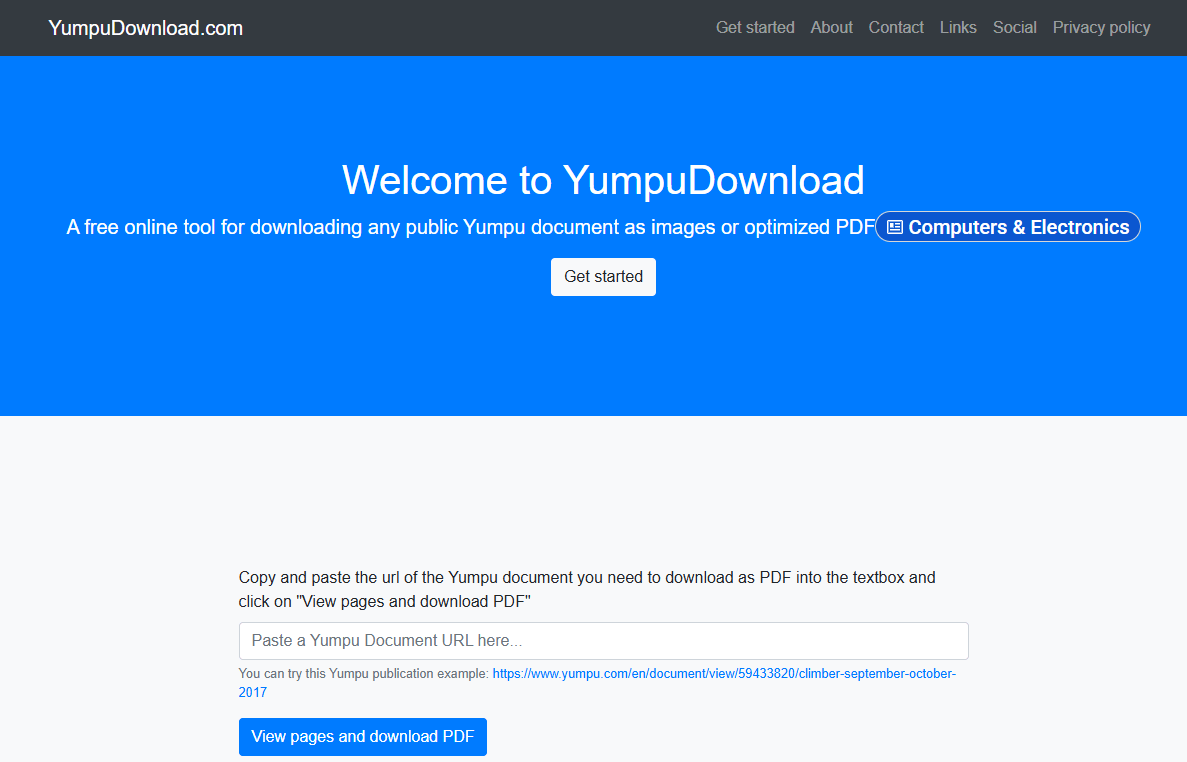
#1. YumpuDownload.com
YumpuDownload.com is an online tool designed for saving publicly accessible Yumpu publications as downloadable files. It operates as a Yumpu PDF downloader that processes files quickly. While convenient for quick personal back-ups, the site is heavily funded by redirection ads.
The interface is straightforward: you paste the publication’s URL, and it generates a downloadable PDF or set of images. It requires no registration, making it a convenient starting point for anyone looking for a fast way to download Yumpu for content they are authorized to save.
#2. Foundtt Yumpu to PDF Downloader
Foundtt is a Yumpu to PDF download tool that supports both Yumpu and ISSUU platforms. It maintains the original quality of documents during conversion, helping you save high-quality image files from Yumpu as part of the PDF. The process is simple and requires no software. Note that pop-up ads may appear during use. Like most such tools, it only functions with public documents.
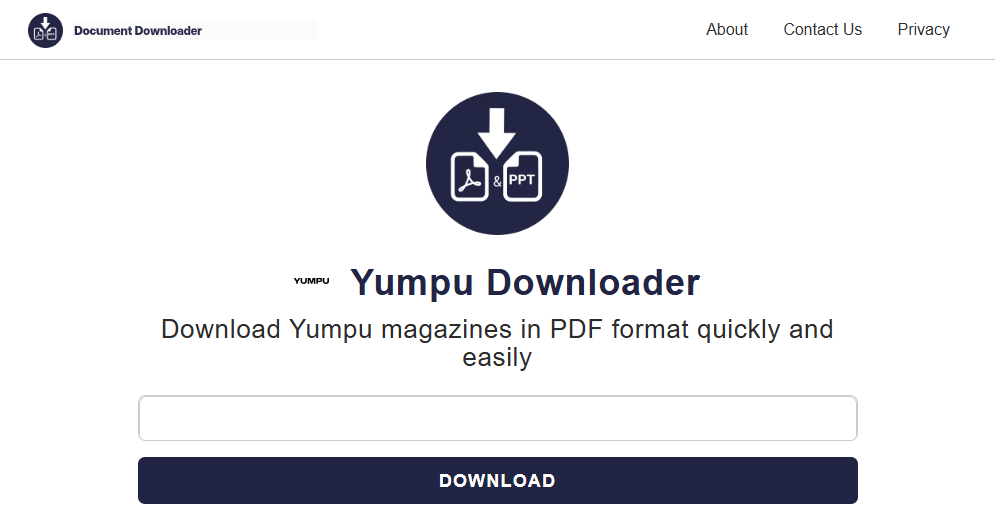
#3. Downloaderr.org Yumpu Downloader
This is a Yumpu downloader that provides multiple output formats. It can save publicly viewable documents as both PDF and PPT files, offering extra flexibility. Its step-by-step interface guides you through the process. You may encounter ads during use, and a precise document URL is required for successful processing.
#4. PDF Mage (Chrome Extension)
PDF Mage is a Yumpu PDF downloader Chrome extension. It enables one-click PDF creation from web pages that display content in your browser, including Yumpu publications you are viewing. Its main advantage is its seamless, integrated workflow, and you don’t need to leave the publication page to copy and paste a URL. It saves PDFs without adding watermarks. Note that an internet connection is required during the process.
#5. ISSUU PDF Downloader
ISSUU PDF Downloader is a Yumpu PDF downloader option for saving documents from supported platforms when the content is publicly accessible. It requires no registration and produces high-quality PDFs, making it a solid tool for personal archiving of documents you have permission to save.
While it does not require you to input personal data, no third-party downloader can be considered 100% safe due to the risk of aggressive ad networks and browser hijacks.

JOPDF – The Best Free PDF Editor
 User Rating: 4.8
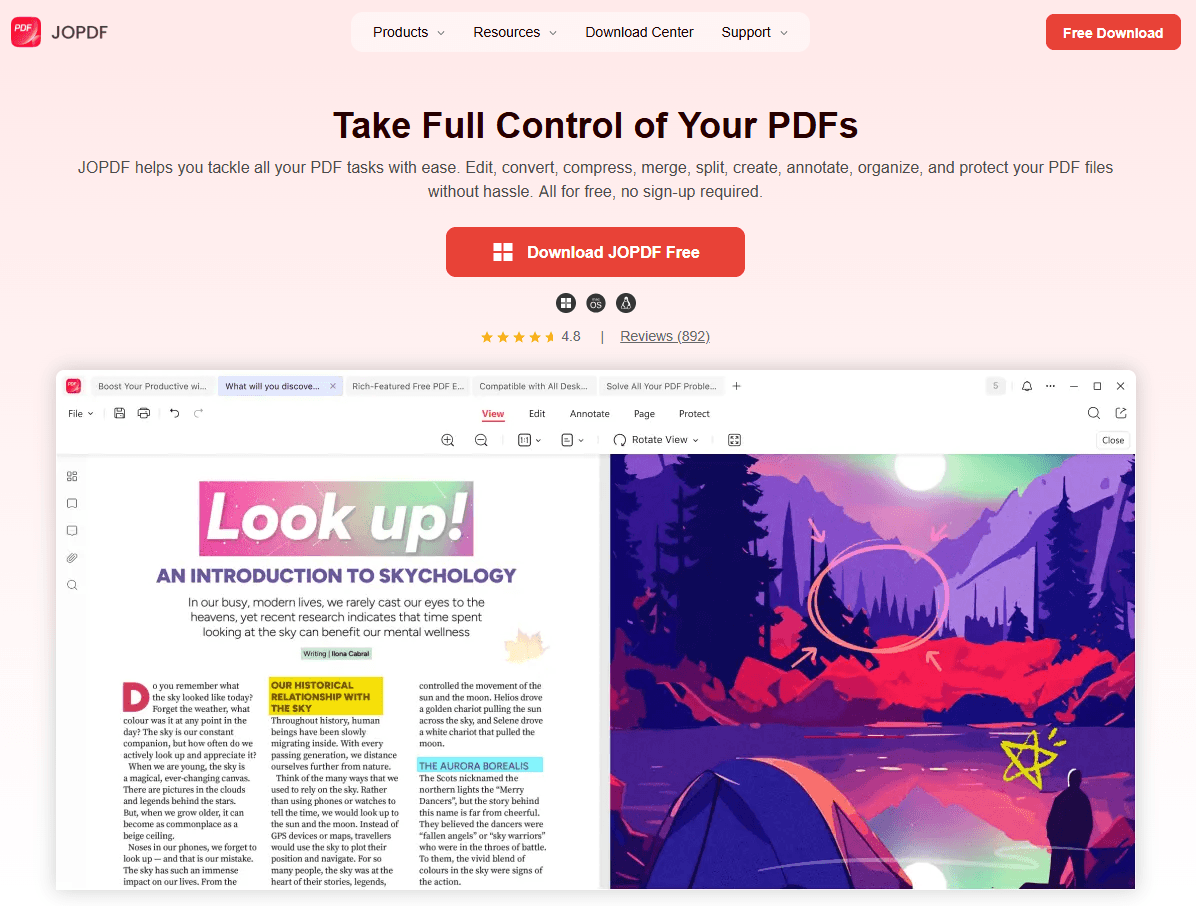
JOPDF Is a 100% free POF editor for Windows, macOS, and Linux. Edit text, add images, annotate, sign, and more. No limits, no ads, no subscriptions, Fast, simple, and powerful, take full control of your PDFs in seconds!
Comparison Table of Yumpu Downloaders
| Tool Name | Key Feature | Formats Offered | Registration Required? |
| YumpuDownload.com | Dedicated, fast tool | PDF, Images | No |
| Foundtt Downloader | Multi-platform (Yumpu & ISSUU) | No | |
| Downloaderr.org | Multiple output formats | PDF, PPT | No |
| PDF Mage | One-click Chrome extension | No | |
| ISSUU PDF Downloader | Free option for public docs | No |
How to Download Yumpu to PDF?
The only fully authorized Yumpu downloader is the platform’s built-in download feature. Some publishers enable this option, allowing readers to save their publications directly.
How to check and use the official method:
- Open the Yumpu publication in your browser.
- Look at the bottom toolbar for a download icon, usually a downward arrow or “Download” label.
- If visible, click it. The file will save automatically as a PDF.
This is the only safe Yumpu downloader approach guaranteed to comply with both Yumpu’s terms of service and copyright law.
How to Edit PDFs with JOPDF?
After you download available PDFs from Yumpu. you may want to convert file format or annote on the file. JOPDF is the perfect, 100% free desktop companion for this job. As a powerful PDF editor, it gives you total control over your personal document library.
Here’s how to manage your files after using a Yumpu to PDF downloader:
- Directly Edit Text & Images: Use JOPDF’s edit mode to delete, modify, or reformat text as easily as you would in a word processor. You can also add or replace images.
- Organize and Merge: Combine multiple downloaded files into a single, neatly ordered PDF collection. Use drag-and-drop page management to rotate pages, split sections, or remove blank pages, preparing a polished final archive.
- Secure Your Archive: If you’ve compiled a research library or personal collection, you can add a password with JOPDF to control access and prevent unauthorized copying or editing, ensuring your local archive is well-protected.
The Core Problem with Scraped Yumpu PDFs
When you use an unofficial tool to extract a file from Yumpu, the output is rarely perfect. Because these tools bypass the platform’s native high-resolution vector rendering, you will often run into these issues:
- Unreadable, Blurry Text: The text is saved as a low-resolution screenshot, making it impossible to search, highlight, or copy.
- Bloated File Sizes: A simple 10-page brochure can end up being 50MB because every single page is saved as a heavy image file.
- Aggressive Watermarks: Some online converters stamp unwanted brand logos over your documents.
To make these documents actually usable for professional study or personal archives, you will need a dedicated local PDF editor to clean them up.
Conclusion
This guide has reviewed several free Yumpu downloaders that can save publicly available documents as PDFs for personal, offline reference. It is essential to use any Yumpu to PDF download tool only for content you have the legal right to save, such as your own uploads or public domain works, and never to bypass publisher restrictions. Always respect creators’ copyright. When you have properly downloaded a file, JOPDF offers a free, powerful way to edit, organize, and secure your PDF library.
FAQs
Using third-party scrapers to bypass platform restrictions and save copyrighted materials without permission violates Yumpu’s terms of service and digital copyright laws. These tools are only legally safe when used for public domain works, creative commons publications, or your own uploaded files where you've lost the original draft.
If you are the owner of the document or have the publisher's permission, the safest way is to request the original PDF source. Alternatively, you can open the public document in full-screen mode, take high-resolution screenshots, and use JOPDF to assemble those images into a clean, uncompressed PDF.
Many free downloading websites rely on aggressive, malicious ad networks. They often trick users into clicking fake download buttons that install adware, tracking cookies, or browser hijackers. Always avoid downloading any file with a .exe or .zip extension when you only wanted a .pdf.
Table of Contents

Your Best Free PDF Expert in PDF editing, compressing, converting, annotating, protect, organizing, and more.
Free DownloadWindows · macOS · Linux

Anna
Editor
“Anna, Editor-in-Chief and PDF expert, delivers deep insights into PDF document technology trends. She is dedicated to helping readers optimize their digital lives. When not writing, Anna loves exploring local cafes and reading, blending her technical expertise with a love for storytelling.”