SlidePlayer seems to be down? It’s time to hunt for a SlidePlayer alternative. The good news is that several sites like SlidePlayer fill the gap, and some are genuinely better than SlidePlayer ever was. This guide on JOPDF covers the 10 best SlidePlayer alternatives in 2026 and compares their workflow, features, and best use cases so you can choose the right platform for your needs.
Summary :
10 Best SlidePlayer Alternatives at a Glance
Disclaimer
The platforms listed below have their own terms of service and copyright policies. Always respect content creators’ rights and only download or use presentations in accordance with each platform’s rules.
| Platform | Primary Use | Key Strength | Collaboration | Export Formats | Pricing Model | Best For |
| SlideShare | Sharing & discovery | Large professional audience, SEO benefits | Comments, likes | PPT, PDF | Free / Premium | Professionals seeking content visibility |
| Scribd | Document sharing | Massive library of books & documents | Limited | PDF, EPUB | Subscription ($8.99/mo) | Reading & sharing documents |
| Google Slides | Collaborative creation | Real-time co-editing, cloud access | Live cursors, comments, version history | PPTX, PDF | Free with Google account | Teams needing real-time collaboration |
| Speaker Deck | Presentation sharing | Clean, lightweight interface; embed support | Limited to sharing | PDF-only upload | Free | Developers & tech presenters |
| Prezi | Presentation creation | Non-linear zooming canvas, visual storytelling | Real-time co-editing | PDF, MP4, GIF | Freemium / Paid | Memorable, engaging presentations |
| SlideServe | Presentation sharing | Document hosting | Limited | PPT, PDF | Free / Paid | Basic presentation hosting |
| DocDroid | Document sharing | Simple upload, multiple formats | Minimal | PDF (auto-converted) | Free | Quick document sharing |
| Canva | Design-driven creation | Massive templates, Brand Kits, AI design | Comments, approvals | PPTX, PDF | Freemium / Paid | Marketing & brand-focused teams |
| Haiku Deck | Presentation creation | Clean visuals, simplicity | Limited | PPTX, PDF | Freemium / Paid | Simple, visual presentations |
| Bento | Presentation creation | Self-contained HTML file, full editing in browser | E2EE live collab, CRDT merging | PDF, PPTX | Open-source (MIT) | Offline-first, no-cloud teams |
SlideShare – The Best Overall SlidePlayer Alternative
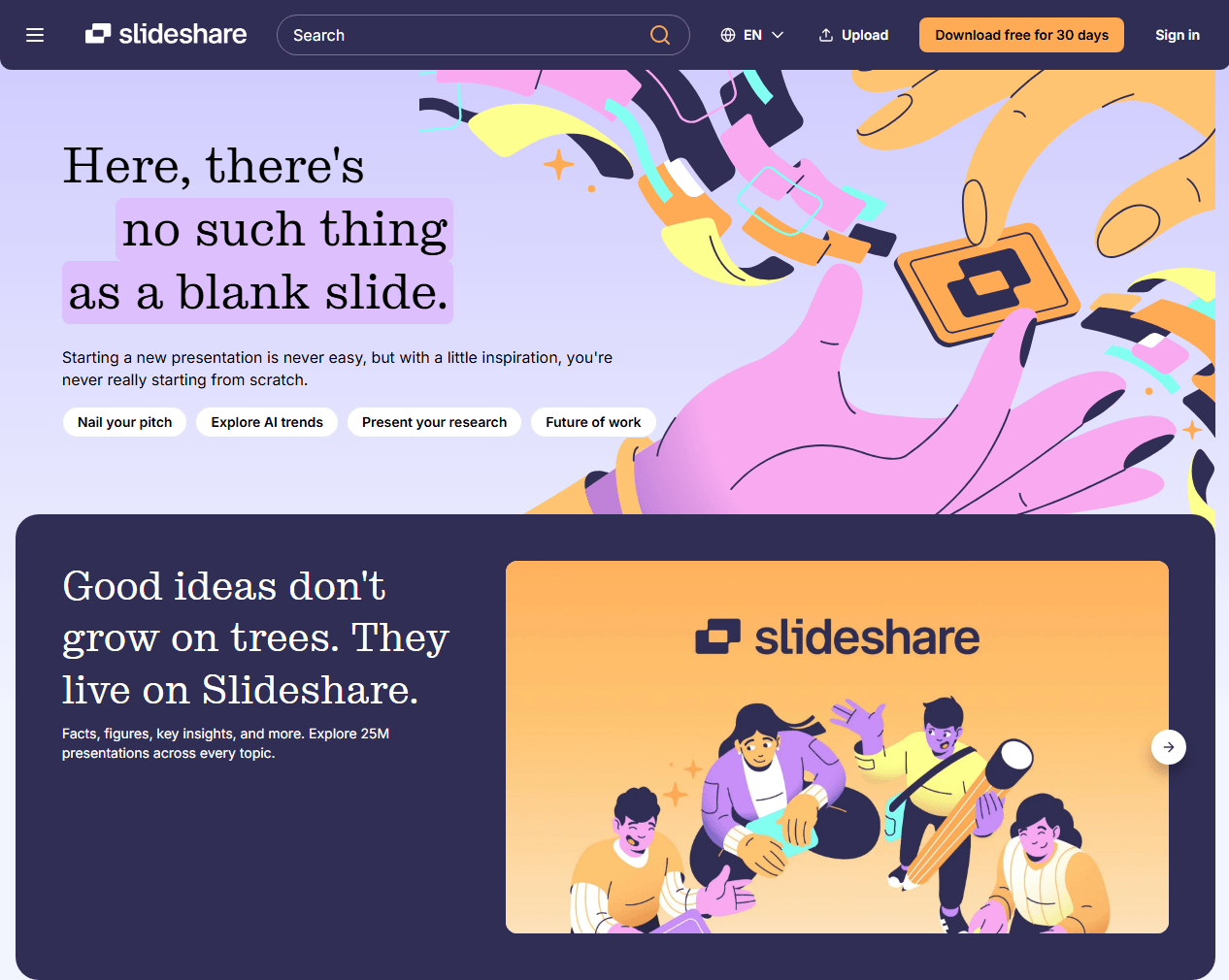
SlideShare is the largest slide hosting platform on the web and the most natural SlidePlayer replacement for anyone who needs a vast library of presentations. With millions of uploads spanning business, technology, education, and design, it covers more ground than SlidePlayer ever did.
SlideShare Features:
- Users can follow creators, like presentations, leave comments, and share content directly to LinkedIn. This turns a static repository into a discovery engine.
- Popular presentations surface through engagement metrics, so quality content gets visibility.
- No other slide sharing websites match SlideShare’s combination of scale, accessibility, and professional integration.
Best For: Professionals building a content portfolio, students researching any topic imaginable, and anyone who needs a reliable source of reference presentations.
How to Use SlideShare:
Create a free account, upload your PPT, PDF, or Keynote files, and SlideShare converts them into a browsable online format. Most presentations include a download button that lets viewers save the file as PDF or PPT.
The platform also integrates with LinkedIn, making it particularly useful for professional networking and content marketing. For anyone seeking sites like SlidePlayer, SlideShare’s combination of library size and download flexibility makes it the top choice.
Also Read: SlideShare Downloader Free: Best Tools to Download PPT & PDF (2026)
Scribd – Best for Multi-Format Document Library
Scribd operates on a different model from most SlidePlayer similar sites. It’s a subscription-based digital library that includes presentations alongside ebooks, audiobooks, academic papers, and magazines. If your research needs extend beyond slides alone, Scribd’s breadth justifies the monthly fee.
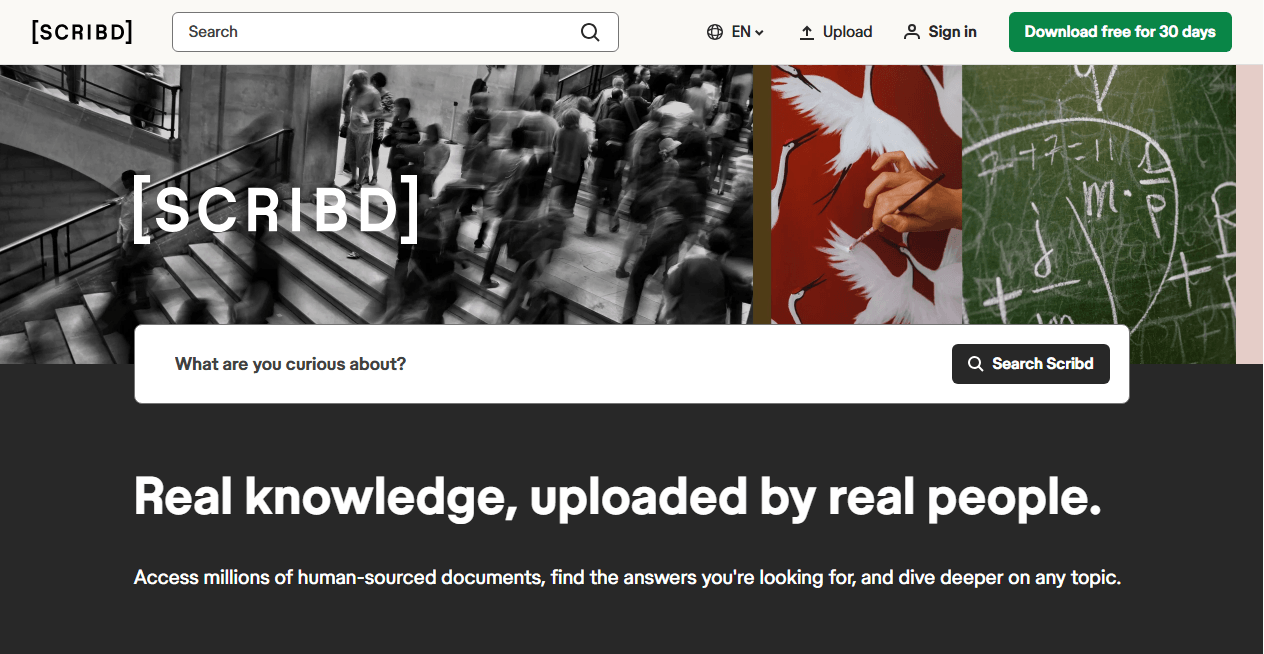
How it works: Pay a monthly subscription and gain unlimited access to Scribd’s entire content library. Uploaded presentations can be viewed online or downloaded, depending on the uploader’s permissions. The platform curates its collection more actively than open upload sites, which means quality is generally higher but niche topics may have less coverage.
Scribd Features:
- One subscription unlocks multiple content formats.
- For researchers and heavy content consumers, Scribd offers the best value among alternatives to SlidePlayer by replacing several platforms with one subscription.
- It’s also one of the few free presentation sharing sites that offers premium access to copyrighted, professionally published content.
Best For: Heavy content consumers, researchers who need multiple document types, and users willing to pay for curated quality.
Also Read: The Best Free Scribd Downloaders in 2026: Save Public Documents Offline
Google Slides – Best for Free Collaboration and Sharing
Google Slides isn’t a content discovery platform – you won’t browse a public library of presentations. But as a creation, collaboration, and sharing tool, it’s one of the most powerful free slide sharing platforms available. For teams and educators who need to work together on presentations and share them widely, nothing beats its real-time collaboration.
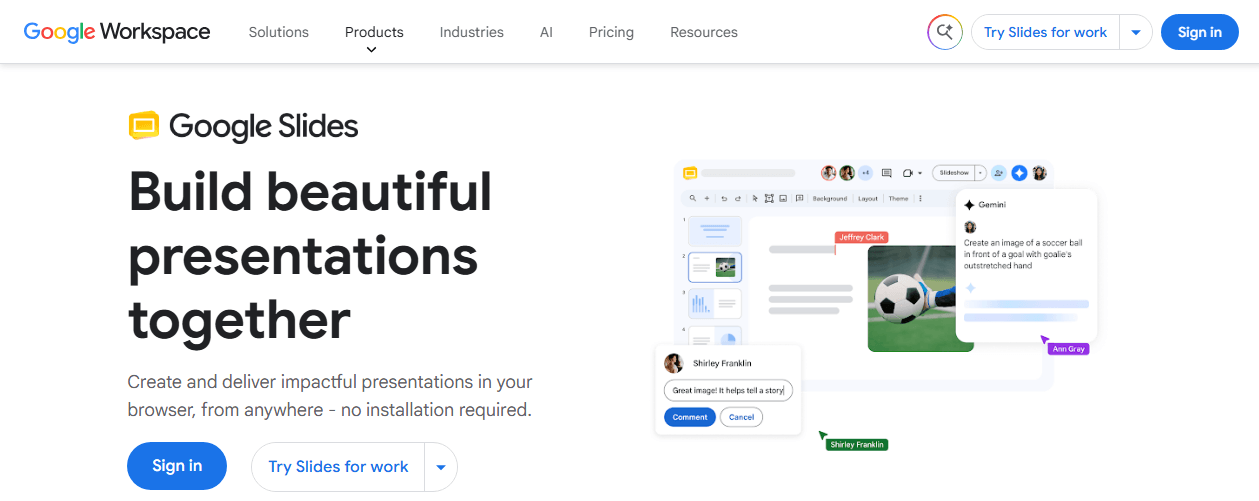
How it works: Create presentations directly in Google Slides or import existing PPT files. Use the Share button to generate a public link; anyone with that link can view the presentation online. Viewers can also download the file as PPT, PDF, or other formats. Because it’s part of Google Workspace, presentations integrate seamlessly with Google Drive, Docs, and Sheets. This makes it a practical choice among websites like SlidePlayer for users who value collaboration over content discovery.
Google Slides Features:
- Real-time multi-user editing changes how teams build presentations.
- Multiple people work on the same slide simultaneously, changes sync instantly, and version history tracks every edit.
- No file attachments, no version confusion, no conflicting copies.
- Combined with the fact that it’s completely free, Google Slides sets the standard for collaborative slide presentation hosting despite not being a traditional discovery platform.
Best For: Teams building presentations together, educators sharing materials with students, and anyone who needs free, reliable presentation tools.
Also Read: How to Present PDF as Slideshow: 4 Easy Ways
Speaker Deck – Best for Clean, Embeddable Slide Sharing
Speaker Deck is GitHub’s slide sharing platform, and it shows in the design philosophy: minimal, fast, and focused on content without distractions. It has become the standard SlidePlayer alternative for developer conferences, technical talks, and anyone who wants their slides to look sharp when embedded in a blog post.
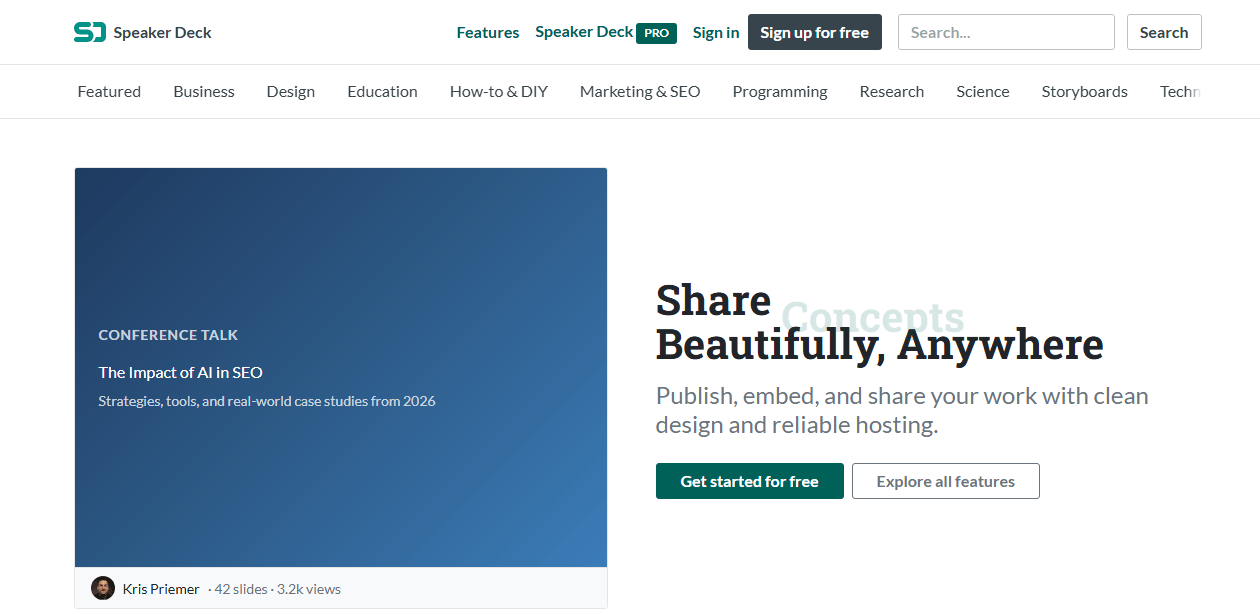
How it works: Upload your presentation as a PDF, and Speaker Deck converts it into clean, swipeable slides. There’s no PPT upload, no animation support – just your content rendered beautifully in a browser. Each uploaded deck gets a unique page with a simple URL, and embed codes let you place the slides directly into websites. The platform is completely free, with no ads and no premium tiers.
Speaker Deck Features:
- The reading experience is unmatched among SlidePlayer similar sites.
- No banners, no pop-ups, no suggested content cluttering the sidebar. Just your slides, rendered cleanly, with smooth navigation.
- The developer-focused community means the content skews technical, but the platform works for any subject.
As a SlidePlayer replacement for those who prioritize presentation clarity over social features, Speaker Deck excels.
Best For: Developers sharing conference talks, bloggers embedding presentations, and anyone who values minimal, fast-loading slide viewing.
Prezi – Best for Dynamic, Non-Linear Presentations
Prezi doesn’t compete with SlidePlayer on its own terms, but it reimagines what a presentation can be. Instead of sequential slides, Prezi uses a zoomable canvas where you move between ideas spatially. For presenters who find linear slides constraining, it’s the most creative SlidePlayer alternative available.
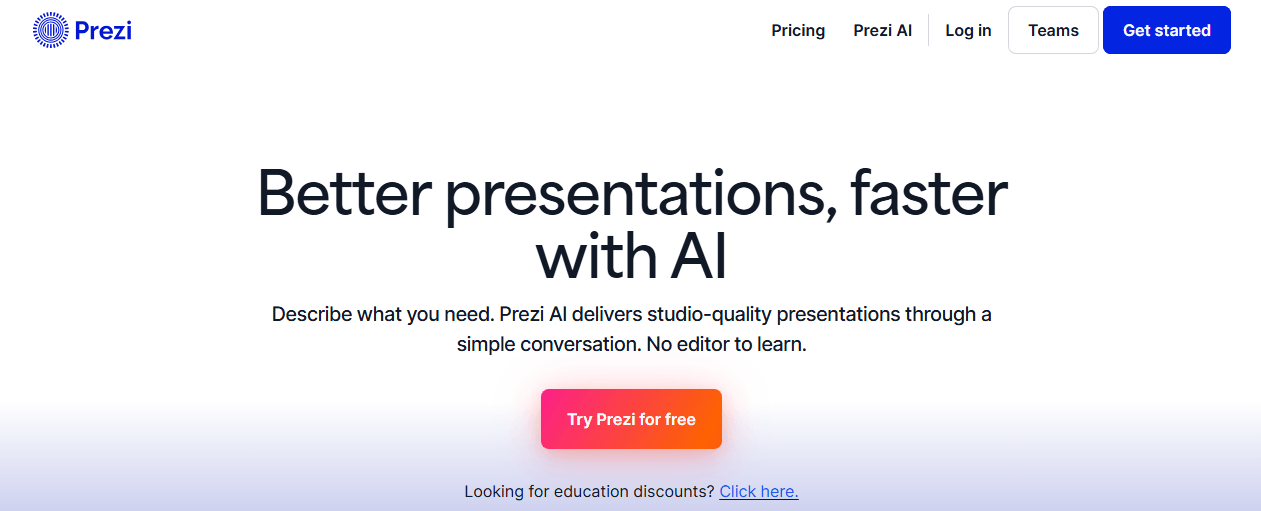
How it works: Create presentations in Prezi’s online editor using the zoomable canvas metaphor. Completed presentations can be shared via public link, embedded in websites, or downloaded as PDF for offline viewing. The viewer experience is fundamentally different from slide-by-slide browsing; it feels like exploring a visual map of ideas. Prezi offers both free and premium tiers, with the free version providing sufficient features for most individual users.
Prezi Features:
- Prezi’s spatial format changes how audiences engage with content. Relationships between ideas become visual.
- Zooming in on details and pulling back to see the big picture creates a narrative rhythm that flat slides can’t replicate. It’s the most visually distinctive option among free presentation sharing sites, though it’s better suited for original creation than hosting existing PowerPoint files.
For users exploring slide sharing websites who want to move beyond traditional formats, Prezi is worth the learning curve.
Best For: Creative presenters, educators explaining complex systems, and anyone who feels constrained by linear slide formats.
SlideServe – Best for a SlidePlayer-Like Experience
Among all the platforms in this guide, SlideServe feels closest to what SlidePlayer used to offer. It’s a straightforward SlidePlayer replacement where users upload PPT, PPTX, and PDF files, and the platform converts them for online browsing. The interface, the category structure, the search function – it all maps closely to the SlidePlayer experience users remember.
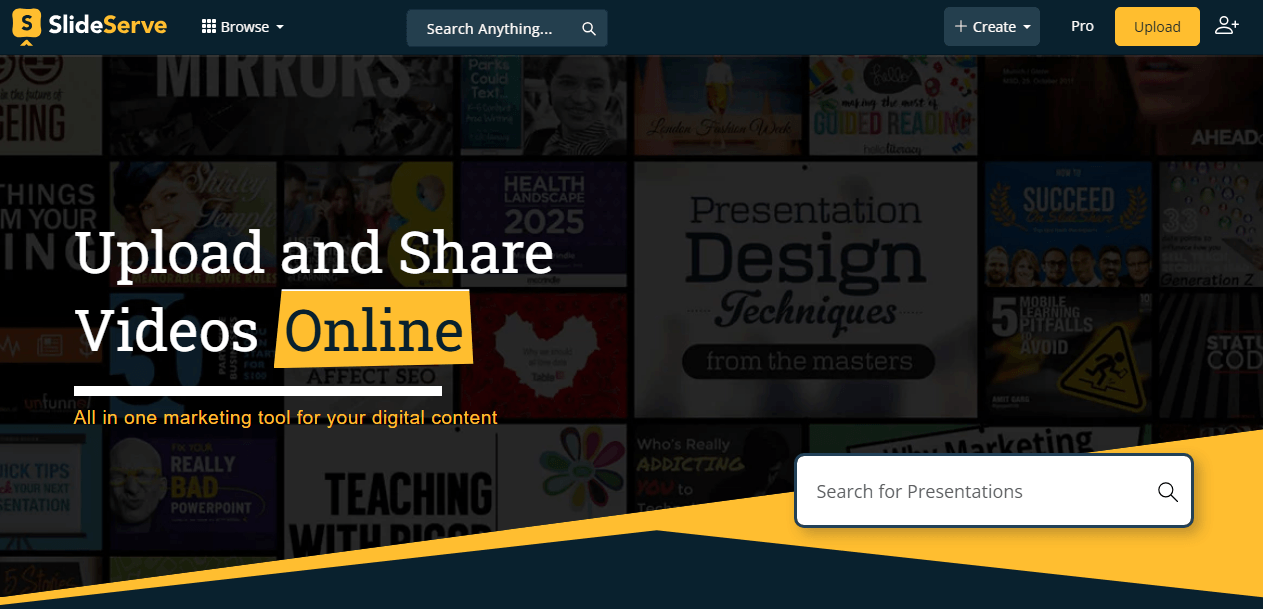
How it works: Sign up for a free account, upload your presentation files, and SlideServe processes them for online viewing. Visitors can browse by category or search by keyword. When uploaders enable downloading, viewers can save presentations in their original format. Free accounts have an upload size limit; paid plans unlock larger files and additional features. For users seeking alternatives to SlidePlayer that replicate the original workflow, SlideServe is the closest match in both form and function.
SlideServe Features:
- If you used SlidePlayer regularly, SlideServe’s layout and navigation require almost no adjustment.
- Categories are clearly organized. Search results display cleanly. The upload-to-share pipeline is simple and quick.
Among sites like SlidePlayer, SlideServe wins on comfort; it’s the platform that asks the least of users transitioning from a dead service.
Best For: Former SlidePlayer users who want the most similar replacement, presenters looking for a simple upload-and-share platform, and anyone who values straightforward navigation.
Also See: Slideserve Downloader: Free & Safe PPT Download Guide (2026)
DocDroid – Best for Simple File Upload and Sharing
DocDroid strips presentation sharing down to its essentials: upload a file, get a link, share it. There’s no social network, no content discovery, no category browsing. For users who find most SlidePlayer alternatives overloaded with features they don’t need, DocDroid’s minimalism is the feature.
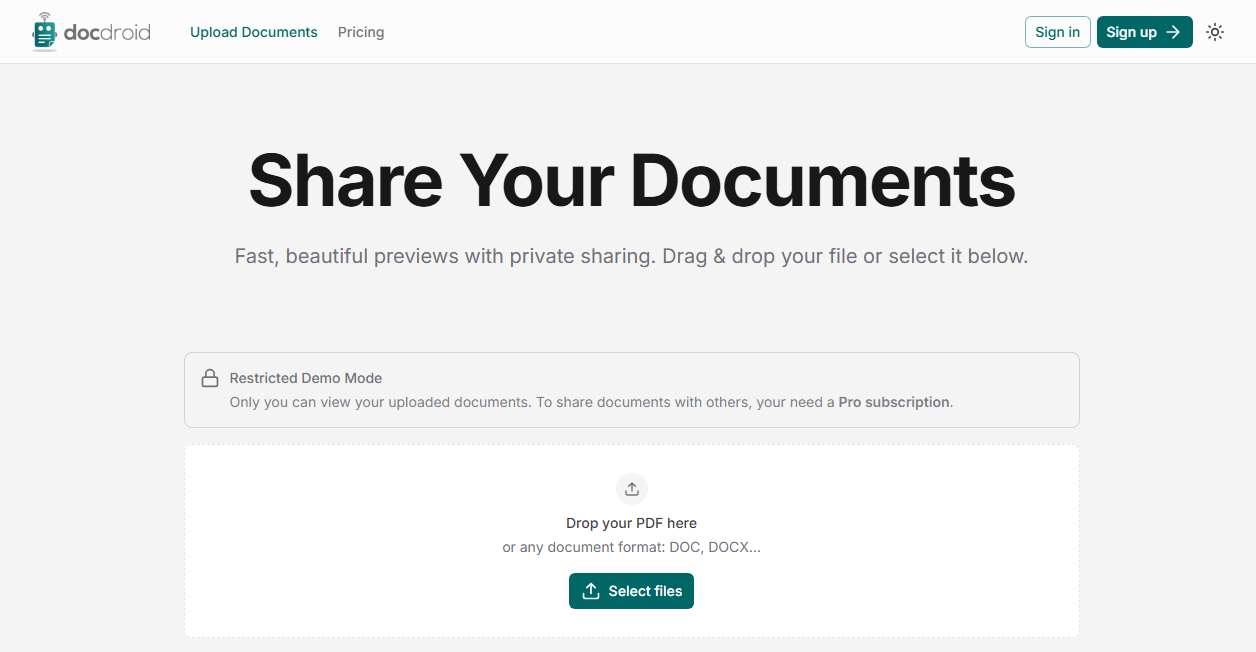
How it works: Drag and drop a PPT, PDF, DOC, or other file onto the upload area. DocDroid generates a unique URL that displays the file in a clean online viewer. Recipients can view the presentation online or download the original file. No account is required for basic uploads, though registration unlocks larger file sizes and longer retention periods. It’s one of the simplest websites like SlidePlayer for users who prioritize direct sharing over content discovery.
DocDroid Features:
The complete absence of friction. Upload, copy link, share. Three steps and done. The viewer is clean and functional. The download option is always present. There’s no community to manage, no categories to navigate, no algorithm to please. For sending a presentation to a specific person or small group, DocDroid is faster than any platform on this list. Among free slide sharing platforms, it’s the best choice for one-to-one or one-to-few sharing scenarios.
Best For: Anyone who needs to share a presentation quickly without building a profile, managing a library, or navigating a social platform.
Canva – Best for Design + Presentation Sharing
Canva is a global design platform with a powerful presentation builder built in. Thousands of templates, a drag-and-drop editor, and an integrated stock photo library make it the most design-capable SlidePlayer alternative on this list. For users who care about how their slides look, nothing else comes close.
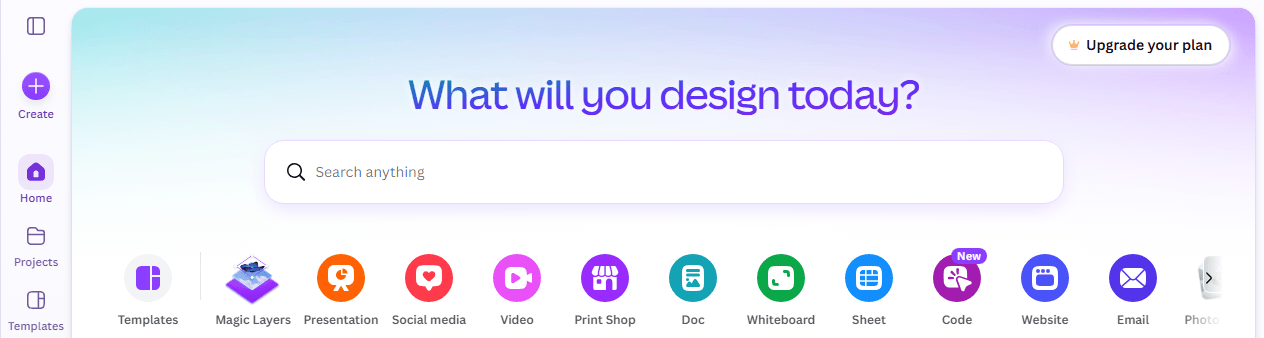
How it works: Open Canva in your browser or app, choose from thousands of presentation templates, and customize everything – colors, fonts, images, layouts. Completed presentations can be shared via public link for online viewing, downloaded as PDF or PPT, or presented directly from Canva. The free tier includes a generous template selection and image library; Canva Pro unlocks premium assets and brand management tools. As a destination for sites like SlidePlayer, Canva is unique in prioritizing original creation alongside sharing.
Canva Features:
Design quality. Canva’s templates are created by professional designers, and the Canva editing tools make it easy for non-designers to produce polished results. The platform covers far more than presentations – social media graphics, posters, documents, videos – making it a comprehensive visual content hub. For users searching alternatives to SlidePlayer who want to create and share beautiful presentations rather than just browse existing ones, Canva offers the best visual toolkit available.
Best For: Design-conscious presenters, marketing teams, educators creating engaging materials, and anyone who wants their presentations to look professionally designed.
Haiku Deck – Best for Visual Storytelling
Haiku Deck prioritizes visual impact over text density. Its design philosophy – one idea per slide, supported by a striking image – produces presentations that look fundamentally different from the text-heavy slides common on other platforms. For users seeking SlidePlayer similar sites with a design-forward approach, Haiku Deck is a creative upgrade.
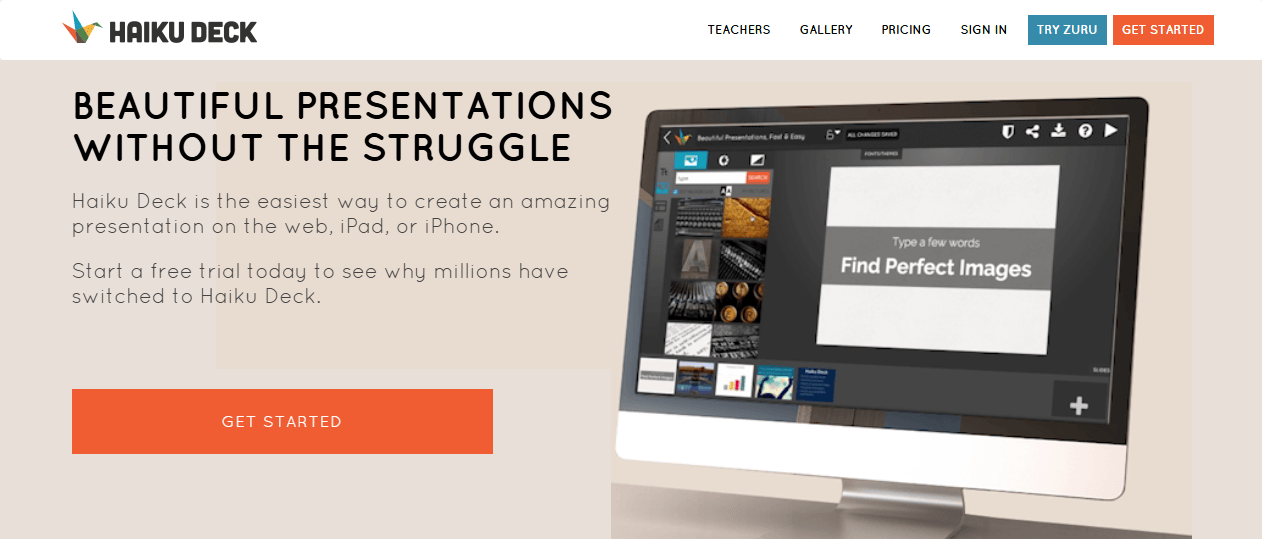
How it works: Create presentations in Haiku Deck’s web or mobile app, which provides access to millions of high-quality stock images. The editor enforces visual simplicity by limiting text per slide, pushing creators toward clearer communication. Completed decks can be shared publicly, and viewers can browse them online. Some presentations support PDF download. Free and premium tiers are available, with the premium version unlocking advanced templates and image libraries. For those exploring SlidePlayer alternatives focused on visual quality, Haiku Deck offers a distinct creative workflow.
Haiku Deck Features:
- By limiting how much text fits on each slide, Haiku Deck forces presenters to distill ideas to their essence.
- The built-in image library removes the friction of finding compelling visuals.
- The results consistently outperform typical text-heavy slides in audience engagement.
- Haiku Deck also functions well as one of the free presentation sharing sites for users who want their work to be seen publicly.
Best For: Presenters who want their slides to be visually memorable, creative professionals, and anyone tired of bullet-point-heavy presentations.
What to Do After Downloading Presentations: Use JOPDF
Once you’ve found the perfect SlidePlayer alternative and downloaded presentations, you’ll need a reliable PDF editor to manage, edit, and organize your files. This is where JOPDF comes in.

JOPDF – The Best Free PDF Editor
 User Rating: 4.8
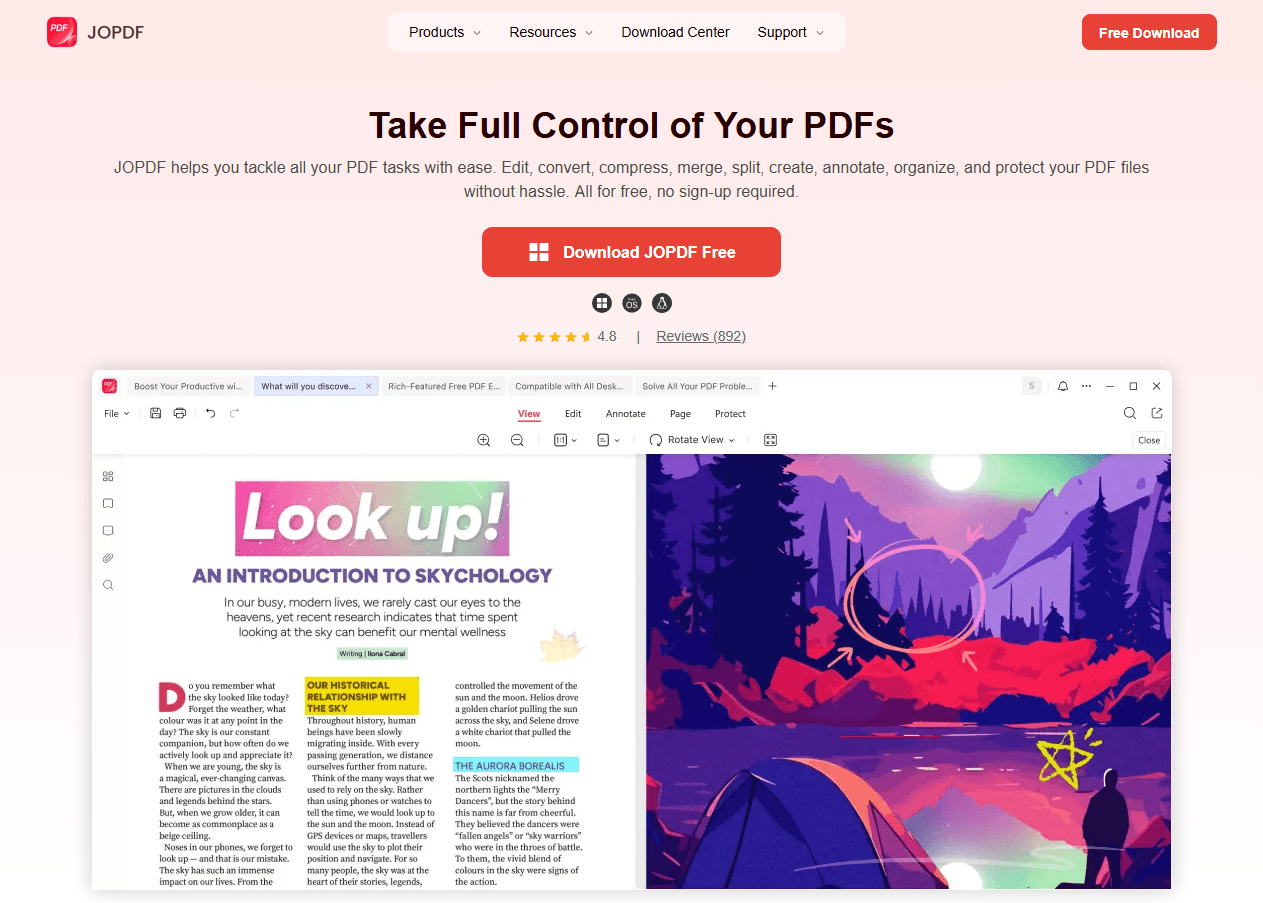
JOPDF Is a 100% free POF editor for Windows, macOS, and Linux. Edit text, add images, annotate, sign, and more. No limits, no ads, no subscriptions, Fast, simple, and powerful, take full control of your PDFs in seconds!
Key Features for Presentation Management
- Merge Multiple Presentations: Combine slides from different sources into a single PDF document.
- Compress Large Files: Reduce file size by 50% or more while maintaining visual clarity.
- Edit Text and Images: Update presentation content directly in PDF format. You can add, delete, or rewrite text anywhere in the document with full control over font type, size, color, and alignment.
- Password Protection: Encrypt sensitive presentations with two types of passwords.
How JOPDF Enhances Your SlidePlayer Alternative Workflow
- Download presentations from your chosen platform (e.g., SlideShare, Speaker Deck)
- Merge multiple files into a single, organized document
- Compress large files for easier sharing or email submission
- Edit content as needed – update text, swap images, or add annotations
- Protect sensitive presentations with password encryption
- Export to your preferred format for printing or further use
What Happened to SlidePlayer?
SlidePlayer is one of the largest platforms for sharing presentations online, hosting over 1 million presentation files across 42 categories including education, business, technology, and more. With more than 500,000 active users, it has become a go-to resource for students, educators, and professionals looking for high-quality reference materials.
Then, without warning, the site stopped loading. No official announcement. No migration guide. We just find that SlidePlayer is currently not working for many users, and reports suggest the platform has been facing significant instability for some time.
While there is no official statement from SlidePlayer, discussions on Reddit and other forums suggest the platform may have fallen victim to server failure, domain expiration, or a security breach:
- Server Outages or Technical Failure: The website’s servers may be down, suffering from a major technical fault.
- Lack of Maintenance: The platform might have been abandoned, with no one maintaining its servers, leading to its eventual failure.
- Shutdown: The service could have been permanently shut down without a formal announcement.
- DNS or Domain Issues: There could be fundamental problems with the website’s domain name or DNS settings, making it unreachable.
If you are trying to access the site, here are a few troubleshooting steps you can try, but please note these may not resolve the issue if the site is indeed down :
- Refresh the page by pressing CTRL + F5 on your keyboard.
- Clear your browser’s cache and cookies.
- Try accessing the site on a different device, browser, or network (like a mobile hotspot).
Whatever the cause, the result is the same: users who relied on SlidePlayer now need a SlidePlayer down alternative fast. The search for a SlidePlayer not working alternative has become common. Given the ongoing problems, it would be wise to look for a more stable alternative to SlidePlayer.
Final Verdict
While SlidePlayer’s instability is a challenge, the wealth of available SlidePlayer alternatives ensures you can find the perfect fit. Whether you need a professional sharing platform like SlideShare, a collaborative powerhouse like Google Slides, or a design-driven tool like Canva, there’s a solution for every need.
Consider the features that matter most to you and choose the tool that will best support your goals in 2026 and beyond.
FAQs
Yes. Google Slides, Speaker Deck, DocDroid, and SlideServe are all free sites like SlidePlayer. SlideShare offers free basic access. Canva and Haiku Deck have generous free tiers. Most free slide sharing platforms covered in this guide offer functional free access.
AuthorSTREAM is the best SlidePlayer replacement for PowerPoint because it preserves animations, transitions, and embedded media. SlideShare and SlideServe support PPT uploads but convert to static online formats.
SlideShare is the best overall SlidePlayer alternative for its massive content library and professional integration. SlideServe feels most similar to SlidePlayer's interface. AuthorSTREAM is best for animated PowerPoints. Canva excels for original creation with professional design quality.
The best free presentation sharing sites include Google Slides (best for collaboration), Speaker Deck (best for clean embedding), SlideServe (most similar to SlidePlayer), and Canva (best for design quality). Each offers core features at no cost. For converting and managing downloaded files, JOPDF serves as a reliable ppt to pdf online tool that's also completely free.
SlideShare is the best overall SlidePlayer alternative for its massive content library and professional integration. SlideServe feels most similar to SlidePlayer's interface. AuthorSTREAM is best for animated PowerPoints. Canva excels for original creation with professional design quality.
Table of Contents

Your Best Free PDF Expert in PDF editing, compressing, converting, annotating, protect, organizing, and more.
Free DownloadWindows · macOS · Linux

Anna
Editor
“Anna, Editor-in-Chief and PDF expert, delivers deep insights into PDF document technology trends. She is dedicated to helping readers optimize their digital lives. When not writing, Anna loves exploring local cafes and reading, blending her technical expertise with a love for storytelling.”