We’ll discuss some top manga download sites for their pros and cons. Besides, there are two ways, including streaming services and official apps, for digital reading and three free online sites for Naruto PDF download, such as FlipHTML5, PDF Room, and Scribd. More details about the Naruto manga series will be disclosed on JOPDF.
Summary :
Top Ways to Download Naruto Manga & eBooks
Where to download Naruto manga in PDF? Safety and file quality should always be your top priorities. Whether you want to download Naruto manga in PDF for offline study or simply collect official digital art, here is how you can access Naruto content safely:
- MANGA Plus by SHUEISHA: The official app is the most reliable source for Naruto PDF download, which allows you to read the first 3 and latest 3 chapters of the ongoing series for free. A Deluxe Plan (approx. $4.99/month) provides unlimited access to completed classics, including the entire Naruto series.
- VIZ Media: VIZ’s official website and app offer the complete Naruto manga. A monthly subscription to Shonen Jump provides access to Naruto, One Piece, Dragon Ball, and many other iconic series.
- Book Walker: A digital storefront where you can purchase individual Naruto volumes to keep permanently.
Also Read: ISBN to PDF: How to Download PDF Books Using ISBN for Free (2026)
Method 1: Purchase Official Digital Volumes
You can download Naruto in PDF from Viz Media. Viz Media is the official English publisher for manga series and offers Naruto PDF download. Their digital store, along with partner platforms, sells individual volumes that can be downloaded for Naruto manga offline reading.
If you want to download a specific section of the manga, this is the most straightforward way to download Naruto manga volumes in the highest available quality.
Step 1: Visit Viz Media’s website or open the BookWalker app. Both platforms offer the complete Naruto series in digital format. Amazon Kindle also carries all 72 volumes for purchase.
Step 2: Search for “Naruto” and browse the available volumes. Each volume costs a standard digital manga price. You can buy individual Naruto volumes or look for bundle deals that reduce the total cost.
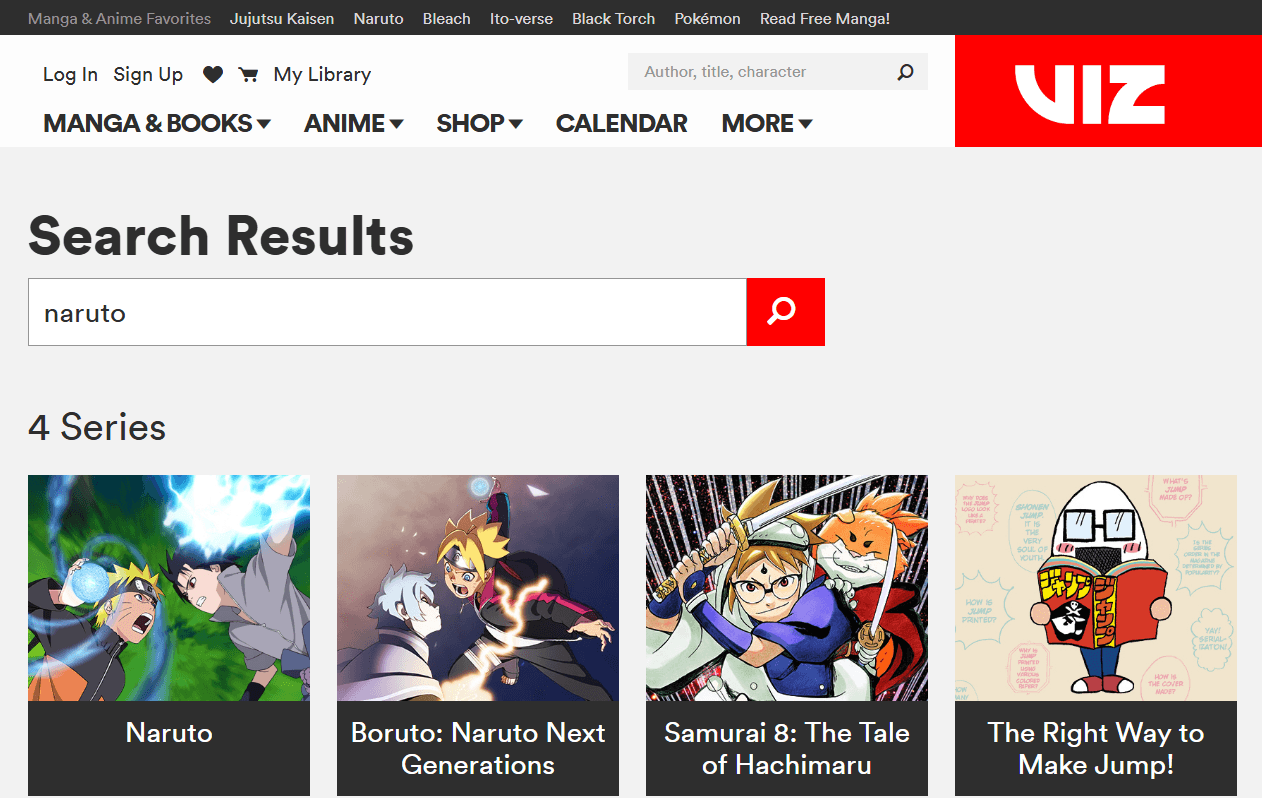
For anyone wanting to download manga Naruto officially, buying directly from Viz Media ensures your money supports the creator.
Step 3: Complete your purchase and download the files to your device. Depending on the platform, files may arrive as PDF, EPUB, or a proprietary format. After downloading, use JOPDF to standardize everything to PDF format for universal compatibility.
Step 4: Once you’ve acquired all 72 volumes, organize them by story arc using JOPDF’s merge tool. This transforms a scattered collection into a structured library, exactly what most users want when they search for Naruto full download solutions.
Method 2: Subscribe to Shonen Jump
Shonen Jump is Shueisha’s official manga app, offering the most affordable way to access the complete Naruto series. While it doesn’t provide direct Naruto PDF downloads, it’s the most cost-effective option for anyone who wants to read the entire Naruto series.
Step 1: Download the Shonen Jump app on your phone or tablet, or visit the web version. The app is available on iOS and Android.
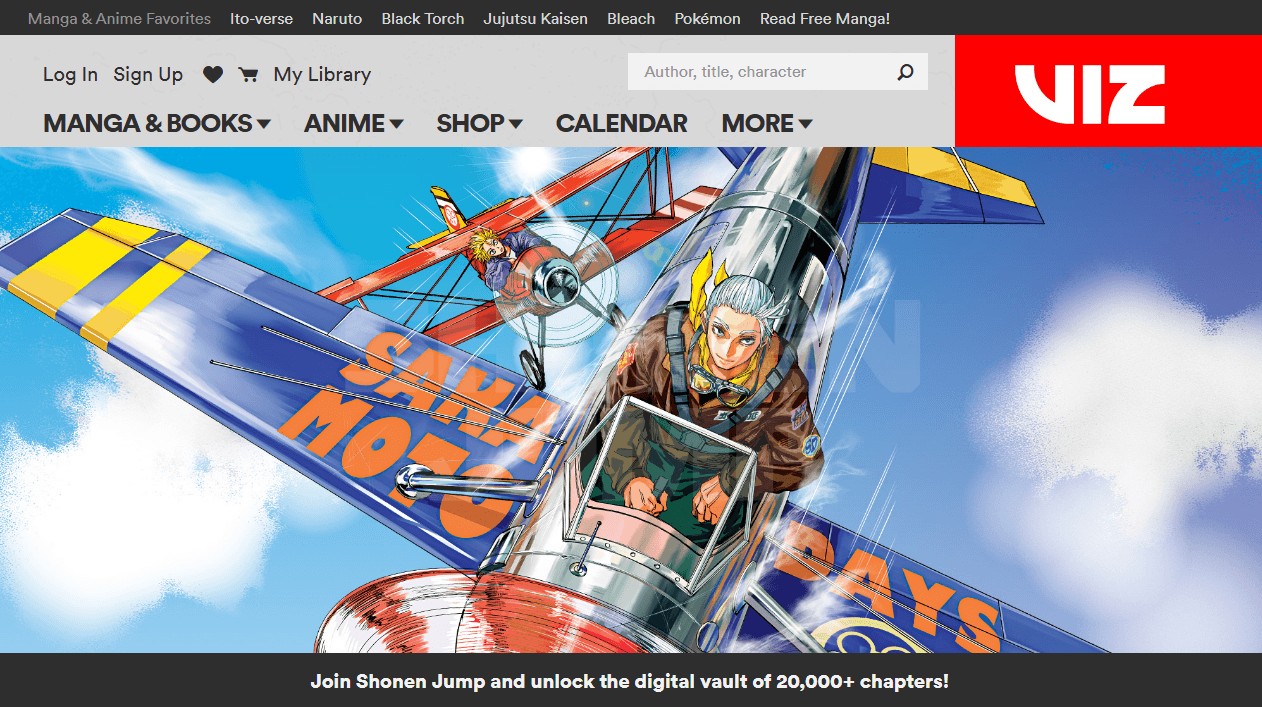
Step 2: Create an account and choose a membership plan. The monthly fee is remarkably low, often less than the cost of a single physical volume, and gives you unlimited access to over 15,000 manga chapters, including every volume of Naruto.
For users searching for Naruto manga free download alternatives, this subscription model offers the best value.
Step 3: Search for “Naruto” within the app and start reading. The app supports offline reading by caching chapters to your device, which serves the same purpose as a PDF Naruto file for offline access.
While Shonen Jump doesn’t export to PDF directly, the offline reading feature works seamlessly on mobile devices. This makes it an excellent Naruto download manga solution for readers who primarily use phones or tablets.
Top 3 Websites for Naruto PDF Download
Here are the most commonly used sources to download Naruto manga PDF files, based on user feedback and platform availability.
FlipHTML5
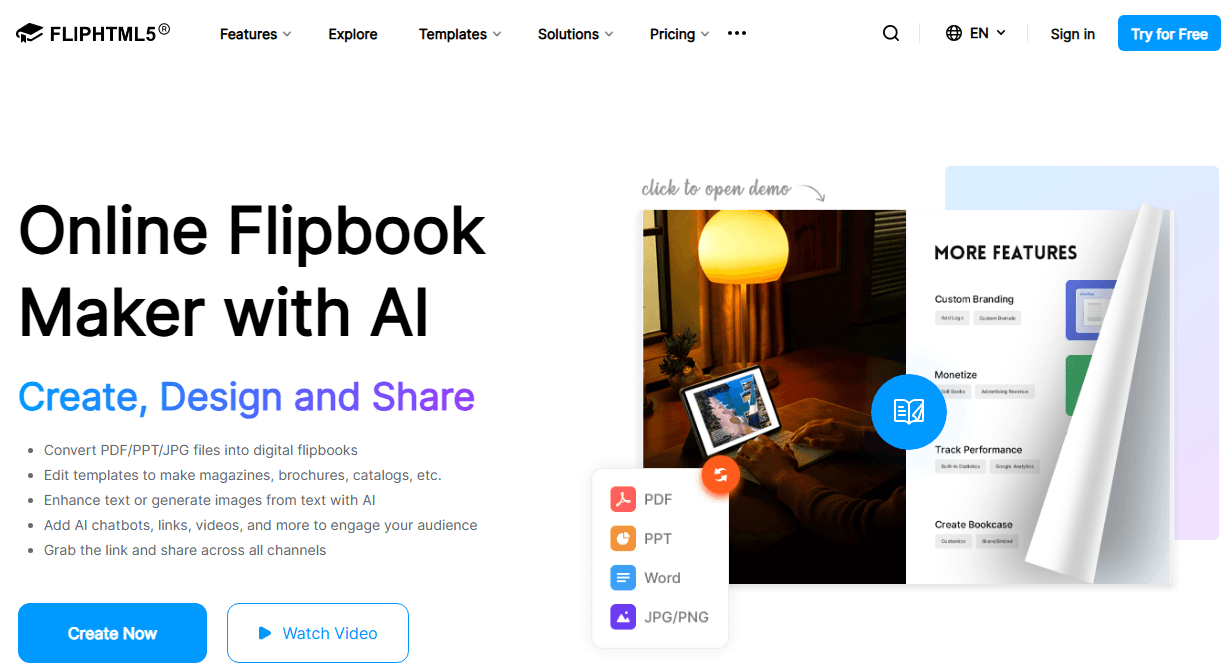
FlipHTML5 is one of the most recommended Naruto manga download site. It’s also a popular digital publishing platform where users can upload and share interactive flipbooks and PDFs. It has become a go-to source for fans seeking a Naruto PDF free download.
| Pros | Cons |
| 100% free, no payment required | Incomplete series; volumes are often scattered |
| Easy to use with a simple interface | Quality is inconsistent; may be poorly formatted or watermarked |
| No sign-up required for most content | Uploads are unofficial and can be removed due to DMCA complaints |
| Offers both flipbook and direct PDF formats | Potential risk of malicious links or ads |
FlipHTML5 is a good start if you’re looking for random early volumes, but don’t rely on it for the complete collection. The quality is often hit-or-miss, and you’ll likely encounter missing pages or blurry scans.
PDF Room
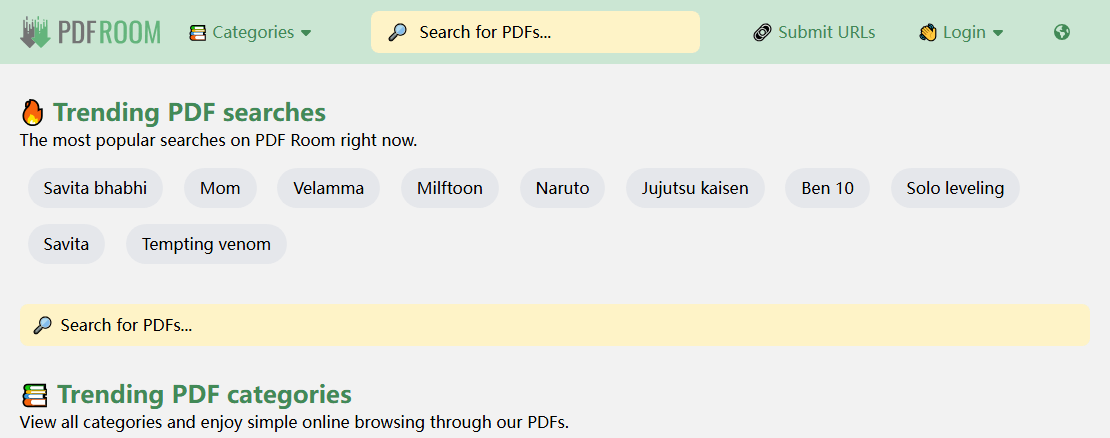
PDF Room is a free online PDF library that hosts a wide range of documents, including a significant number of Naruto manga volumes. Many manga readers prefer PDF Room as their free online site for Naruto PDF downloads because of its fast search and response.
| Pros | Cons |
| Free, no paywall or account required | High risk of malware, spam, and takedowns |
| Instant downloads with no waiting time | Does not host the complete series; some scans are missing pages |
| Early volumes (1-10) are often available | Low-quality output with blurry text, watermarks, and cropping |
PDF Room is a quick and easy option for grabbing early volumes, but it falls short for completing the full series. The quality and security risks make it less ideal for serious collectors.
Scribd
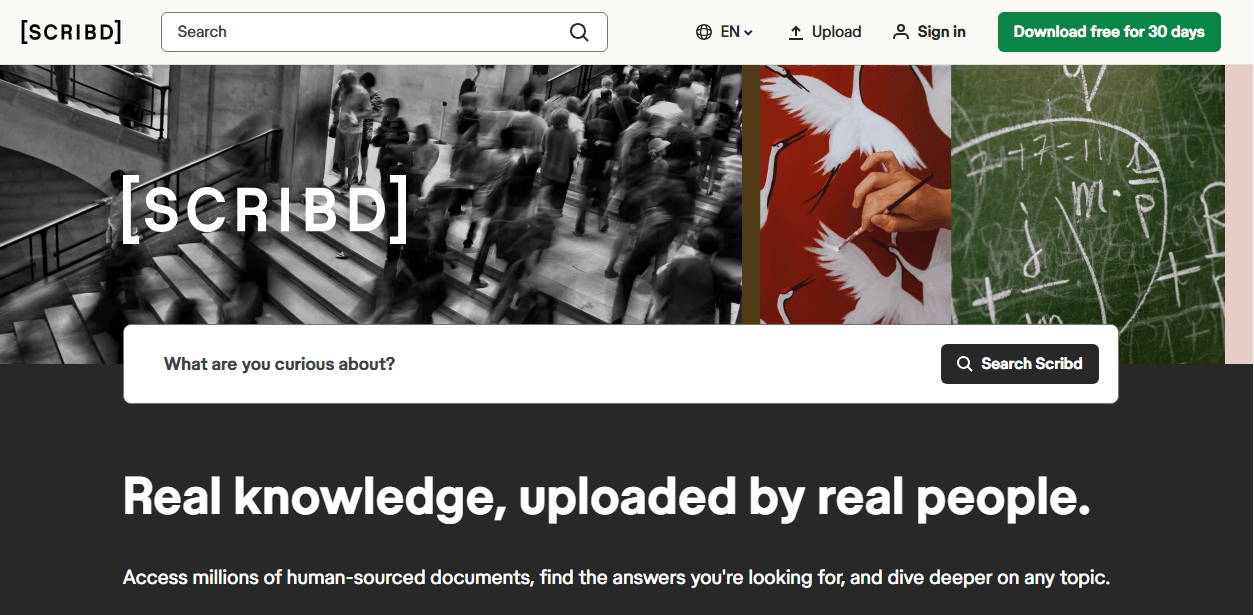
Scribd operates as a digital subscription service offering ebooks, audiobooks, and documents. It’s also widely regarded as a top option for Naruto manga downloads.
Just utilize the 30-day free trial and download Naruto Box set 1 volume 1-27 as PDF for offline redaing. While it’s a more reputable platform, the Naruto content available is still user-uploaded and unauthorized.
| Pros | Cons |
| Extensive collection of 20+ Naruto volumes | Requires a premium subscription to download |
| Higher chance of better quality PDFs | Due to copyright claims, Naruto PDFs are often removed |
| Scribd app available for iOS and Android | Hosts pirated content, despite the platform’s legitimacy |
| Offers a 30-day free trial | Requires signing up, even for the free trial |
Scribd is the best option if you prioritize quality and are willing to use the 30-day free trial to download as many volumes as possible. However, the content is not always available, and you must remember to cancel the trial to avoid being charged.
Naruto Manga Series Guide – Volumes, Story Arcs & Reading Order
Before you download Naruto manga files, it helps to know what you’re downloading. The Naruto saga is massive, and understanding its structure makes collecting and organizing the files much easier.
- Author: Masashi Kishimoto
- Serialization: 1999-2014 (15 years in Weekly Shonen Jump)
- Total Volumes: 72 (Part I: 27 volumes, Part II Naruto Shippuden: 45 volumes)
- English Publisher: Viz Media
- Genre: Shonen, Action, Adventure, Fantasy
- Global Sales: Over 250 million copies worldwide
Major Story Arcs in Part I (Volumes 1-27):
- Introduction Arc (Vol.1) – Meet Team 7
- Land of Waves Arc (Vol.2-3) – The first serious mission
- Chunin Exams Arc (Vol.4-8) – The exam that changes everything
- Konoha Crush Arc (Vol.9-11) – Invasion of the Leaf Village
- Search for Tsunade Arc (Vol.12-13) – Finding the Fifth Hokage
- Sasuke Retrieval Arc (Vol.14-27) – The rescue mission that defines the series
Major Story Arcs in Part II: Naruto Shippuden (Volumes 28-72):
- Kazekage Rescue Arc (Vol.28-30) – Saving Gaara
- Tenchi Bridge Reconnaissance Arc (Vol.31-32) – Infiltrating enemy territory
- Akatsuki Suppression Arc (Vol.33-35) – The immortal duo
- Itachi Pursuit Arc (Vol.36-40) – Sasuke’s revenge
- Pain’s Assault Arc (Vol.41-48) – The village under siege
- Five Kage Summit Arc (Vol.49-52) – The ninja world convenes
- Fourth Shinobi World War Arc (Vol.53-70) – The climactic battle
- Final Battle Arc (Vol.71-72) – Naruto vs. Sasuke
For users collecting Naruto manga download files, organizing by these arcs makes the massive series manageable. A proper Naruto manga PDF collection grouped by story arc is far more usable than 72 individual files scattered across a folder. Some readers also search for Naruto manga torrent options, but official sources provide better quality and avoid the legal and security risks of torrent downloads.
Important Copyright Notice
When searching for Naruto PDF Download and collecting manga files, keep these principles in mind:
- Naruto is protected by copyright owned by Masashi Kishimoto and Shueisha. Official purchases and subscriptions support the creator and enable more manga to be produced.
- Downloaded files are for personal use only. Do not redistribute, upload to public platforms, or use them commercially.
- If budget is a concern, public library digital borrowing through Libby or Hoopla provides free, legal access.
- Avoid sites offering Naruto manga torrent downloads or unauthorized scans. They harm the industry, provide inferior quality, and often bundle malware with downloads.
- The best way to honor the series that means so much to you is to support its official release.
Common Issues When Reading Naruto Manga PDFs
Even after successfully completing a Naruto PDF download, digital readers often face technical hurdles that ruin the reading experience:
- Scattered Chapter Files: Downloading single chapters leaves you with hundreds of isolated files. Constantly switching between individual PDF Naruto files every 18 pages disrupts the flow of intense battle scenes.
- Excessive Storage Footprint: High-definition scan archives and download Naruto manga volumes can easily exceed 20GB to 30GB. Executing a Naruto full download or saving a Naruto full manga PDF bundle can quickly exhaust the memory on an iPad, Android tablet, or Kindle.
- Slow Page Rendering on E-Readers: E-ink devices like Amazon Kindle have limited RAM. Uncompressed Naruto manga PDF download files with massive image dimensions cause frustrating lag and slow page flips.
- Unwanted Advertisements & Blank Pages: Many community scans include promo watermarks, credits pages, or blank divider pages that clutter your document after a Naruto PDF download.
How to Manage Your Naruto Collection with JOPDF
Once you’ve downloaded multiple volumes from various sources, you’ll likely end up with a messy collection of files. This is where a powerful PDF management tool becomes essential.

JOPDF – The Best Free PDF Editor
 User Rating: 4.8
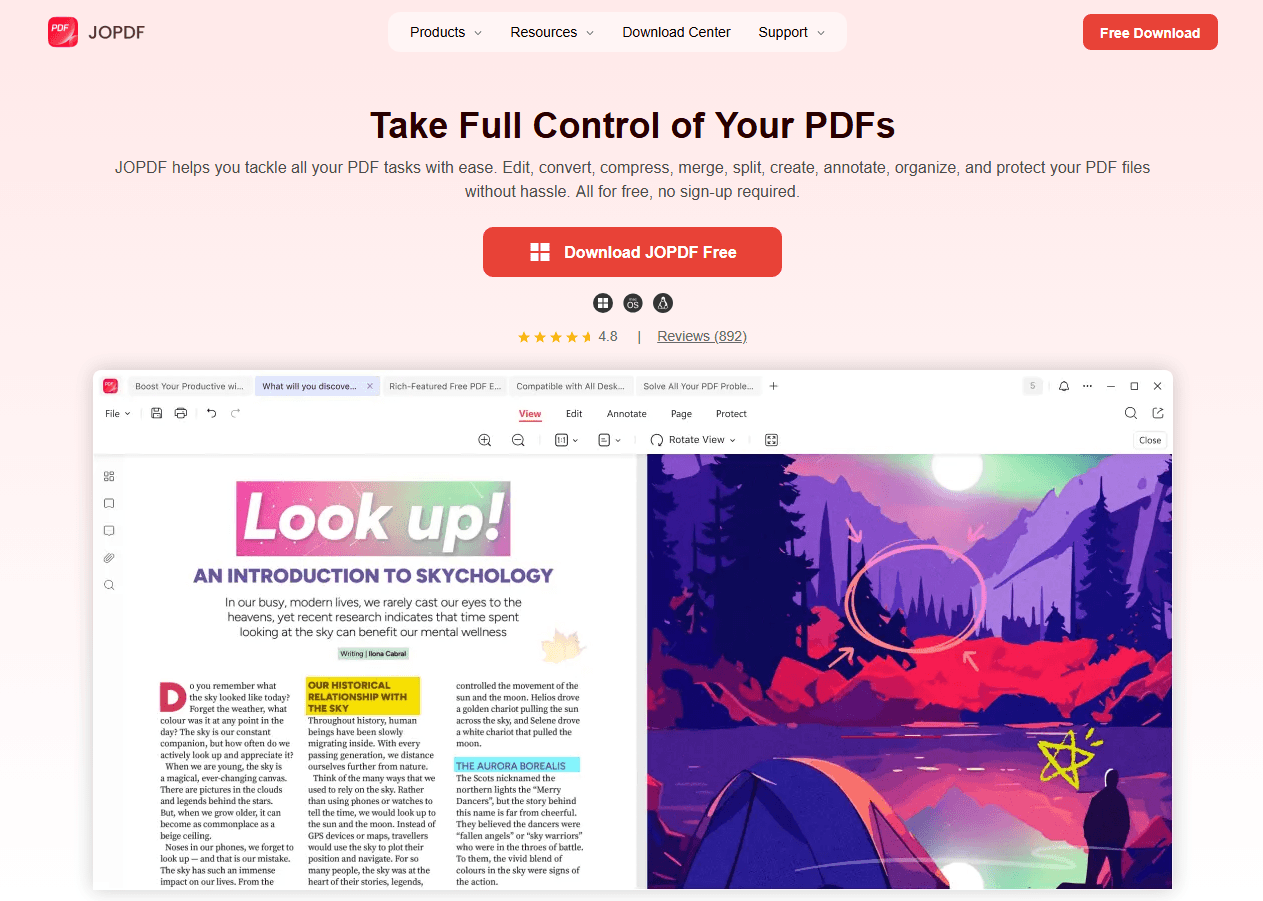
JOPDF Is a 100% free POF editor for Windows, macOS, and Linux. Edit text, add images, annotate, sign, and more. No limits, no ads, no subscriptions, Fast, simple, and powerful, take full control of your PDFs in seconds!
JOPDF Key Features for Manga Fans
| Feature | How It Helps |
| Merge PDFs | Combine individual chapter or volume PDFs into one complete, navigable file. |
| Compress PDF | Reduce the file size of large volumes to save storage space without losing quality. |
| Edit PDFs | Correct any formatting issues orrotate pages (for scanned copies). |
| Organize Pages | Insert, delete, or reorder pages to fix missing or misplaced scans. |
| Password Protect | Keep your digital collection secure and private. |
With JOPDF, you can turn a chaotic folder of Naruto manga PDF files into a well-organized digital library, all for free.
Final Verdict
The Naruto franchise is a cornerstone of the manga world, and reading it is an unforgettable experience. However, dealing with cluttered files, massive storage requirements, and risky download links shouldn’t get in the way of your enjoyment.
By pairing safe file sources with JOPDF, you can easily organize, merge, and compress any Naruto PDF download to create a clean, portable digital library.
Ready to optimize your manga collection? Head over to JOPDF today, merge your loose chapters, shrink oversized documents, and enjoy seamless reading on any device!
FAQs
Naruto spans 72 volumes total—Part I has 27 volumes, and Part II (Naruto Shippuden) has 45 volumes. When you download Naruto manga volumes, you'll need all 72 for the complete story. Some fans also collect the sequel series Boruto, which continues the story.
No official single-file version exists. After purchasing all 72 volumes, use JOPDF's merge tool to create your own organized collection. Rather than one massive file, group volumes by story arc—it's more manageable and follows the narrative flow better. A well-organized Naruto PDF collection makes re-reading specific arcs much easier.
Many fans prefer the manga for its tighter pacing. The anime includes extensive filler arcs not present in the original story. When you Naruto download manga for reading, you experience Kishimoto's original vision without the pacing issues. For the purest Naruto experience, the manga is widely considered superior.
Searching for Naruto manga torrent files carries significant risks. Torrent downloads often contain malware, deliver poor-quality scans, and violate copyright law. Official sources cost very little and provide guaranteed quality, accurate translations, and peace of mind. A Shonen Jump subscription costs less per month than a single physical volume.
PDF is the most universal format; it preserves the fixed page layout essential for manga artwork. If your files are in EPUB, CBZ, or AZW3 format, JOPDF converts them to standard PDF. For readers building a PDF Naruto collection, standardizing everything to PDF ensures compatibility across phones, tablets, and computers.
Table of Contents

Your Best Free PDF Expert in PDF editing, compressing, converting, annotating, protect, organizing, and more.
Free DownloadWindows · macOS · Linux

Anna
Editor
“Anna, Editor-in-Chief and PDF expert, delivers deep insights into PDF document technology trends. She is dedicated to helping readers optimize their digital lives. When not writing, Anna loves exploring local cafes and reading, blending her technical expertise with a love for storytelling.”