Summary :
If you have ever tried to download a large file from Keep2Share, you may have experienced slow download speeds, waiting periods, traffic restrictions, or interrupted downloads. A Keep2Share downloader can help you manage these downloads more conveniently. In this guide on JOPDF, we’ll compare several K2S downloader tools and discuss some common Keep2Share download errors. Plus, we’ll cover Keep2Share fast download methods and important security considerations so you can choose a suitable method.
What Is Keep2Share Downloader?
Keep2Share, also known as K2S or K2S.cc, is a file-hosting service that allows users to upload and share files through downloadable links. The platform supports different file types, including documents, images, archives, and videos.
A Keep2Share downloader is a tool or service that helps users download files hosted on Keep2Share. However, not all tools work in the same way.
We’ll cover four common Keep2Share download methods, including:
- Official Keep2Share download: Download files directly from the K2S website using a valid file link and a free or premium account.
- Download managers: Applications such as JDownloader 2 and Internet Download Manager (IDM) help organize downloads and manage interrupted tasks.
- Online K2S downloaders: Web-based services that accept supported Keep2Share links and may generate downloadable links through their own servers.
- GitHub-based tools: Open-source or community-developed projects for technical users comfortable installing dependencies and using command-line tools.
No matter whether you want a K2S video downloader or K2S file downloader, the following tools can satisfy your needs.
See these articles and find more ways to manage file host downloads:
- Terabox Downloader Online for Videos & Files – How to Download from Terabox
- MEGA Downloader Free: Download from MEGA Without Limits
- Best Course Hero Downloader Free in 2026 – Download PDFs from Course Hero
Best Keep2Share Downloader Tools Compared
The following Keep2Share downloader tools have different purposes. Some manage downloads, while others act as multi-hoster services that process supported file links. Check this comparison table before using any third-party Keep2Share premium downloaders.
| Tool | Type | Keep2Share Support | Pricing Model | Best For |
| Keep2Share Official | File-hosting platform | Native support | Free and Premium | Direct downloads |
| JDownloader 2 | Download manager | Plugin support, subject to current compatibility | Free | Managing downloads |
| Internet Download Manager | Download manager | Depends on supported download links | Paid software with trial | Browser download management |
| Storage Portal | Third-party download service | Dedicated K2S page | Pay-as-you-go | Processing supported links |
| Deepbrid | Multi-hoster service | Listed by the provider | Check current plans | Supported host links |
| PrimeLeech | Online link generator | Dedicated K2S page | Check current plans | Browser-based link processing |
| LeechPremium | Online link generator | Verify current host list | Free and paid limits may apply | Supported file hosts |
| K2S Downloader | GitHub project | K2S-focused project | Open-source project | Technical users |
Tool 1: Storage Portal Keep2Share Downloader
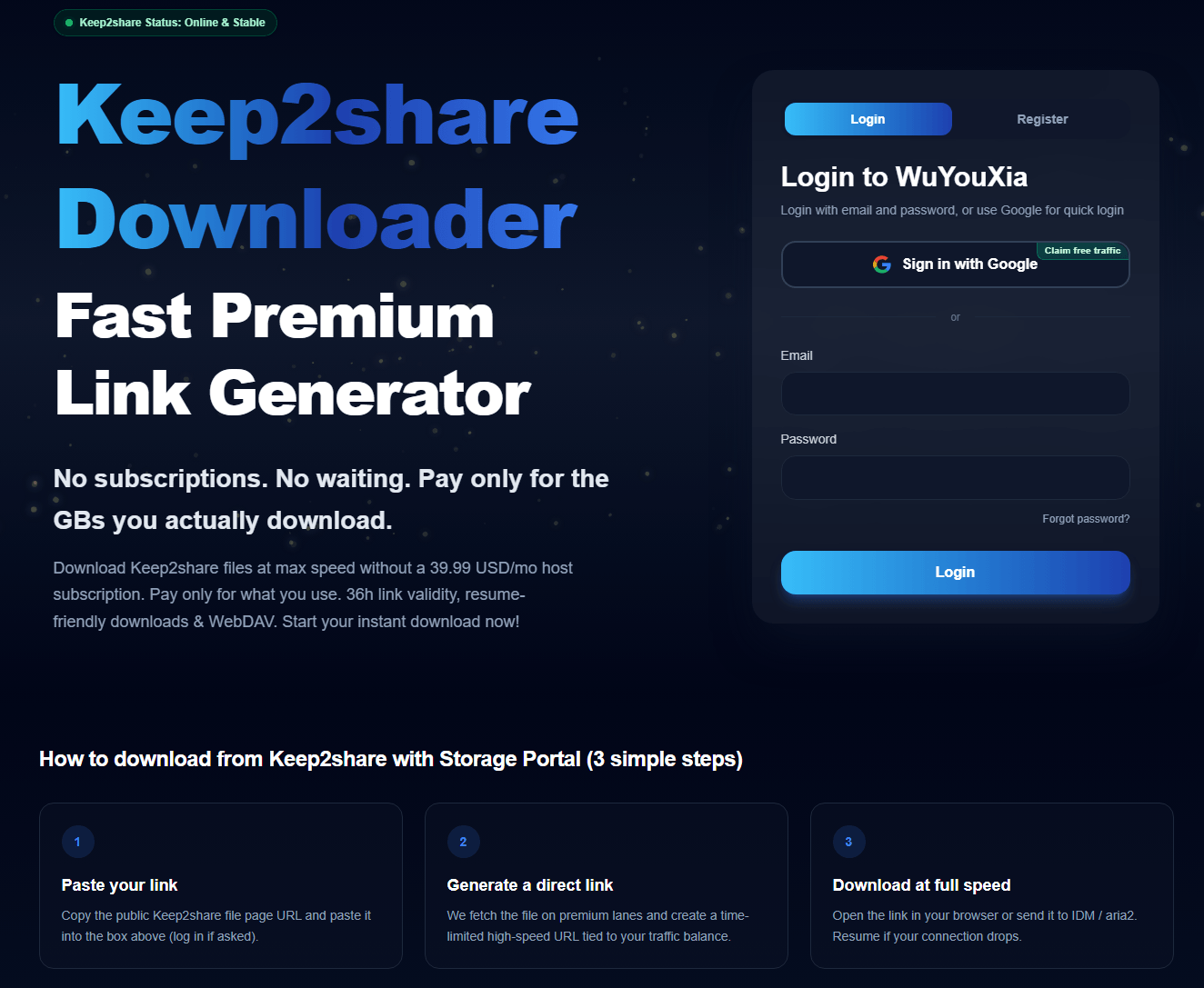
Storage Portal is one of the more relevant services used to download K2S files free. Unlike a traditional download manager, it acts as a Keep2Share downloader for third-party download relays.
According to its K2S download website, users can submit supported file-hosting links and pay for downloads based on usage. Its Keep2Share page describes a pay-as-you-go model rather than a completely free service.
Storage Portal claims that it provides Keep2Share fast downloads and that it can resume if your connection drops. Since we found it offers a free 1024MB traffic giveaway, we just gave it a try. We followed the three steps – paste, generate, and download – and then, after a few seconds, we did get a Keep2Share fast download free, but the result doesn’t mean anything because the download speed is also related to the K2S file size.
Key features:
- Dedicated Keep2Share support page.
- Pay-as-you-go pricing based on downloaded data.
- Support for download tools such as IDM and aria2.
- Download links with limited validity.
- API documentation for users who want to integrate the service into their own applications.
Storage Portal’s k2s.cc downloader may be useful if you regularly work with supported file-hosting links but do not want to subscribe to a full premium plan.
It is not an official Keep2Share product. Before paying, check the current price per GB, supported hosts, link expiration period, and refund policy. You should also avoid uploading sensitive files or sharing account credentials unless you understand the service’s privacy practices.
Tool 2: Deepbrid K2S Premium Link Generator
Deepbrid is a multi-hoster service that supports links from multiple file-hosting platforms. The service provides a list of supported hosts and additional tools, including browser-related features and download manager integration.
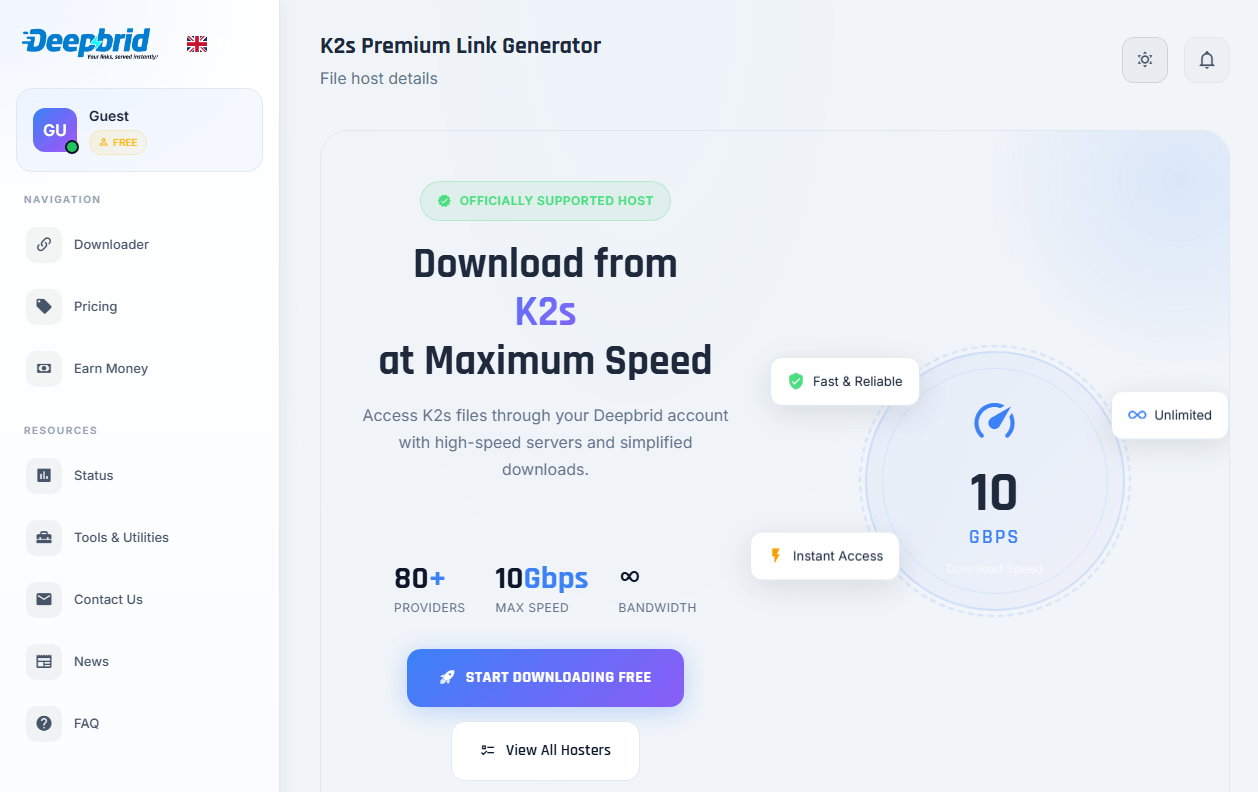
Deepbrid also provides a dedicated Keep2Share downloader tool page. On the page, Keep2Share appears in its supported-host information, and we can see it claims 10 Gbps as the max speed for the K2S download and unlimited bandwidth.
Here is a big problem that many K2S free downloader users may not like: sign-up is required. You need to create an account, available for 80 + providers, and then you can download Keep2Share premium files and videos. Compared to other third-party online downloaders, the interface is simpler and ad-free.
Key features:
- Support for multiple file-hosting services.
- Online link processing.
- Browser extension and download manager-related tools.
- Different account and usage options.
- A single service for managing supported host links.
One potential advantage of Deepbrid is that it offers more than a single-host download solution. If you use several file-hosting websites, a multi-hoster service may be more convenient than subscribing to each platform separately.
However, supported hosts and account limits can change. A host appearing on the support list does not guarantee that every file or download link will work.
Before purchasing a plan, test a non-sensitive file if a trial or free option is available. Check the current K2S support status, traffic allowance, and download restrictions.
Tool 3: PrimeLeech Free Online Keep2Share Leecher
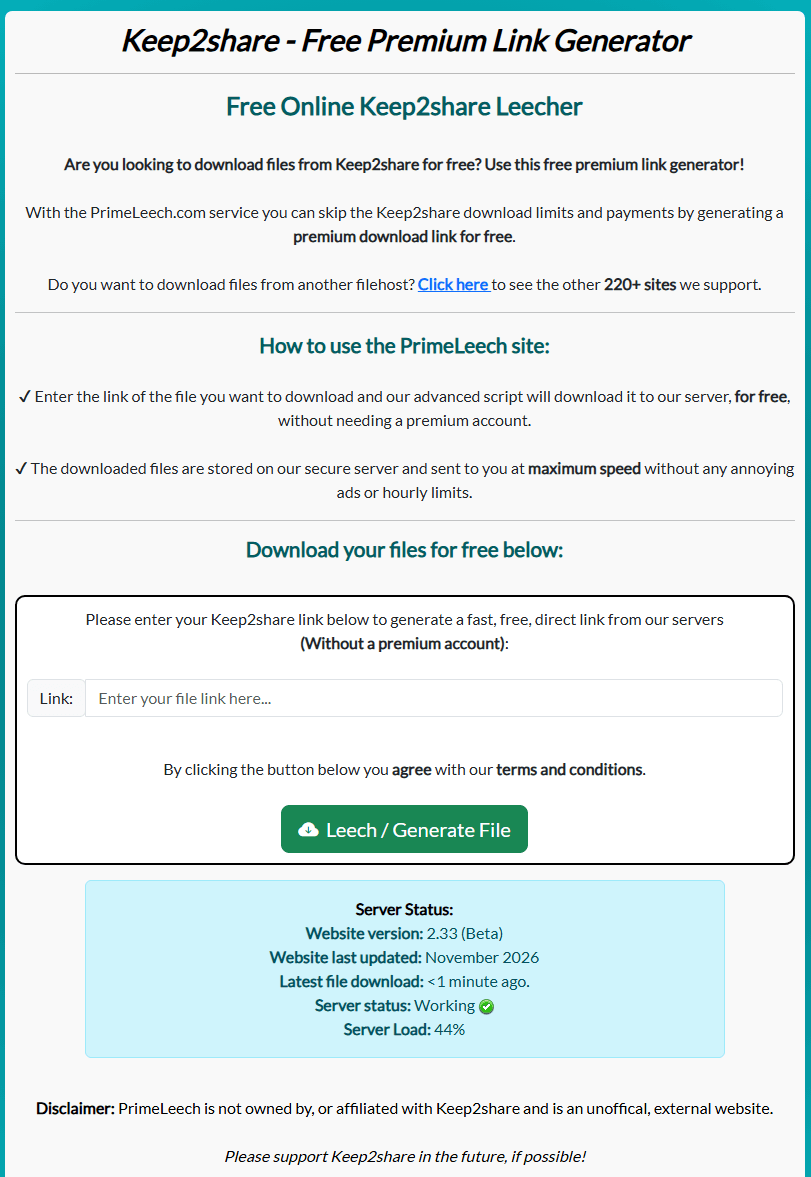
PrimeLeech provides a dedicated Keep2Share link generator page. This online K2S downloader describes a process in which supported links are handled through its own infrastructure before a downloadable link is provided.
Key features:
- Dedicated Keep2Share link-processing page.
- Browser-based interface.
- No separate desktop downloader required for its basic web workflow.
- A service designed around supported file-hosting links.
PrimeLeech may be convenient if you prefer an online interface instead of installing a download manager. However, third-party link generators require caution.
The PrimeLeech interface provides more specific real-time information, including the server status, latest file download time, and when the site was last updated. We input a K2S file link into the Keep2Share leech and try to get a K2S fast download. It turns out that the download can be finished within a few minutes, but we can’t make sure it works every time.
Do not assume that a generated link is safe simply because it appears to come from a familiar file-hosting service. Check the destination domain, avoid downloading unexpected executable files, and never provide your Keep2Share password unless you have independently verified why the service requires it.
Tips
Its availability, download limits, and actual compatibility should be tested before relying on it.
Tool 4: LeechPremium Keep2Share Premium Link Generator
LeechPremium is another premium link generator that advertises support for multiple file-hosting websites. It claims to support more than 50 file hosts, and we checked the service list for Keep2Share Premium Link Generator.
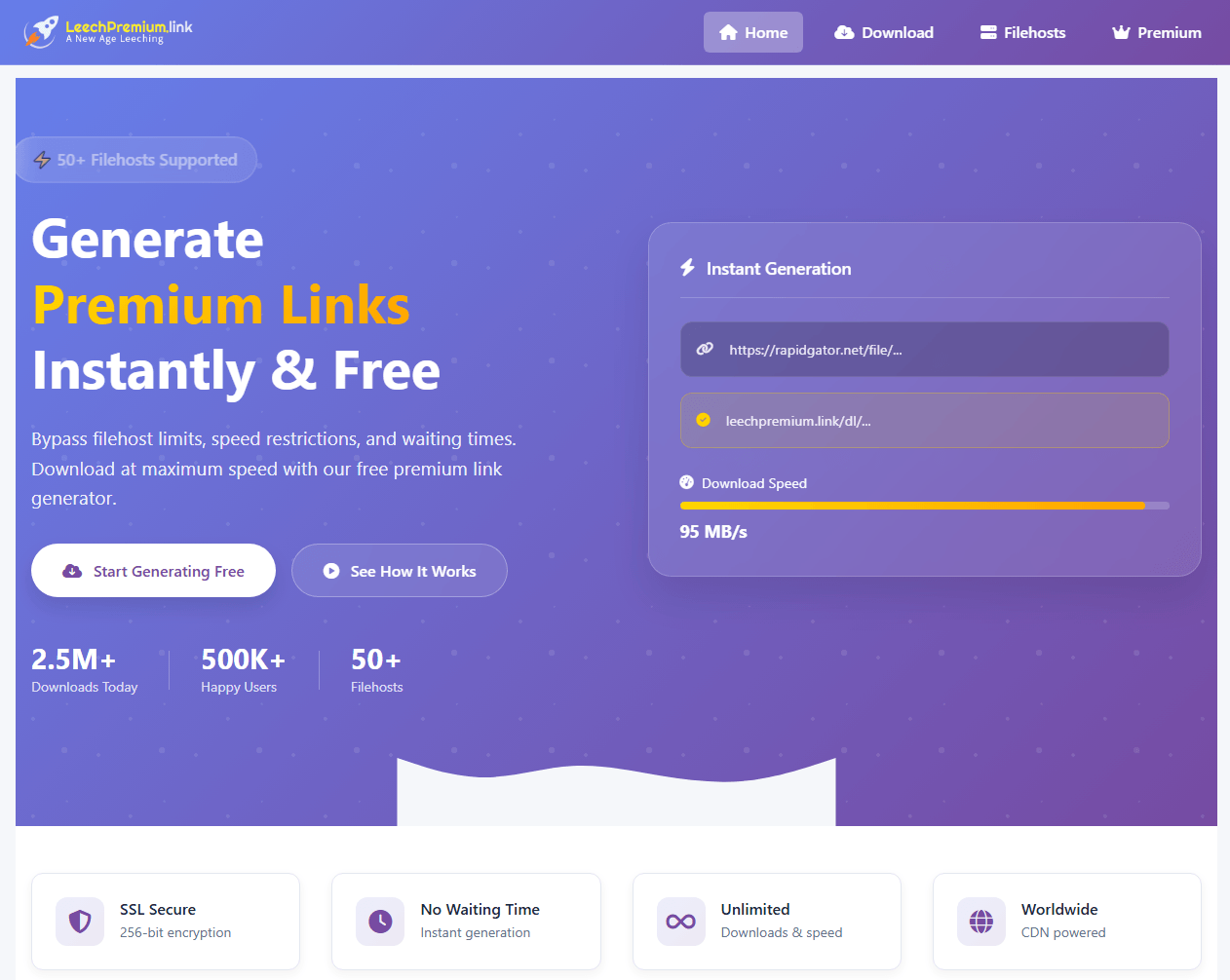
Its website describes a free usage allowance, file-size restrictions, and compatibility with download managers such as IDM, FDM, and JDownloader. It also advertises resumable downloads.
If you want a K2S fast download, this downloader may not be the best one based on the claimed download speed – 95 MB/s. Since it has a large file host base, many users are happy to try it, but we cannot be sure if the free Keep2Share premium download succeeds every time.
Key features claimed by the provider:
- Multiple supported file hosts.
- Free daily link allowance subject to limits.
- Compatibility with selected download managers.
- Resumable download support.
Tips
If you are specifically looking for a Keep2Share leech service, confirm that Keep2Share appears in its current supported-host list before submitting a link.
Tool 5: K2S Downloader on GitHub
If you are comfortable with Python and command-line tools, you can also explore community-developed K2S downloader projects on GitHub.
The repository above is specifically named k2s-downloader. It is a Python-based project rather than a traditional desktop application with a graphical interface.
Its repository provides installation and usage information, including Python dependencies and an FFmpeg requirement for file checking.
What to consider before using it:
- You need a suitable Python environment.
- Installation requires additional dependencies.
- Command-line usage may be difficult for beginners.
- The repository has limited maintenance history.
- No independent security audit establishes it as safe.
A GitHub project being open source does not automatically make it trustworthy. Review the source code, dependencies, recent commits, and issue history before running it.
Keep in mind that this project is different from the official Keep2Share API documentation. The official API is intended for developers who want to integrate with Keep2Share; it is not a ready-to-use desktop downloader.
Can You Download Keep2Share Files for Free?
Yes. Keep2Share provides free download access for eligible files, although free users may experience certain restrictions.
If you have a valid K2S download link, you can usually open it on the official website and select the available Keep2Share free download option.
However, the Keep2Share free account may have some restrictions compared to the Keep2Share premium account. The exact restrictions can change depending on the account, file, and current platform policies. For details about the difference between the Keep2Share free account and the Keep2Share Premium download, check this table:
| Features | Keep2Share Free Account | Keep2Share Premium |
| Download access | Available for eligible files | Available for eligible files |
| Download speed | May be restricted | Higher speed limits |
| Waiting time | May apply | Reduced or removed for supported downloads |
| Traffic limits | More restrictive | Higher allowances |
| Large file downloads | May have additional restrictions | Better support |
| Download experience | More limitations | More convenient |
A Keep2Share free account is suitable if you only download K2S files for free occasionally and do not mind waiting. If you frequently download large K2S files, the Premium account may provide a more convenient experience.
How to Download Files from Keep2Share
There are several ways to download files from Keep2Share. The best method depends on whether you want to use the official website, manage downloads through desktop software, or try a third-party online Keep2Share file downloader service.
Method 1. Download Files Directly from Keep2Share (Official Method)
The simplest way to download a file or video from Keep2Share is to use its official website. You do not need to install a separate Keep2Share video downloader or configure additional software.
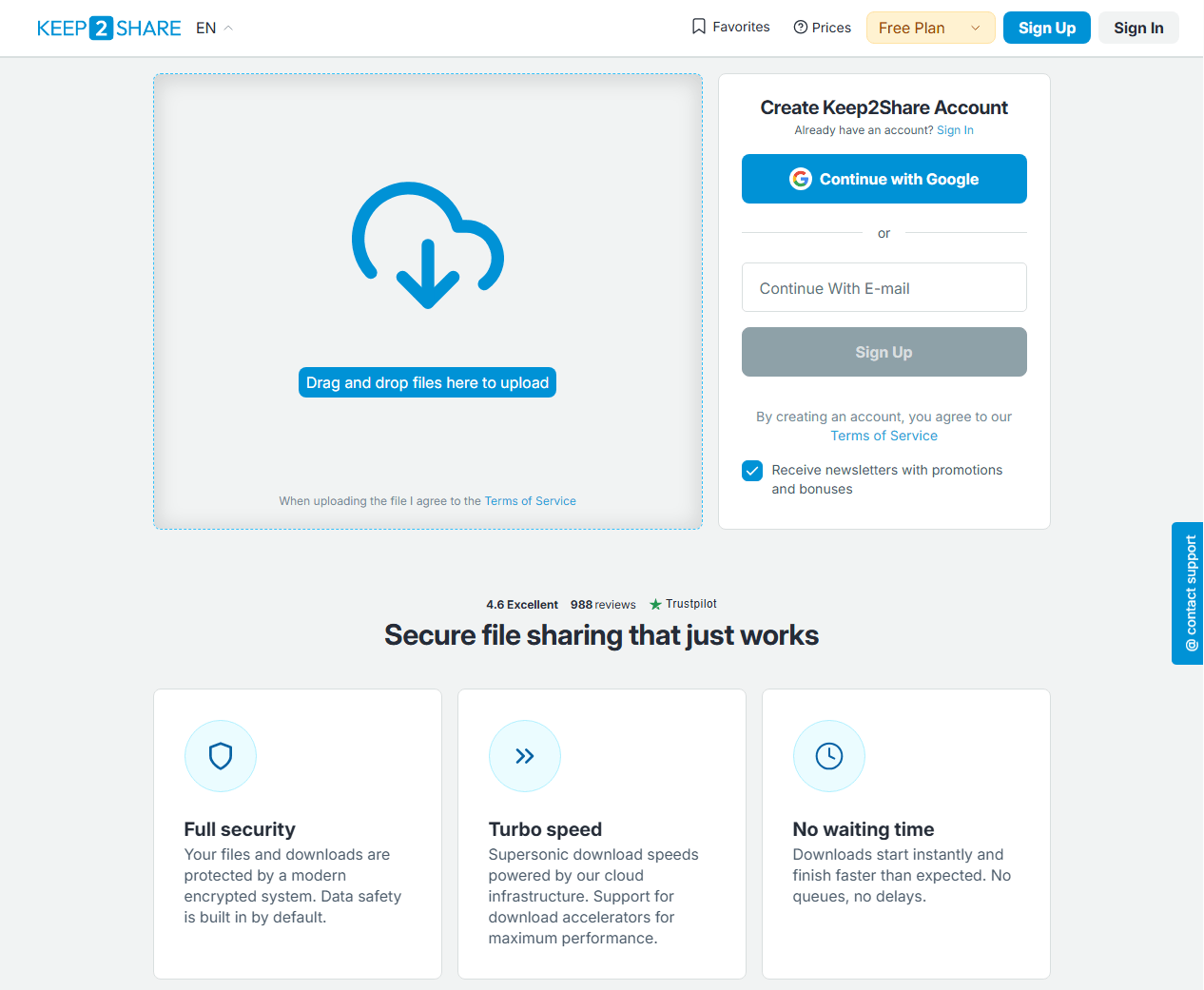
Step 1: Open the original Keep2Share URL shared by the file owner in your browser. Once the download page opens, review the available file information, including its name and size.
Step 2: Keep2Share provides different download options depending on your account status. You can select the free download option if it’s available; if you have a Keep2Share premium account, choose the premium download option.
Step 3: If Keep2Share displays a verification prompt or waiting period, follow the instructions on the official page.
Step 4: Click the download button and wait for the browser to save the file. You can check its progress in the browser’s download panel.
What if the official download is too slow?
Free downloads may be subject to speed restrictions and waiting periods. If you frequently download large files, you can compare the official Premium plan with compatible download managers or third-party services.
For more information, visit the Keep2Share Help Center.
Tips: Need to Edit Your Downloaded PDF Files?
After downloading a PDF from Keep2Share, you may need to make changes, reorganize pages, or combine multiple documents. JOPDF provides practical PDF editing tools to help you manage your files more easily.
Method 2. Use a Download Manager
A K2S download manager can make it easier to organize multiple download tasks and monitor their progress. Two commonly used options are JDownloader 2 and Internet Download Manager.
Option A: JDownloader 2
JDownloader 2 is a desktop download manager that supports many file-hosting services through its plugin system. Here is how to download Keep2Share with JDownloader 2.
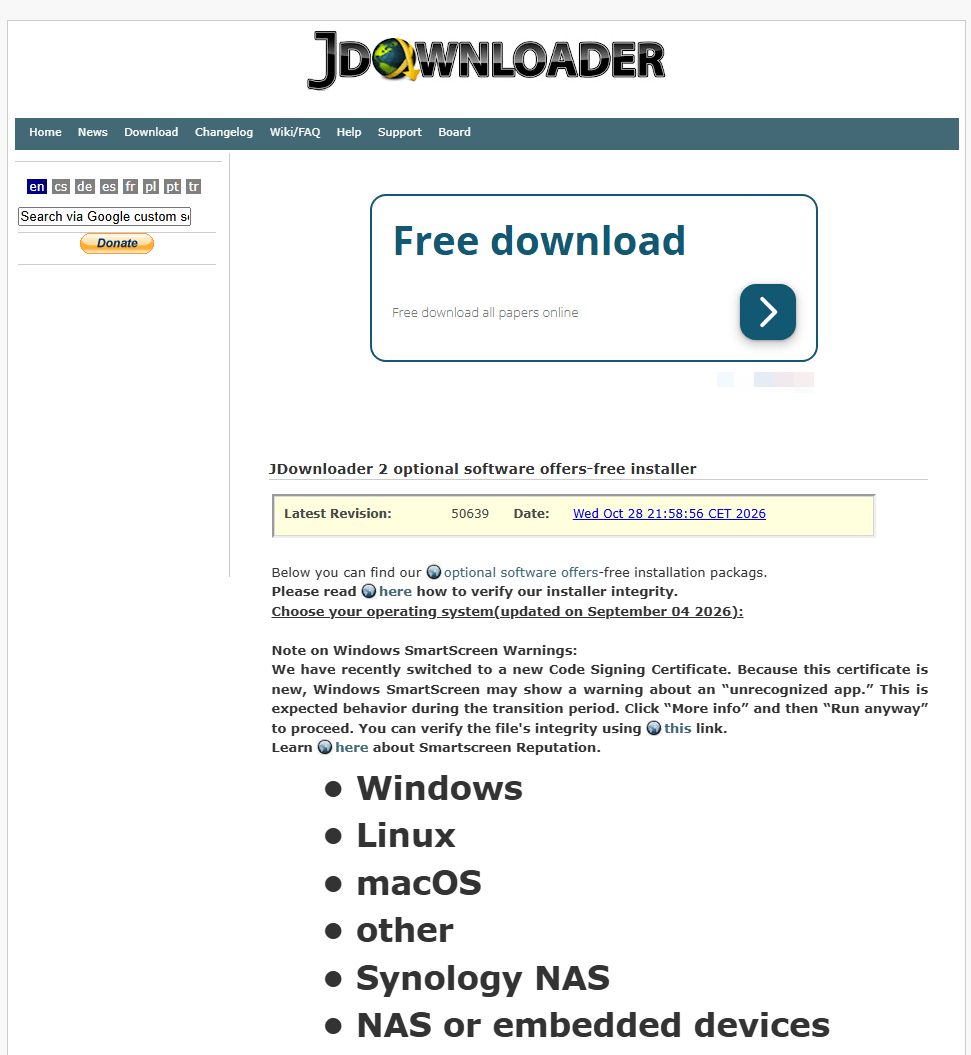
- Download JDownloader 2 from its official website.
- Install and open the application.
- Copy the Keep2Share file URL.
- Add the URL to JDownloader’s LinkGrabber.
- Let the application check whether the link is supported.
- If the link is available and your account has the required access, follow the application’s prompts to start the download.
Tips
Keep2Share compatibility can depend on the current plugin version, account status, and platform requirements. If the link is not recognized or the plugin reports an error, update JDownloader and check its support information.
Option B: Internet Download Manager (IDM)
Internet Download Manager is another popular Keep2Share download manager for Windows. It can help organize browser downloads, schedule tasks, and resume interrupted downloads when the server supports resuming.
Here is how to download files from K2S using IDM:
- Install IDM from its official website.
- Enable its browser integration if you want it to capture supported downloads.
- Open the Keep2Share download page.
- Start a download using an available official download option.
- If IDM recognizes the download, select the destination folder and begin downloading.
IDM does not automatically unlock Keep2Share premium features. It manages download tasks, but the file host still controls access, speed limits, and other restrictions.
Method 3. Use a Third-Party Keep2Share Downloader
If you prefer not to install desktop software, you can consider a supported third-party online Keep2Share downloader such as Storage Portal, Deepbrid, or PrimeLeech.
- Open the online K2S downloader’s official website.
- Submit a valid file link if you decide to use the service.
- Follow its instructions and verify the resulting download.
Note
A third-party K2S downloader is not an official Keep2Share product. It may process supported links through its own servers, so consider the privacy implications before submitting personal or confidential files.
How to Improve Keep2Share Download Speed
Slow downloads are among the most common reasons people search for a Keep2Share fast download solution.
However, download speed depends on several factors, including your account type, internet connection, server conditions, file size, and the download method.
Here are some practical ways to improve the experience.
- Check whether the slow speed is related to your Keep2Share account.
- Use a stable Internet connection.
- Use a compatible download manager.
- Avoid running too many downloads at once.
- Compare different K2S download options.
Is Keep2Share Downloader Safe?
Not every website advertising itself as a Keep2Share downloader is trustworthy.
Some third-party services may be legitimate businesses, while others may use misleading download buttons, collect unnecessary personal information, or distribute unwanted software.
Before using a K2S downloader, consider the following precautions:
- Check the official website and domain.
- Do not share your password unnecessarily.
- Review the software before installing it.
- Use reputable security software to scan unfamiliar files, particularly executable files and archives.
- Check privacy and payment policies.
How to Read and Edit Downloaded Keep2Share Files
Keep2Share hosts different types of files, so the best application depends on what you download. For example, a K2S video downloader is intended for video-related downloads, while a document viewer is more suitable for PDFs and other reading materials.
If you download PDF files from Keep2Share, you may also need to edit their content, reorganize pages, or convert them into another format.
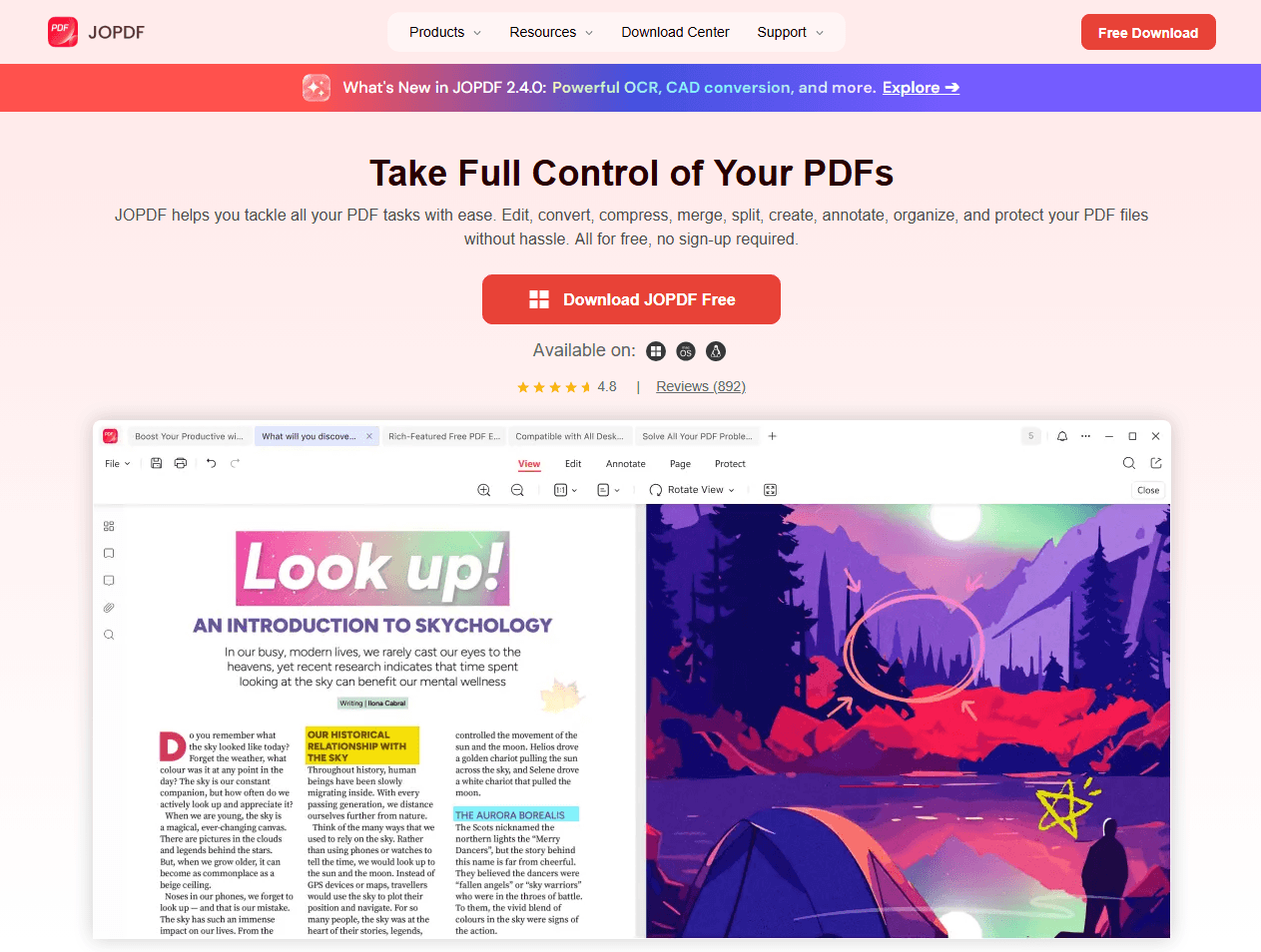
JOPDF provides practical PDF tools that can help you:
- Open and read downloaded PDF documents.
- Edit text and images in supported PDFs.
- Merge multiple PDF files into one document.
- Split large PDFs into smaller files.
- Convert PDFs into other commonly used formats.
Instead of using several applications for basic document management, you can use JOPDF to handle common PDF editing tasks after downloading your files.
Conclusion
Choosing the right Keep2Share downloader depends on how often you download files and what kind of experience you need. We always recommend using the official Keep2Share website for safe and quick downloads. If you need the help of third-party Keep2Share downloader tools, check its actual host support, usage limits, security practices, and reliability before using it.
FAQs
Table of Contents

Your Best Free PDF Expert in PDF editing, compressing, converting, annotating, protect, organizing, and more.
Free DownloadWindows · macOS · Linux

Anna
Editor
“Anna, Editor-in-Chief and PDF expert, delivers deep insights into PDF document technology trends. She is dedicated to helping readers optimize their digital lives. When not writing, Anna loves exploring local cafes and reading, blending her technical expertise with a love for storytelling.”