
Is your PDF Drive not working? In this comprehensive guide on JOPDF, we will walk you through the best PDF Drive alternatives for every scenario — from academic powerhouses like Library Genesis and Sci-Hub to legal and public domain resources like Project Gutenberg and the Internet Archive. We will also provide a detailed comparison table, a quick decision guide, and most importantly, show you how to edit, convert, and organize all those downloaded PDFs.
Summary :
Best PDF Drive Alternatives for Academic Research
When students and researchers search for PDF Drive alternatives, they usually need academic papers, textbooks, and scholarly monographs. These three platforms specialize in exactly that content.
Related Articles:
- ISBN to PDF: How to Download PDF Books Using ISBN for Free (2026)
- Mobilism Alternatives: Best Sites for Free eBooks, Audiobooks & Apps
- 10 Best OceanofPDF Alternatives for Free eBooks & PDF Downloads (2026)
- Fake Error Messages to Copy and Paste: Prank Your Friends Safely (2026 Guide)
Library Genesis (LibGen)
Library Genesis is widely considered the most comprehensive PDF Drive alternative for academic work. Its database spans millions of textbooks, scientific papers, and fiction titles — all searchable by ISBN, title, author, or DOI.
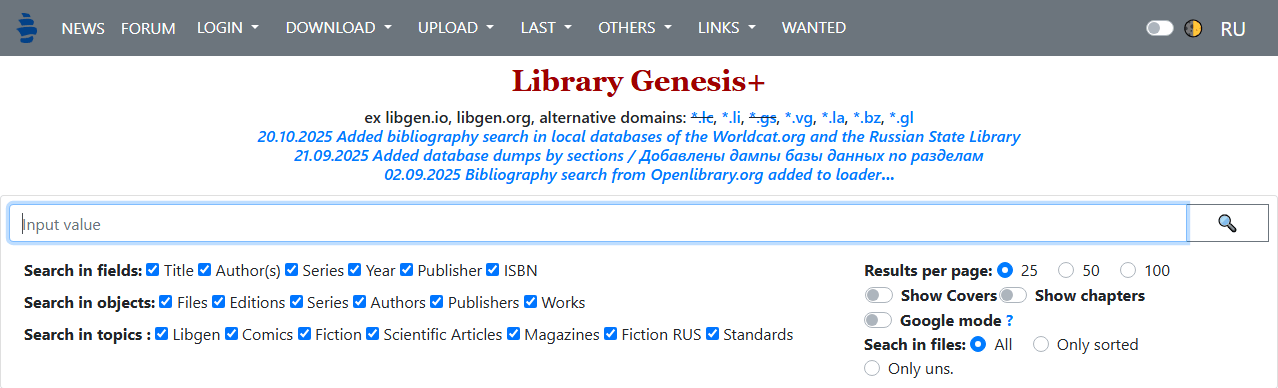
For users frustrated by pdfdrive not downloading issues on other platforms, LibGen’s multiple mirror domains provide reliable redundancy. If one mirror goes down, others remain accessible. This distributed infrastructure is why LibGen remains a top sites like pdfdrive recommendation on sites like PDF Drive reddit threads.
LibGen supports multiple formats beyond what PDF Drive offered. While pdfdrive books were limited to PDF only, LibGen provides EPUB, MOBI, and DJVU options alongside PDF. For researchers who need to cite specific page numbers from a scanned textbook, the PDF versions are available. For casual reading on an e-reader, EPUB versions work better.
Pros
-
Largest academic collection among all pdfdrive alternatives
-
Multiple mirror domains prevent single-point failure
-
ISBN search for precise title matching
-
No registration required
-
Multiple format support (PDF, EPUB, MOBI, DJVU)
Cons
-
Operates in a legal grey area
-
Mirror sites sometimes carry intrusive ads
-
Interface is dated and utilitarian
-
Some regions require VPN access
Also Read: ISBN to PDF: How to Download PDF Books Using ISBN for Free (2026)
Sci-Hub
Sci-Hub is the most specialized alternative to pdfdrive for academic journal articles. While PDF Drive indexed general PDFs and PDF Drive books, Sci-Hub focuses exclusively on research papers behind publisher paywalls. It has unlocked over 85 million scientific articles by bypassing journal authentication systems, making it essential for researchers without institutional library access.
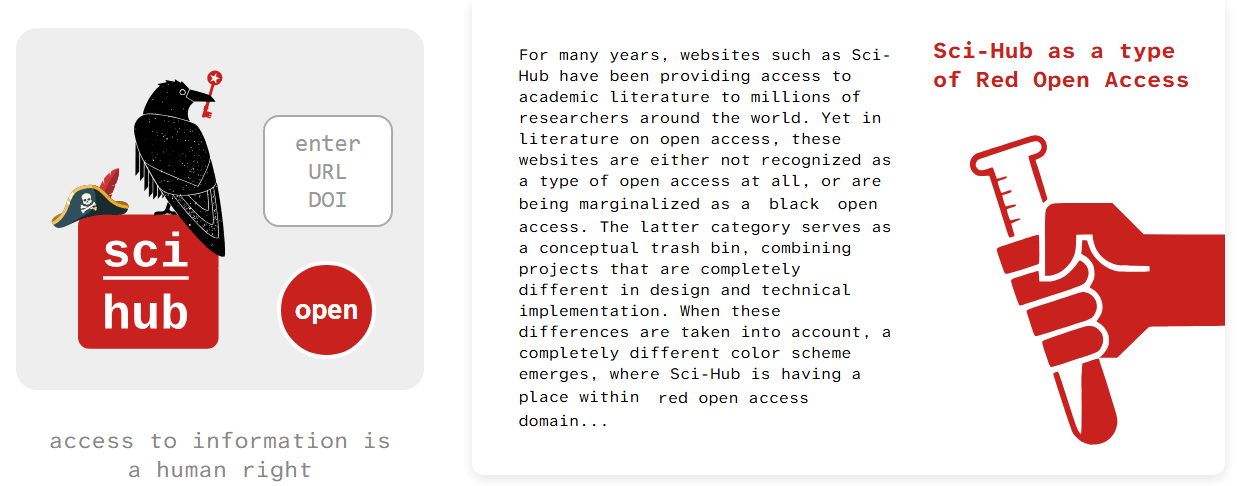
The platform works differently from other websites like pdfdrive. Instead of browsing categories, you search by DOI, PMID, or URL. Sci-Hub retrieves the full PDF of paywalled articles through donated institutional credentials. For users specifically asking sites like PDF Drive reddit users recommend for research papers rather than books, Sci-Hub is the consistent answer.
Pros
-
Access to 85+ million paywalled research papers
-
Simple DOI or URL-based search
-
Full PDF downloads of journal articles
-
Critical resource for researchers without library access
Cons
-
Frequent domain seizures and ISP blocks
-
No book or textbook content
-
Heavily pursued legally by academic publishers
-
Interface offers no browsing or discovery features
Anna’s Archive
Anna’s Archive is a relative newcomer among PDF Drive alternatives but has rapidly become one of the most powerful. It functions as a meta-search engine that aggregates results from LibGen, Sci-Hub, Z-Library, and Internet Archive simultaneously.
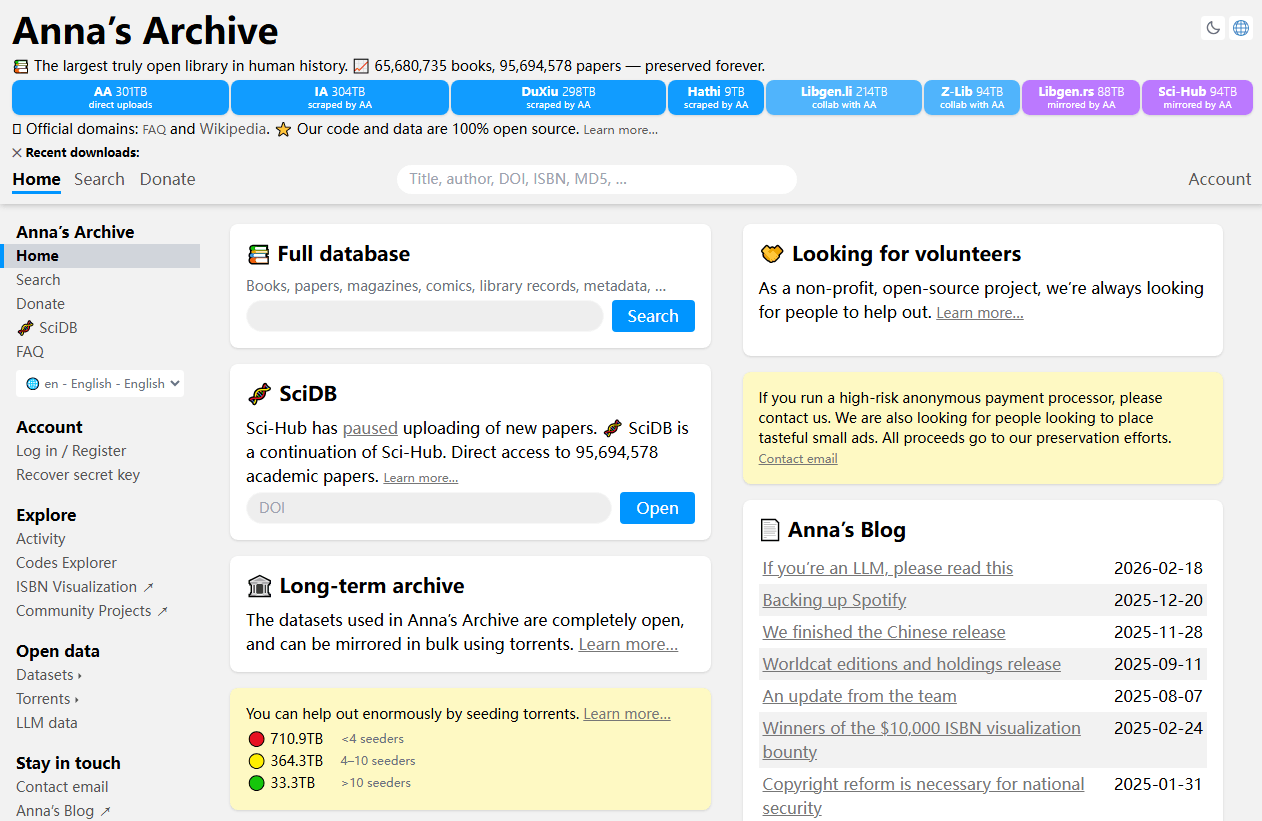
For users who previously relied on pdfdrive books and now face PDF Drive not working issues, Anna’s Archive offers the broadest possible search across multiple sources in one query.
What makes Anna’s Archive unique among sites similar to pdfdrive is its commitment to open data. The platform publishes its entire index as downloadable files, allowing anyone to create mirrors or run independent searches. This transparency means the platform can survive takedowns of any single source because the aggregated index exists independently.
Pros
-
Aggregates multiple major archives in one search
-
Searches across LibGen, Sci-Hub, Z-Library, and Internet Archive
-
Open data policy with downloadable indexes
-
Fast, clean interface
-
No registration required
Cons
-
Relatively new platform with uncertain long-term stability
-
Results depend on source archives being operational
-
Legal status unclear across jurisdictions
-
Limited to what its source archives contain
Also Read: Top 6 Safe & Legal Anna’s Archive Alternatives in 2026
Best PDF Drive Alternatives for General Reading
Not every user looking for websites like PDF Drive needs academic content. Many simply want to find novels, non-fiction bestsellers, and general interest books. These three platforms serve that audience.
Z-Library
Z-Library is arguably the most popular pdfdrive alternative for general reading. With a catalogue exceeding 10 million books, it rivals commercial platforms in scope. Users who once relied on PDF Drive books will find Z-Library’s selection significantly larger across fiction, non-fiction, and academic categories.
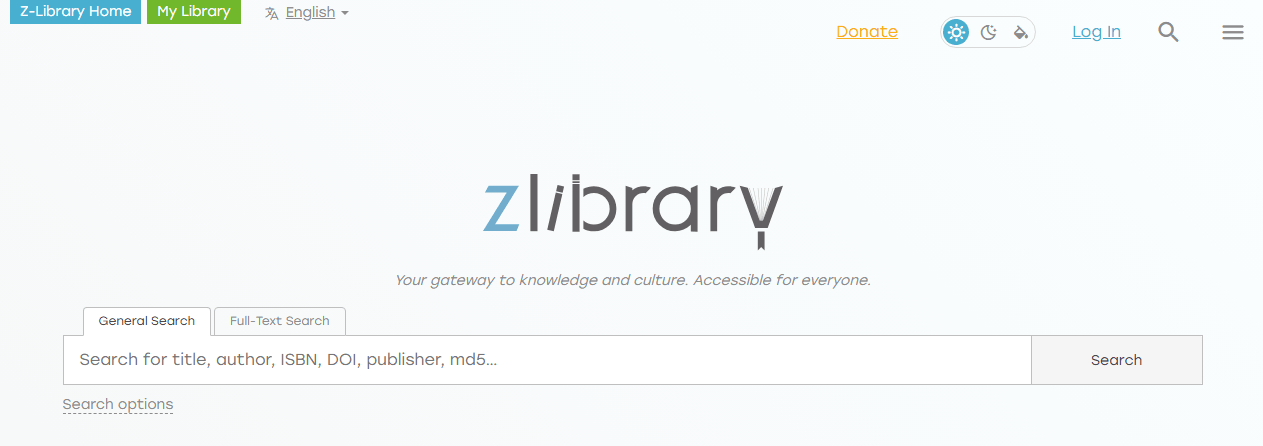
The platform supports multiple formats and can deliver books directly to a Kindle, which addresses a common complaint about pdfdrive.com alternative options that only offer PDF.
Z-Library requires free registration and imposes a daily download limit for standard users. Paid tiers unlock higher limits. The interface is modern and searchable by ISBN, making it feel closer to a legitimate digital bookstore than a file-sharing site. Like LibGen, Z-Library’s domains have faced legal pressure, and access methods change periodically. But for readers searching for sites like PDF Drive with a polished experience, Z-Library remains a top choice.
Pros
-
10+ million books across all categories
-
Modern, bookstore-like interface
-
Kindle delivery support
-
Multiple format options (PDF, EPUB, MOBI)
-
ISBN and title search
Cons
-
Daily download limits on free tier
-
Registration required
-
Domain seizures and access disruptions
-
Legal grey area
Also Read: Z-Library Alternatives 2026: 10 Best Sites for Free eBooks
PDF Room
PDF Room is the most direct pdfdrive.com alternative in terms of interface and functionality. Like PDF Drive, it is a search engine dedicated exclusively to PDF files. Users who search for sites like PDF Drive because they miss the specific workflow of PDF Drive — keyword search, instant preview, one-click PDF download — will find PDF Room the closest match.
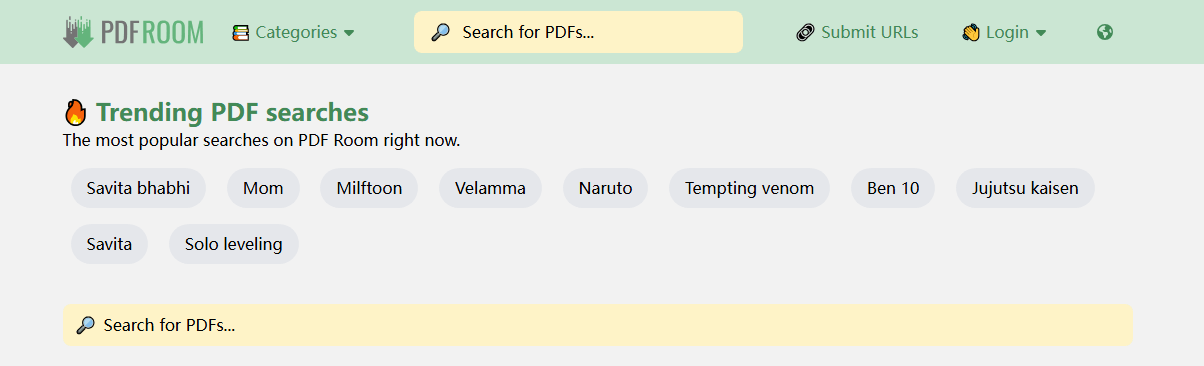
The platform indexes millions of PDF documents across categories that closely mirror what pdfdrive books offered: academic papers, manuals, magazines, and general non-fiction. The interface is clean and ad-supported. No registration is required. For users specifically asking what happened to PDF Drive and wanting a near-identical replacement experience, PDF Room is the answer.
Pros
-
Interface and functionality nearly identical to PDF Drive
-
Millions of indexed PDF documents
-
Instant preview before downloading
-
No registration required
-
Category browsing similar to original PDF Drive
Cons
-
PDF only — no EPUB, MOBI, or other formats
-
Ad-supported with occasional intrusive placements
-
Content legality varies by document
-
Smaller index than PDF Drive at its peak
Project Gutenberg
Project Gutenberg is the oldest digital library on the internet and the definitive alternative to pdfdrive for classic literature. Founded in 1971, it houses over 70,000 free eBooks, all verified as public domain. When users ask about PDF Drive alternatives on sites like PDF Drive reddit threads and specify they want something legal, Project Gutenberg is always the first answer.
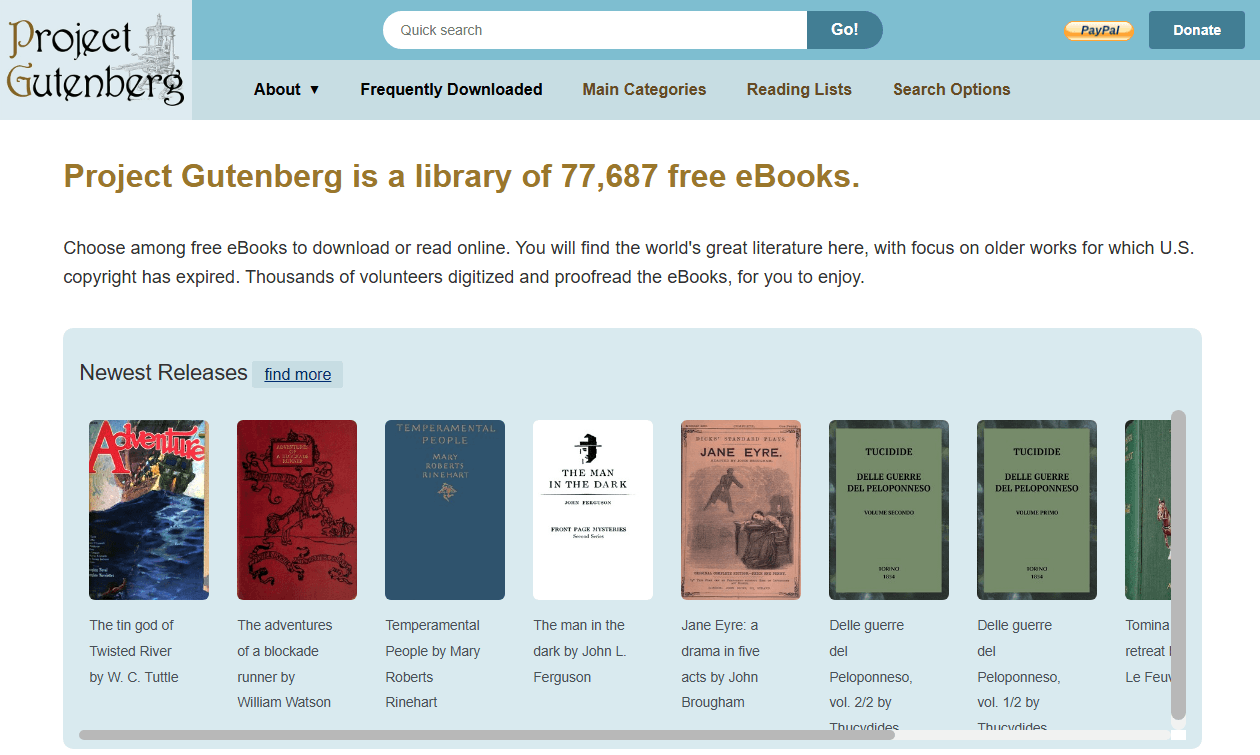
Every book on Project Gutenberg is free to download, share, and use for any purpose. Formats include EPUB, Kindle, and plain text — though PDF is not always available for every title, which is a difference from pdfdrive books. The site has no advertising, no registration requirements, and no download limits. For readers who want zero legal risk and timeless content, nothing else compares among websites like pdfdrive.
Pros
-
70,000+ legally free eBooks
-
No advertising, registration, or download limits
-
Multiple format support
-
Completely legal public domain content
-
Over 50 years of reliable operation
Cons
-
Limited to public domain works (mostly pre-1928)
-
No modern copyrighted titles
-
Plain interface with minimal discovery features
-
PDF format not consistently available
Also Read: Top 10 Free eBook Download Sites in 2026
Best PDF Drive Alternatives for Legal and Public Domain
For users who want to avoid the legal risks associated with some PDF Drive alternatives, these platforms provide fully legitimate access to books and documents. They may not have the massive libraries of LibGen or Z-Library, but they carry zero legal exposure.
Internet Archive
The Internet Archive is one of the most trustworthy sites similar to pdfdrive for both public domain and copyrighted works. Its digital library spans millions of texts, including books, magazines, and academic publications. Unlike PDF Drive, which indexed whatever was uploaded by users, the Internet Archive operates through library partnerships and legal deposit agreements.
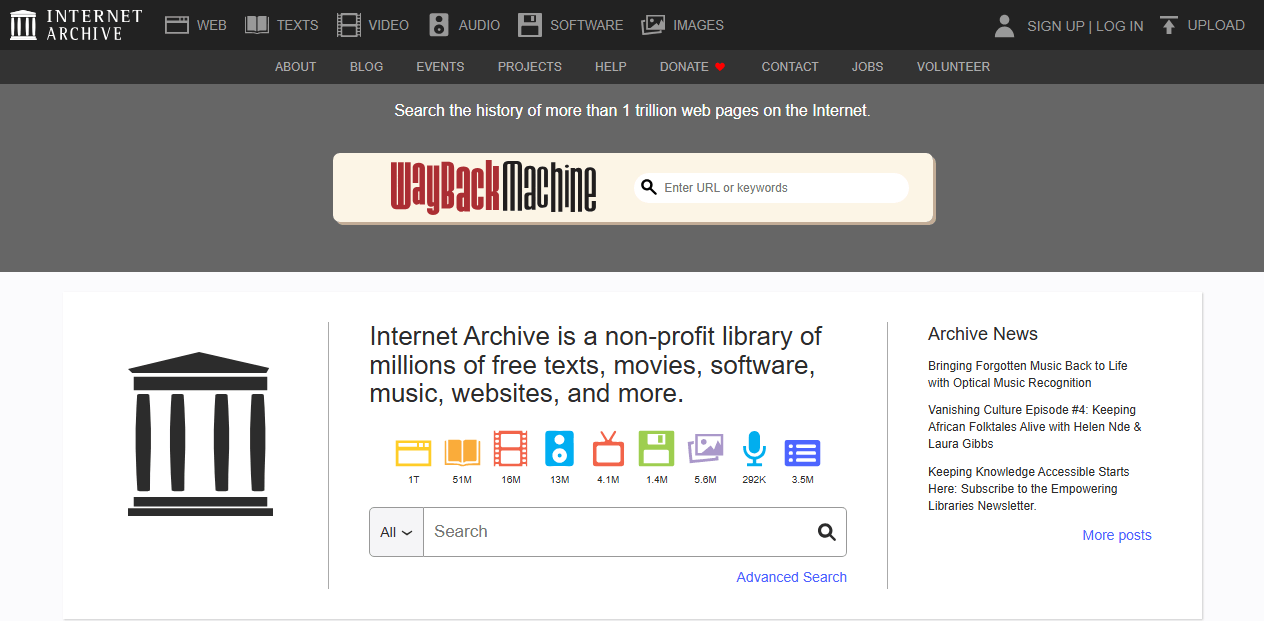
Public domain works on the Internet Archive can be downloaded immediately without restriction. Copyrighted books are available through Controlled Digital Lending — one digital copy loaned to one reader at a time, mirroring how physical libraries operate.
This lending model makes the Internet Archive a legitimate PDF Drive alternative for modern books that aren’t freely available elsewhere. For users concerned about what happened to PDF Drive and wanting a stable, institutional replacement, the Internet Archive is the most reliable option available.
Pros
-
Fully legal with institutional backing
-
Millions of texts including books, magazines, and academic papers
-
Public domain works available for immediate download
-
Controlled Digital Lending for copyrighted works
-
No registration required for public domain content
Cons
-
Borrowed books require wait times (one copy per reader)
-
Interface can be complex for new users
-
Some lending features require account creation
-
Download formats vary by title
Free-ebooks.net
Free-ebooks.net is a long-standing platform that offers a mix of free and premium eBooks. The free tier provides access to thousands of titles across fiction, non-fiction, and educational categories. It operates legally by working directly with authors and publishers, making it one of the safer websites like PDF Drive for readers concerned about copyright.
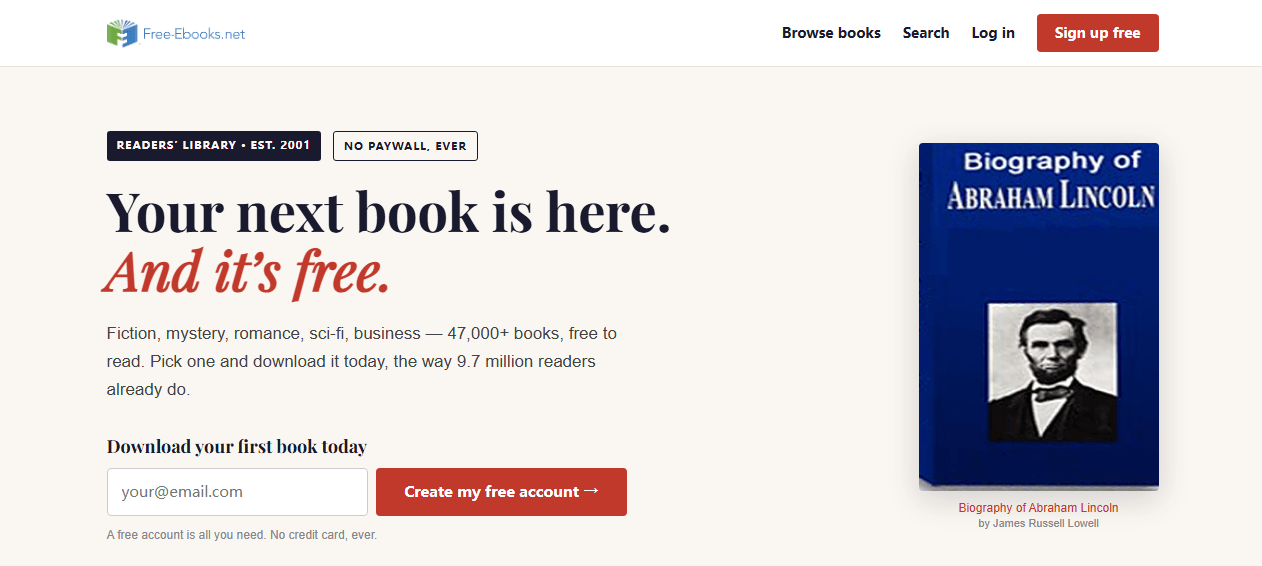
The platform requires registration even for free downloads, and free users face a monthly download limit. Premium subscriptions unlock unlimited access and additional features. While the selection is smaller than grey-area pdfdrive alternatives, the legal safety and consistent availability make it a practical choice for casual readers.
Pros
-
Legally operates with author and publisher agreements
-
Mix of free and premium content
-
Covers fiction, non-fiction, and educational categories
-
Consistent availability without domain changes
-
Clean, professional interface
Cons
-
Registration required for all downloads
-
Monthly download limits on free tier
-
Smaller catalogue than grey-area alternatives
-
Premium subscription needed for full access
Standard Ebooks
Standard Ebooks takes public domain classics and elevates them to professional publishing standards. While Project Gutenberg focuses on quantity, Standard Ebooks focuses on quality. Every title is carefully proofread, typeset with modern fonts, and enriched with proper metadata. The result is a reading experience indistinguishable from premium commercial eBooks.
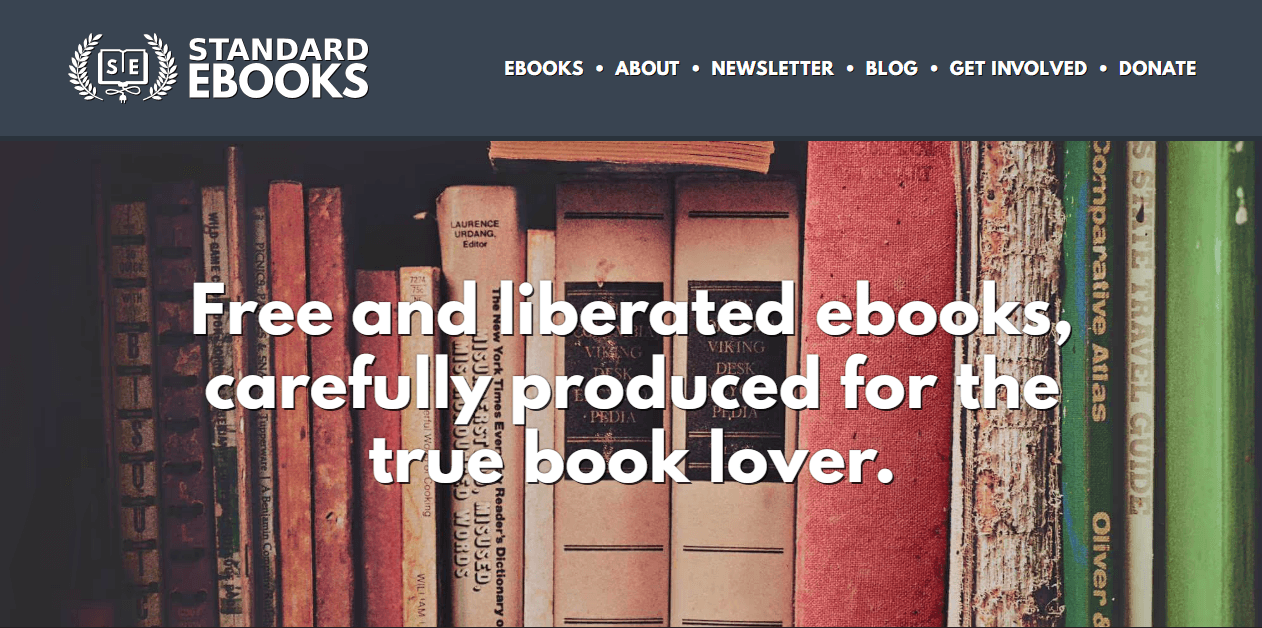
For users who previously downloaded PDF Drive books and were disappointed by poorly formatted or scanned copies, Standard Ebooks solves that problem entirely. The trade-off is selection — the catalogue is smaller because each book requires extensive human labor to produce. But for classic literature that you plan to actually read rather than just reference, Standard Ebooks is the best pdfdrive alternative for quality.
Pros
-
Professional-quality formatting and typography
-
Carefully proofread texts with modern covers
-
Multiple format support (EPUB, Kindle, Kobo)
-
Completely legal public domain content
-
No advertising or registration
Cons
-
Small catalogue (hundreds, not thousands of titles)
-
Limited to public domain classics
-
PDF not the primary output format
-
Slow catalogue growth due to manual production process
ManyBooks
ManyBooks is one of the safest PDF Drive alternatives for readers who want to avoid legal ambiguity entirely. The platform curates over 50,000 free eBooks drawn primarily from public domain sources like Project Gutenberg, supplemented by independently published works and promotional giveaways from established authors. It is fully legal and requires no registration.
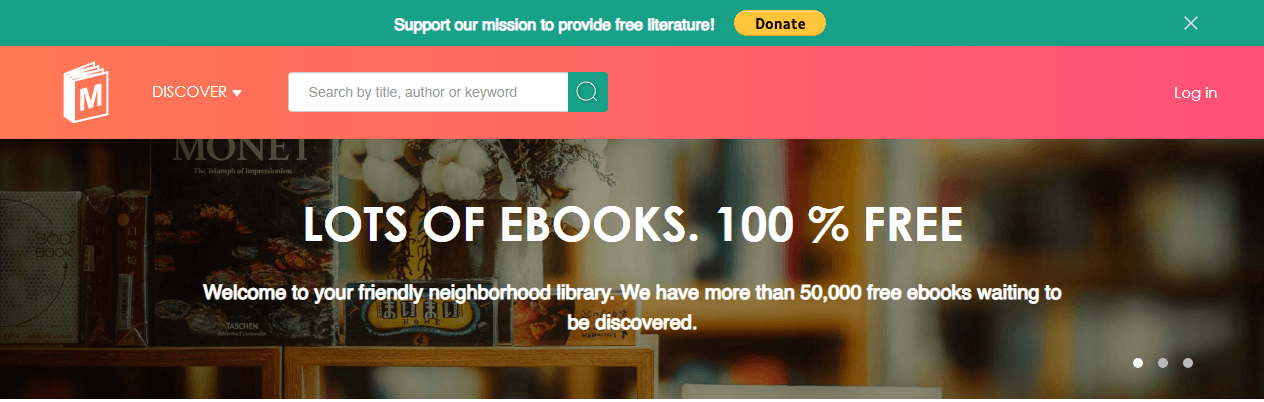
The browsing experience distinguishes ManyBooks from other sites like pdfdrive. Where PDF Drive was a utilitarian search engine, ManyBooks offers curated collections, genre filters, and a recommendation system that helps readers discover titles they wouldn’t find through keyword search alone. For casual readers who previously used PDF Drive books free download to find something to read, ManyBooks provides a more pleasant discovery experience.
Pros
-
Fully legal content from public domain and authorized sources
-
Clean, modern interface with curated collections
-
Multiple format support
-
No registration required
-
Active recommendation and discovery features
Cons
-
Limited to 50,000 titles (smaller than grey-area alternatives)
-
No recent bestsellers or copyrighted content
-
Primarily classic literature and indie works
-
Not suitable for academic or technical research
Comparison Table of All PDF Drive Alternatives
Every PDF Drive alternative on this list serves a different purpose. Some prioritize massive libraries at the cost of legal ambiguity. Others focus on fully legal public domain content with smaller but guaranteed safe collections. Some are built for academic research, while others cater to casual readers. The table below breaks down the key differences across all ten platforms.
| Platform | Best For | Content Focus | Free Access | Formats | Registration | Legal Safety |
| Library Genesis | Academic research | Textbooks, papers, fiction | Yes | PDF, EPUB, MOBI, DJVU | No | Grey area |
| Sci-Hub | Journal articles | Research papers only | Yes | No | Grey area (heavily pursued) | |
| Anna’s Archive | Cross-archive search | Aggregates LibGen, Sci-Hub, Z-Library | Yes | Multiple (varies by source) | No | Grey area |
| Z-Library | General reading | Fiction, non-fiction, academic | Daily limit | PDF, EPUB, MOBI | Yes | Grey area |
| ManyBooks | Legal casual reading | Public domain + indie | Yes | Multiple | No | Fully legal |
| Project Gutenberg | Classic literature | Public domain classics | Unlimited | EPUB, Kindle, Text | No | Fully legal |
| Internet Archive | Legal borrowing | Multi-media, all genres | Yes | PDF, EPUB | Optional | Fully legal |
| Free-ebooks.net | Legal free eBooks | Mixed genres | Freemium | PDF, EPUB | Yes | Fully legal |
| Standard Ebooks | Quality formatting | Public domain classics | Yes | EPUB, Kindle, Kobo | No | Fully legal |
| PDF Room | PDF-only search | General PDF documents | Yes | PDF only | No | Moderate |
How to Choose the Right PDF Drive Alternative?
With ten PDF Drive alternatives to consider, the right choice depends on what you read, how you access content, and your tolerance for legal risk. This section breaks down the key decision factors so you can match a platform to your actual needs.
Content Breadth vs. Specialized Focus
The most fundamental trade-off among sites like pdfdrive is breadth versus depth.
Platforms like Library Genesis and Z-Library offer millions of titles across every imaginable category. This breadth closely mirrors what pdfdrive books offered before the platform became unreliable. But this convenience comes with legal ambiguity — these platforms host copyrighted content without publisher authorization.
Specialized platforms make the opposite trade-off.
- Sci-Hub has almost no books, but its coverage of journal articles exceeds what PDF Drive ever offered for academic papers.
- Standard Ebooks has a tiny catalogue measured in hundreds of titles, but every one is formatted to a standard no general archive matches.
- Free-ebooks.net has fewer books than Z-Library, but every download is legally authorized.
Access Models and Their Trade-offs
Not all PDF Drive alternatives work the same way once you find a book.
- Direct Download Model: Library Genesis, Sci-Hub, Anna’s Archive, PDF Room, Project Gutenberg, ManyBooks, and Standard Ebooks all follow this model. Find a title, click download, get the file. It’s the most common model among sites similar to pdfdrive. No accounts, no waiting, no limits beyond what the server can handle.
- Freemium Model: Z-Library and Free-ebooks.net use tiered access. Free accounts get daily or monthly download limits. Paid accounts unlock higher limits and faster speeds. If you download a few books a month, the free tier on these websites like pdfdrive is sufficient.
- Library Lending Model: Internet Archive uses Controlled Digital Lending for copyrighted works. This is the most legally robust access model among all pdfdrive alternatives, but it requires patience.
Key Factors to Consider
Beyond content and access models, several practical factors determine which PDF Drive alternative fits your daily workflow.
- Content scope — Does it cover what you need?
- Cost — Free vs. paid vs. subscription
- Legality — Is the platform legal in your region?
- File quality — Are downloads clean or scanned?
- Download limits — Daily caps or unlimited?
- User experience — Is the interface clean and searchable?
- Security — Are there excessive ads or malware risks?
No single platform covers everything — use Library Genesis for research, Project Gutenberg for classics, and Anna’s Archive for cross-search. The smartest approach is to build a toolkit of PDF Drive alternatives that covers your specific needs.
Safety Tips for Using Sites Like PDF Drive
Navigating websites like pdfdrive requires more caution than using mainstream platforms. The safety concerns fall into two categories: device security and legal exposure. Here is how to protect yourself on both fronts.
Device Security for Using Sites Like PDF Drive
- Use a VPN whenever visiting grey-area PDF Drive alternatives.
- Install a reliable ad-blocker before browsing any free download site.
- Never download executable files from book sites.
- Scan every downloaded file with antivirus software before opening.
- Avoid sites that demand personal information.
- Keep your browser and operating system updated.
Legal Awareness for Using Sites Like PDF Drive
- Understand the difference between public domain, Creative Commons, and copyrighted content.
- Downloading for personal reading is lower risk than redistributing.
- Consider your professional exposure.
- When in doubt, use legal websites like PDF Drive.
From Download to Reading: What to Do After You Get Your PDF
Finding books through a PDF Drive alternative solves the discovery problem. What comes next is organization, format conversion, and preparing files for actual reading. Most users accumulate scattered downloads across multiple sites like pdfdrive. Turning this pile into a usable library takes a few extra steps.

JOPDF – The Best Free PDF Editor
 User Rating: 4.8
JOPDF Is a 100% free POF editor for Windows, macOS, and Linux. Edit text, add images, annotate, sign, and more. No limits, no ads, no subscriptions, Fast, simple, and powerful, take full control of your PDFs in seconds!
JOPDF is a Windows desktop PDF editor designed for exactly this post-download workflow. Once you’ve gathered your PDF Drive books free download files from various sources, JOPDF handles the organization layer.
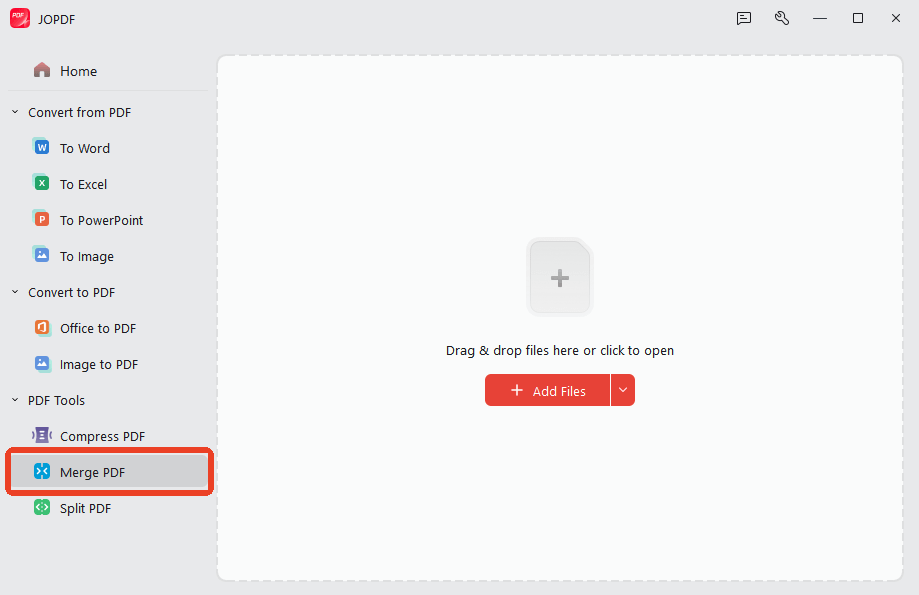
Step 1: Merge Separate Files into One Document
Merge tool combines them into a single, properly sequenced document. Instead of managing fifteen separate files for one textbook, you have one organized PDF ready for reading or printing.
Step 2: Compress Large Files for Storage
Pdfdrive books and academic papers can be surprisingly large, especially scanned textbooks with high-resolution page images. JOPDF’s Compress feature reduces file size without visible quality loss.
Step 3: Clean Up Scan Quality
Rotate pages that scanned sideways. Delete blank pages inserted during the scanning process. Reorder pages that are out of sequence. These are the unglamorous but necessary steps that turn a rough download from pdfdrive alternatives into a professional-looking document.
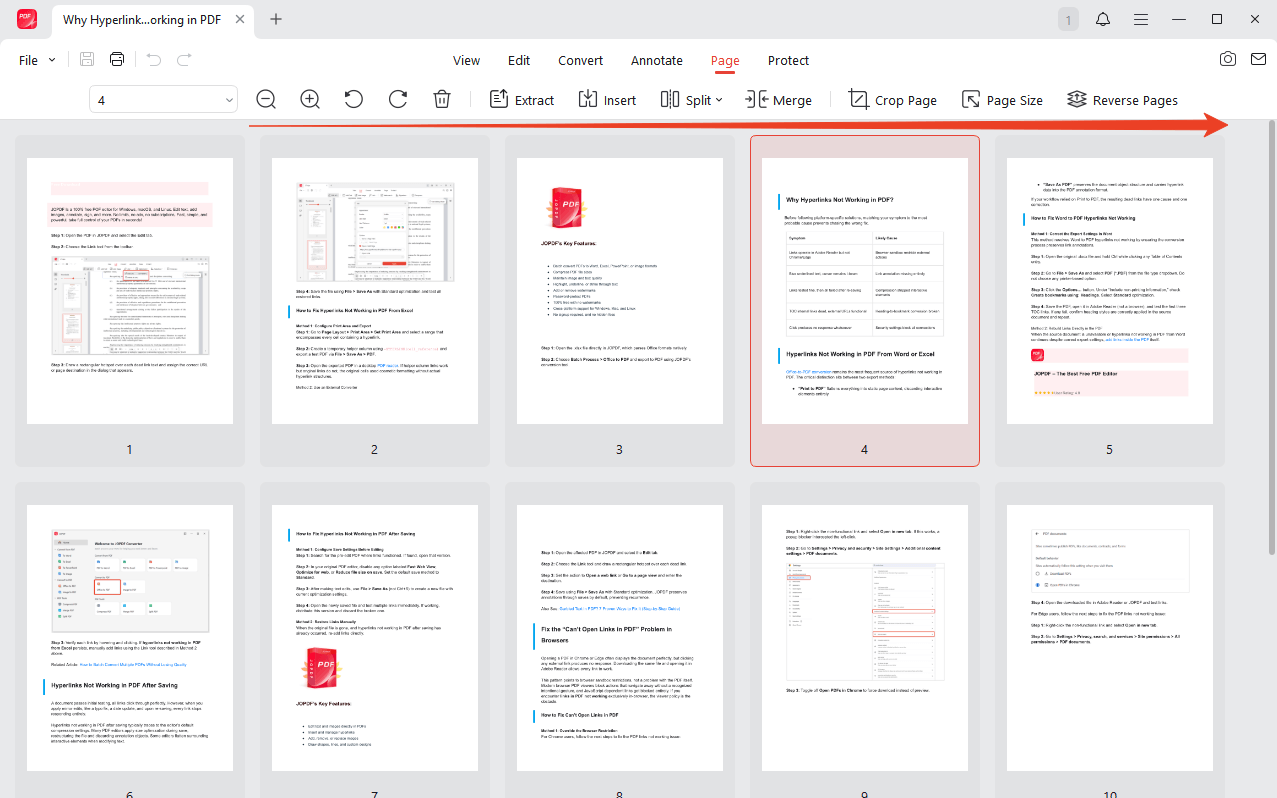
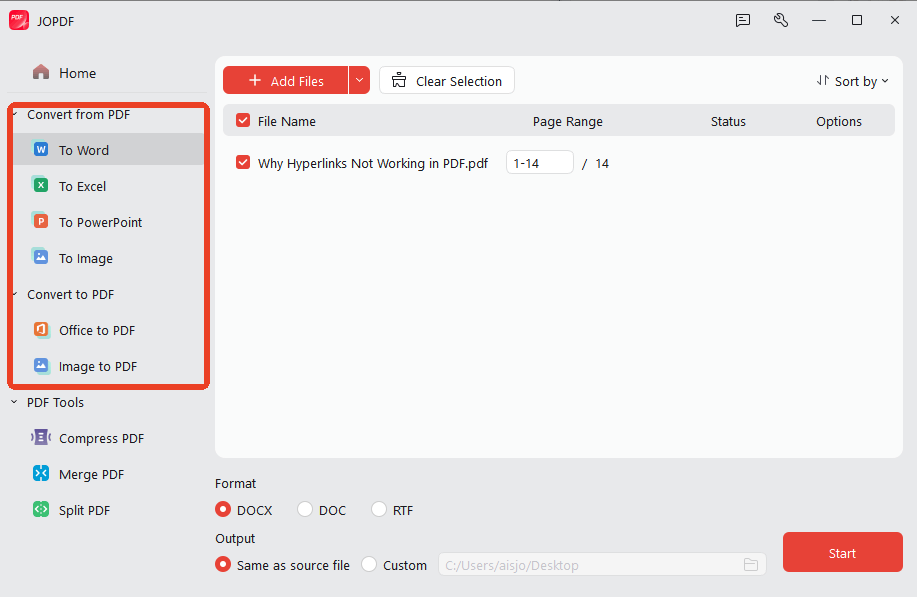
Step 4: Export to Other Formats
If you downloaded a PDF but prefer reading on a device that handles other formats better, JOPDF converts PDFs to Word, PPT, or image formats. The conversion preserves text and layout, giving you flexibility beyond what any single PDF Drive alternative download format provides.
Step 5: Build a Structured Library
Over time, your downloads from different websites like pdfdrive accumulate. JOPDF lets you create a consistent naming convention, merge related materials, and keep your library organized. What starts as scattered files from multiple sites similar to pdfdrive becomes a structured collection you can actually use.
Conclusion
PDF Drive has long been a staple for millions of users, yet its increasing instability and frequent downtime in 2026 have left many searching for more dependable options. The best PDF Drive alternatives fall into four categories:
- Academic research — Library Genesis and Sci-Hub for textbooks and papers
- General reading — Z-Library for comprehensive ebook access
- Legal/public domain — Internet Archive and Project Gutenberg for 100% legal content
- Cross-search — Anna’s Archive to search multiple sources at once
No single platform is perfect — combining multiple PDF Drive alternatives is the smartest strategy.
Your Action Plan
To help you better decide which PDF Drive alternative to choose, we show you a workflow to start your first step:
- Assess your core needs (academic/general, free/paid, legal/flexible)
- Start with 1-2 platforms that best match your requirements
- After downloading, use JOPDF to edit, convert, merge, and organize your PDFs — completely free, with no registration or watermark
Future Trends
Here are some predictions about the future trends of digital book sites:
- AI-powered document search and summarization will become standard
- The open access movement will continue expanding legal free resources
- Shadow libraries will face increasingly frequent domain blocks and access restrictions
This guide has given you everything about PDF Drive alternatives you need to find, download, and actually use the ebooks you need. Start with the tool that matches your immediate need, and expand your toolkit as your requirements grow. Happy reading!
FAQs
Yes, but with frequent domain changes, broken links, and regional blocks. If you are asking "what happened to PDF Drive" — the answer is that it remains accessible but increasingly unreliable.
Scan with security software; avoid ad-heavy websites; stick to well-known platforms.
Copyright pressure forces frequent domain changes to maintain accessibility.
According to Reddit community feedback, Z-Library is the most recommended alternative to PDFDrive. Other sites like PDF Drive Reddit users frequently mention include Library Genesis, Sci-Hub, and Project Gutenberg.
PDF Drive status varies by region. While some users report no issues, others face PDF Drive not working errors, regional blocks, and broken download links. If you encounter PDF Drive not downloading, try clearing your browser cache, switching browsers, or using a PDF Drive alternative like Z-Library.
Table of Contents
Your Best Free PDF Expert in PDF editing, compressing, converting, annotating, protect, organizing, and more.
Free DownloadWindows · macOS · Linux

Anna
Editor
“Anna, Editor-in-Chief and PDF expert, delivers deep insights into PDF document technology trends. She is dedicated to helping readers optimize their digital lives. When not writing, Anna loves exploring local cafes and reading, blending her technical expertise with a love for storytelling.”
![8 Best Manga Reading Sites to Read Manga Online [Full Review]](https://b.jopdf.com/wp-content/uploads/2026/09/best-manga-reading-sites.png)
