If you’ve ever tried to update a resume PDF, you already know how frustrating it can be. A simple change can completely break your layout. That’s why finding a reliable PDF resume editor free is essential, especially if you want to edit resume in PDF without losing formatting. In this guide on JOPDF, we tested and reviewed the best free PDF editor for resume updates so you can edit resume PDF online free, download software if needed.
Summary :
Why Editing a PDF Resume Is So Challenging
PDFs are designed to lock formatting, not flexibility. Unlike Word documents, PDFs don’t store content in an easily editable structure. That’s why even small edits can break spacing, fonts, or alignment.
Have you ever encountered the below problems when editing a PDF resume:
- Locked formatting: Layout elements are fixed, making edits tricky
- Font mismatches: Missing fonts can ruin your design
- Text box limitations: Editing often happens in small blocks rather than full paragraphs
- Conversion issues: Converting PDF to Word and back can distort your resume
To get rid of these challenges, the first thing you need to do is choosing a reliable free PDF resume editor no watermark, especially if you want professional results.
9 Best Free PDF Resume Editors in 2026
Below are tools we tested specifically for resume editing scenarios, like updating bullet points, adjusting spacing, and maintaining layout. Here is an overall comparison for all PDF resume editor free and you can give it a quick look. For detailed product reviews, jump to the related PDF resume editor.
| Tool | Free Version | Formatting Reliability | Ease of Use | Best Use Case |
| JOPDF | Yes | High (tested stable editing) | Easy | Direct PDF resume editing |
| Adobe Acrobat | Limited | High (industry standard) | Moderate | Professional editing |
| iLovePDF | Yes | Moderate (conversion-based) | Easy | Quick edits |
| Sejda | Yes | Moderate (line-based editing) | Easy | Light edits |
| Smallpdf | Yes | Moderate (depends on layout) | Easy | Simple editing |
| Canva | Yes | — (design-focused, not precise editing) | Very Easy | Resume redesign |
| Resume-Now | Limited | — (rebuild instead of edit) | Easy | Resume creation |
| PDFSimpli | Yes | — (limited verified data) | Easy | Basic edits |
JOPDF
JOPDF is a lightweight yet powerful tool designed specifically for handling PDF documents efficiently. Compared to many generic PDF editors, it performs especially well when editing structured files like resumes. What’s more important is that the resume editor is totally free and available both on Windows, Mac, and Linux.
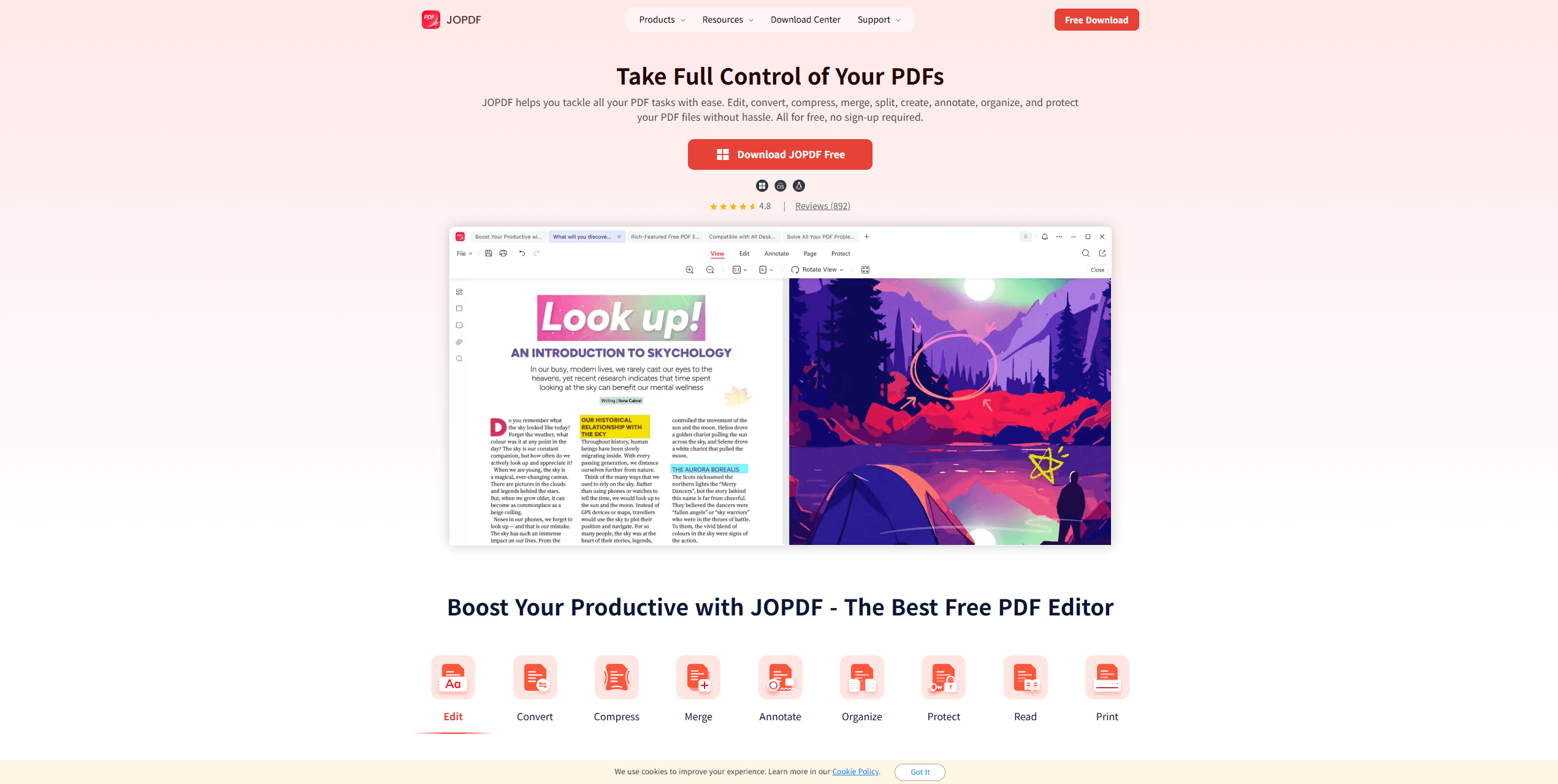
With JOPDF, you can click into text fields, adjust wording, and keep alignment intact. For example, if you update a job description by adding one more bullet point, the spacing between sections stays consistent instead of shifting unpredictably.
You don’t need to navigate complex menus or learn advanced features just to make small edits. This makes it especially effective as a quick pdf resume editor free download solution when you want something reliable without setup friction.
That said, JOPDF is less focused on visual redesign. If your goal is to completely restyle your resume, you may need an additional design tool. But for users who want to edit resume in PDF without losing formatting, it handles the core task extremely well.
JOPDF’s Key Features:
-
Direct text and image editing inside PDFs
-
Supports PDF resume editor free download
-
Smart layout recognition to maintain formatting
-
Convert between PDF and other formats without major distortion
-
Page organization, annotations, and security tools
-
No watermark, no subscription barrier
Pros
-
Clean interface, easy for beginners
-
Excellent formatting retention
-
Works well as a PDF resume editor for Windows/Mac/Linux
Cons
-
Fewer design templates compared to creative tools
Related article: How to Add Attachment to PDF: 3 Easy Methods (Free & Pro)
Canva
If your goal is not just editing but improving the visual appeal of your resume, Canva offers a very different experience compared to traditional editors. It works more like a design platform than a typical PDF resume editor online free.
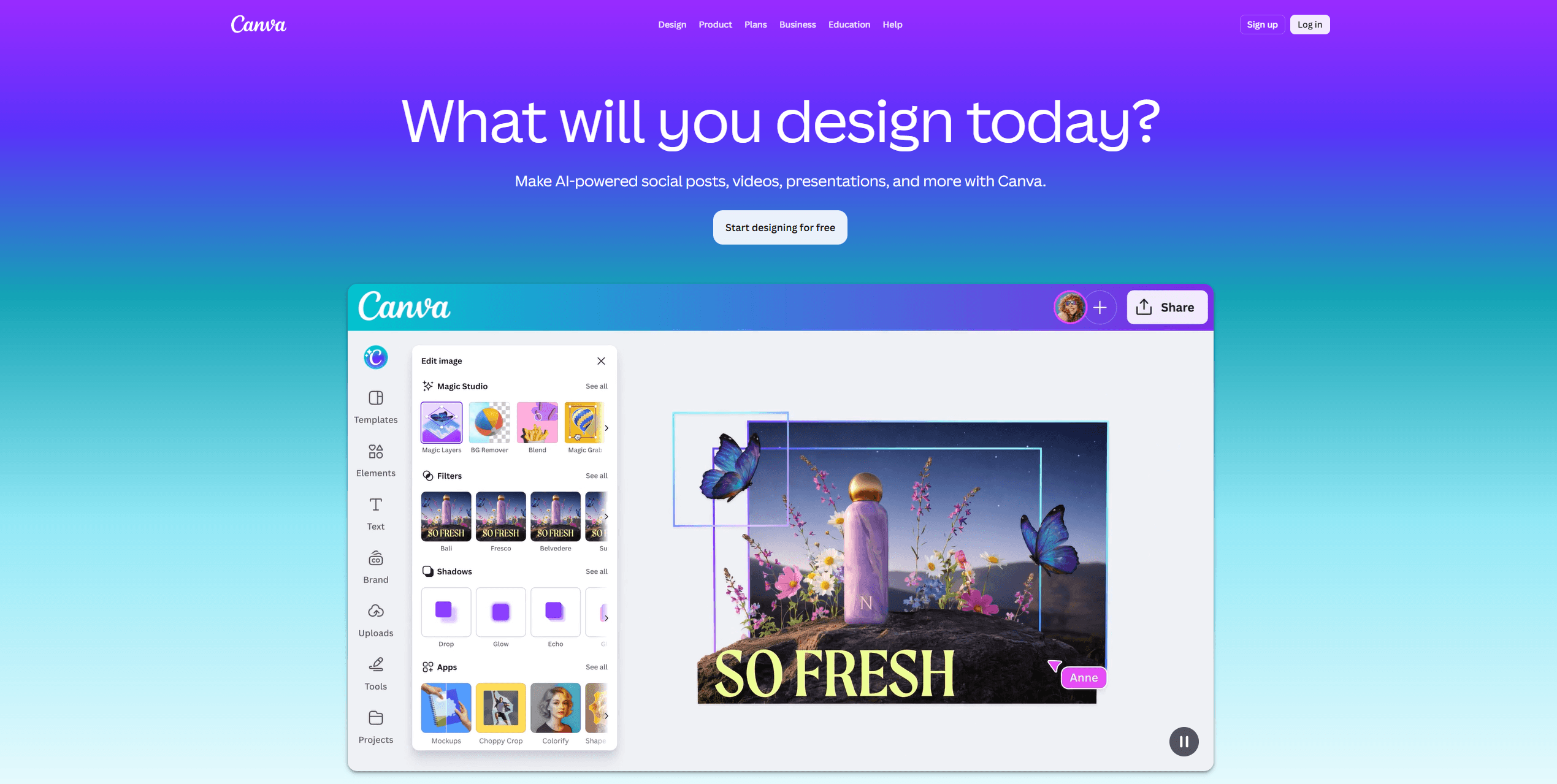
When you upload a PDF, the platform attempts to break it into editable elements. This works well for simpler layouts, but for more structured resumes, you may notice slight misalignment.
A practical way to use Canva is to treat it as a redesign tool. For example, if your current resume feels outdated, you can import it, then rebuild it using templates while keeping your content. This is where Canva becomes one of the best free PDF editor for resume alternatives for creative roles.
However, if your intention is to make small, precise edits, it can feel less efficient. The tool encourages redesign rather than careful modification.
Key Features:
- Drag-and-drop resume editing
- Pre-built templates
- PDF upload and editing
- Cloud-based platform
Pros
-
Ideal for creative resumes
-
Beginner-friendly interface
-
Great visual customization
Cons
-
Formatting may shift when importing PDFs
-
Not ideal for text-heavy resumes
-
Limited precision editing
Adobe Acrobat
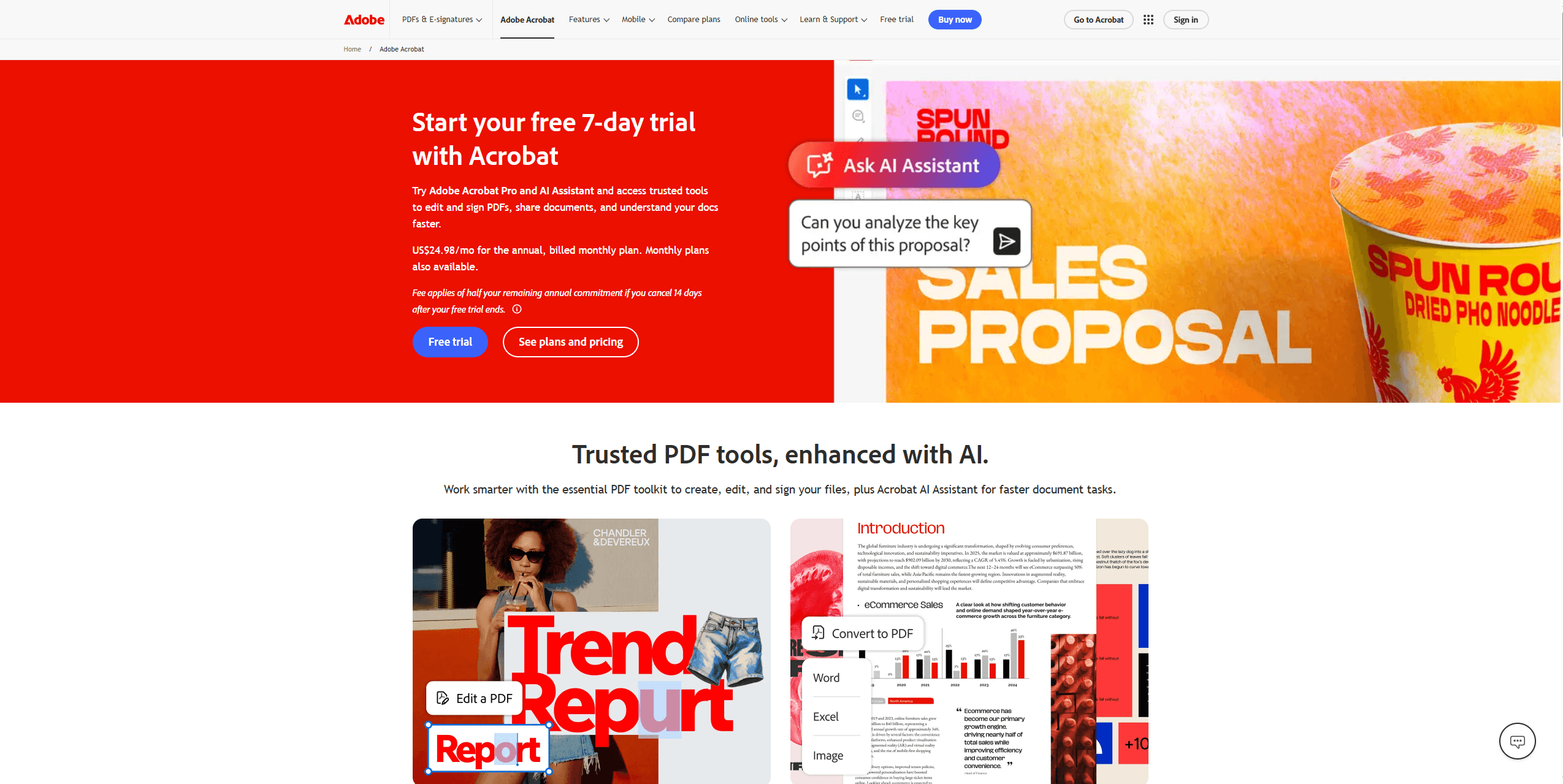
Adobe Acrobat is the industry standard. If your priority is precision, it’s one of the most reliable solutions for how to edit a resume PDF professionally. Adobe Acrobat allows you to edit text in place with high accuracy. Fonts, spacing, and alignment are usually preserved better than in most free tools. However, many advanced features are locked behind a subscription. For occasional users, it may feel like more tool than necessary.
Key Features:
- Advanced PDF editing tools
- OCR for scanned resumes
- Font matching and layout tools
- Cloud integration
Pros
-
High accuracy editing
-
Trusted and widely used
-
Excellent for complex resumes
Cons
-
Free version is limited
-
Paid plan required for full features
-
Can feel heavy for simple edits
Related Article: How to Edit a PDF Without Adobe Acrobat: Top 5 Picks
iLovePDF
If you’re looking for something quick and accessible, iLovePDF is often one of the first tools people try. It’s straightforward and works entirely in the browser.
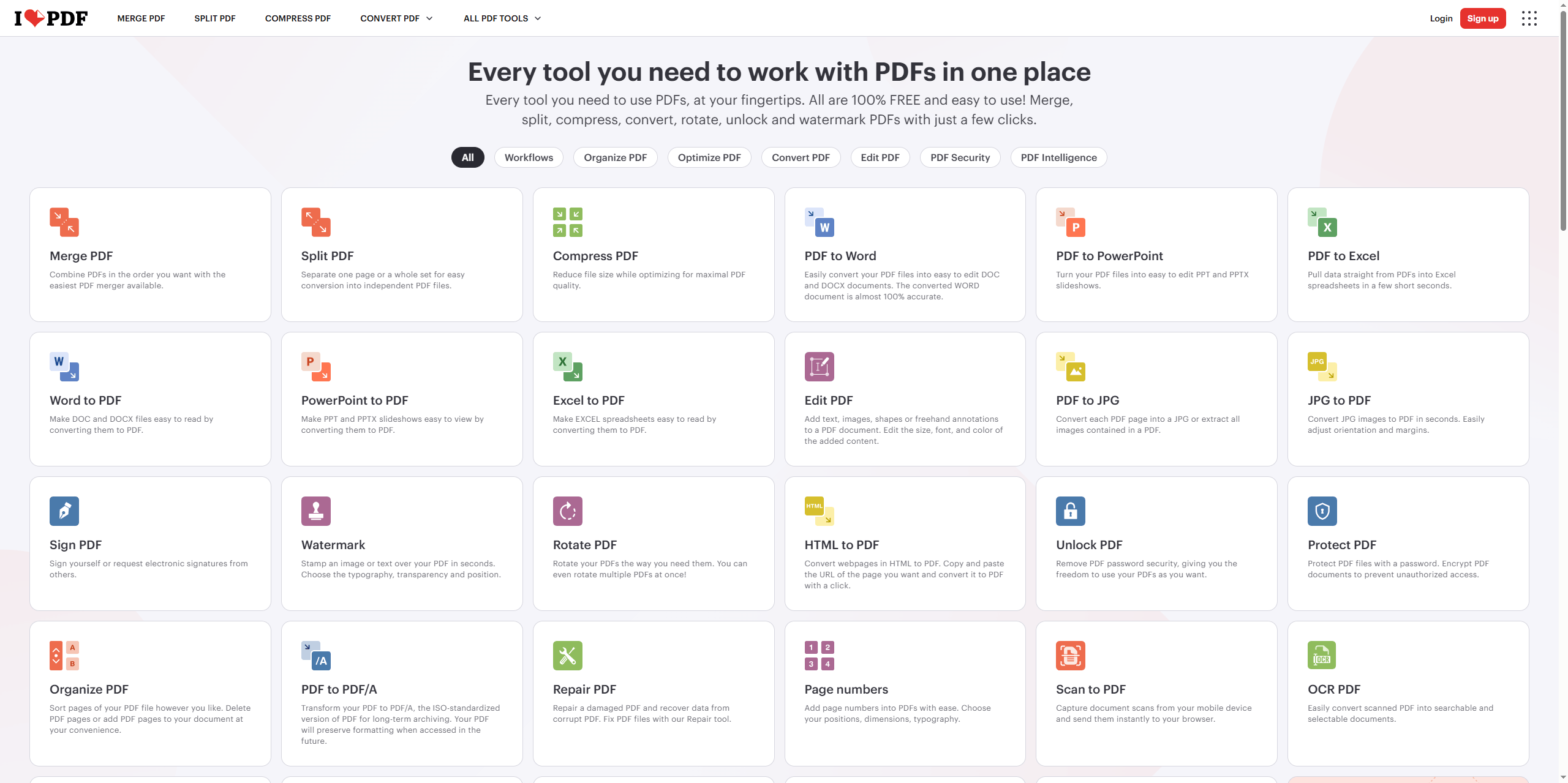
iLovePDF is best used for light edits or quick adjustments. If you need to fix a typo or slightly modify a section before submitting an application, it gets the job done without requiring installation.
However, the editing experience is more limited compared to dedicated tools. In many cases, it relies on conversion processes, which can affect formatting. This means it’s not always ideal if your priority is to edit resume in PDF without losing formatting.
Key Features:
- Online PDF editing
- PDF to Word conversion
- Merge and compress files
Pros
-
Fast and easy to use
-
No installation required
-
Good for quick fixes
Cons
-
Limited editing depth
-
Formatting may break after conversion
-
Watermark may appear in some exports
Sejda
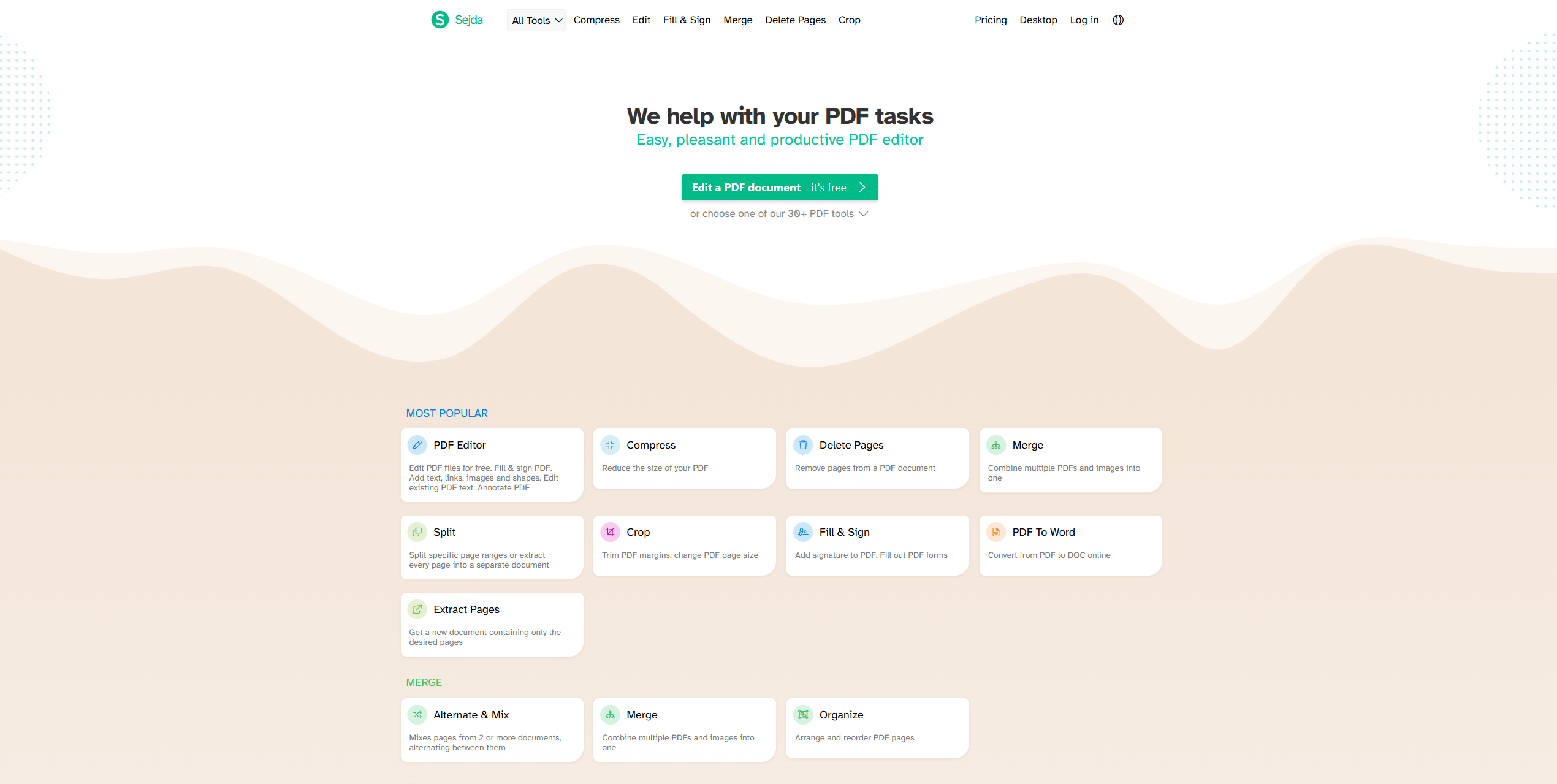
Sejda is a balanced option between functionality and simplicity, especially for users who prefer browser tools. Instead of freely editing like in a Word document, you work within defined text areas. This can feel slightly restrictive at first, but it also helps prevent accidental layout shifts.
Key Features:
- Direct text editing
- Fillable forms
- Desktop and online versions
- Page management and conversion tools
Pros
-
Clean interface
-
Good for light editing
-
No installation required (online version)
Cons
-
Daily usage limits
-
Not ideal for heavy resume edits
Smallpdf
Smallpdf is another popular PDF resume editor free online option with a strong reputation. It is ideal when you need to make quick edits without overthinking the process. Upload your file, click into editable areas, and make changes. It’s that simple. This makes it a popular choice to edit resume PDF online free.
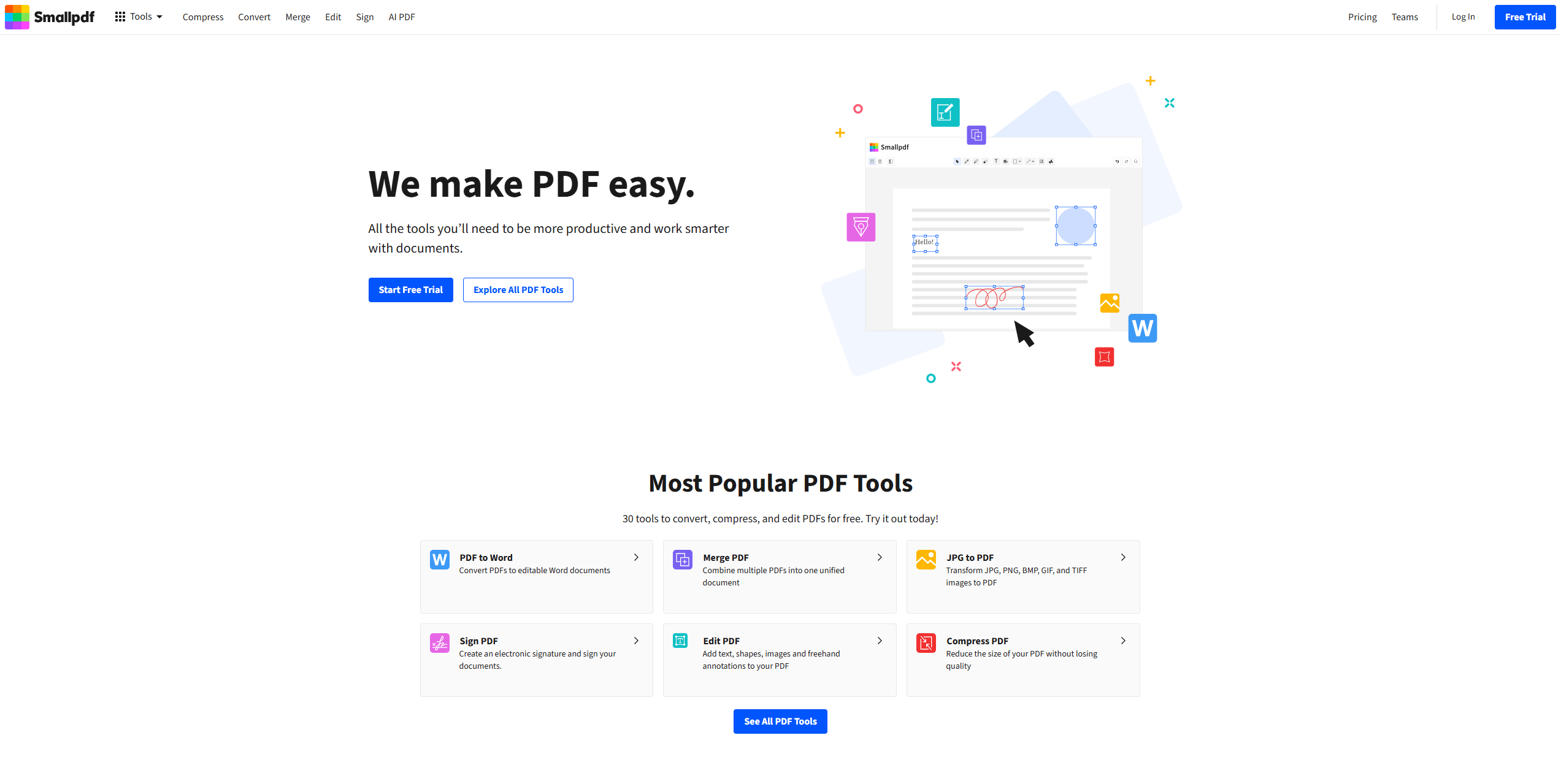
However, the editing tools are not as precise, and complex layouts may not hold up perfectly after multiple changes. For example, adjusting spacing between sections might require extra manual tweaking.
Overall, it’s a good option for basic edits, but less reliable for maintaining detailed formatting.
Key Features:
- Edit and annotate PDFs
- Convert PDF to Word
- Cloud-based storage
Pros
-
Simple UI
-
Reliable performance
-
Good integration with cloud tools
Cons
-
Limited free usage
-
Editing features are basic
Resume-Now
Unlike the other tools on this list, Resume-Now encourages you to rebuild your resume from scratch. This can actually be helpful in certain situations. For example, if your current resume feels outdated or poorly structured, starting fresh with guided templates can improve clarity and organization.
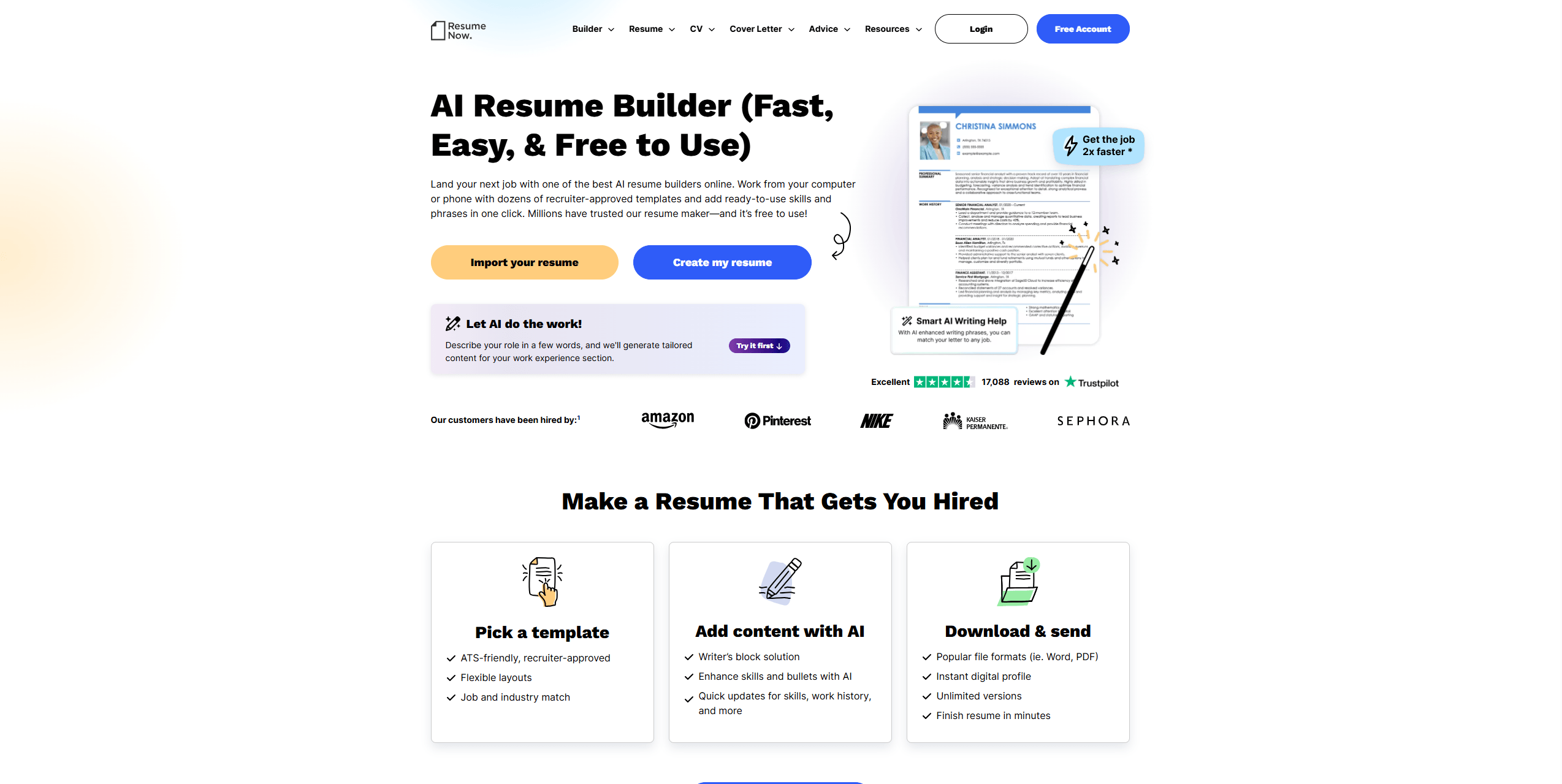
The platform helps you refine content rather than just edit it. In that sense, it complements the process of creating a strong resume PDF, even though it’s not a traditional free PDF resume editor no watermark.
Key Features:
- Resume templates
- Guided resume creation
- Export to PDF
Pros
-
Helpful for beginners
-
Structured writing guidance
Cons
-
Not a true PDF editor
-
Requires rebuilding resume in platform
PDFSimpli
PDFSimpli focuses on accessibility and speed, making it a practical option when you need to edit a file quickly without installing software. The tool is easy to access and doesn’t require much setup. You can upload your resume, make edits, and download it within minutes. This makes it useful for last-minute updates before submitting applications.
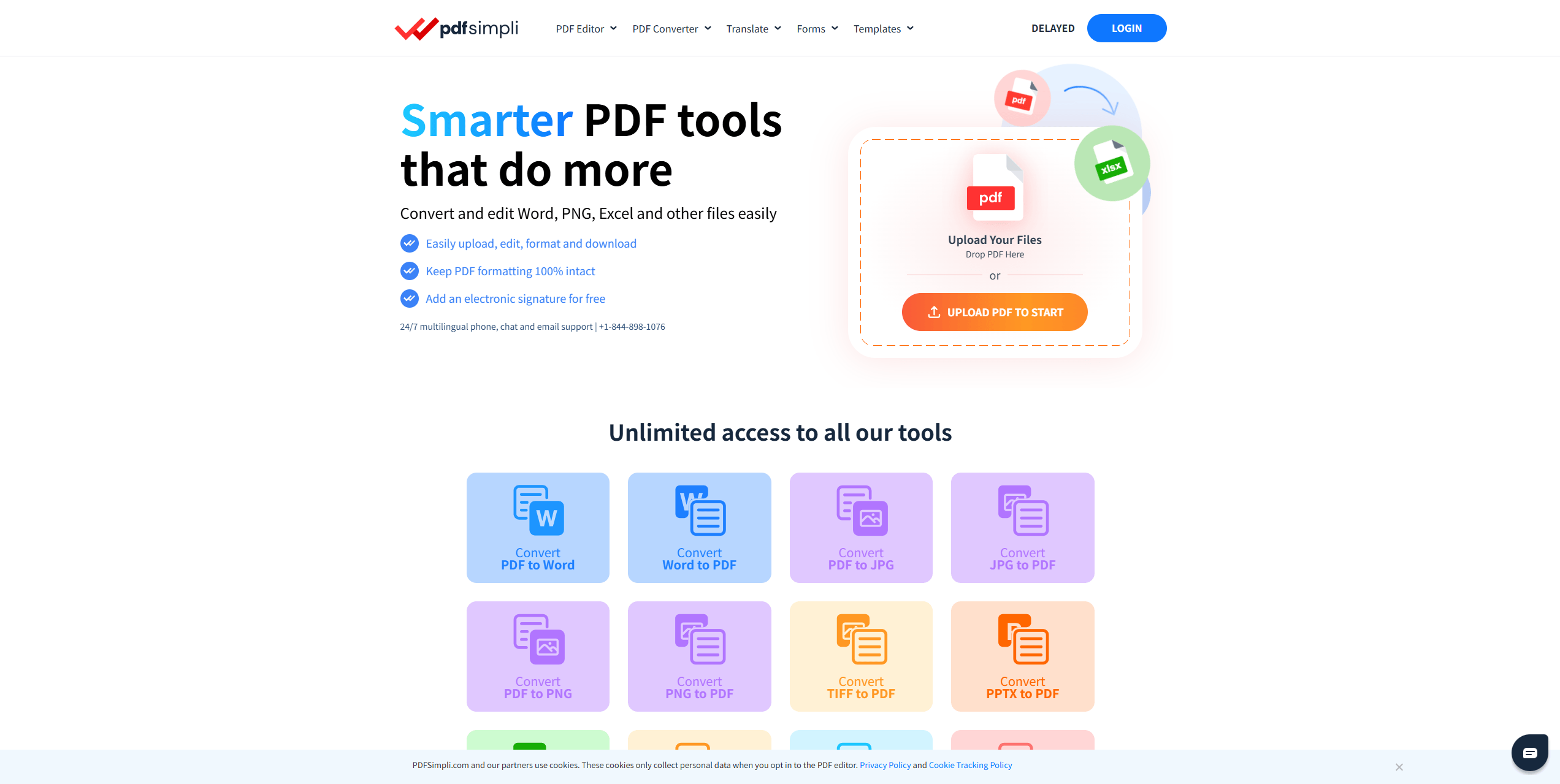
It works best for small, isolated edits rather than full revisions. If your priority is speed over precision, it’s a reasonable choice.
Key Features:
- Browser-based editing
- PDF conversion tools
- Simple interface
Pros
-
Easy to access
-
Quick editing workflow
Cons
-
Limited advanced features
-
Formatting inconsistencies possible
Cons:
- Limited advanced features
- Formatting inconsistencies possible
Related Article: Instant Ways to Change Font in PDF Files [Detailed Guide]
PDF Resume Formatting Tips
If your goal is to edit resume PDF online free without issues, keep these best practices in mind:
- Stick to standard fonts like Arial or Times New Roman
- Avoid excessive formatting changes
- Check alignment carefully after editing
- Always preview before exporting
- Use tools that support edit resume PDF free without forcing conversions
If you’re wondering how to edit a resume PDF properly, the safest approach is to use a tool like JOPDF or Adobe Acrobat that allows direct editing instead of conversion.
Conclusion
Finding the right free PDF resume editor can make a huge difference when you need to update your resume quickly without breaking its layout. From our experience, JOPDF is one of the most reliable choices if your goal is to edit resume in PDF without losing formatting. It combines ease of use with strong layout preservation, making it a practical solution for job seekers who want clean, professional results.
FAQs
Yes, absolutely. Dedicated PDF editors like SwifDoo PDF and Sejda allow you to click directly on the text in your resume and type changes in real-time, no conversion needed.
Not with the right tool. Quality-focused free editors (like the ones featured in this guide) export files at the original resolution without compressing images or flattening text.
Table of Contents

Your Best Free PDF Expert in PDF editing, compressing, converting, annotating, protect, organizing, and more.
Free DownloadWindows · macOS · Linux

Anna
Editor
“Anna, Editor-in-Chief and PDF expert, delivers deep insights into PDF document technology trends. She is dedicated to helping readers optimize their digital lives. When not writing, Anna loves exploring local cafes and reading, blending her technical expertise with a love for storytelling.”
![Full Guide on How to OCR a PDF in Adobe Acrobat [Newest]](https://b.jopdf.com/wp-content/uploads/2026/10/how-to-ocr-a-pdf-in-adobe.png)