
Knowing how to cite a PDF in APA format trips up many students. A PDF is just a digital container; the real question is what’s inside it. This guide on JOPDF breaks down how to cite a PDF in APA 7th edition by source type, explains how to cite a PDF in APA in-text, and provides clear examples so you can build accurate references every time.
Summary :
Preparation Before You Cite a PDF in APA
Jumping straight into formatting without examining the document first is the most common mistake. We recommend you spend sixty seconds on this detective work ensures you apply the correct format from the start. Before you type a single character, open your PDF and look for these clues:
- Title page or header: This often reveals whether the document is a journal article, report, or book chapter. Look for journal names, volume numbers, or publisher logos.
- Copyright page: Found in books and reports, this page lists the publisher, publication year, and edition.
- DOI or URL: A Digital Object Identifier is a permanent link. Always check the first page or the document footer for it.
- Report numbers or white paper labels: Government and corporate reports often display a report number prominently on the cover.

JOPDF – The Best Free PDF Editor
 User Rating: 4.8
JOPDF Is a 100% free POF editor for Windows, macOS, and Linux. Edit text, add images, annotate, sign, and more. No limits, no ads, no subscriptions, Fast, simple, and powerful, take full control of your PDFs in seconds!
General APA Citation Formula for a PDF
APA 7th edition treats every source through the lens of four core elements: author, date, title, and source. The file format, whether it is a PDF or a Word document, does not change the citation logic. What matters is identifying the source type inside that PDF.
Every APA citation has two parts: a reference list entry at the end of your paper and an in-text citation in the body. For PDFs, the general reference structure looks like this:
- Reference List Formula: Author, A. A. (Year). Title of document in sentence case. Publisher or Website Name. URL or DOI
- In-Text Citation Formula: (Author, Year)
If you are quoting directly, add a page number: (Author, Year, p. 4). Understanding this backbone makes every specific variation much easier to follow.
Related Article: How to Save a PDF as a Word Document: 4 Free Ways for Various Devices
How to Cite a PDF in APA By Source Type
Most guides overcomplicate this topic. The truth is straightforward: identify what the PDF actually is, then apply the matching template.
Below are the five most common scenarios you will encounter, each with an APA example so you can see how to cite a PDF in APA clearly.
Citing a Journal Article in PDF
Journal articles are the most frequently downloaded PDFs in academic work. They almost always include a journal name, volume, issue, and page range. Whenever possible, use the DOI because it provides a permanent, reliable link.
Step 1: Locate the author’s name on the first page, usually below the title. Write it as Last Name, First Initial.
Step 2: Find the publication year, often in the header or footer. Place it in parentheses after the author’s name.
Step 3: Write the article title in sentence case. Do not italicize it or place it in quotation marks.
Step 4: Add the italicized journal name, followed by the volume number also in italics. Place the issue number in parentheses immediately after, not in italics, then the page range.
Step 5: Finish with the DOI formatted as a hyperlink. If no DOI exists, use the URL of the journal’s homepage or the direct PDF link.
APA Example:
Nguyen, T. (2021). Virtual learning and student outcomes during COVID-19. Journal of Educational Research, 114(4), 455–472. https://doi.org/10.1080/00220671.2021.1891194
This APA template answers the common search how to cite a PDF in APA example for scholarly work.
Also See: The Best 7 PDF Magazine Download Sites in 2026: 100% Free
Citing a Book or Book Chapter in PDF
Scanned textbooks and ebook chapters often arrive as PDFs. A book PDF usually has a copyright page with publisher details and an edition number.
Step 1: Identify the author or editor. For edited books, add (Ed.) or (Eds.) after the name.
Step 2: Place the copyright year in parentheses.
Step 3: Italicize the full book title in sentence case. If you are citing only one chapter, write the chapter title in sentence case without italics, then add the word “In” followed by the editor’s initials and the italicized book title.
Step 4: Include the edition if it is not the first, inside parentheses.
Step 5: Write the publisher’s name, then add the URL or DOI where the PDF was accessed.
APA Example:
Smith, J. (2020). Introduction to psychology (3rd ed.). Pearson. https://example.com/book.pdf
Related Article: Z-Library Alternatives 2026: 10 Best Sites for Free eBooks
Citing a Report or White Paper in PDF
Government agencies, NGOs, and corporations publish reports as PDFs. These documents often have a report number on the cover. White papers follow the same structure but use the label “[White paper]” in square brackets after the title.
Step 1: Use the full organization name as the author if no individual author is listed. This is also the key to cite a pdf in apa with no author; if truly no author exists at all, move the title to the author position.
Step 2: Add the publication year in parentheses.
Step 3: Write the report title in italics and sentence case. If it has a subtitle, separate it with a colon.
Step 4: Include the report number in parentheses if available, after the title and not in italics.
Step 5: Write the publisher name and the URL.
APA Example:
Bedford, D. A. D. (2017). Enterprise information architecture: An overview (Report No. WA-RD 896.4). Washington State Department of Transportation. https://www.wsdot.wa.gov/research/reports/fullreports/896-4.pdf
Citing a Thesis or Dissertation in PDF
Graduate theses and dissertations in university repositories are often available as downloadable PDFs.
Step 1: List the author’s last name and initials.
Step 2: Add the publication year.
Step 3: Write the italicized title in sentence case. After the title, insert a bracketed description such as [Doctoral dissertation, University Name] or [Master’s thesis, University Name].
Step 4: Add the name of the database or repository where the PDF was found.
Step 5: End with the URL or DOI.
APA Example:
Johnson, R. (2015). Leadership strategies in education [Doctoral dissertation, Harvard University]. ProQuest. https://example.com/pdf
Citing an Online-Only PDF (Brochures, Fact Sheets, and More)
Some PDFs do not fit the book, article, or report categories. They might be brochures, fact sheets, or standalone web documents. These sources often lack standard bibliographic details, making them a top scenario to cite a PDF in APA with no author.
Step 1: Look for a named author first. If none exists, use the publishing organization as the author. If there is truly neither, begin the citation with the document title.
Step 2: If no publication date is listed, write (n.d.) in parentheses, which stands for “no date.”
Step 3: Write the title in italics and sentence case. Add a bracketed description like [Brochure] or [Fact sheet] after the title.
Step 4: Include the website name or publishing organization.
Step 5: Add the full URL.
APA Example:
Centers for Disease Control and Prevention. (2022). Flu prevention tips [Brochure]. https://example.com/brochure.pdf
How to Write APA In-Text Citations for PDFs
The reference page is only half the work. Every source you cite must also appear in the body of your paper. APA uses an author-date system, which keeps citations brief and readable. Understanding how to cite a pdf in apa in-text correctly prevents accidental plagiarism.
Parenthetical vs. Narrative Citations
A parenthetical citation places all information inside brackets at the end of a sentence. A narrative citation weaves the author’s name into your sentence itself.
Parenthetical example:
Remote work significantly shifted communication patterns (Smith, 2020).
Narrative example:
Smith (2020) argues that remote work significantly shifted communication patterns.
When you quote directly, always include a page number or paragraph number if visible: “Sleep quality strongly predicts memory retention” (Doe, 2018, p. 127).
How to Cite PDFs with Multiple Authors
For a source with two authors, include both names every time, separated by an ampersand in parenthetical citations or the word “and” in narrative citations.
Two authors, parenthetical: (Smith & Lee, 2021)
Two authors, narrative: Smith and Lee (2021) found…
For three or more authors, use the first author’s name followed by “et al.”
Three or more authors: (Brown et al., 2019)
This can help you cite a pdf in apa with multiple authors in the simplest way.
How to Cite PDFs with No Author or Date
When a PDF lacks an individual author, use the organization name. If neither exists, shorten the title and use it in the author position. For missing dates, substitute “n.d.” This is the core to help you cite a pdf in apa with no author.
No author: (World Health Organization, 2021)
No author and no date: (Sustainable farming practices, n.d.)
How to Edit and Manage PDFs for Research
Correct citations start with a well-organized source. Researchers often juggle dozens of PDFs, and marking up key details like the author’s name or publication year directly on the file helps avoid mistakes later. This is where a lightweight PDF editor becomes a practical companion.
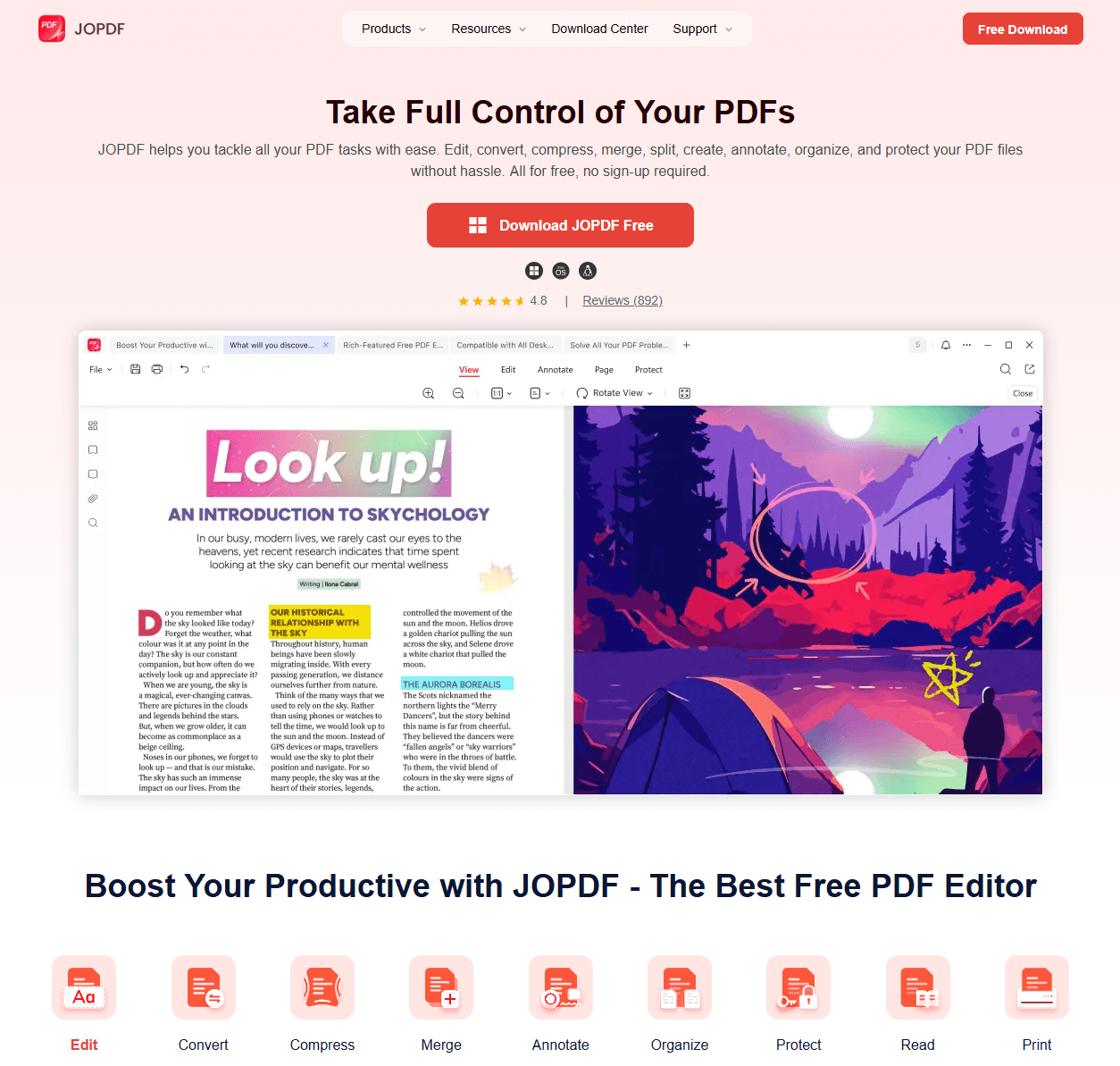
JOPDF is a free PDF editor designed exactly for these quick academic tasks. Unlike heavy software or template-based tools, JOPDF lets you work directly on your existing documents without altering the original layout. Here is how it fits into your citation workflow:
- Annotate key citation details: Open a confusing PDF and use JOPDF to highlight the author name, publication year, and title. This visual reminder ensures you never misplace source details.
- Edit text directly: If a downloaded article has a garbled title or a missing date in the file’s metadata, you can fix it inside the PDF. A corrected title on the first page simplifies citing it later.
- Fill in missing information: Some PDF creators lack proper headers. Before you cite, you can add a short text note with the correct format details so your reference list stays accurate.
- Flatten and save clean copies: After adding your research notes, save a clean, professional copy. The final file remains sharp and easy to share with advisors or collaborators.
By cleaning up your source files first, you eliminate confusion and speed up the citation process. When you can quickly see every required element inside the PDF, knowing how to cite a PDF in APA 7th edition becomes a simple matter of plugging information into the correct template.
Conclusion
Learning how to cite a PDF in APA format is really about learning to see past the file wrapper. A PDF can hold a journal article, a book, a government report, or a simple fact sheet, and each one follows slightly different rules under the APA 7th edition guidelines.
Whether you are handling how to cite a PDF in APA with no author or a source with multiple contributors, the principles remain consistent. Give every source proper credit, and your academic writing will stand on solid ground.
FAQs
Begin the citation with the document title in the author position. If the publishing organization is known, you can list that as the author instead. For in-text citations, use a shortened version of the title and the year.
Use the author-date format: (Last name, Year). For a direct quote, add the page number: (Last name, Year, p. 4). If there is no author, use a shortened title. Understanding how to cite a pdf in apa in-text ensures your paper remains free of unintentional plagiarism.
For two authors, list both every time, using an ampersand in parenthetical citations. For three or more authors, write the first author’s name followed by “et al.” This is the standard rule for how to cite a pdf in apa with multiple authors.
Generators help, but they often miss details like missing dates or report numbers. Always double-check the output against an official guideline or a trusted APA example to ensure accuracy.
Table of Contents

Your Best Free PDF Expert in PDF editing, compressing, converting, annotating, protect, organizing, and more.
Free DownloadWindows · macOS · Linux

Anna
Editor
“Anna, Editor-in-Chief and PDF expert, delivers deep insights into PDF document technology trends. She is dedicated to helping readers optimize their digital lives. When not writing, Anna loves exploring local cafes and reading, blending her technical expertise with a love for storytelling.”

![5 Proven Methods to Recognize Text in PDF [Step-by-Step Guide]](https://b.jopdf.com/wp-content/uploads/2026/09/recognize-text-in-pdf.png)
