Introduction :
Are you looking for a way to download PDF books for free? Whether you’re searching for classic novels, academic textbooks, or research papers, there are plenty of legitimate resources that let you access free ebooks in PDF format. In this JOPDF article, I will walk you through the 7 best websites to download free PDF books. Let’s begin now.
Can You Download PDF Books for Free
Yes, you can download PDF books for free as long as the books are legally available for free. Nowadays, many publishers, authors, and organizations provide free ebooks in PDF format. Additionally, the books that have entered the public domain can be downloaded and shared without any copyright restrictions. What’s more, numerous online libraries also provide free open-access publications and educational materials.
Below are some legal resources:
- Public domain books
- Open-access academic books
- Government publications
- Books released under Creative Commons licenses
- Promotional free ebooks from authors and publishers
In addition to open-access resources, there are other copyright-protected books. For those copyrighted books, you need to download them with permission. Meanwhile, you need to know that downloading these books for free from unauthorized websites may violate copyright laws.
Best Websites to Download Free PDF Books
In this section, I’ll introduce you to 7 reliable websites to download free PDF books. Each of them serves a different purpose. Let’s check them one by one and help you select the right one.
#1. Project Gutenberg
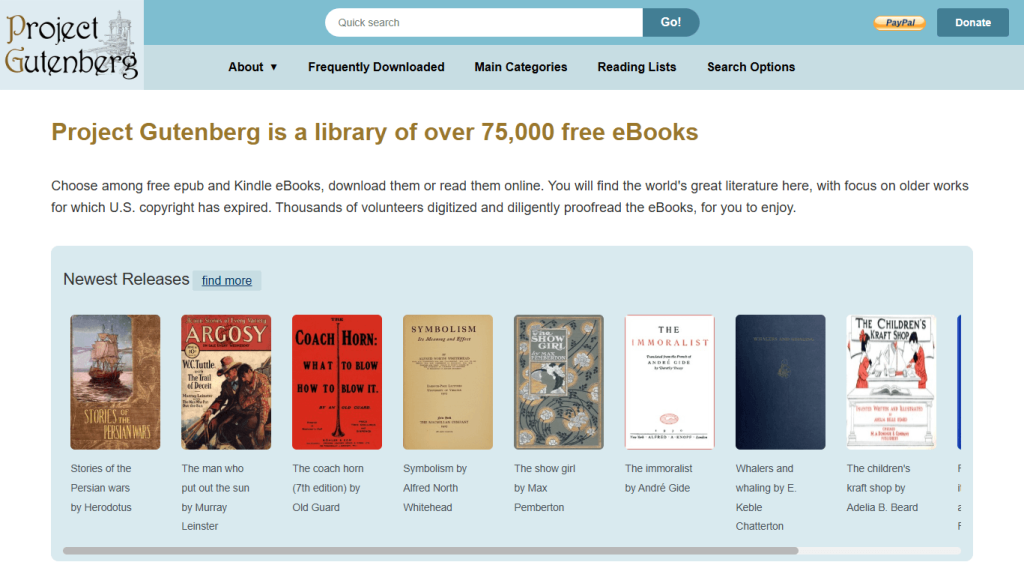
Best For: Classic literature, public domain novels, poetry, plays, and essays
Project Gutenberg is one of the oldest and most respected digital libraries in the world. It hosts more than 70,000 free ebooks, most of which are in the public domain.
You’ll find works by authors such as Jane Austen, Charles Dickens, Mark Twain, and Arthur Conan Doyle. Many titles are available in PDF, EPUB, Kindle, and HTML formats, making it easy to download PDF books for free in the format you prefer.
Pros
- It is completely free.
- No registration is required.
- It offers high-quality digital editions.
- It provides multiple download formats.
Cons
- It focuses primarily on older works.
- It has a limited selection of modern books.
#2. Internet Archive
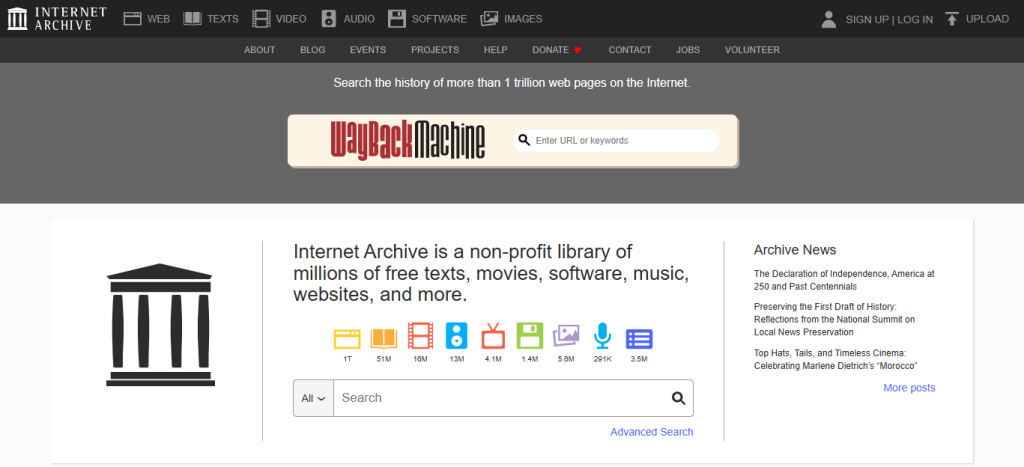
Best For: Digitized books, historical documents, magazines, journals, and technical manuals
Internet Archive provides access to millions of digitized books, magazines, journals, and historical documents. Though many books can only be borrowed through controlled digital lending, some books are still available as PDF downloads. All in all, it is a useful source for anyone searching for legal free PDF books or archived materials. You can also use it to download manga PDFs for free.
Pros
- It offers a massive digital collection.
- It includes rare and historical books.
- It provides borrowing options.
- It supports multiple file formats.
Cons
- Not every book is downloadable as a PDF.
- Search results may require filtering.
#3. Google Books
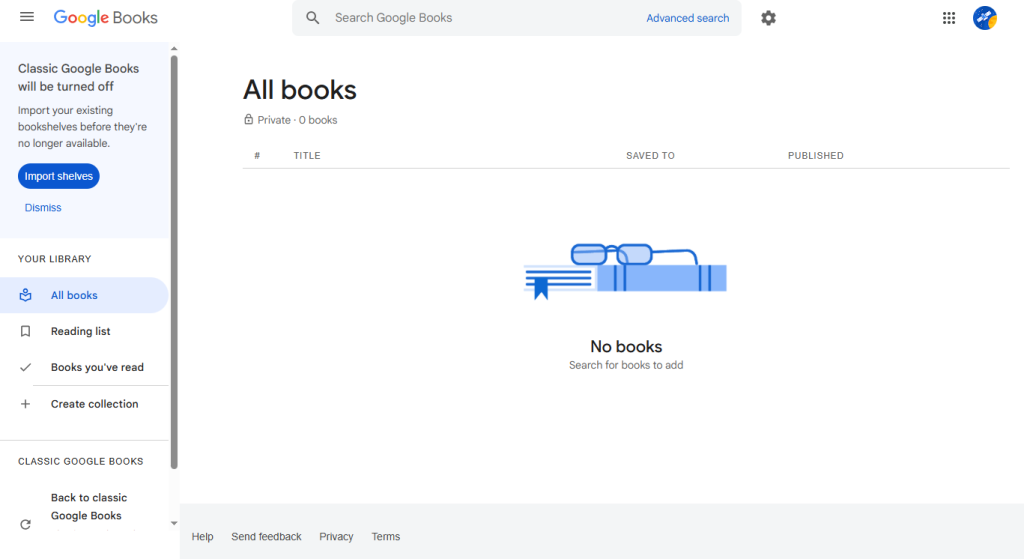
Best For: Book previews, public domain titles, searchable book databases, and older academic works
Google Books, one of the free ebook download sites, lets users search millions of books from publishers and libraries around the world. While most copyrighted books only provide previews, many public domain titles are available as complete PDF downloads.
It’s an excellent resource for discovering classic literature and older academic works, especially if you want to download books in PDF format without paying for public domain titles.
Pros
- It has an extensive search database.
- It is easy to access through a Google account.
- It offers free downloads for eligible books.
Cons
- Many books offer previews only.
- PDF downloads depend on copyright status.
#4. Open Library
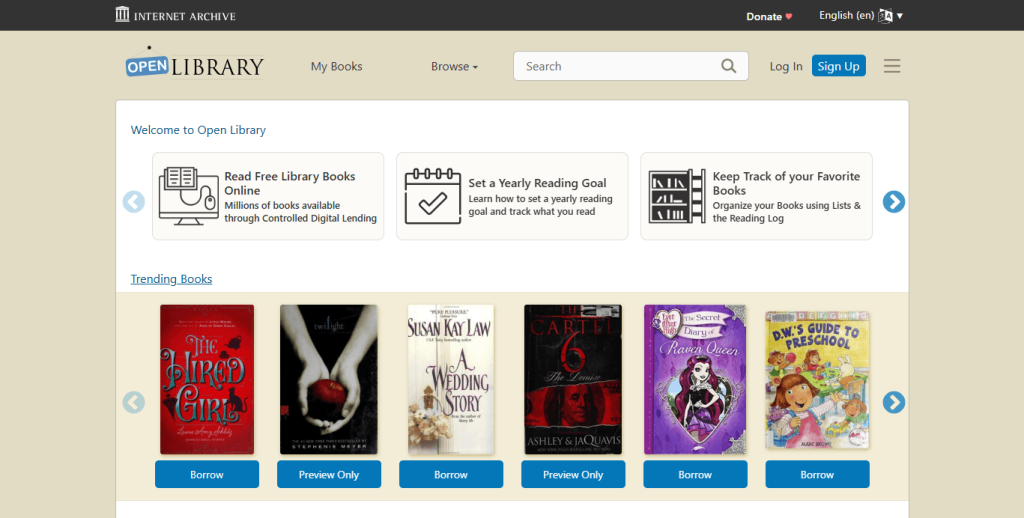
Best For: Borrowing ebooks, published book records, online reading, and EPUB downloads
Open Library aims to create a web page for every published book. Users can borrow many ebooks for free after creating an account.
Depending on licensing, some books are available in PDF, while others can be read online or downloaded in EPUB format. If you’re trying to download free PDF books or borrow ebooks legally, Open Library is a strong option.
Pros
- It has a large ebook catalog.
- It offers free digital borrowing.
- It has an easy-to-use interface.
Cons
- Borrowing limits apply.
- Some books have waiting lists.
#5. Directory of Open Access Books (DOAB)
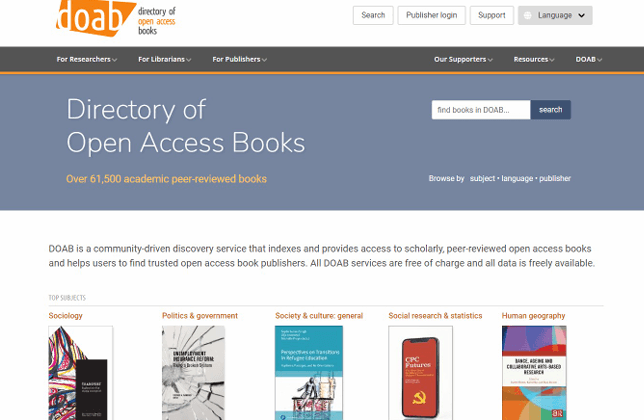
Best For: Academic and research books, science, medicine, technology, economics, humanities, and social sciences
Students, educators, and researchers will find the Directory of Open Access Books especially valuable. It indexes thousands of peer-reviewed academic books published by reputable universities and scholarly publishers.
Subjects include:
- Science
- Medicine
- Technology
- Economics
- Humanities
- Social sciences
Most books can be downloaded directly as PDF files, making DOAB one of the best places for a free ebook PDF download in the academic space.
Pros
- It provides high-quality academic content.
- It includes peer-reviewed publications.
- It offers free legal downloads.
Cons
- It is not intended for popular fiction.
- Some books redirect to publisher websites.
#6. ManyBooks
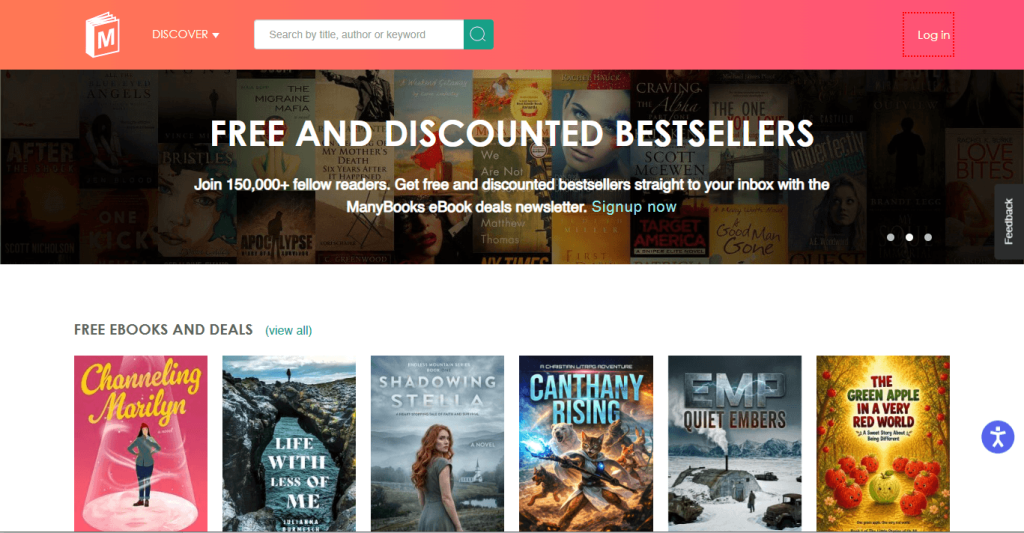
Best For: Free fiction, indie books, genre-based reading, and public domain titles
ManyBooks is a great place to discover free ebooks if you enjoy browsing by genre. What started as a public domain library has grown into a broader collection that also features books from independent authors, giving readers access to both timeless classics and newer titles.
You can find the target books by category. Meanwhile, many of the titles are available in PDF, EPUB, and other popular ebook formats. If you want to download PDF books for free while discovering new fiction and indie reads, ManyBooks is definitely worth checking out.
Pros
- It has a modern, user-friendly interface.
- It offers a wide range of genres.
- It has a regularly updated collection.
Cons
- Some books require visiting external sources.
- PDF availability varies by title.
#7. PDF Drive
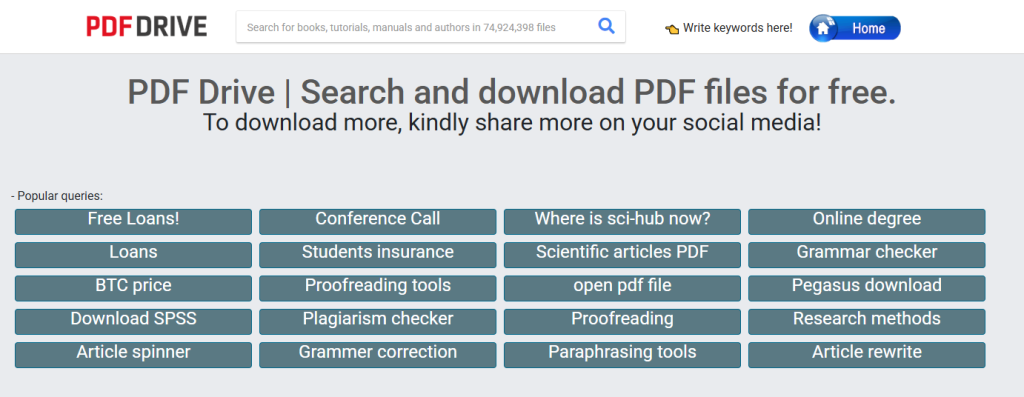
Best For: Freely shared PDF documents, ebooks, manuals, study guides, and reports
PDF Drive indexes millions of PDF files across various categories. While it may help users locate freely distributed documents, the copyright status of individual files isn’t always clear.
Please pay attention: before downloading any books using PDF Drive, make sure they have been legally shared by the copyright holder or are in the public domain.
Pros
- It has a large searchable collection.
- It offers a simple search experience.
- No mandatory registration is required.
Cons
- Copyright status may vary.
- Users should verify whether downloads are legally available.
How to Download PDF Books for Free
Once you’ve found a trusted website, downloading a free PDF book is usually straightforward. Although the exact steps vary by platform, the process is similar across most digital libraries. Here, let’s have a look:
Method 1. Download Public Domain Books
Public domain books are the easiest to access because they’re free from copyright restrictions. Project Gutenberg is one of the easiest places to find public domain books in PDF format. Here, I’ll take Project Gutenberg as an example to show you how to download PDF books for free.
Step 1. Visit the Project Gutenberg website.
Step 2. Locate the search bar and enter the book title or author name.
Step 3. Then click to open the book page from the search results.
Step 4. Click the PDF link if it is available. Now, save the PDF book to your computer or mobile device.
Method 2. Borrow Books from Online Libraries
If the book is still under copyright, you may be able to borrow it from platforms like Open Library. Open Library lets you borrow many copyrighted books legally for a limited time. Hence, refer to the steps below to borrow books from Open Library.
Step 1. Visit the Open Library website and create a free account. Then search for the book you want to read.
Step 2. Open the book page and check whether borrowing is available.
Step 3. Click Borrow to check out the book and choose the available reading or download option during the lending period.
Method 3. Download Open-Access Academic Books
If you’re looking for research materials or other academic books, websites such as DOAB offer thousands of legally available PDF books. Follow the guidance below to download open-access academic books:
Step 1. Go to the DOAB website and find the target academic book by searching by subject, title, author, or keyword.
Step 2. Open the book listing that matches your topic.
Step 3. On the given page, click the publisher or repository and then download the PDF file from the publisher’s website or repository.
Read and Organize Downloaded PDF Books with JOPDF
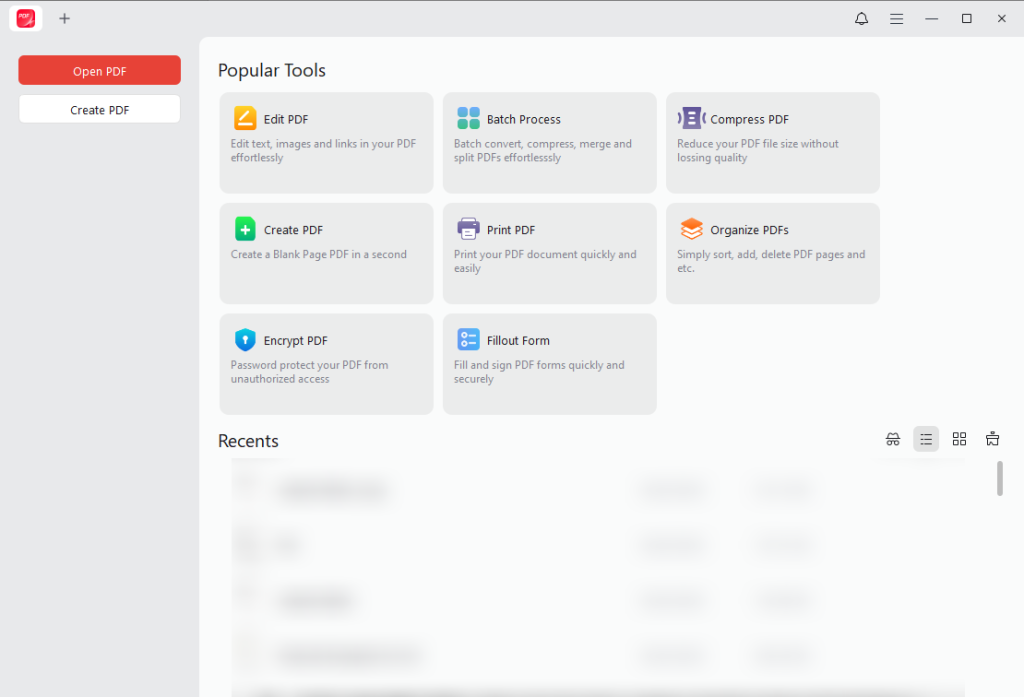
After you download PDF books, a reliable PDF reader can make your reading experience much better. JOPDF is a free offline PDF editor for Windows, macOS, and Linux that lets you do more than simply open PDF files. With JOPDF, you can:
- Read PDF books in a distraction-free interface.
- Highlight important passages.
- Add comments and notes while studying.
- Bookmark pages for quick navigation.
- Search text within long documents.
- Merge multiple PDFs into one file.
- Split large PDFs into smaller sections.
- Rotate pages and organize documents.
- Print PDF books as booklets.
Tips for Downloading PDF Books Safely
Although the free PDF book download sites introduced above are safe and reliable, you need to keep the following tips in mind before downloading any file.
- Use reputable websites: Stick to well-known digital libraries, educational institutions, and publishers.
- Verify copyright status: Make sure the book is legally available before downloading it.
- Avoid misleading download buttons: Some websites display multiple advertisements that resemble download links.
- Scan downloaded files: Use antivirus software to check files, especially if they come from unfamiliar sources.
- Keep your PDF software updated: Updated PDF readers help protect against security vulnerabilities.
To Wrap Things Up
How to download PDF books for free? This task can be easy when you select the right and legitimate tools. In this article, I introduce you to 7 excellent free PDF book download websites, including public-domain libraries, open-access repositories, and trusted ebook platforms. You can legally read and access thousands of books without paying. Whether you’re looking for classic literature, academic resources, or educational materials, the websites and tips in this guide will help you find free PDF books safely and legally.
FAQs
Table of Contents

Your Best Free PDF Expert in PDF editing, compressing, converting, annotating, protect, organizing, and more.
Free DownloadWindows · macOS · Linux

Olivia
“Olivia is an editor at JOPDF, where she writes practical guides and insightful articles on managing PDFs—covering topics like editing, annotating, converting, and organizing files efficiently. Passionate about clear communication and digital productivity, Olivia enjoys spending her free time cooking, watching movies, and hiking to unwind and find inspiration for her writing.”
![8 Best Manga Reading Sites to Read Manga Online [Full Review]](https://b.jopdf.com/wp-content/uploads/2026/09/best-manga-reading-sites.png)