![6 Best PDF Readers for Windows in 2025 [Free]](https://b.jopdf.com/wp-content/uploads/2025/11/best-pdf-reader-for-windows.png)
Summary :
PDF files are popular for sharing documents because they preserve formatting across devices, making them ideal for work, school, and everyday use. To view PDFs easily, users need dependable PDF readers with clear display and useful features. If you want the best app to open, read, and even make some edits on PDF files on Windows, this guide covers the best PDF readers for Windows. Don’t forget to check our JOPDF post for more insights today.
1. JOPDF
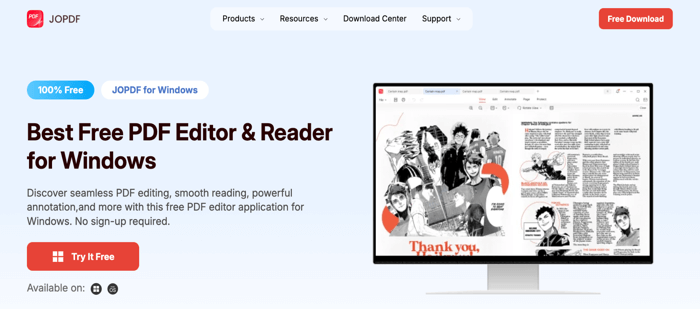
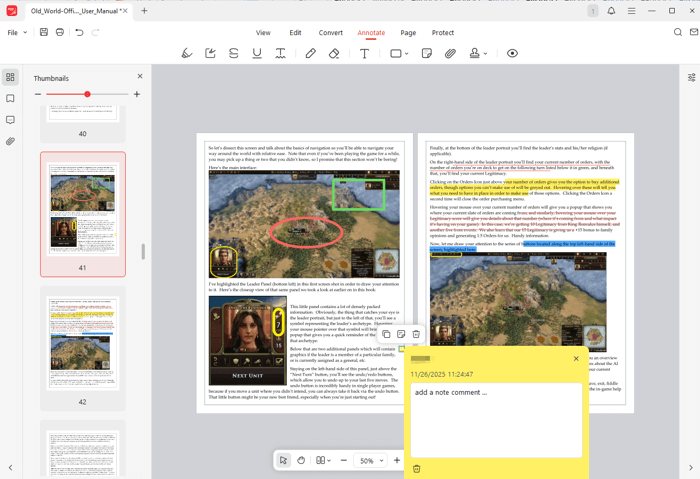
Widely praised, JOPDF is the best free PDF reader for Windows PCs and laptops. It lets you read PDFs without lag, offering fast scrolling, zooming, and page jumping. The enhanced full-screen reading mode helps immerse oneself in PDF reading. With JOPDF for Windows, you can easily add marks while viewing PDF documents.
Besides that, it lets you edit, create, annotate, organize, and protect files without hassle. This best PDF reader for Windows 11/10/8.1/8/7 is free to download through the button below. Boost your productivity today with this one-stop PDF editing tool that works smoothly without registration.
Pros:
- Allows you to add bookmarks to a PDF, print, and organize PDF documents hassle-free
- Enables viewing side by side, rotating viewing, editing, annotating, protecting, and printing PDFs
- The best lightweight and fast PDF reader and editor for PC to tackle all PDF tasks with ease
- Runs smoothly on all major desktop platforms such as Windows, macOS, and Linux
- 100% free with no hidden charges, trial restrictions, or subscriptions
Cons:
- JOPDF doesn’t have a mobile version yet
2. Adobe Acrobat Reader
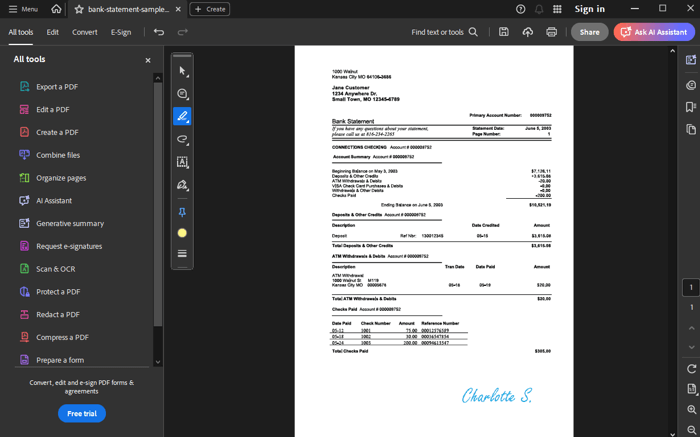
Adobe Acrobat Reader also stands out as the best PDF reader for Windows 11/10/8.1/8/7 PC for free download. It lets you view, store, and share PDFs, providing the best viewing experience for all types of PDF content. Whether you need to add text boxes, sticky notes, or highlights, you can share a single file to collect everyone’s input. Complete forms fast and add your signature or initials hassle-free.
However, Adobe Acrobat Reader DC takes longer and uses more space to download its free PDF viewer for Windows.
Pros:
- The best Windows PDF reader, free to use and work from anywhere, on any device
- Available for use beyond single-user installation; use through app or Chrome extension
Cons:
- Adobe Acrobat blocks many useful features behind its paywall.
3. SumatraPDF
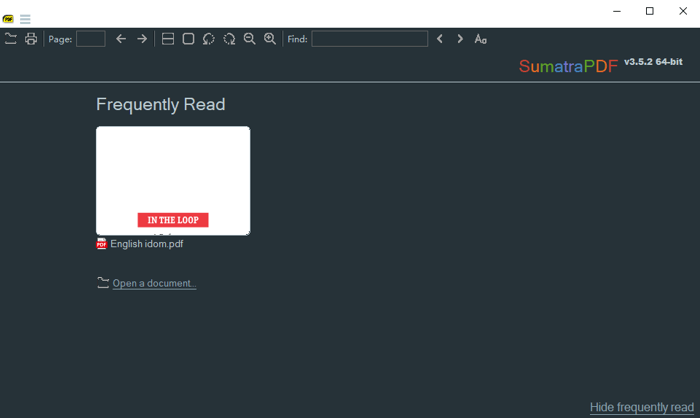
SumatraPDF also ranks as a fast, small, and the best free open-source PDF reader for Windows. You can download the best PDF reader for PC to access and read PDFs and ebooks of all kinds. Its organizational aspect allows for a customized library of ebooks.
This PDF book/ebook reader for Windows 10 30 PC supports a handful of file formats, including PDF, XPS, EPUB, MOBI, CBR, CBZ, CHM, and DjVu. When you reopen Sumatra, it displays your recent books, making it easy to continue reading right away.
Pros:
- A fast, lightweight, and intuitive tool offering Dark mode in the latest version
- It lets you quickly search for a word in a PDF on a specific page and match case
Cons:
- It’s only a reader with no full-featured editing or annotation capabilities.
4. PDF-XChange Editor (Free Version)
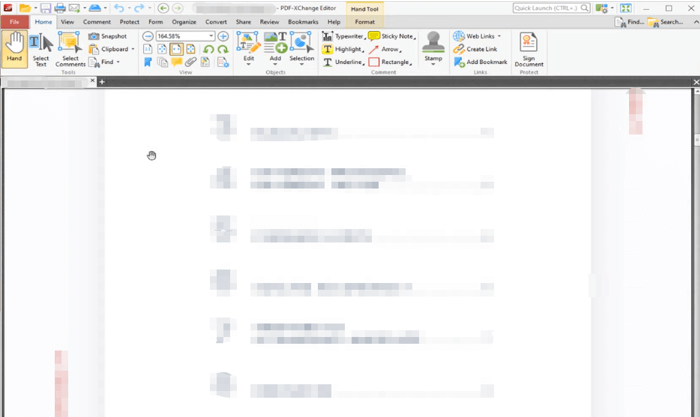
PDF-XChange Editor is one of the smallest, fastest, and best free Windows PDF readers available to download for your PC. It is one of the most feature-rich PDF viewers/editors on the market, letting you read, view, create, edit, annotate, digitally sign, and OCR PDF files. If you want to download the best PDF reader for Windows 11, 10, or older versions, PDF-XChange Editor can be a good choice.
Pros:
- Provides a compact UI to read, create, edit, and convert documents to/from PDFs
- One of the best PDF highlighters that performs OCR and integrates smoothly with cloud-based services
Cons:
- Restricts advanced features, and files saved during the free version have watermarks
5. Foxit Reader
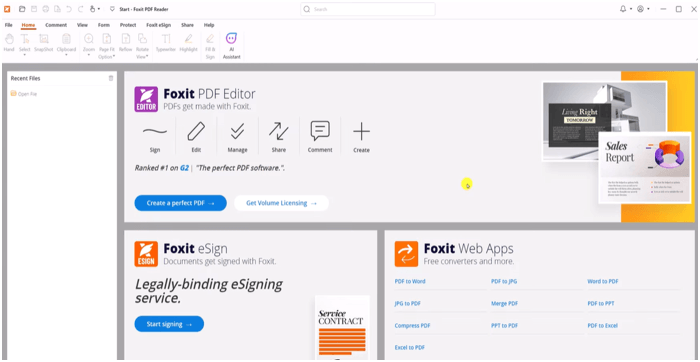
Foxit PDF Reader is the best free PDF reader for Windows 11/10 and older, and even XP PCs. Standing out as a versatile PC PDF Reader, Foxit supports viewing, annotating, filling out forms, and signing PDFs on desktops, mobile devices, and the web. With smooth integration with ChatGPT, Foxit Reader empowers users with powerful AI-driven features to increase productivity and streamline document processing. Without a doubt, this is the best way to read a PDF on a PC.
Pros:
- Work with PDFs on Windows, macOS, iOS, Android, and web, including reading and printing
- Integrates effortlessly with popular cloud storage providers and enterprise CMS tools
Cons:
- Offers only basic editing; full features require a premium plan
6. PDF Reader Pro
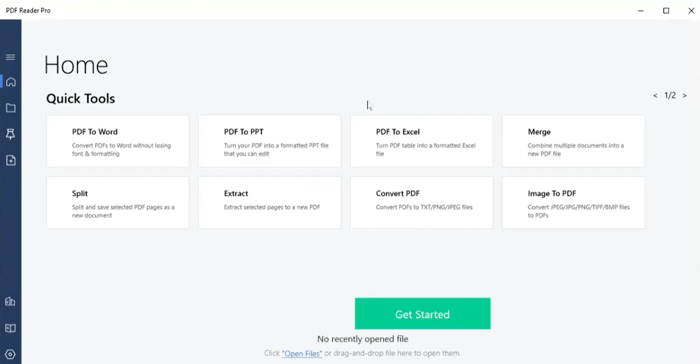
PDF Reader Pro ranks among the best PDF reader apps for Windows, and it’s compatible with macOS, iOS, and Android. Experience full PDF functionality, including reading, editing, annotating, converting, and electronic signing. With TTS (Text-to-Speech) support, managing PDF files is easier and more convenient.
With PDF Reader Pro’s Read Mode, you can dive into distraction-free reading and streamlined scrolling. This is the best PDF reader for Windows, letting you switch between Dark and Light Modes for a personalized reading experience.
Pros:
- Create and edit PDF text, images, pages, and adjust document properties
- Convert, merge, split, encrypt, redact, add a watermark, and rearrange pages, and support TTS
Cons:
- PDF Reader Pro can be slow when working with large PDF files
What to Look for in the Best PDF Reader
Choosing the best PDF reader on Windows starts with understanding your needs—whether you want simple reading, reliable viewing, or powerful tools for editing and annotation. Many users want to know which PDF app is best for PC. But it varies between general and daily use and more advanced, frequent needs like feature-rich editing and annotations. With many strong options available, the goal is to match the app’s strengths with your workflow and comfort level.
What to check when choosing a PDF reader for Windows.
- Easy, clear viewing experience
- Fast performance and low system usage
- Editing and annotation tools
- Security and privacy options
- Integration with cloud services
- Affordable or free pricing
Wrapping Up
That’s it, folks! Users can discover more intuitive and powerful solutions among the top PDF reader software for Windows PC in 2025. Every tool provides unique benefits, from clear viewing to powerful editing, so choose based on your workflow needs. Instead of wondering what the best PDF tool for Windows is, consider which features match your reading, annotating, or productivity needs to find the perfect fit.
FAQs
Table of Contents

Your Best Free PDF Expert in PDF editing, compressing, converting, annotating, protect, organizing, and more.
Free DownloadWindows · macOS

Selena
Staff Editor
“Selena is a staff editor working for JOPDF, passionate and committed to providing how-to and round-up articles. Over 8 years of specialized skills and experience in PDF solutions, hoping to help users ease their lives and solve whatever they encounter. "Work smarter, not just harder!"”