Introduction :
For years, Adobe Acrobat has been the industry standard for creating, editing, and managing PDF documents. However, its high price, complex interface, and subscription-based model have led many users to look for more affordable and flexible alternatives. Selecting the best Adobe Acrobat alternative allows you to enjoy smooth PDF editing, affordable pricing, and ease of use—all in one solution. Let’s take a closer look at 7 must-have PDF editing tools in 2025 — perfect for anyone seeking quality without the high price tag.
Top 1. JOPDF (Best Free Adobe Acrobat Alternative)
🔵Supported OS: Windows and macOS
🟤Price: Completely free with no hidden costs, trials, or subscriptions
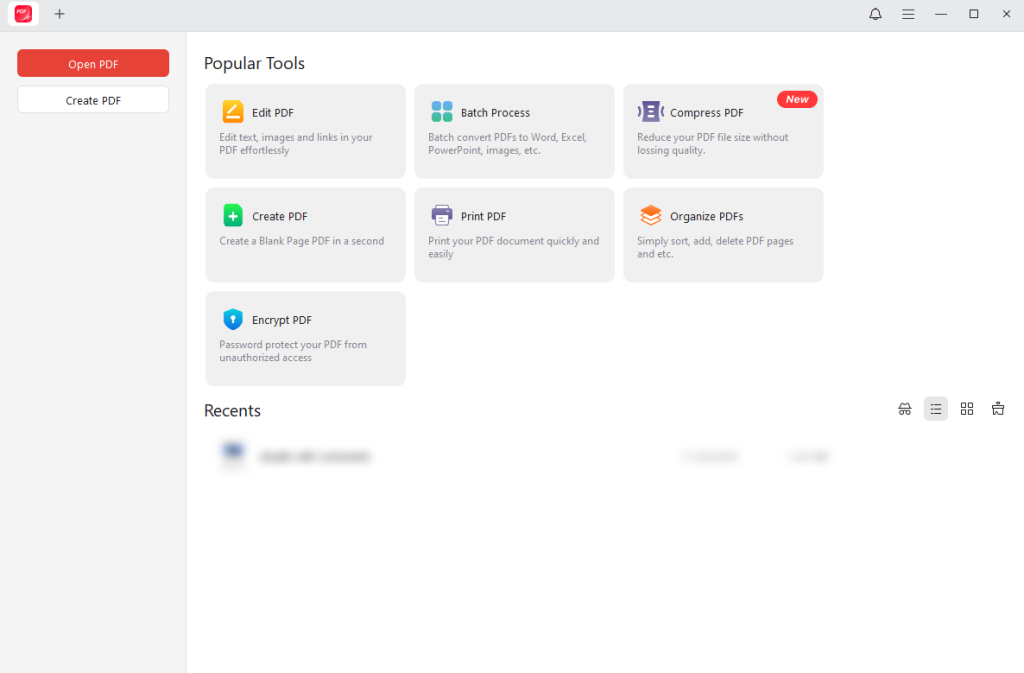
Overview of JOPDF
As the best free Adobe Acrobat alternative, JOPDF lets you manage every PDF task with ease and speed. JOPDF makes it simple to handle PDFs—I can edit, design, annotate, arrange, print, and secure files quickly and easily. Counted among the best free PDF editors, JOPDF equips users with all the tools needed to manage PDFs—no account or signup required. Whether you use Windows, macOS, or Linux, JOPDF runs smoothly on all major desktop platforms. With every powerful feature unlocked for all users, it offers seamless performance, making PDF editing simple and stress-free.
Key Features of JOPDF
- Edit and add text to PDFs, including images and links
- Includes over 15 annotation tools to cover the markup needs in PDFs
- Create PDFs and insert, split, rotate any PDF pages, and remove unwanted pages from PDFs easily
- Password-protect PDFs to safeguard sensitive and confidential information
- Read hefty PDFs without delays, featuring rapid scrolling, zooming, and page navigation
- Print PDFs in grayscale, double-sided, and more without losing format and quality
- Does not require sign-up or account creation to use the features and full functionality
- Does not have ads and doesn’t put a watermark on the output files
My Own Experience with JOPDF
Trying out JOPDF was a pleasant experience thanks to its seamless download and smooth operation. Its intuitive and user-friendly interface makes working with text editing, annotations, and page management completely effortless. Being a completely free PDF editor without registration requirements, this free alternative to Adobe Acrobat was worth the time. However, I felt it lacked some advanced formatting options. But overall, the advantages far outweigh this small limitation.
Top 2. Foxit PDF Editor
🔵Supported OS: Windows, macOS, web, iOS, and Android devices
🟤Price: US$129.99 per year
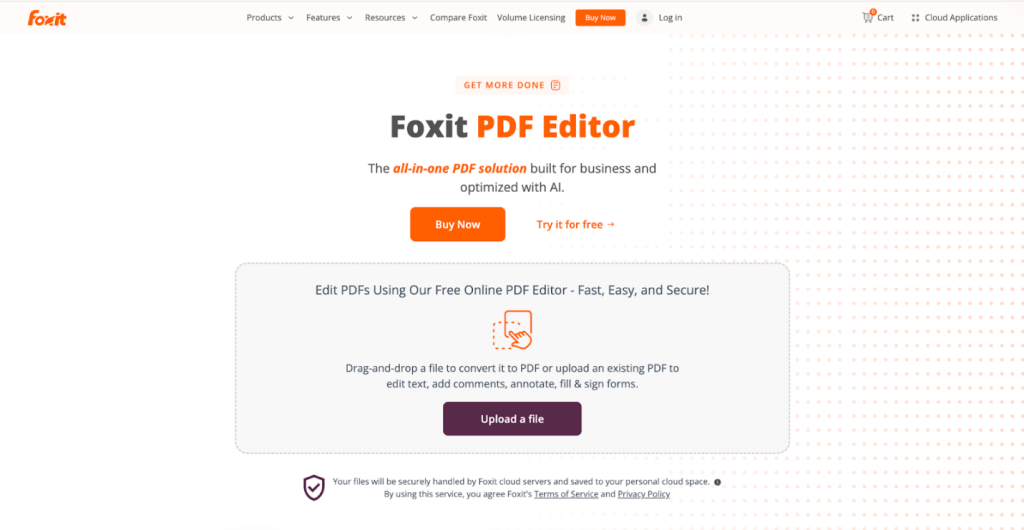
What Is Foxit PDF Editor
As one of the best Adobe Acrobat alternatives, Foxit PDF Editor provides a complete, AI-powered PDF solution for seamless business workflows. Offering a PDF highlighter, Adobe also lets you edit paragraph text seamlessly, and with automatic reflow, it preserves your document’s layout.
Foxit PDF Editor also offers high-end PDF editing capabilities for documents with more complex layouts. Additionally, you can edit PDF images, objects, and object shading, as well as customize and tweak other parameters.
Main Features of Foxit PDF Editor
- Create PDF documents, also merge, split, rotate, reorder, and delete PDF pages
- Easily edit PDF text and images, add security measures, and also password-protect PDF files
- Convert PDFs and export to Microsoft Word, Excel, and PowerPoint
- Easily create, fill, sign, and send forms
- Scan documents into editable, searchable PDFs (OCR)
My Own Experience of Using Foxit PDF Editor
When I used Foxit PDF Editor, I was impressed by its fast performance and rich features, from editing text to annotating and converting PDFs. Its collaboration tools made teamwork seamless. While powerful, the interface can be daunting at first, and some features demand a paid plan. All in all, this tool offers a great balance of power and efficiency.
Top 3. SwifDoo PDF
🔵Supported OS: Windows, macOS, web, iOS, and Android devices
🟤Price: SwifDoo PDF provides a free trial. Monthly Plan: US$16.99 per month, Quarterly Plan: US$16 per month (charged every three months), Annual Plan: US$4.5 per month (charged annually), and Biennial Plan: US$2.88 per month (charged every two years).
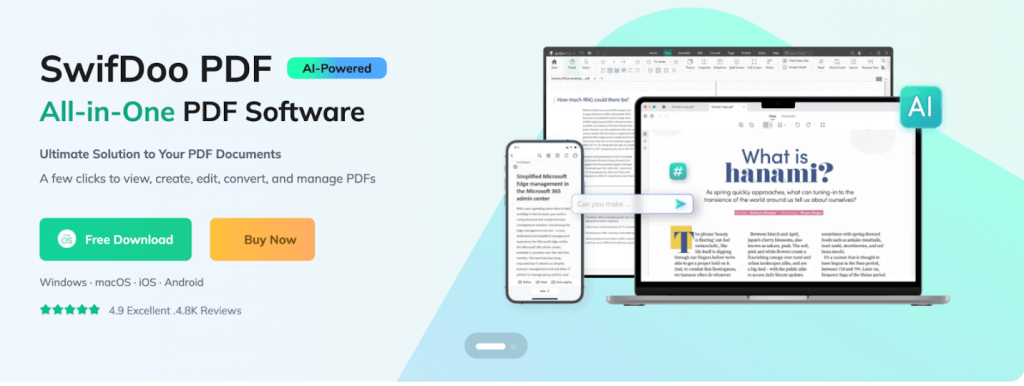
Introducing SwifDoo PDF
SwifDoo PDF is a lightweight, powerful, and AI-powered cost-effective alternative to Adobe Acrobat. All it takes is a few clicks to view, create, edit, annotate, and manage all your PDF documents. With SwifDoo PDF, you can add or delete text, links, images, or annotations to a PDF document. Whether you need to change the PDF font, size, and text color, or search and replace a word, SwifDoo PDF does it all.
Main Features of SwifDoo PDF
- Supports OCR to recognize a scanned PDF and make it editable
- View, convert, merge, split, digitally sign, and password-protect PDF files
- Comes with annotation tools that help you annotate PDF files and work together efficiently
- Supports advanced compression levels to reduce and share PDF files
- Effortlessly add hyperlinks to PDFs with tailored options
- Provides AI capabilities to summarize, translate, rewrite, proofread, analyze, and engage with PDFs effortlessly.
My Own Experience of Using SwifDoo PDF
SwifDoo PDF made PDF management smooth and efficient, offering an intuitive interface and versatile editing capabilities. I liked its efficiency and capabilities pretty much, but the Mac version has a reduced feature set compared to Windows. Overall, it’s a dependable and easy-to-use PDF editor.
Top 4. Wondershare PDFelement
🔵Supported OS: Windows, macOS, iOS, and Android devices
🟤Price: Wondershare PDFelement provides a free trial. Annual Plan: US$79.99, Two-Year Plan: US$109.99, Perpetual License (one-time payment): US$129.99.
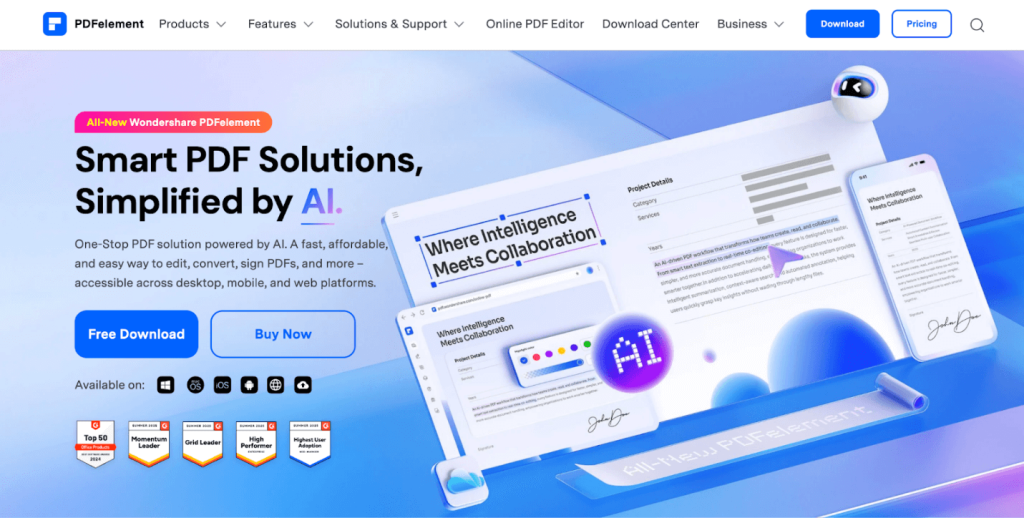
Overview of Wondershare PDFelement
Wondershare PDFelement is another competent Adobe Acrobat alternative. It can enhance PDF tasks such as editing, conversion, annotating, OCR, signing, reading, and much more. With Wondershare PDFelement, you can edit PDF text using custom fonts and personalized styles. Additionally, you can replace or extract images and add hyperlinks to PDFs to speed up the workflows.
Main Features of Wondershare PDFelement
- Efficiently convert PDF files to Word, Images, Excel, PowerPoint, HTML, EPUB, Text, and RTF documents
- Compress multiple PDF sizes at once to KB faster than online free PDF compressors
- Securely fill and sign PDFs with legally binding e-signatures and monitor them in real-time
- Utilize OCR technology to transform scanned PDFs into searchable and editable text
- With a few clicks, you can rotate, insert, split, extract, or remove PDF pages
My Own Experience of Using Wondershare PDFelement
Using Wondershare PDFelement, I valued its robust editing tools and smooth interface, making tasks like annotating, converting, and filling forms simple. The software proved fast and dependable, making it a solid choice for PDF editing. The only hiccup I noticed was that certain features felt hidden and required additional navigation. All things considered, it combines high efficiency with great versatility.
Top 5. pdfFiller
🔵Supported OS: Online (web-based) browser tool
🟤Price: Free trial available. Basic Plan: US$20 per month, Plus Plan: US$30 per month, and Premium Plan: US$40 per month for individuals.
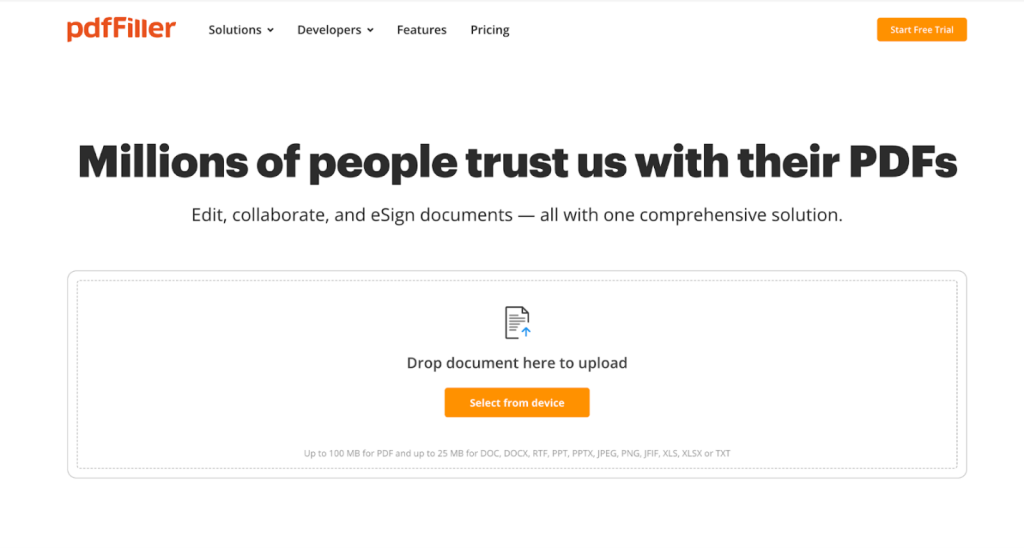
Introducing pdfFiller
pdfFiller is yet another credible cloud-based alternative to Adobe Acrobat. It lets you edit and create fillable PDFs without hassle. You can type or delete text, highlight, blackout, add images, and draw graphics — in any browser or mobile device. pdfFiller keeps teamwork safe and efficient by allowing seamless sharing of documents, folders, and templates.
Key Features of pdfFiller
- Perform rapid edits and give online approvals seamlessly
- Enables digitally signing documents from anywhere
- Effortlessly merge, organize, and compress multiple PDFs to save storage
- Edit PDFs as a team while commenting and collaborating in real time
- Convert PDF files into Word, Excel, JPG, or PPT files and vice versa
My Own Experience of Using pdfFiller
My experience with pdfFiller was convenient and efficient, as its cloud-based platform allowed me to edit, sign, and share PDFs from anywhere. Its clean, intuitive interface makes collaborating simple and efficient. However, I noticed that certain advanced features require a subscription to access. Even so, pdfFiller proves to be a dependable and practical PDF editor for daily tasks.
Top 6. Smallpdf
🔵Supported OS: Online (web-based) browser tool, iOS, and Android devices
🟤Price: Offers a 7-day free trial. Monthly Plan: US$12 per month and Yearly Plan: US$108 per year.
What Is Smallpdf
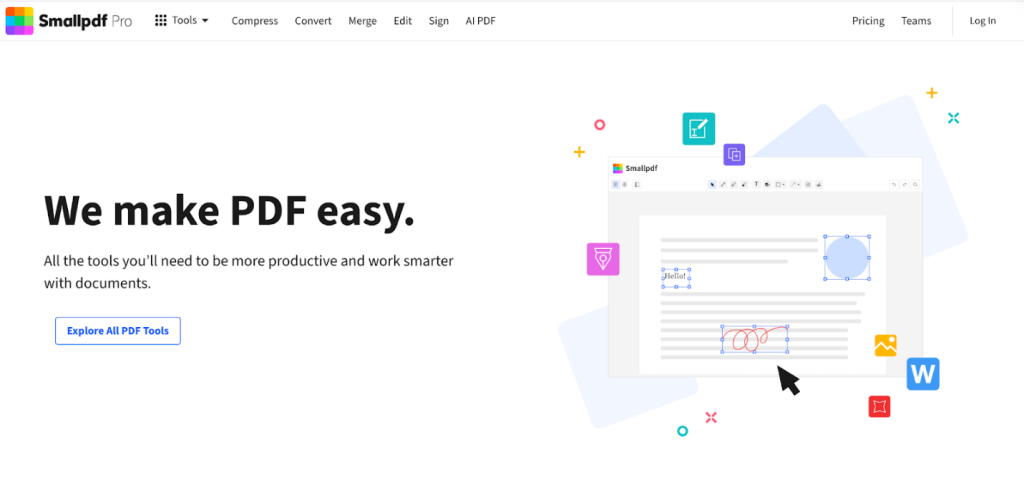
Smallpdf is another reputable online Adobe Acrobat alternative that helps edit, compress, convert, merge, split, rotate, extract, and delete PDF pages. It simplifies the task of adding text, shapes, images, highlights, and sticky notes to PDFs. With Smallpdf, you can easily organize PDF documents using integrated cloud storage.
Main Features of Smallpdf
- View, edit, crop, redact, watermark, compress, and share PDFs
- Offers 30 powerful tools to manage and enhance PDF files
- Enables quick signing, unlocking, and protecting PDF documents
- Effortlessly convert PDFs to Word, Excel, PPT, JPG, and vice versa
- Includes AI-assistance to summarize, translate, and chat with PDFs
My Own Experience of Smallpdf
The simple and fast online tools of Smallpdf are worth the appreciation with hassle-free compression, conversion, and PDF editing. The platform is simple to navigate, making it beginner-friendly. The free version has limited features, potentially limiting productivity for heavier PDF use. Still, it provides a handy solution for everyday PDF tasks.
Top 7. Sejda
🔵Supported OS: Windows, Mac, Linux, web, and iOS
🟤Price: A limited free version is available. Sejda Web (Weekly): US$5 for 7 days, Sejda Web (Monthly): US$7.50 per month, and Sejda Web and Desktop (Annually): US$63 per year
Overview of Sejda
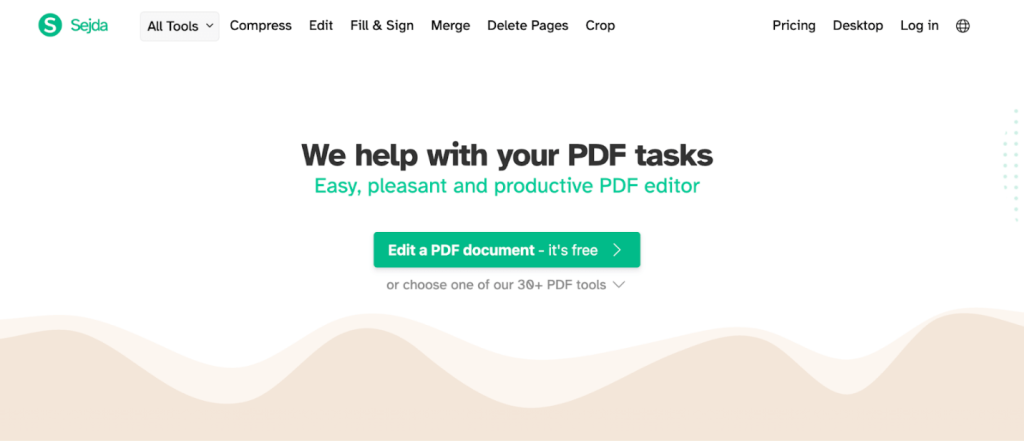
Sejda is also among the best alternatives to Adobe Acrobat to help with daily PDF tasks. Sejda combines all PDF functions—editing, converting, merging, splitting, and compressing files — with ease. In addition, you can use the web-based tool to sign documents or fill in forms quickly. Sejda takes the hassle out of organizing and managing PDFs.
Main Features of Sejda
- Features more than 30+ tools to edit, merge, compress, and convert PDFs efficiently
- Allows you to add or tweak text, links, images, and shapes in PDF files, and remove pages as necessary
- Smoothly optimizes (compresses) PDF size for quicker exports and efficient storage
- Transforms scanned PDFs into text-searchable and editable PDF files
- Secures your PDF files with a password and removes any restrictions
My Own Experience of Using Sejda
With its clean interface and straightforward workflow, Sejda made PDF editing effortless. Tasks like merging, splitting, and editing PDFs are quick and easy. With its web-based approach, you can start using it instantly—no downloads required. The daily limit on the free version can hinder consistent PDF editing. Overall, this tool offers a practical and dependable way to manage PDFs.
To Wrap Things Up
Finding the best Adobe Acrobat alternative shows efficient, accessible tools tailored to various workflows. From comprehensive desktop editors to quick online tools, these 7 PDF solutions make handling PDFs simple and efficient. Choosing the right tool ensures efficiency without the steep cost associated with Adobe Acrobat.
FAQs
Table of Contents

Your Best Free PDF Expert in PDF editing, compressing, converting, annotating, protect, organizing, and more.
Free DownloadWindows · macOS

Olivia
“Olivia is an editor at JOPDF, where she writes practical guides and insightful articles on managing PDFs—covering topics like editing, annotating, converting, and organizing files efficiently. Passionate about clear communication and digital productivity, Olivia enjoys spending her free time cooking, watching movies, and hiking to unwind and find inspiration for her writing.”