Summary :
The PNG format ensures both crisp visuals and transparent backgrounds. This post discovers the 6 best PDF to PNG converters in 2026 and provides fast, reliable, and user-friendly tools to turn your documents into sharp, ready-to-use images.
1. JOPDF
Best for: Users who want a reliable, free PDF-to-PNG converter that works offline on Windows, macOS, and Linux.
- No cost at all
- Safe offline conversion
- Local processing for better privacy
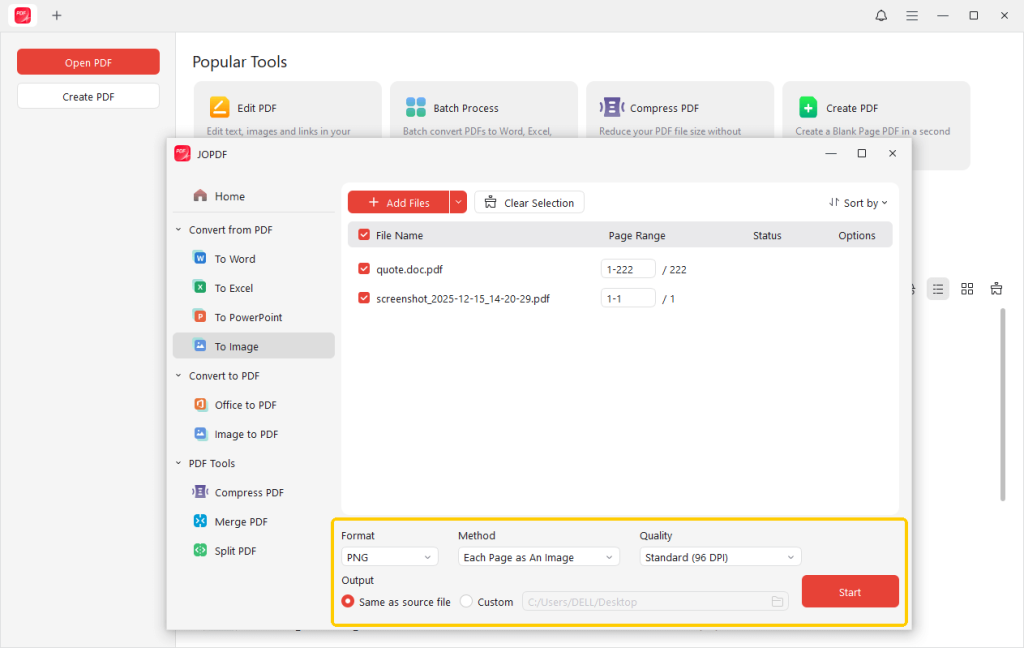
JOPDF is a reliable, lightweight PDF editor and easy-to-use desktop tool, often regarded as the best PDF to PNG converter for fast, efficient image conversion.
It is free, supports batch processing, and requires no sign-up, subscription, or watermark. Convert PDFs to sharp PNG images and combine PDFs on Windows and Mac. The tool also lets you switch between PDF, Word, Excel, PowerPoint, JPG, PNG, and other formats.
2. Adobe Acrobat
Best for: Secure and reliable PDF-to-PNG conversion with accurate results.
- Convert all pages or choose specific ones.
- Pull out embedded images and convert them into separate PNG files
- Apply OCR to turn scanned PDFs into searchable and editable content
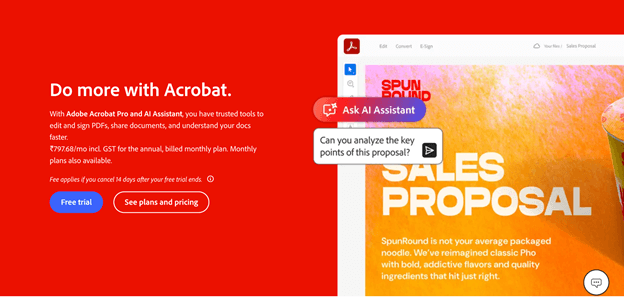
Adobe Acrobat is yet another reliable PDF to PNG converter with high quality that preserves fonts, layout, and images. It supports creating PDFs from Word, Excel, PowerPoint, images, HTML, and scanned documents.
With advanced tools, strong security, and smooth performance, it provides precise, high-resolution output. Perfect for professional use, it keeps formatting consistent and simplifies PDF-to-PNG conversion and PDF creation.
3. CloudConvert
Best for: High-quality, customizable, and automated PDF-to-PNG conversion without installing software.
- Retains perfect quality for text, charts, and graphics.
- Customize DPI, page range, and image dimensions.
- Works with Google Drive, Dropbox, and OneDrive for easy file access.
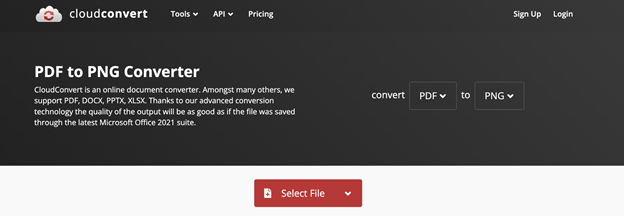
A trusted online tool offering a PDF to PNG converter free no sign up, CloudConvert allows users to convert PDF to PNG quickly and easily.
Open and use common formats like PDF, DOCX, PPTX, and XLSX anytime, with no setup required. With secure handling, cloud features, and fast performance, it delivers dependable conversions. Its clean interface is ideal for all users, making PDF-to-image tasks simple and convenient wherever you are.
4. FacePdf
Best for: Easy and free PDF-to-PNG conversion online with no setup or registration needed.
- Turns every page into an individual PNG image
- Preserves resolution, color, and visual integrity.
- Drag and drop PDFs to instantly create PNGs.
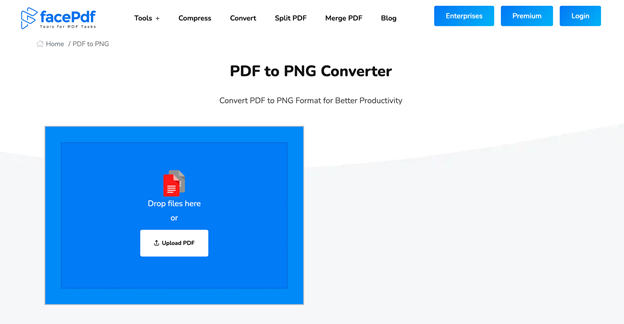
Recognized as one of the best PDF converters online, FacePdf lets users convert PDFs to high-quality PNG images without installing any software. It also supports converting Word, Excel, PNG, TIFF, and JPEG to PDF.
With fast cloud processing and a simple interface, it works on Mac, Windows, and Linux while preserving formatting and clarity.
5. PDF2PNG
Best for: Fast, high-quality PDF-to-PNG conversions online, including batch processing for multiple files.
- Provides unlimited conversions for free.
- No registration or software needed.
- Turns PDFs into formats compatible with web browsers and editing tools.
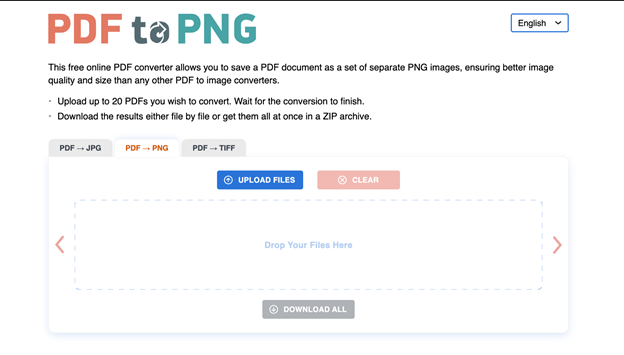
PDF2PNG is a free online PDF to PNG converter built for fast, accurate results. It converts PDF pages into high-quality PNG images without installation.
With an easy interface, it suits all users. It supports uploading up to 20 files at once and lets you download images individually or as a ZIP file, preserving the original layout and quality.
6. Freeconvert
Best for: High-quality PDF-to-PNG conversion with no cost, no watermarks, and adjustable settings.
- Watermark-free results
- Supports PDFs up to 1GB
- Supports over 1,500 file types.
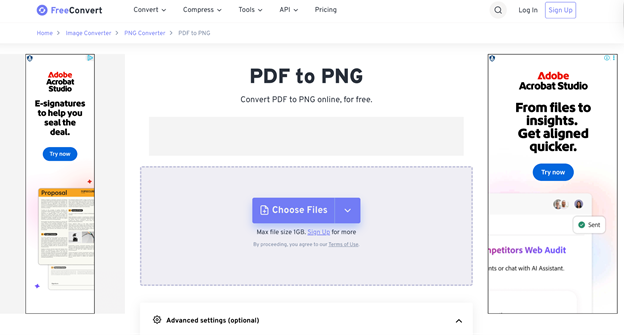
Known for its speed and efficiency, FreeConvert lets users convert PDFs to high-quality PNG images without installing any software. With support for various formats, batch processing, and multi-page PDFs, it delivers precise output.
FreeConvert is a free online tool that works in your browser and keeps your files safe. Files are securely uploaded and automatically deleted after use. Its simple interface makes PDF-to-PNG conversion fast while preserving layout and image quality.
Conclusion
Selecting the right PDF to PNG converters comes down to your priorities, such as speed, quality, or ease of use. PDF to PNG converters vary in features—some support large files and batch processing, while others are simple to use.
Both online and offline options have benefits. The right pick ensures steady and accurate results. Review and try different PDF-to-PNG converters to find the one that best fits your workflow!
FAQs
Table of Contents

Your Best Free PDF Expert in PDF editing, compressing, converting, annotating, protect, organizing, and more.
Free DownloadWindows · macOS · Linux

Queena
Editor
“As a staff editor for JOPDF, Queena excels at guiding users to the optimal tools and solutions. When she's not analyzing the latest PDF solutions, she enjoys spending her free time playing with her four cats.”