Summary :
Importing PDF data into Excel lets you handle tables and numbers automatically. This guide presents the 6 leading PDF to Excel converters to help you work efficiently, maintain precision, and streamline data.
1. JOPDF
⭐ Best for: 100% free, secure, offline PDF to Excel conversion that preserves tables and data, especially for sensitive documents or batch processing without subscriptions.
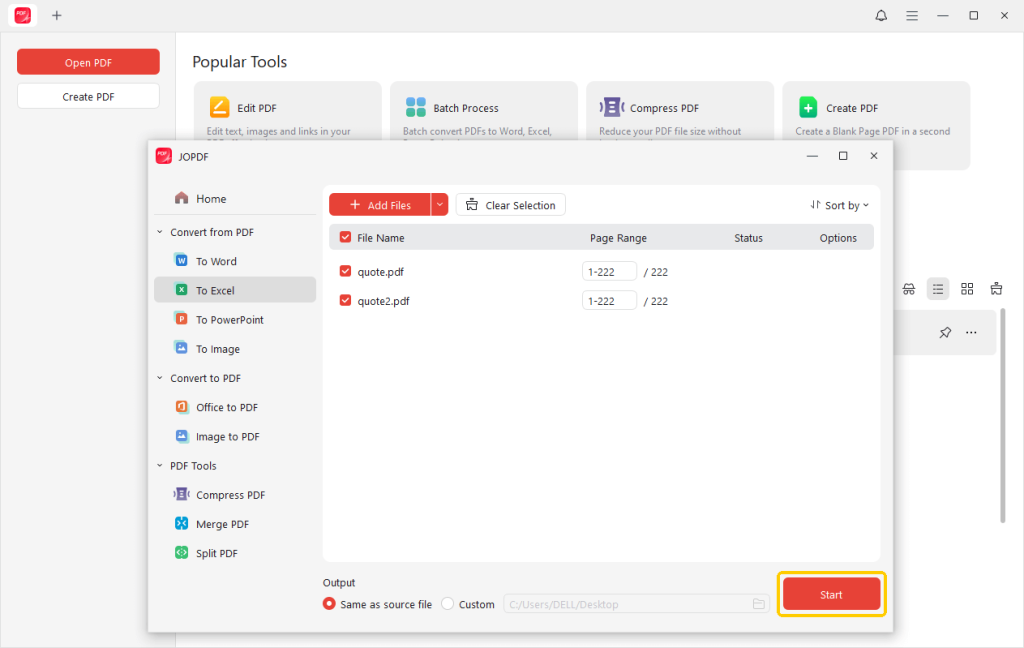
JOPDF is a simple, efficient, free PDF-to-Excel converter that lets users quickly convert PDF tables into editable Excel spreadsheets while preserving the original formatting and data.
As one of the best PDF converters, JOPDF allows bulk conversions to Word, PowerPoint, and several other formats. With its intuitive interface, fast processing, and reliable accuracy, it is ideal for students, professionals, and businesses seeking to simplify data extraction, save time, and increase productivity.
Try it now!
2. Adobe Acrobat
⭐ Best for: High-accuracy PDF-to-Excel conversion for tricky spreadsheets, scanned documents, and batch PDFs.
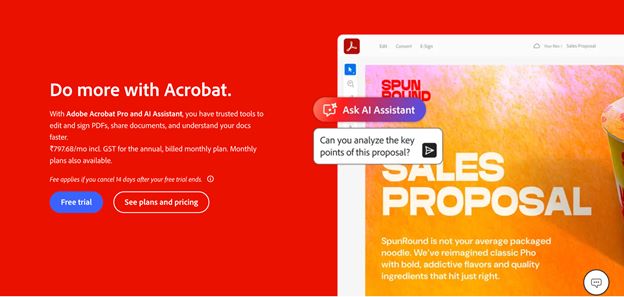
Adobe Acrobat is a reliable PDF tool that allows you to quickly and accurately convert PDF to Excel. Its powerful tools maintain tables, formatting, and data accuracy, making it perfect for financial statements and reports.
For professionals dealing with statements, it works efficiently as a bank statement PDF to Excel converter, simplifying data analysis. Adobe Acrobat offers batch conversion and customizable settings for a smooth and efficient workflow.
With an intuitive design and reliable functionality, PDF-to-Excel tasks become simple and efficient.
3. iLovePDF
⭐ Best for: Free, speedy, and unrestricted PDF to Excel conversion online, letting users upload and download files effortlessly without software.
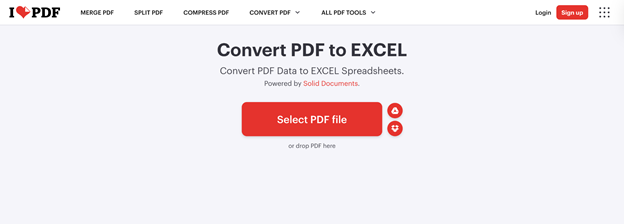
iLovePDF is an intuitive online platform recognized for its reliable PDF-to-Excel conversion. It enables users to accurately convert PDFs into editable Excel sheets while preserving tables, formatting, and data integrity.
In addition to Excel, iLovePDF provides tools to merge, split, compress, and organize PDFs, making document handling simple and efficient.
Featuring a simple interface, fast performance, and cloud access, iLovePDF suits students, professionals, and businesses seeking smooth and secure PDF-to-Excel conversion.
4. PDF24 Tools
⭐ Best for: Free, speedy, and unrestricted PDF to Excel conversion online, letting users upload and download files effortlessly without software.
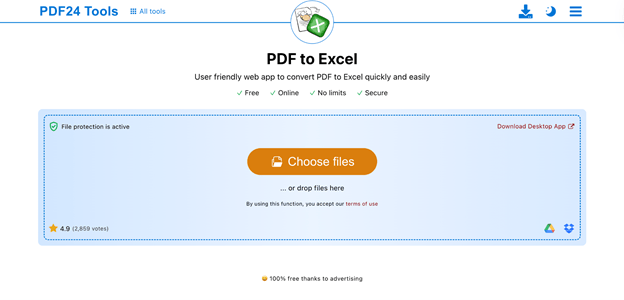
PDF24 offers a simple, efficient, free online PDF to Excel converter for quick conversion. It efficiently transforms PDF tables into Excel sheets while preserving layout and data integrity.
The platform enables conversion to Word, images, and other formats and provides tools to merge, split, compress, and organize PDFs.
With its easy-to-use interface and web-based access, no software installation is required. Those who work with PDFs can count on PDF24 for efficient, accurate, and dependable PDF-to-Excel conversion.
5. Lumin PDF
⭐ Best for: Fast, cloud-based PDF-to-Excel tool that ensures precise tables and smooth Google Drive integration for shared data management.
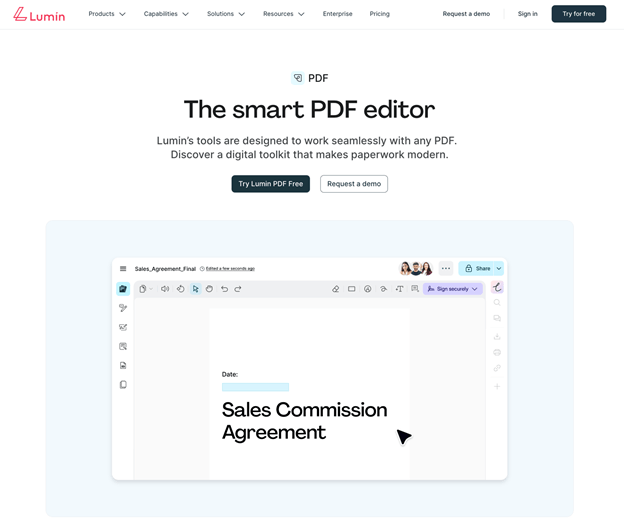
Widely regarded as a leading PDF-to-Excel converter, Lumin PDF is a versatile cloud-based solution. It helps transform PDF-based tables into organized Excel spreadsheets that can be easily edited and analyzed.
In addition, Lumin PDF provides features for annotation, editing, and collaboration, streamlining document management.
Its user-friendly design and secure cloud access make it ideal for users who need quick, precise, and collaborative PDF-to-Excel conversion. Lumin PDF makes data extraction easy, enhances collaboration, and ensures accurate conversions every time.
6. FacePdf
⭐ Best for: Free, quick, and safe online PDF-to-Excel conversion, including scanned PDFs, no software or subscription needed.
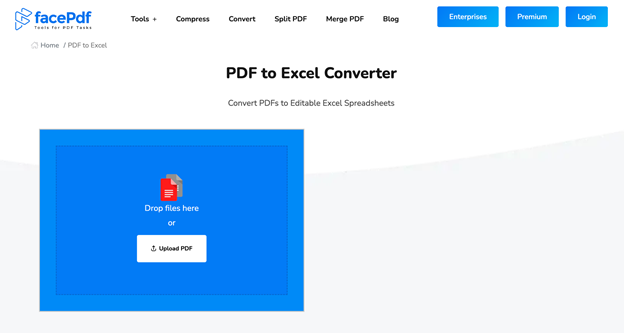
FacePdf, a versatile free PDF to Excel converter, helps streamline PDF management. It helps turn PDF data into structured Excel workbooks, making information easier to review, edit, and analyze. Users can also merge, split, compress, and edit PDFs using the platform, simplifying document management.
Its intuitive interface, rapid processing, and secure online access make it ideal for students, professionals, and everyday users. FacePdf streamlines data extraction, speeds up workflows, and delivers accurate, high-quality PDF-to-Excel conversions.
Conclusion
Picking the best PDF to Excel converter can greatly improve workflow efficiency, accuracy, and overall productivity. From cloud-based collaborative solutions to free offline tools, these six converters reliably convert native and scanned PDFs into editable Excel spreadsheets.
From students to professionals, everyone can benefit from streamlined data management. Explore these leading choices and pick the PDF-to-Excel converter that best suits your needs for quick, reliable, and precise conversions!
FAQs
Table of Contents

Your Best Free PDF Expert in PDF editing, compressing, converting, annotating, protect, organizing, and more.
Free DownloadWindows · macOS · Linux

Queena
Editor
“As a staff editor for JOPDF, Queena excels at guiding users to the optimal tools and solutions. When she's not analyzing the latest PDF solutions, she enjoys spending her free time playing with her four cats.”